


Android Auto’s For You media widget is misbehaving for a growing number of drivers, failing to load recommendations and instead showing empty placeholders or a blunt error message. Reports from users across regions and music services suggest the issue is broad and not tied to any single app.
What users are seeing in Android Auto’s media widget
Drivers describe opening Android Auto to find the media recommendations rail blank, populated only by gray tiles, or stamped with “Content unavailable.” One widely shared screenshot shows the Italian string “Contenuti non disponibili,” an error that appears even when the connected phone has a strong data connection and music apps are signed in.
- What users are seeing in Android Auto’s media widget
- Why this Android Auto media widget glitch might occur
- What still works and what doesn’t in Android Auto
- Workarounds to try while the For You widget misbehaves
- Why this Android Auto widget glitch matters for drivers
- What to watch next with this Android Auto widget issue
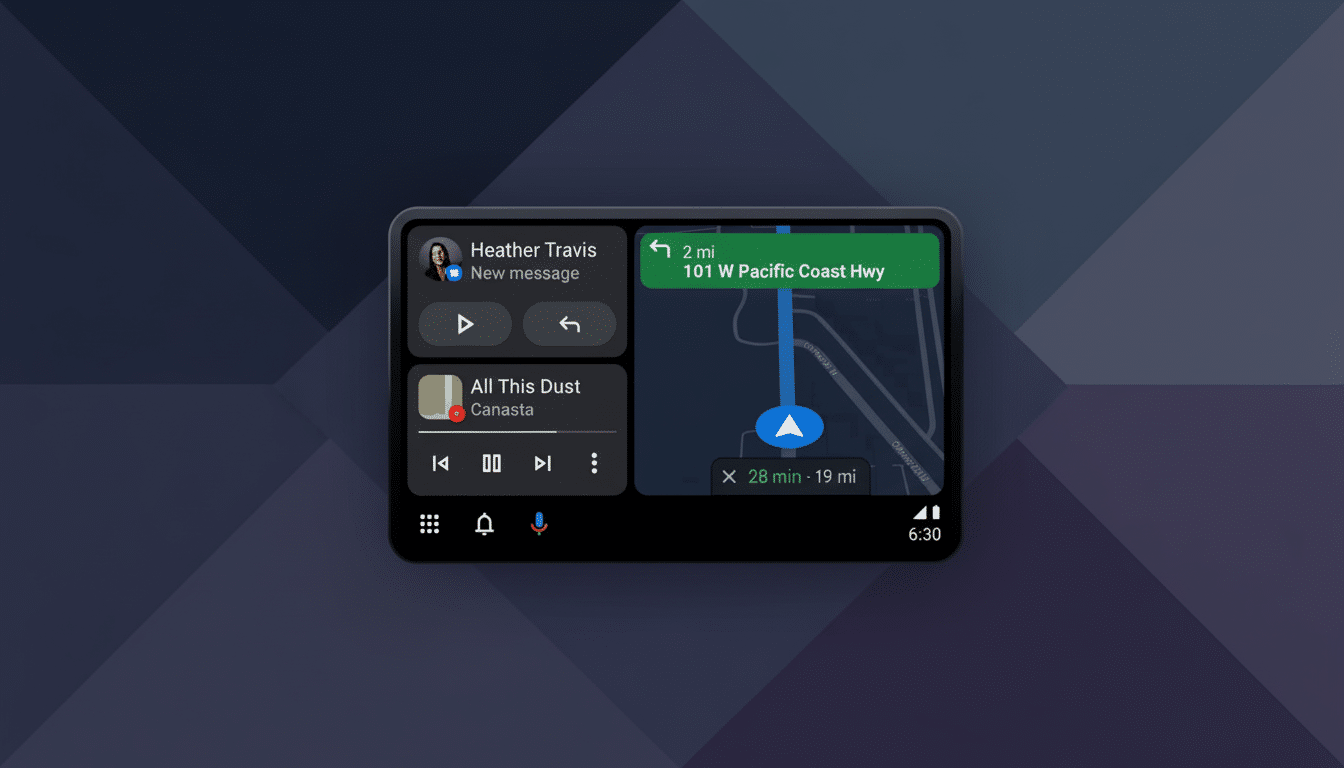
The failures are showing up with multiple providers, including YouTube Music and Spotify, which points to an Android Auto layer rather than an app-specific outage. Notably, playback still works: if you open a music app through Android Auto and browse normally, songs stream as expected. It’s the shortcut surface—the personalized For You carousel—that’s stumbling.
Why this Android Auto media widget glitch might occur
Android Auto’s media suggestions are stitched together from participating apps using Android’s media browsing and recommendation hooks, then surfaced via Google’s services on the phone. Because that pipeline relies on server-side signals as well as app metadata, a backend hiccup or expired token can silently break what looks like a simple row of tiles.
In past Android and Android Auto features, Google has toggled experiences on and off through server-side flags without a full app update. When those switches go sideways, users can see exactly this kind of behavior—UI elements that appear, but never populate. There’s no official acknowledgment yet, and early anecdotes suggest the glitch has lingered for weeks for some drivers.
What still works and what doesn’t in Android Auto
Music streaming remains intact. You can launch Spotify, YouTube Music, Amazon Music, or other supported apps, search, and play normally. Voice commands through Assistant typically continue to start albums or playlists.
What’s missing is convenience. The For You row is designed for one-tap starts—recent albums, daily mixes, or commute-focused playlists. Without it, drivers need extra taps and attention to dig through app menus. The AAA Foundation for Traffic Safety has found that seemingly simple infotainment tasks can pull a driver’s eyes off the road for upward of 40 seconds, a reminder that reduced friction in the car isn’t just nice to have—it’s a safety consideration.
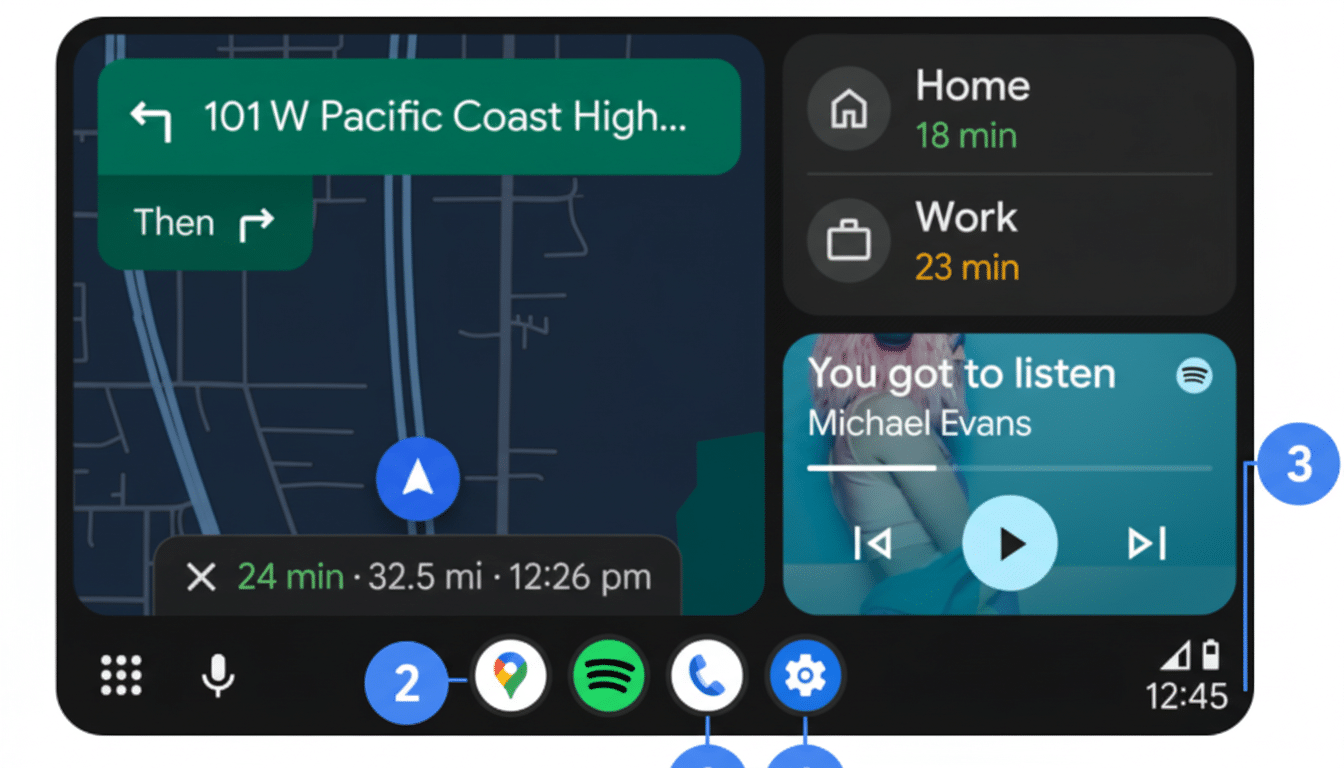
Workarounds to try while the For You widget misbehaves
There’s no guaranteed fix yet, but a few steps may nudge the widget back to life.
- Update Android Auto, your music apps, the Google app, and Google Play services on the phone, as stale components can cause recommendation failures.
- On your phone, open Android Auto settings and toggle Media recommendations off and back on, then unplug and reconnect to the car. Some users also report limited success clearing cache for Android Auto, the Google app, and the affected music app, followed by a phone reboot.
- If multiple accounts are signed in within a music app, try switching the active account once inside Android Auto.
- If you rely heavily on the row, use voice prompts like “Play my driving mix on Spotify” as a stopgap until the carousel returns.
Why this Android Auto widget glitch matters for drivers
Android Auto’s projection experience is now standard in vehicles across most major brands, and its appeal hinges on removing steps. When recommendation surfaces go dark, the experience regresses to more menu diving and more time with eyes off the road. For commuters and rideshare drivers who start the same mixes daily, that’s a tangible downgrade.
Industry analysts at S&P Global Mobility have characterized smartphone projection as table stakes in new cars, and that ubiquity elevates small UI bugs into mass annoyances. Even if only a fraction of the install base runs into the issue, the ripple is large.
What to watch next with this Android Auto widget issue
Given the cross-app nature of the reports and the fact that core playback is fine, a server-side change is a plausible root cause. If that’s the case, a fix could land without any app update. Keep apps current, submit feedback through Android Auto’s Help and feedback panel on your phone, and monitor whether the For You row reappears after reconnection.
We’ll continue watching for wider confirmation and any acknowledgments from Google or major streaming partners. For now, the best advice is to rely on voice commands and direct app browsing until the recommendation engine finds its groove again.

