


Can’t find a reliable video downloader? Installed apps riddled with ads and viruses? Favorite content platforms won’t let you download? There’s a tool that can solve your problems. This article will give you a comprehensive overview of VidMate, currently the most downloaded and most widely supported free video downloader on the Android platform, covering features, pros and cons comparison, download methods, and competitor comparison.
What is VidMate?
VidMate is a video downloading and streaming app built for Android users. It supports direct downloading of videos, music, and images from hundreds of platforms including YouTube, Facebook, Instagram, TikTok, and WhatsApp. Downloaded content can be played offline without using any extra data.
- What is VidMate?
- VidMate Core Features Review
- Multi-platform video downloading
- Multiple resolution options
- Built-in video player
- Audio extraction
- Batch downloading
- Paste-to-download
- Pros and Cons of Vidmate
- How to Download VidMate
- Step 1: Enable “Unknown Sources”
- Step 2: Download the VidMate APK
- Step 3: Install and grant permissions
- Step 4: Start using the app
- Comparison with Similar Tools
- Conclusion: Is VidMate Worth Downloading?
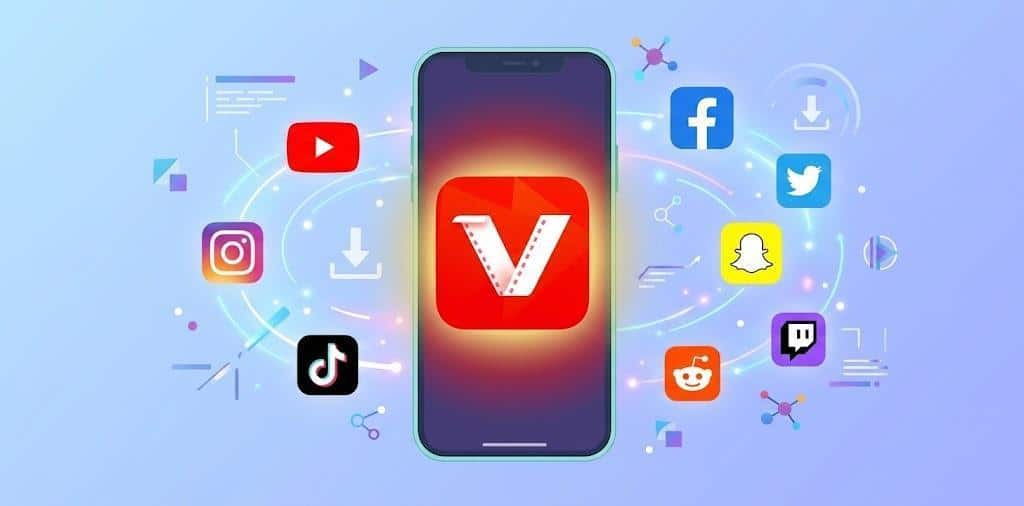
Since its launch, VidMate has been downloaded over 500 million times worldwide. It has a large user base across Southeast Asia, South Asia, and the Middle East, making it one of the most widely used video download tools on Android.
VidMate Core Features Review
Based on hands-on testing, VidMate offers the following key features:
Multi-platform video downloading
Supports 500+ video websites including YouTube, Facebook, Instagram, and X. Both short and long videos can be saved to your device in one tap.
Multiple resolution options
Before downloading, you can choose your preferred video quality from 144P all the way up to 4K. This lets you adjust based on your storage space and network conditions.
Built-in video player
No third-party player needed. The app comes with a built-in HD player that supports subtitles and playback speed adjustment.
Audio extraction
You can extract the audio from any video and save it as an MP3 file, which is handy for saving songs.
Batch downloading
Multiple downloads can run at the same time, which saves time for users who need to save a lot of content.
Paste-to-download
No need to search within the app. Just copy the URL of a video page, paste it into the VidMate search bar, and the app will detect and download it automatically.
Pros and Cons of Vidmate
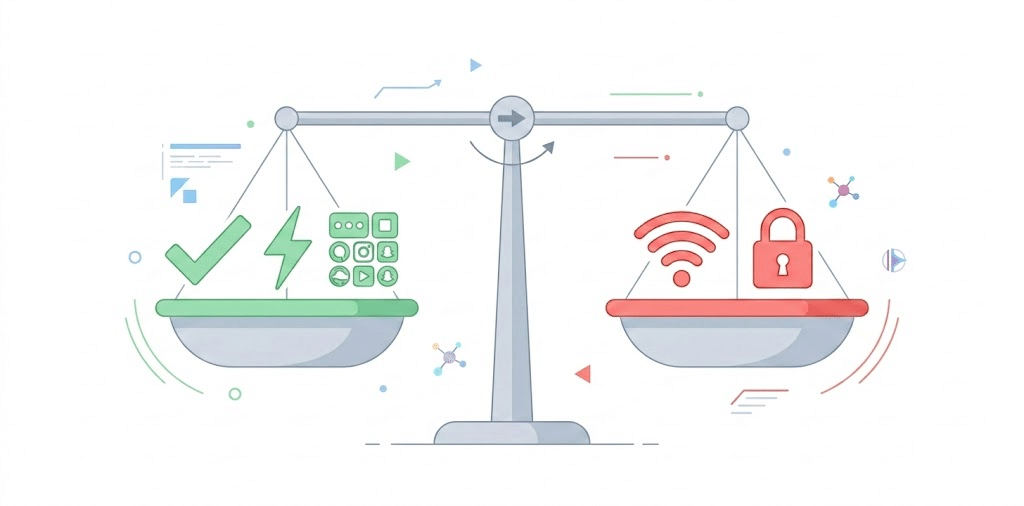
Pros:
- Completely free to use
- Supports a wide range of platforms
- Fast download speeds with multi-thread acceleration
- Simple interface, easy for anyone to use
- Supports 4K HD downloading
Cons:
- Contains some ads
- Downloading copyrighted content may carry legal risks
- Downloading in very high resolution requires a stable and fast internet connection
- Some features require storage permissions to be enabled
- The app is fairly large, with an installation package of around 33MB
How to Download VidMate
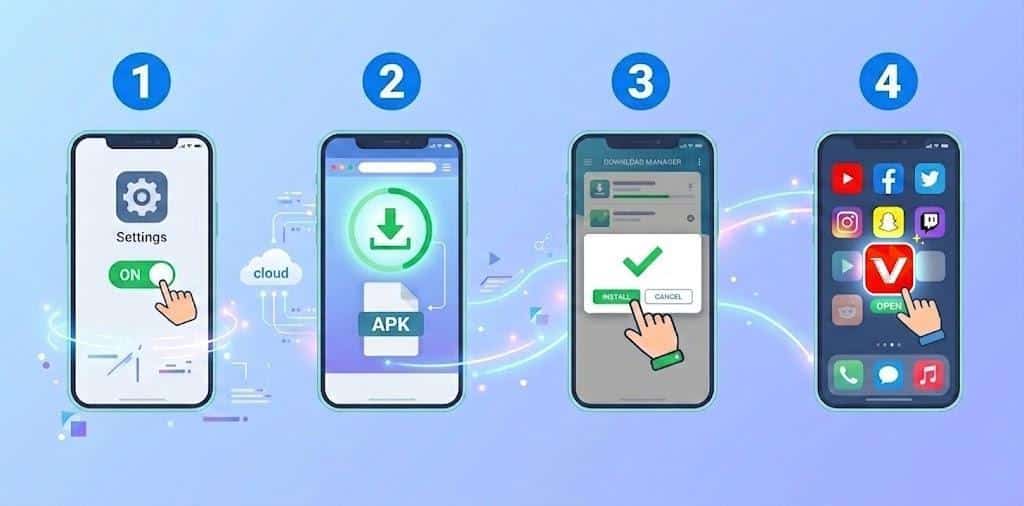
Since VidMate is not available on Google Play, the installation process is slightly different from a regular app. Follow the steps below:
Step 1: Enable “Unknown Sources”
Go to your phone’s Settings, then Security, and turn on the option to allow installation from unknown sources.
Step 2: Download the VidMate APK
Make sure to get the installation file from VidMate’s official channel to avoid downloading a modified version that could harm your device.
Step 3: Install and grant permissions
Once the download is complete, tap the APK file and follow the prompts to finish installation. Grant storage and network permissions when asked.
Step 4: Start using the app
Open the app, type a video name in the search bar or paste a video link directly, choose your preferred quality, and tap the download button.
Comparison with Similar Tools

There are several other tools on the market with similar functions to VidMate, each with its own strengths:
Snaptube
Popular among first-time users, with a clean interface and a simple download process that is easy to pick up. However, it only supports 50+ platforms and has a maximum quality of 1080P, which puts it well behind VidMate in terms of platform coverage and resolution options.
TubeMate
Focused on YouTube downloads, with good speed and reliability for that specific use case. The downside is its narrow platform coverage. It cannot download content from TikTok, Instagram, or similar platforms, which limits where you can use it.
InShot
Aimed mainly at content creators who want to edit after downloading. The workflow from download to editing is smooth and efficient. That said, its platform support is limited, and for users who only want to save videos without editing, the extra features feel unnecessary.
1DM (IDM)
The fastest downloader in this group, with multi-thread acceleration and resume support, making it a solid choice for downloading large high-resolution files. The interface is more complex and requires manually identifying video links, which is not beginner-friendly. Some advanced features also require payment.
Overall, each of these tools has limitations in platform coverage, ease of use, or feature completeness. For everyday Android users, VidMate offers the most balanced performance across all three areas.
Conclusion: Is VidMate Worth Downloading?
If you often need to watch videos without an internet connection, or you want to save content you like to your device, VidMate is one of the best all-around options available on Android right now. It is free, feature-rich, and straightforward enough for users who are not very familiar with smartphones.
The one thing to keep in mind is to always download from an official source. Avoid third-party versions from unknown sites to keep your device safe. Download the VidMate APK from the official website.

