


What the Android 16 QPR3 Community Poll Results Show
A fresh community poll of Android enthusiasts has a clear winner for the most anticipated Android 16 QPR3 addition. The ability to remove the long-standing At a Glance widget on the Pixel Launcher topped the list with 37% of the vote, outpacing other headline tweaks by a wide margin.
The next most popular change was the Samsung-style navigation button layout at 23%, a nod to long-time Galaxy users migrating to Pixel hardware. Adjustable flashlight brightness followed with 18%, while the rest of the surveyed features—think Adaptive Connectivity refinements and a cleaner System page—trailed in the single digits.
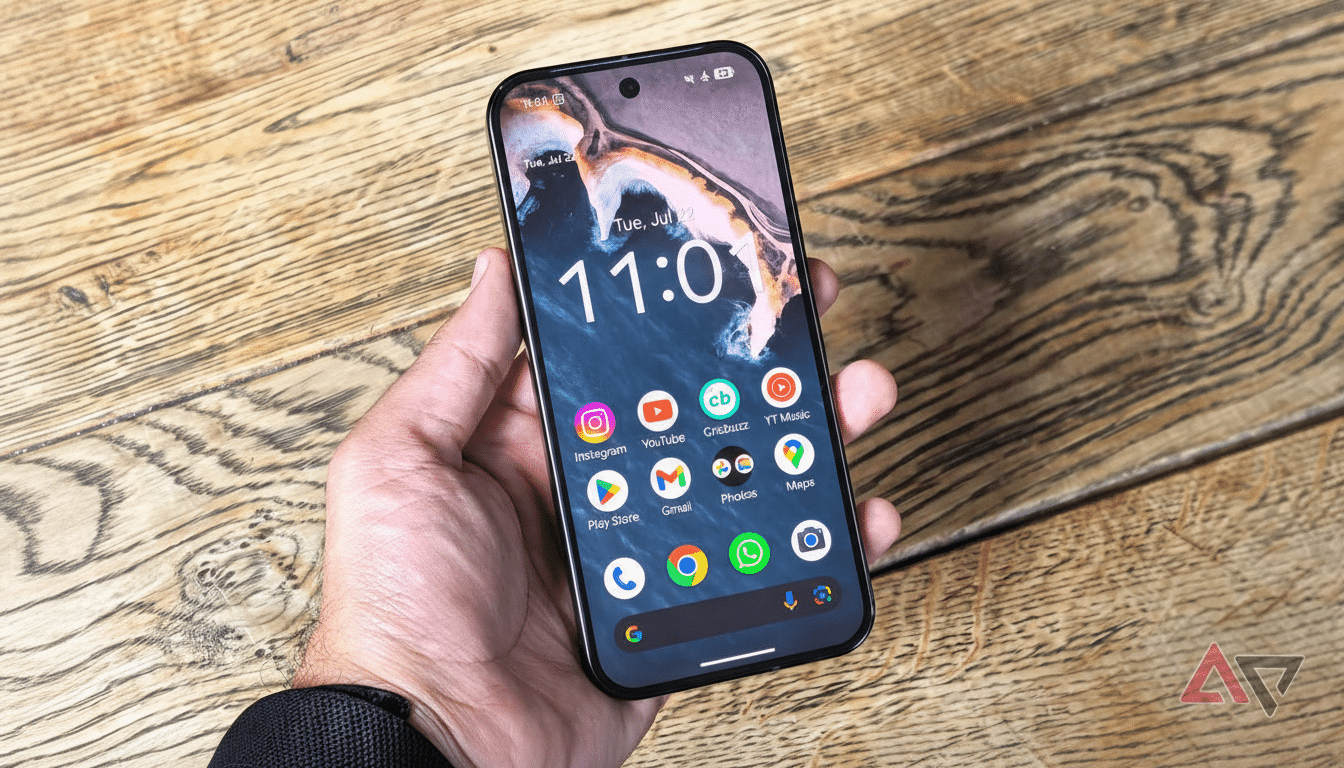
Why At a Glance Removal on the Pixel Launcher Matters
At a Glance has been a fixture on Pixel home screens for years, surfacing calendar events, weather, commute alerts, and more. For fans, it is a useful ambient layer. For others, it is a persistent panel that occupies premium real estate on the top row. QPR3’s option to hide it on the home screen—while still keeping it available on the lock screen if desired—restores control to users who want their layout back.
This shift lands squarely in Google’s broader personalization push. Material You changed how Android looks; removing At a Glance changes how it feels to live with every day. It is a small toggle with outsized impact because it touches the first thing you see each time you unlock your phone.
Runner-Up Features Point To Practical Wins
The new Samsung-style three-button navigation option is more than a cosmetic flourish. For users crossing over from Galaxy devices—still among the most popular Android phones globally, according to shipment trackers like IDC—muscle memory matters. Flipping the back and recent apps buttons reduces friction and shortens the learning curve.
Adjustable flashlight brightness is another quality-of-life improvement that feels overdue. Whether dimming the torch to preserve night vision, avoiding glare when scanning documents, or saving a bit of battery, a granular slider beats the binary on/off behavior that pushed many to third-party utilities. It is the kind of small, everyday control that quietly adds up over time.
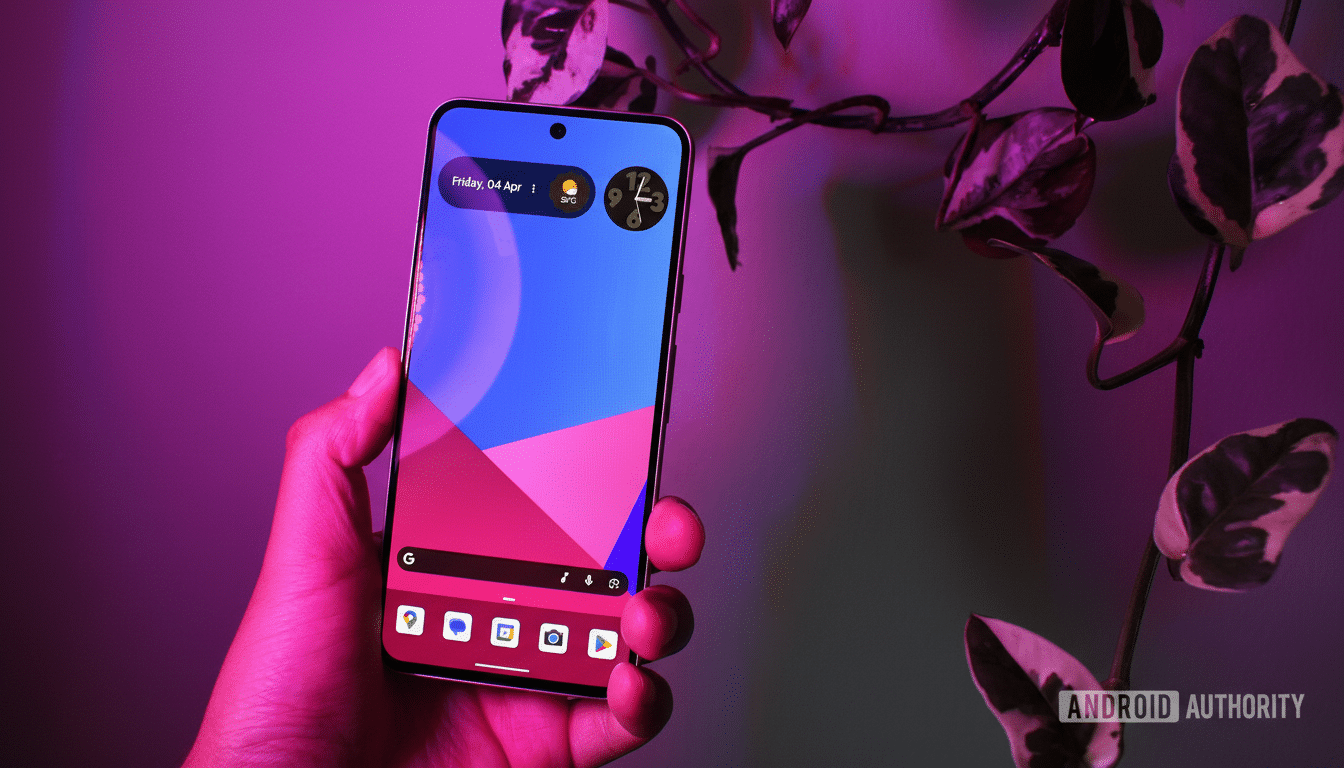
What Users Are Saying About Android 16 QPR3 Changes
Community feedback surfaced two themes. First, performance watchers flagged a new graphics driver in QPR3 testing that reportedly brings double-digit gains in synthetic benchmarks—an under-the-hood boost that did not top the poll but could be felt in gaming and UI smoothness. Second, power users want even deeper customization: the ability to remove the search bar, hide app labels, or add folders to the app drawer came up repeatedly.
Not everyone is satisfied. Some commenters still report lingering Wi-Fi and Bluetooth issues from recent builds and view the QPR3 additions as “nice to have” rather than transformative. Even the At a Glance change sparked debate, with a portion of users preferring to keep it on the lock screen only or questioning whether the tweak fully frees the top row in all layouts.
The Bigger Picture for QPR Releases and User Priorities
Quarterly Platform Releases are designed to blend polish with a few crowd-pleasers. They rarely redefine Android on their own; instead, they stack incremental wins—stability patches, UI tune-ups, and toggles that reduce friction. That is why the poll’s outcome is telling: when asked to choose, users gravitate toward changes they will notice dozens of times a day.
For Pixel owners, QPR3 looks like a release centered on control and comfort. A cleaner home screen, familiar navigation for switchers, and thoughtful utilities like a flashlight slider address everyday pain points. If the graphics driver improvements and connectivity fixes land as hoped, the update could pair feel-good customization with meaningful performance steadiness.
As the rollout approaches, the message from the community is straightforward. Keep the personalization momentum going, keep chipping away at stability quirks, and keep giving users the keys to their own home screen. On Android, choice is the feature that never gets old—and in this poll, it won with 37%.
