

While Pollo AI offers versatile video generation, creators may seek greater control over cinematic visuals and storytelling. From long-form narratives to dynamic shots and reference-guided scenes, the right Pollo AI Alternative depends on your project. Here are five options worth considering.
Part 1. 5 Best Pollo AI Alternatives for Cinematic Video Generation
1. MagicLight AI
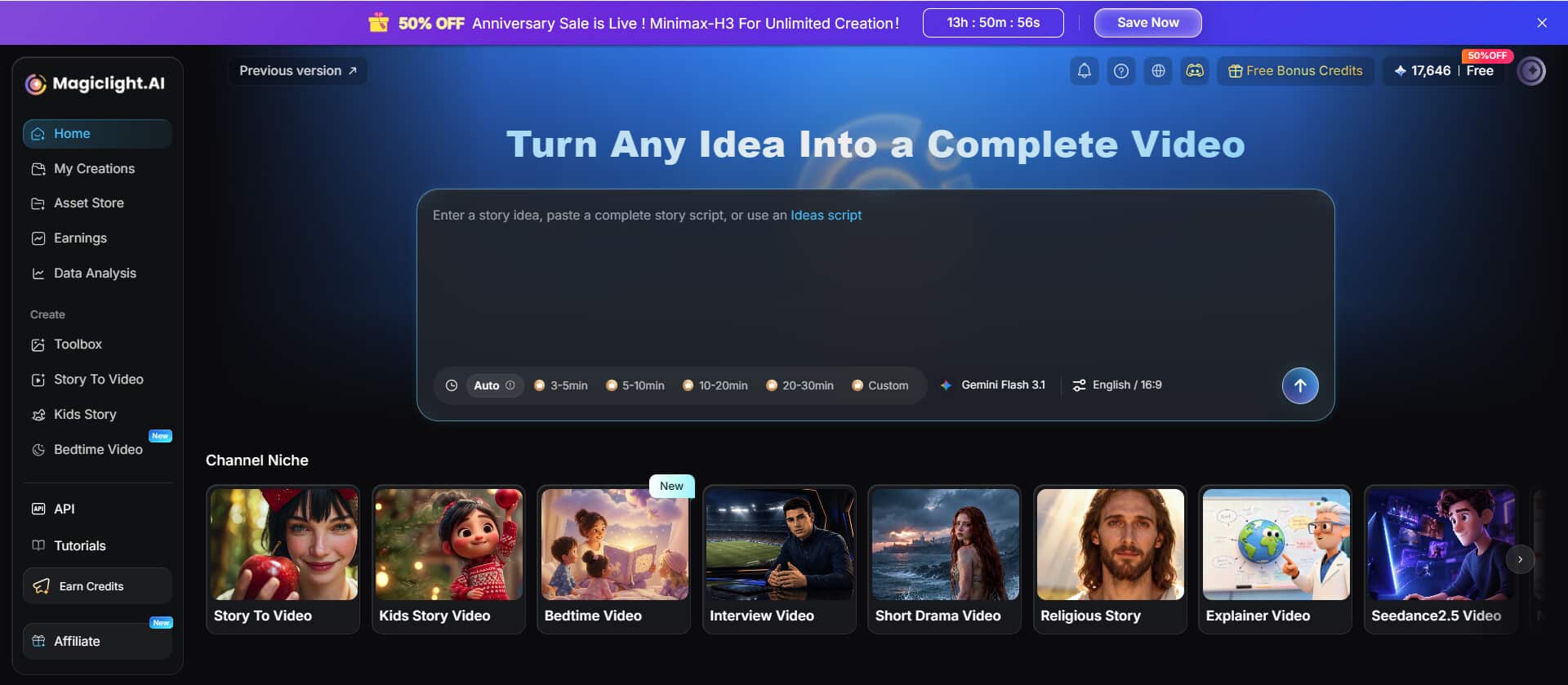
MagicLight AI specializes in long-form cinematic storytelling, supporting videos of up to 50 minutes with consistent characters and connected scenes. Its integrated story-to-video workflow helps creators develop coherent narratives without assembling every production stage separately. It is especially suitable for cinematic stories that require recurring characters, continuous scene progression, and a unified visual style.
- Part 1. 5 Best Pollo AI Alternatives for Cinematic Video Generation
- 1. MagicLight AI
- 2. Adobe Firefly Video
- 3. PixVerse
- 4. Vidu AI
- 5. Dreamina Seedance
- Compare the Best Pollo AI Alternatives
- Part 2. How to Choose a Pollo AI Alternative for Cinematic Video Generation
- Conclusion
- FAQs About Pollo AI Alternatives
- 1. Which Pollo AI alternative is best for creating a longer cinematic story?
- 2. What is the difference between reference-to-video and text-to-video generation?
- 3. Which tool offers more control over a shot’s beginning and ending?
- 4. Can AI video generators produce multiple connected cinematic shots?
- 5. What should I check before using AI-generated cinematic videos commercially?
Key Features
- MagicLight Agent: Streamline video creation with AI-assisted guidance that helps creators develop cinematic scenes and organize their production workflow.
- Consistent Characters and Scenes: Maintain recognizable recurring characters across connected scenes to create more cohesive story-driven cinematic videos.
- Integrated Story-to-Video Workflow: Develop scripts, scenes, and complete narrative videos through a connected production process instead of assembling every shot independently.
Best For: Creators producing long-form cinematic stories, character-led narratives, and multi-scene videos that require consistent visuals and connected storytelling.
Pros
- Supports extended narratives with recurring characters, helping creators produce cohesive story videos rather than relying exclusively on disconnected short clips.
- Combines key production stages in one workflow, making longer cinematic projects more manageable for creators with limited editing experience.
Cons
- Longer projects still require careful reviews of scene transitions, character appearances, and pacing to maintain a coherent cinematic narrative.
- Maximum video length, generation capacity, and available features depend on the selected plan and current platform settings.
2. Adobe Firefly Video
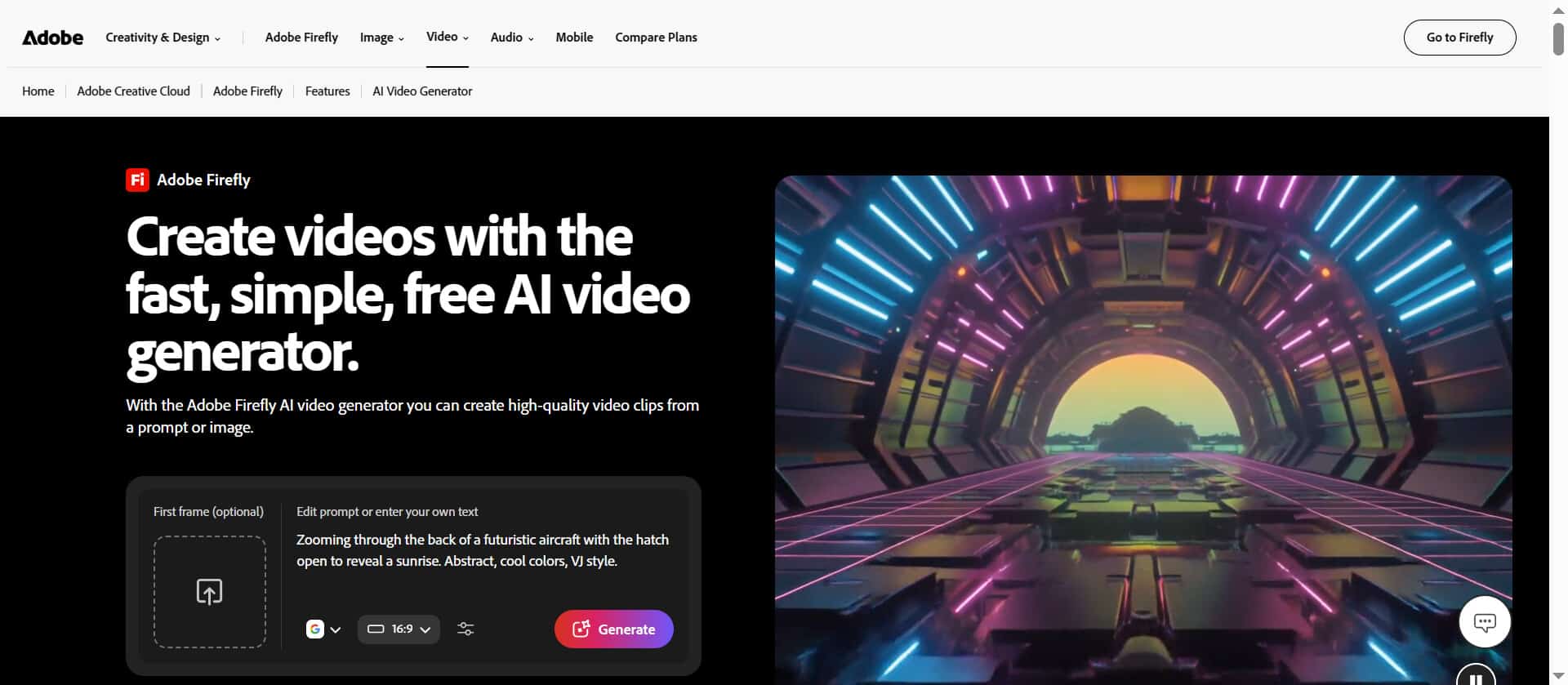
Adobe Firefly Video helps creators generate and refine cinematic footage with more deliberate control over visual composition. Its video editing tools support adjustments to framing, shot angles, and camera movement through text prompts. This makes it useful for refining existing footage and exploring alternative visual treatments, particularly when generated clips will be incorporated into a broader editing workflow.
Key Features
- Prompt-Based Video Editing: Transform supported footage with text instructions that refine its visual style, motion, and overall cinematic presentation.
- Camera and Framing Controls: Adjust supported shot sizes, camera angles, and movement to develop more intentional cinematic compositions.
- Video Restyling: Reimagine existing footage with alternative visual treatments while retaining the original clip as the starting point.
Best For: Creators refining cinematic footage, adjusting camera presentation, and incorporating AI-assisted video editing into broader production workflows.
Pros
- Text-guided editing provides a practical way to explore alternative visual treatments without rebuilding every shot from the beginning.
- Camera and framing adjustments help creators refine composition and visual direction when developing polished cinematic sequences.
Cons
- Some editing workflows operate on short source clips, so longer productions may require multiple passes and external editing.
- Available features and generation limits vary by product, subscription, region, and the specific Firefly model being used.
3. PixVerse
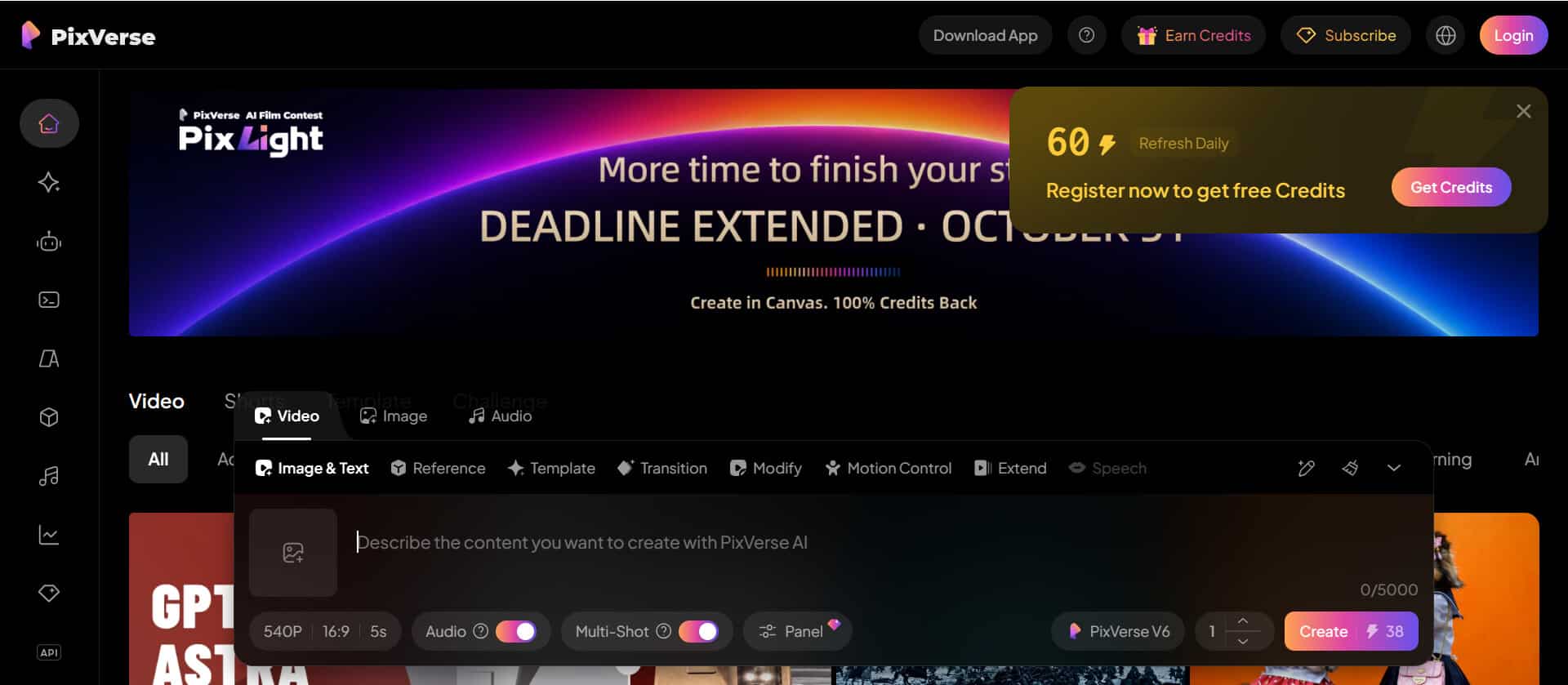
PixVerse focuses on generated video with dynamic camera work, expressive character movement, and multi-shot sequences. Its V6 model introduces improvements in shot execution and character performance, alongside native audio generation. These capabilities make PixVerse worth considering for cinematic sequences that depend on movement and coordinated audiovisual presentation rather than long-form narrative production.
Key Features
- Multi-Shot Video Generation: Create sequences with multiple shots to explore more varied cinematic compositions within a generated video.
- Dynamic Camera Work: Develop visually engaging scenes with camera movement and shot execution supported by the selected generation model.
- Native Audio Generation: Generate audiovisual content with supported native audio features to reduce the need for separate sound creation.
Best For: Creators developing short cinematic sequences, action-oriented visuals, and multi-shot videos with coordinated sound and movement.
Pros
- Multi-shot generation supports more varied visual storytelling than a workflow limited to producing isolated individual shots.
- Improvements in character performance and native audio can help creators develop more expressive, coordinated cinematic sequences.
Cons
- Generated shots may still need review and editing when a project requires precise continuity, timing, or specific character actions.
- Model capabilities, generation limits, and available controls may differ between versions and subscription tiers.
4. Vidu AI
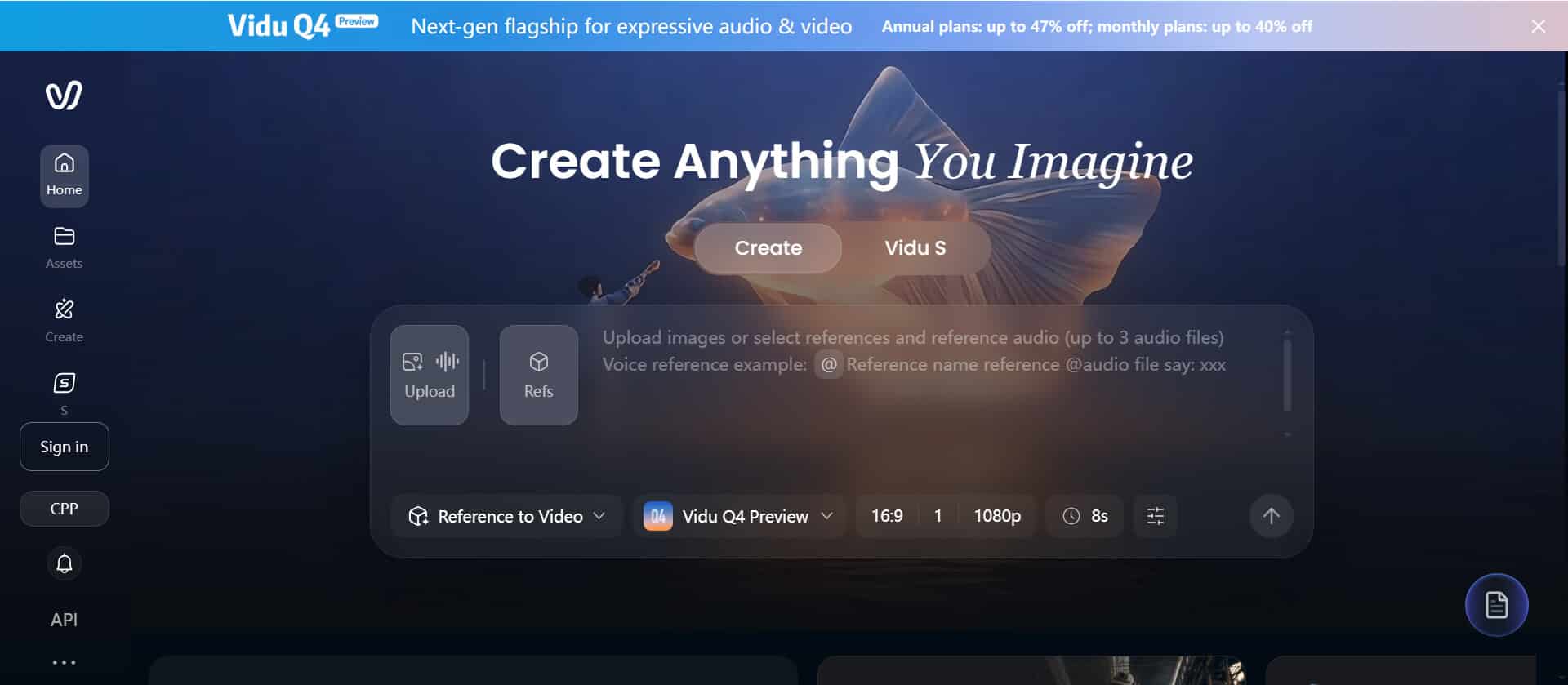
Vidu AI is useful when cinematic generation depends on reference images and control over how a scene begins and ends. Its reference-to-video tools can use multiple images to guide characters, objects, and visual styles. Start-and-end-frame generation also helps creators define a visual transition, making Vidu a practical choice for shots that need more deliberate composition and continuity.
Key Features
- Reference-to-Video Generation: Use multiple reference images to guide the appearance of characters, objects, and scenes throughout a generated sequence.
- Start-and-End Frame Control: Provide opening and closing images to guide how a cinematic shot transitions between two visual states.
- Multi-Frame Storytelling: Use multiple keyframes and prompts to guide scene progression and improve continuity across connected video segments.
Best For: Creators who need reference-guided cinematic shots, controlled transitions, and recognizable subjects across multiple scenes.
Pros
- Multiple visual references help creators guide character appearance and scene composition toward a more consistent cinematic result.
- Start-and-end-frame controls provide a practical way to plan transitions between specific compositions or moments.
Cons
- Reference images need to be chosen carefully because conflicting visual details can make the intended result harder to achieve.
- Individual generated clips remain relatively short in many workflows, so longer films may require additional editing and assembly.
5. Dreamina Seedance
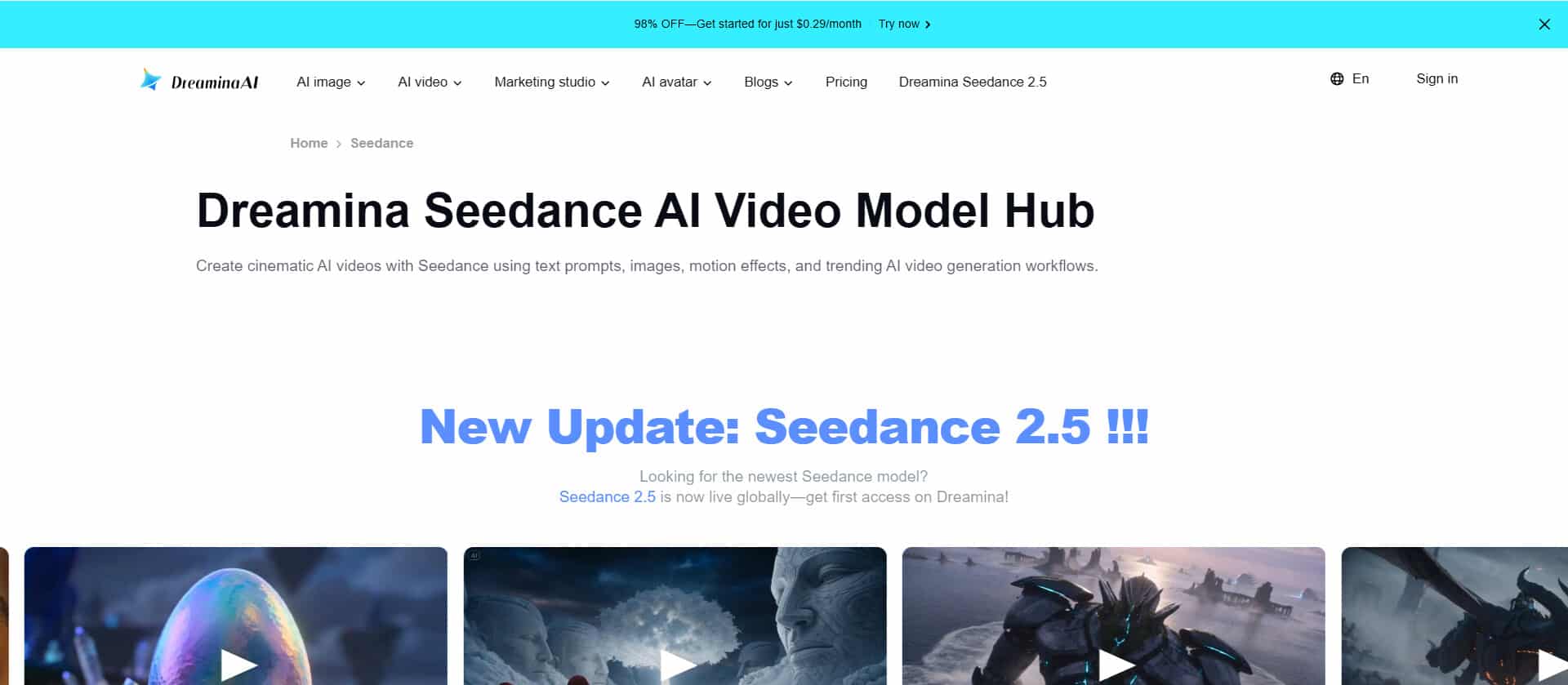
Dreamina provides access to Seedance video generation models designed for multimodal references and cinematic scene creation. Supported workflows can combine text with reference images, video, or audio to guide motion, appearance, and visual style. This makes it a strong option for creators seeking detailed creative direction and connected scenes, although available inputs and limits depend on the selected model.
Key Features
- Multimodal Reference Control: Combine supported text, image, video, and audio references to guide the appearance and movement of generated scenes.
- Cinematic Motion Guidance: Use visual references and detailed prompts to direct camera movement, subject actions, and overall scene composition.
- Connected Scene Creation: Develop multi-scene videos with supported character consistency, visual continuity, and synchronized audiovisual elements.
Best For: Creators developing cinematic short films, reference-driven sequences, and visually detailed videos that need greater control over motion and style.
Pros
- Multiple reference types provide more ways to guide visual identity, movement, and atmosphere than text prompts alone.
- Supported audiovisual generation can help creators coordinate character actions, scene transitions, and sound within a cinematic sequence.
Cons
- Reference support, output quality, and generation limits vary by model, so creators should verify the current workflow before production.
- Complex scenes may still need multiple attempts and additional editing to achieve precise actions and consistent visual continuity.
Compare the Best Pollo AI Alternatives
| Tool | Main Strength | Cinematic Focus | Best Project Type |
|---|---|---|---|
| MagicLight AI | Long-form generation and character consistency | Connected scenes and narrative continuity | Story-driven cinematic videos |
| Adobe Firefly Video | Video editing and camera adjustments | Framing and visual refinement | Refined cinematic footage |
| PixVerse | Multi-shot generation and native audio | Camera work and character performance | Dynamic short sequences |
| Vidu AI | Reference and keyframe control | Subject consistency and transitions | Controlled cinematic shots |
| Dreamina Seedance | Multimodal references | Motion, style, and scene continuity | Reference-driven short films |
Part 2. How to Choose a Pollo AI Alternative for Cinematic Video Generation
Step 1. Define Your Cinematic Goals
Decide whether you need long-form storytelling, realistic scenes, dynamic action, or stylized visuals. Start with your intended audience and video format.
Step 2. Consider Scene and Character Consistency
For connected stories with recurring characters, consider MagicLight AI. For reference-guided shots, explore Vidu AI or Dreamina Seedance.
Step 3. Match the Camera and Motion Controls
Choose Adobe Firefly Video for supported camera and framing adjustments, or PixVerse for dynamic multi-shot generation.
Step 4. Test Visual Quality and Continuity
Generate a short sample and review motion, character appearance, scene transitions, and composition before creating a longer video.
Step 5. Compare Pricing and Usage Limits
Check subscription costs, generation credits, video length limits, export quality, and commercial-use terms before choosing a platform.
Conclusion
The best Pollo AI alternative depends on the cinematic project you want to create. MagicLight AI is suited to long-form storytelling, connected scenes, and recurring character consistency. Adobe Firefly Video helps refine footage and camera presentation, while PixVerse focuses on dynamic multi-shot generation. Vidu AI offers reference and frame controls, and Dreamina Seedance supports multimodal creative direction. Compare their workflows against your production requirements before deciding.
FAQs About Pollo AI Alternatives
1. Which Pollo AI alternative is best for creating a longer cinematic story?
Choose a platform that supports connected scenes and recurring characters. MagicLight AI supports long-form video generation of up to 50 minutes, subject to plan and workflow limits.
2. What is the difference between reference-to-video and text-to-video generation?
Text-to-video relies primarily on written descriptions, while reference-to-video also uses visual inputs to guide appearance, composition, or motion.
3. Which tool offers more control over a shot’s beginning and ending?
Vidu AI supports start-and-end-frame generation, allowing creators to provide opening and closing images to guide the transition between visual states.
4. Can AI video generators produce multiple connected cinematic shots?
Some models support multi-shot or keyframe-guided workflows, but continuity is not guaranteed. Review character appearance, camera direction, and transitions before editing the final sequence.
5. What should I check before using AI-generated cinematic videos commercially?
Check the platform’s commercial-use terms, subscription requirements, and restrictions on copyrighted material and uploaded assets. Before publishing, review MagicLight AI’s current licensing terms to confirm your intended use is permitted.