


If a USB-C gadget refuses to charge, the first move I try isn’t a factory reset or a new battery. It’s a simple cable and port change: use a USB-A to USB-C cable with a USB-A charger or a USB-A port on a laptop or power bank. That single swap resolves a surprising number of “dead” devices in seconds.
The quick fix to try first: use a USB-A to USB-C cable
Grab a USB-A to USB-C cable and plug the device into a USB-A wall adapter or the USB-A port on your computer. Many budget devices that wear a USB-C receptacle don’t fully implement USB-C charging. They still expect legacy 5V power to be present immediately—exactly what USB-A provides by default.
- The quick fix to try first: use a USB-A to USB-C cable
- Why USB-C chargers sometimes deliver zero power
- Clues your USB-C device really needs legacy 5V power
- Beware non-compliant USB-C chargers that bypass safety
- If it still refuses to charge after the USB-A swap
- Pack a reliable USB-A and USB-C charging combo kit
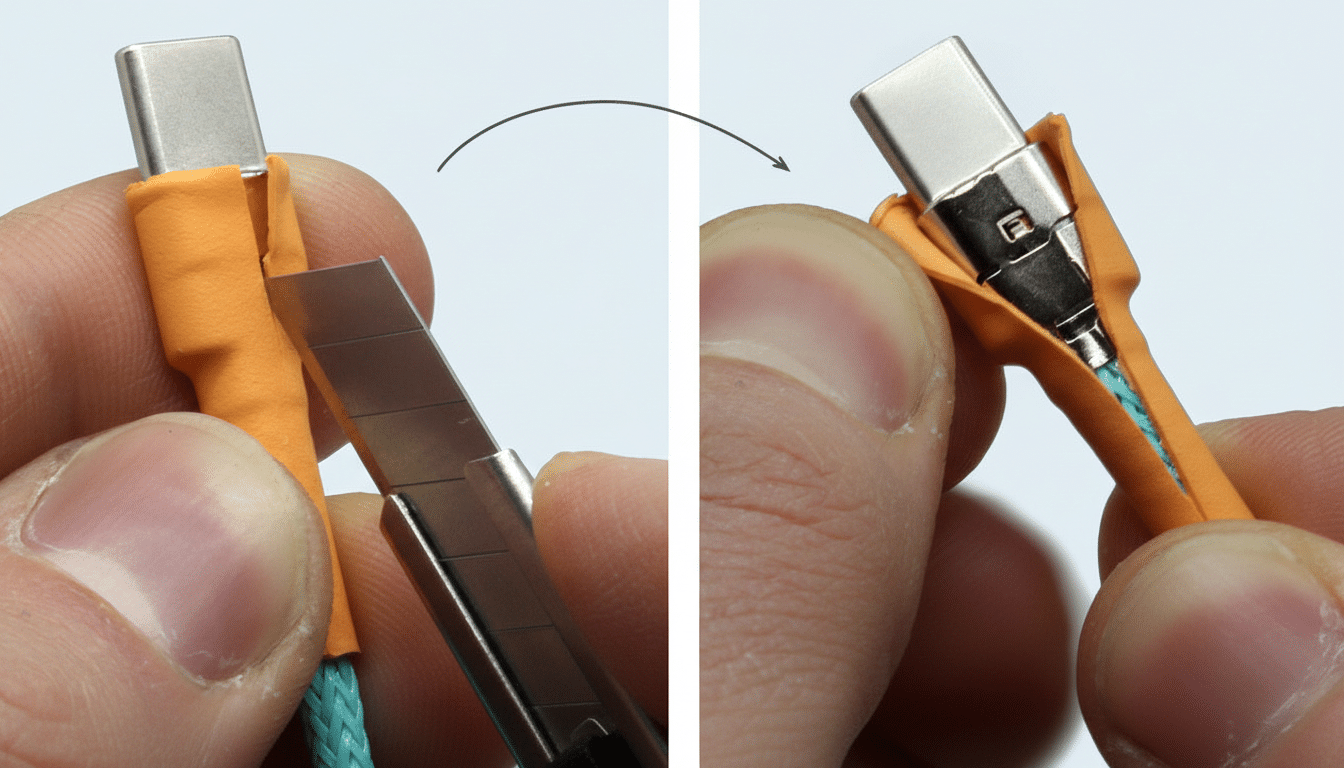
This mismatch often masquerades as a hardware failure. In reality, the device isn’t “broken”; it’s waiting for power that a standards-compliant USB-C charger won’t supply until a valid negotiation occurs. The USB-A route sidesteps negotiation altogether and delivers the 5V these products are designed to sip.
Why USB-C chargers sometimes deliver zero power
Under the USB-C and USB Power Delivery rules codified by the USB Implementers Forum (USB-IF) and the IEC 62680 series, a charger looks for a “sink” on the CC (Configuration Channel) pins before energizing VBUS. If a device omits the tiny resistors (the Rd identifiers) or implements them incorrectly to save costs, a fully compliant charger won’t see a valid sink—and it keeps power off for safety.
USB-A works differently. Legacy USB-A supplies a default 5V on VBUS with no negotiation. That’s why a low-cost label printer, barcode scanner, LED light, or action camera with a USB-C-shaped port may charge happily from a USB-A brick, yet stay lifeless on a modern USB-C-only charger. It’s not glamorous engineering, but it’s common in budget designs.
To put numbers around it, USB Power Delivery can negotiate profiles from 5V up to 48V in the latest Extended Power Range. But devices built with only a simple 5V charging circuit need exactly one thing: guaranteed 5V on plug-in. USB-A guarantees it; strict USB-C does not without a handshake.
Clues your USB-C device really needs legacy 5V power
Look at what came in the box. If the manufacturer includes a USB-A to USB-C cable—not a USB-C to USB-C cable—that’s a hint. Another tell: the specs list “5V 1A” or similar with no mention of USB PD or fast-charge standards. And if your gadget only wakes up when connected to an older USB-A charger, you’ve found your culprit.
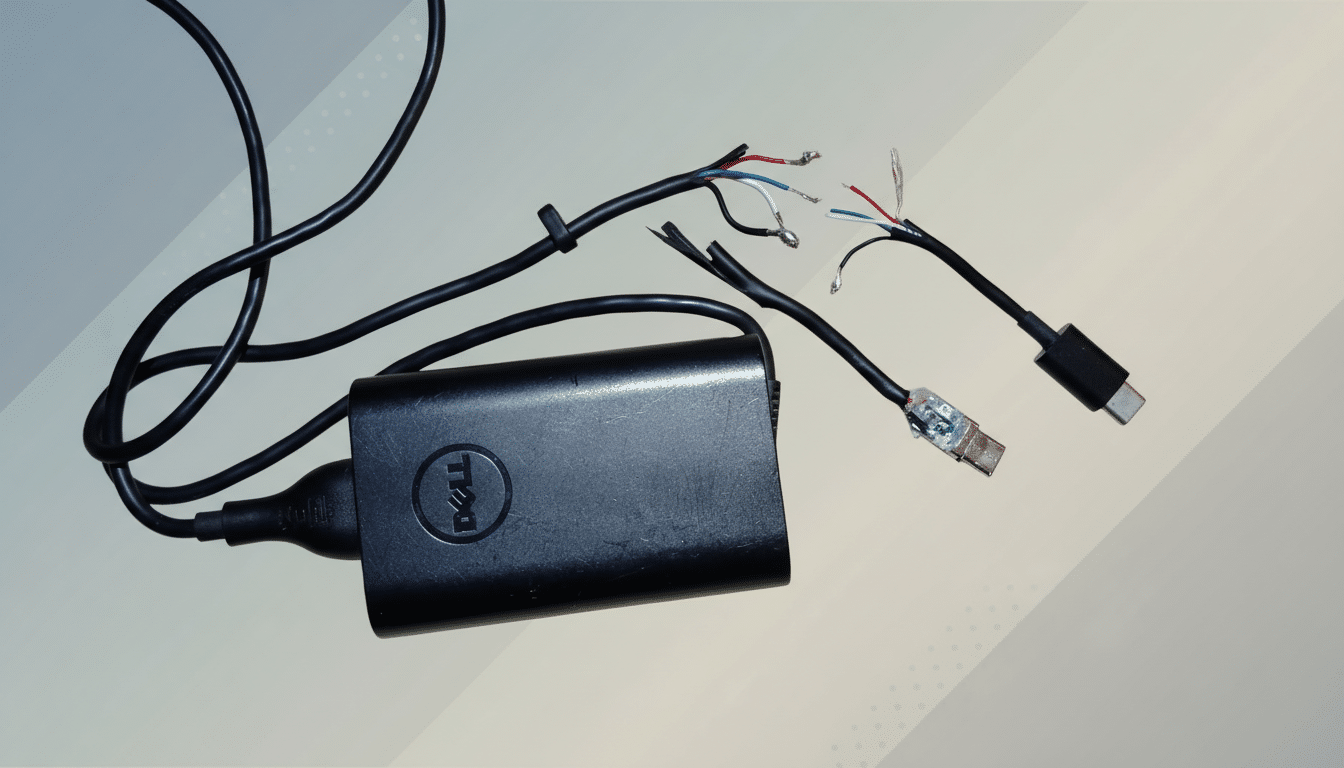
Engineers, including Google’s Benson Leung, who famously tested and called out non-compliant USB-C accessories, have long warned that a USB-C-shaped port doesn’t guarantee USB-C behavior. The physical connector has become cheap and ubiquitous; the proper negotiation circuitry is where corners get cut.
Beware non-compliant USB-C chargers that bypass safety
Some USB-C chargers will still power these finicky devices, even though, strictly speaking, they shouldn’t. That’s because a handful of products energize 5V without waiting for a valid CC handshake—out of spec, but sometimes convenient. The USB-IF’s compliance program exists precisely to prevent this behavior for safety and interoperability. If your charger “just works” where others don’t, it might be cutting corners.
If it still refuses to charge after the USB-A swap
After trying the USB-A to USB-C route, swap cables—charge-only leads can fail internally, and e-marked USB-C cables can behave differently across ports. Use a basic USB power meter to confirm you’re actually seeing 5V on VBUS; inexpensive models are widely used by repair technicians to quickly isolate power faults. Clean the port gently with a soft brush; pocket lint can prevent full insertion, and even a 0.5 mm gap can interrupt CC detection or power delivery.
Lastly, consider deep discharge. Some devices enter a protective lockout if the battery drains too far; they may need a steady 5V trickle from a USB-A port for a few minutes before becoming visible to a PD charger. Leave them on the legacy port long enough to cross that threshold, then test a USB-C charger again.
Pack a reliable USB-A and USB-C charging combo kit
The most practical insurance is a dual-port charger with both USB-A and USB-C plus a known-good USB-A to USB-C cable. That pair clears most mystery charging failures in the field. For anyone supporting a mix of low-cost accessories and modern laptops, this simple kit prevents needless returns and hours of head-scratching.
The headline takeaway: before you blame the battery, firmware, or charger, try a USB-A to USB-C cable. It’s the fastest, least technical fix—and for a surprising number of USB-C devices that aren’t fully USB-C inside, it’s exactly the right one.
