


Fixing a confusing screen on a clickable prototype takes a designer about an hour, because nobody has written code yet. The same change after launch can cost weeks of rework across the database, the API and the app.
A short prototype phase lets UI UX design earn its fee.
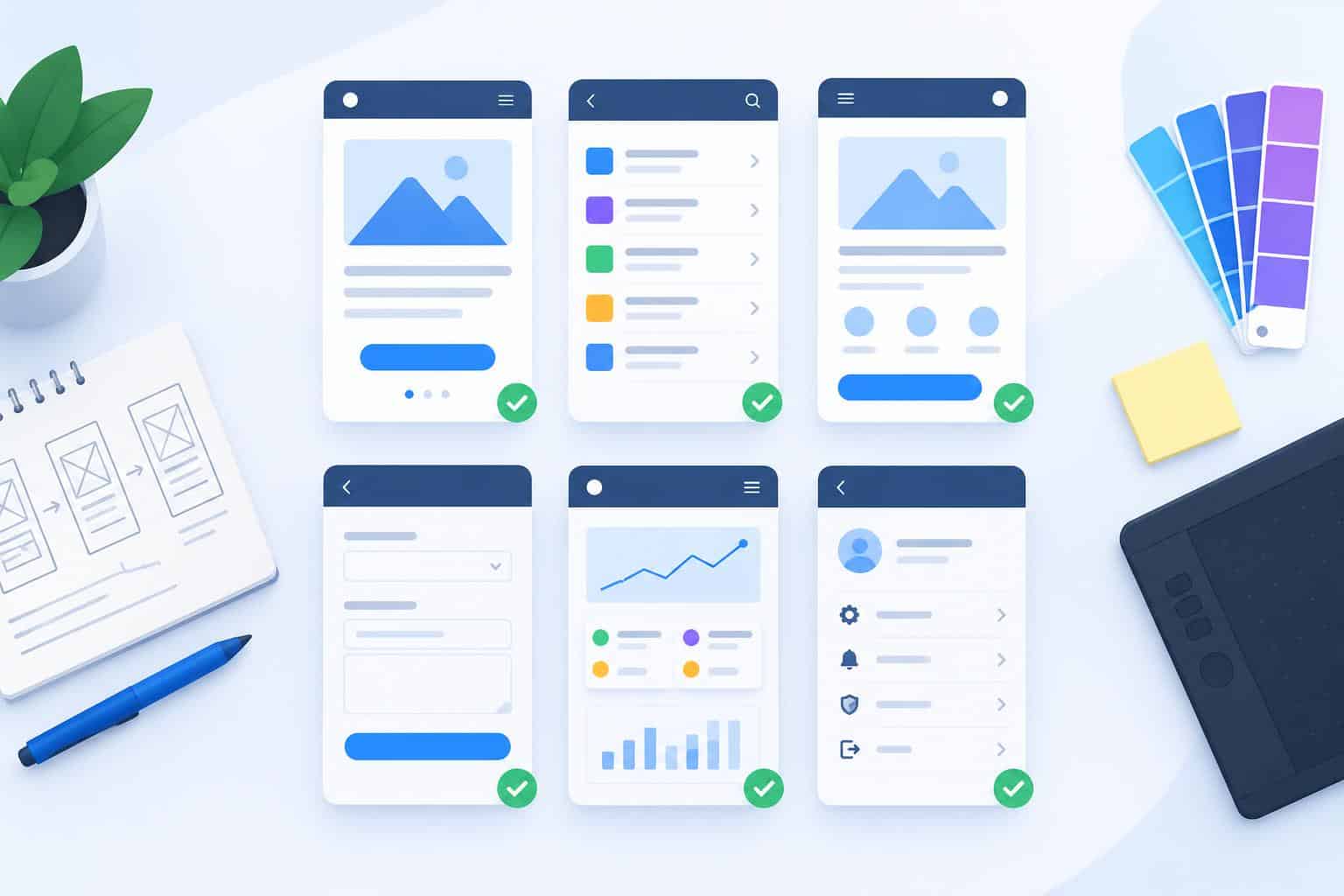
The trick is choosing which screens to build first, since prototyping everything takes nearly as long as building it. Six screens carry most of the risk in a typical business application, and a designer can usually make them clickable within one or two weeks.
Why prototype before a single line of code?
A prototype lets real users try the product while changes are still cheap. It exposes confusing steps, missing data and wrong assumptions about how people work. Jakob Nielsen’s research found that testing with five users uncovers about 85% of usability problems, so a small test on a prototype catches most of the trouble early.
Prototypes also settle arguments. When a founder and a sales lead disagree about a workflow, a ten-minute session with a customer ends the debate faster than any meeting.
Which six screens should you prototype first?
Prototype the screens that carry the most risk: the first experience, the main task, finding things, permissions, the home view and the states nobody plans for. Together these six cover most of what a user sees in the first week. Everything else can follow the patterns they set.
- Screen 1: sign-up and onboarding. The first two minutes decide whether a new user comes back.
- Screen 2: home or dashboard. It shows what matters today and where to go next.
- Screen 3: the core task flow. This screen earns the product its keep, such as placing an order or approving a claim.
- Screen 4: search and filtered lists. Users with 500 records need to find one in seconds.
- Screen 5: settings and roles. Permissions shape every other screen, and they are expensive to change later.
- Screen 6: empty and error states. These cover a new account with no data and a failed save.
What should the core task screen prove?
The core task screen should prove that a typical user can finish the main job without help, in a reasonable number of steps, on the device they actually use. Measure completion rate and time on task. If people stall at the same step, the flow needs redesign before development starts.
Build this one with real content, because lorem ipsum hides problems. A product name that wraps onto three lines or a price with four decimal places will break a layout that looked fine with dummy text.
Check the basics of accessibility at the same time. The W3C’s WCAG 2.2 standard sets a minimum target size of 24 by 24 CSS pixels for most controls, and contrast rules apply to every label and button. Fixing these on a prototype takes minutes. After launch, the same fix touches every screen. Do it now.
How do you test the prototype with users?
Test with five people who match your real users, one at a time, for about 30 minutes each. Give them tasks in plain words, such as “find last month’s invoice and download it,” then watch without helping. Record where they hesitate. Fix the worst problems and test again with a new group.
Run sessions remotely if users are spread out.
Write findings into a short list ranked by how many people struggled and how badly. Three users failing the same step outranks one user disliking a color. Share the list with the whole team the same day, while the sessions are fresh. Agree which fixes go into the next prototype round before anyone opens a code editor.
How does a tested prototype change vendor quotes?
A tested prototype gives vendors a precise picture of the product, so their quotes get closer together and change requests drop. Firms offering custom software development services can count screens and integrations from the prototype directly. Guesswork shrinks on both sides of the table.
Attach the prototype link and the test findings to your request for proposals. Ask each vendor to list any screen or state they think is missing, since their answers show who studied the brief closely.
Good UI UX design also gives the build team a shared reference for months. Developers check the prototype before asking questions, and testers use it to write acceptance tests. Keep it updated. For any team buying custom software development services, a week of prototyping these six screens is the cheapest insurance in the whole project.
Bring the tested prototype to WebOsmotic, which builds web, mobile and AI products.