


If your laptop or tablet is short on ports, one of the year’s easiest upgrades just landed at a bargain price. The UGREEN Revodok 105 5‑in‑1 USB‑C hub is down to $9.99 in a limited offer, turning a single USB‑C into five everyday connections without the usual dongle tax.
What the $9.99 UGREEN USB‑C hub deal actually delivers
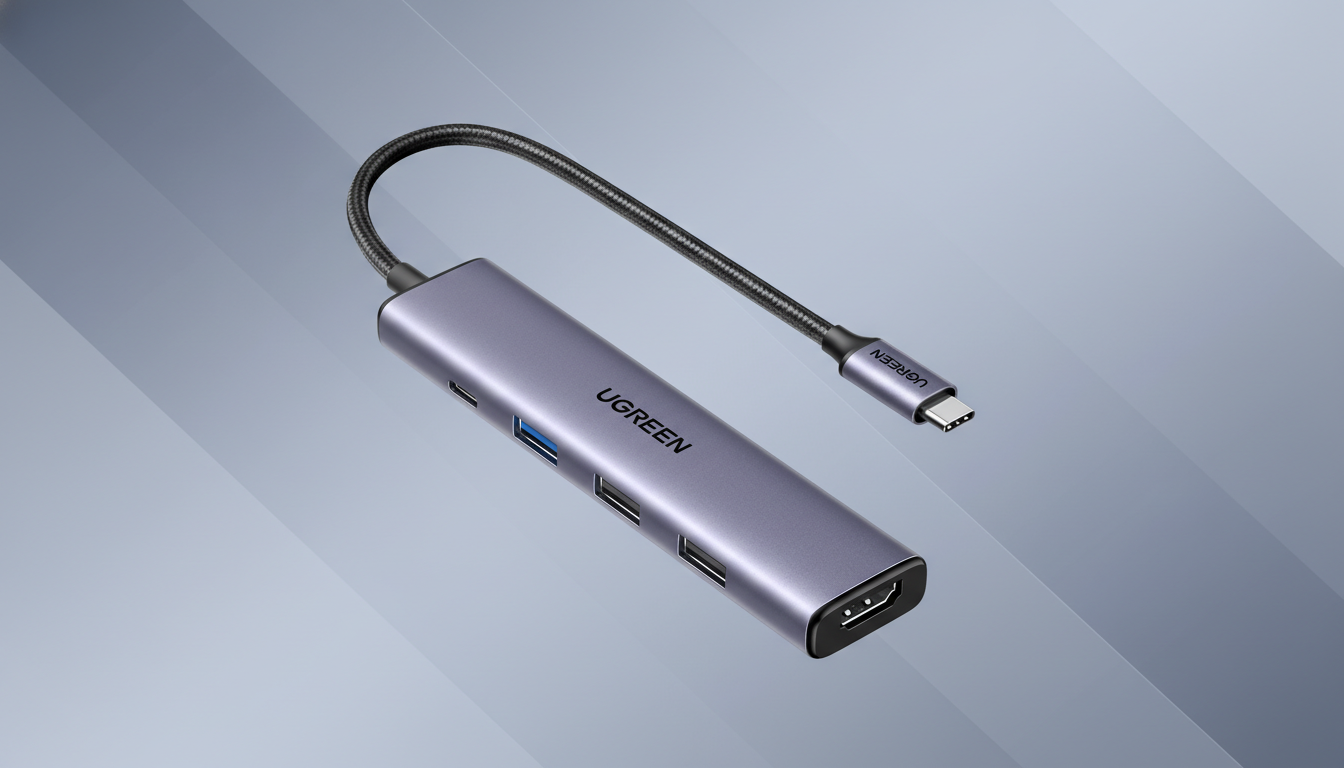
The compact hub adds an HDMI output supporting up to 4K at 30Hz, one USB‑A 3.0 port rated for 5Gbps transfers, two USB‑A 2.0 ports for peripherals up to 480Mbps, and a USB‑C power pass‑through input that can feed up to 100W to your device. That is the sweet spot for most thin‑and‑light laptops, which often ship with 60W to 100W chargers.
- What the $9.99 UGREEN USB‑C hub deal actually delivers
- Real‑world use and performance you can expect
- Compatibility across devices and key power notes
- How this 5‑in‑1 USB‑C hub compares at this price
- Who should skip this hub and consider alternatives
- Bottom line: a strong value USB‑C hub for everyday needs
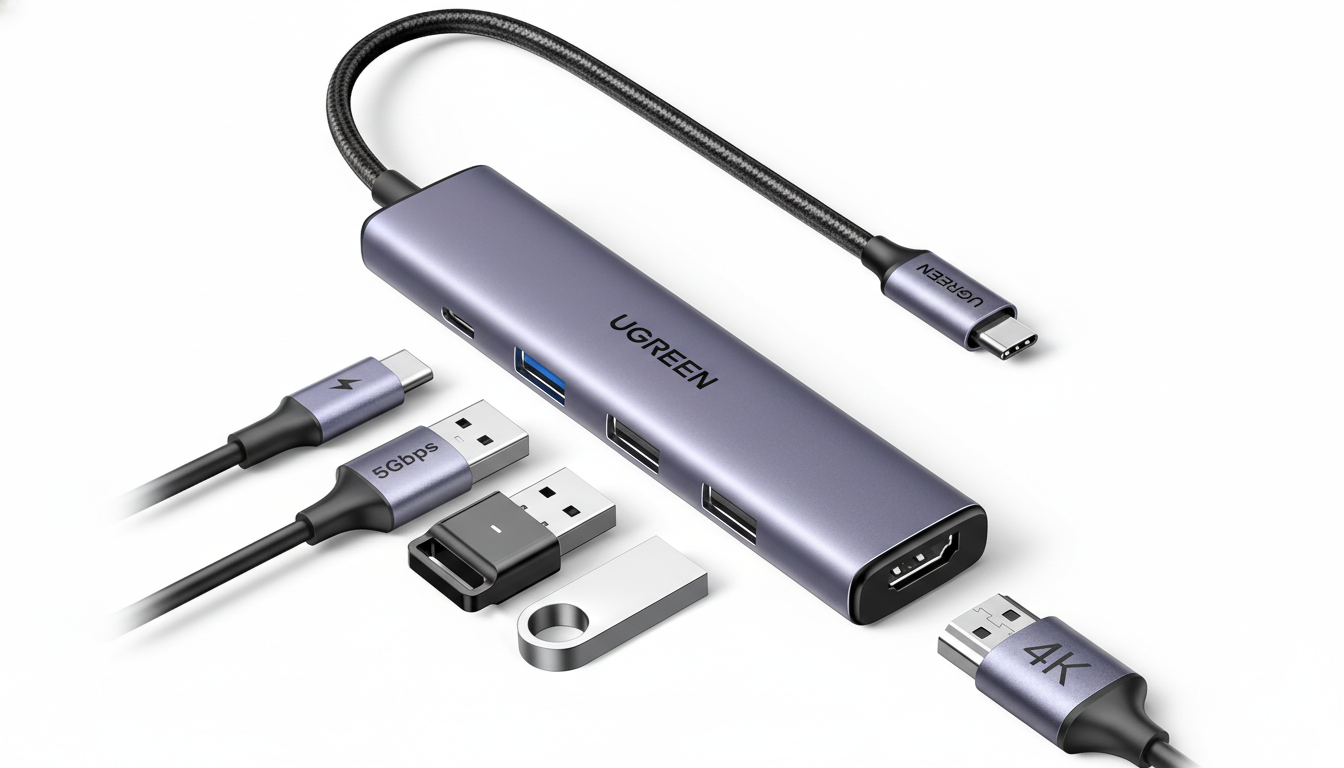
For context, USB 3.0 at 5Gbps translates to a theoretical 625MB/s; real‑world speeds for a SATA SSD in an enclosure typically land between 300MB/s and 450MB/s. The two USB 2.0 ports are ideal for a mouse, keyboard, or a webcam, where bandwidth matters less than reliability.
The housing has a metallic finish and a pocketable footprint, making it a tidy companion for commuters and students. Even at its usual $15.99 list price, the spec sheet is competitive; at $9.99, it is a rare value in the 5‑in‑1 category.
Real‑world use and performance you can expect
Plug it into a USB‑C port on a MacBook Air, Surface, Chromebook, or a USB‑C tablet and you can run an external monitor, attach a wired keyboard and mouse, and add fast storage without juggling cables. The HDMI port’s 4K30 ceiling is fine for office work, streaming, and presentations; if you need 4K60 or high‑refresh gaming, look for hubs that explicitly support HDMI 2.0 at 60Hz or DisplayPort over USB‑C.
For 1080p monitors, 60Hz is a non‑issue here, and many users will see no difference in everyday productivity apps. Content creators moving large media files will want to plug their external SSD into the USB 3.0 port, while leaving the 2.0 ports for accessories that do not depend on throughput.
Compatibility across devices and key power notes
The hub works with Windows, macOS, and ChromeOS devices, and it can mirror or extend displays on phones and tablets that support DisplayPort Alt Mode, such as recent iPad Pro models or Android phones with desktop modes. The USB‑C input is for power pass‑through only, so you will still connect your charger there to keep the host device topped up.
As with most hubs, the “up to 100W” claim reflects pass‑through capability, not power delivery generated by the hub. Expect a small overhead: a 100W charger typically delivers around 85W to 92W to the laptop after hub losses, which remains ample for ultrabooks under sustained load. The USB Implementers Forum recommends using certified cables and chargers to ensure stable PD negotiation, especially when running a display and storage simultaneously.
How this 5‑in‑1 USB‑C hub compares at this price
Similar 5‑in‑1 USB‑C hubs from well‑known accessory makers generally sell between $20 and $35, often with the same port mix and 4K30 video. Paying less than half that for a recognized brand is notable. You will find pricier options with extras like Ethernet, SD card readers, or 4K60 support, but those climb quickly in cost or require chipsets like DisplayLink.
For anyone living the modern single‑cable life, this checks the right boxes without overbuying. It is also a handy backup dongle for conference rooms and travel kits where a spare HDMI output saves a presentation.
Who should skip this hub and consider alternatives
If your workflow demands wired networking, SD or microSD slots, dual 4K displays, or 4K60 video, step up to a 7‑in‑1 or 8‑in‑1 hub with Ethernet and card readers, or a dock with DisplayPort 1.4 and higher bandwidth. Gamers chasing high refresh rates on 4K panels should also opt for a solution that explicitly lists 60Hz at 4K or better.
Bottom line: a strong value USB‑C hub for everyday needs
A five‑port USB‑C hub at $9.99 with 100W pass‑through and 4K30 HDMI is an easy recommendation for students, remote workers, and frequent travelers. It solves the “one port too few” problem that plagues modern laptops, and it does so for less than the price of lunch. Just grab it while the limited deal lasts, because at this price it will not linger.
