


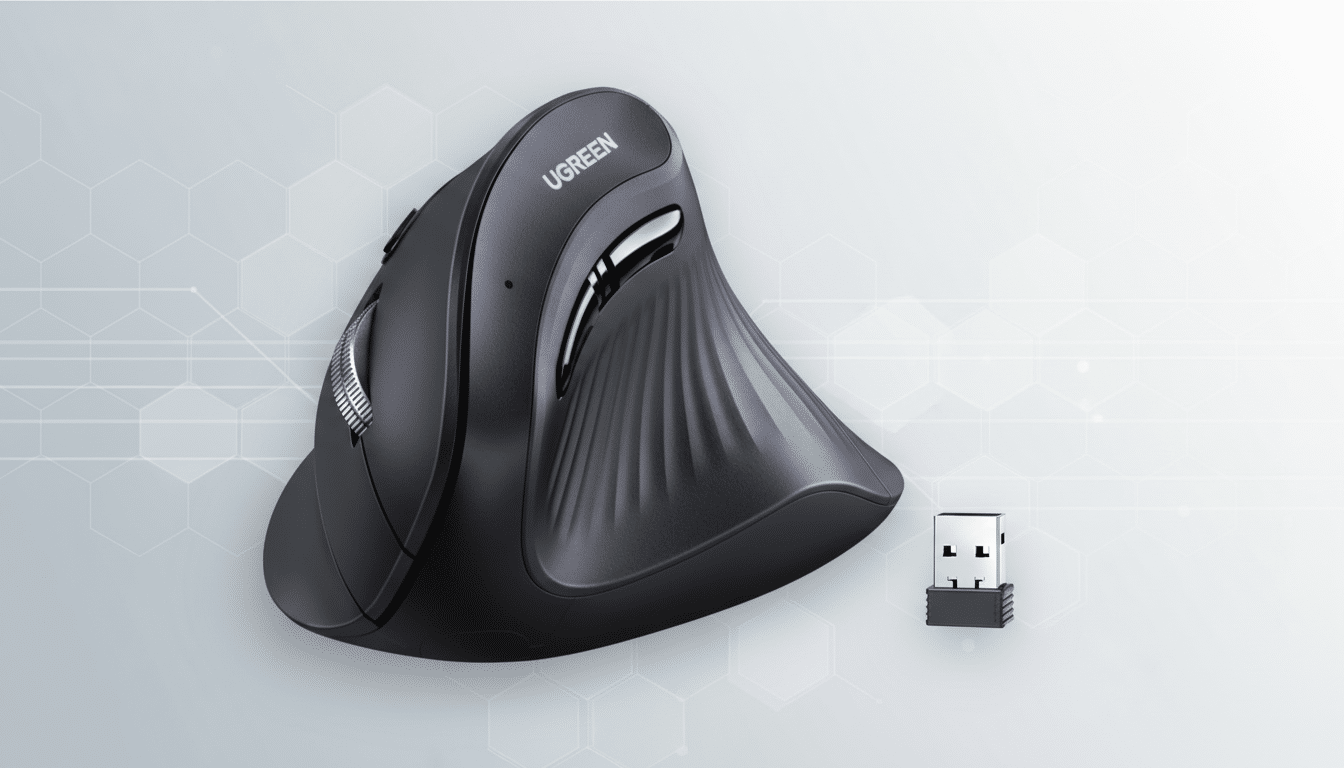
A standout budget ergonomics pick just hit a record-low price, with the UGREEN Ergonomic Mouse now available for $16.99. For anyone considering a switch to a vertical mouse to ease wrist strain, this is an unusually low entry point from a brand known for dependable accessories.
The discount knocks $10.59 off the regular price at a major retailer, undercutting many competing vertical mice without stripping away the essentials. You’re getting dual wireless connectivity, a practical five-button layout, and performance specs that cover day-to-day productivity with ease.
Why a Vertical Mouse Matters for Wrist and Forearm Health
Traditional mice position your hand in a pronated, palm-down posture. Vertical designs rotate the wrist into a more neutral “handshake” position, which ergonomics researchers say can reduce forearm pronation and ulnar deviation—two contributors to repetitive strain. The Cornell University Ergonomics Lab has long highlighted neutral wrist posture as a key factor in lowering muscular load during pointing tasks.
Workplace health data backs up the importance of small ergonomic changes. The Bureau of Labor Statistics reports that musculoskeletal disorders consistently account for a significant share of days-away-from-work cases in the U.S., often near the 20% mark in recent years. Agencies like NIOSH and OSHA recommend neutral postures and task variation to help mitigate risk—precisely where an ergonomic mouse can play a useful role.
Key Specifications in This Deal: DPI, Wireless, and Power
The UGREEN Ergonomic Mouse supports sensor sensitivity up to 4,000 DPI, giving you enough headroom to fine-tune pointer speed for dense spreadsheets, large canvases, or multi-monitor setups. While ultra-high DPI is overkill for most office workflows, having room to scale up is valuable on 4K displays.
Connectivity is flexible: it pairs via Bluetooth or the included 2.4GHz USB receiver, and it can remember three devices for quick switching. That means you can jump between a laptop, a desktop, and a tablet without re-pairing—a time-saver for remote workers and hot-desk setups.
The five-button layout delivers more than basic left/right click. Extra buttons are handy for browser navigation or assigning productivity shortcuts, and the vertical shell encourages a relaxed grip that supports the thumb. Wireless range is rated at up to 10 meters, making it viable for presentations or media PCs across the room.
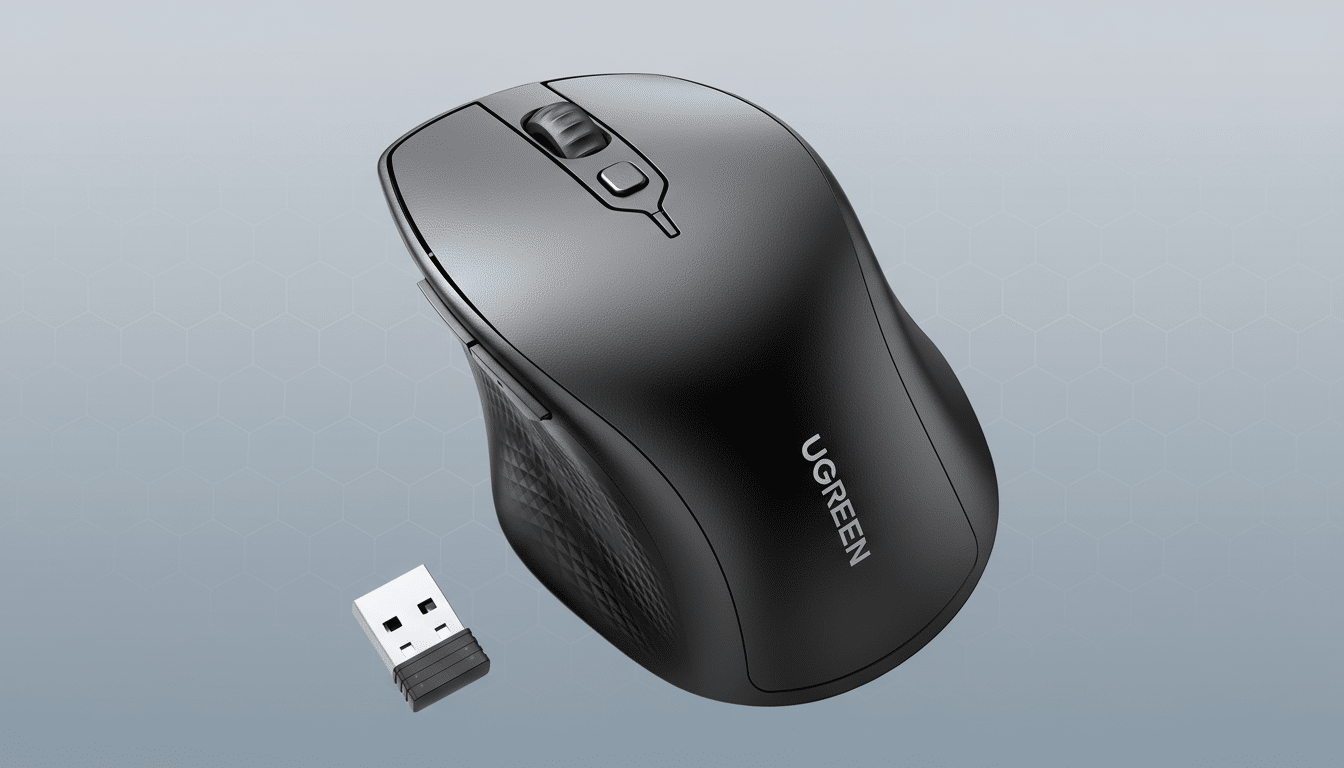
Power comes from a single AA battery. There’s no built-in rechargeable pack, but the upside is simple maintenance—pop in a fresh AA and keep working. For many offices, that’s preferable to juggling charging cables or docks.
How It Stacks Up Against Rivals on Price and Features
In the vertical mouse category, multi-device wireless and a 4,000 DPI ceiling usually appear on midrange models. Popular alternatives like the Logitech Lift often retail many times higher, while entry-level vertical mice from brands such as Anker tend to offer lower DPI caps and lack tri-device switching. At $16.99, this UGREEN undercuts the field while ticking features people actually use.
If your workload is heavy on spreadsheets, email, browsing, or creative apps where comfort trumps ultra-fast response times, the value proposition is hard to ignore. Enthusiast gamers chasing high polling rates and onboard profiles will still prefer specialized gear, but most productivity users won’t miss those extras.
Who Should Consider It for Daily Comfort and Work Needs
This deal targets office workers, students, and creators who spend hours at a desk and want a low-cost way to test an ergonomic switch. It’s also a smart addition to hybrid setups: tri-device pairing keeps transitions seamless between a workstation, a home laptop, and a tablet.
If you’ve experienced wrist tightness or forearm fatigue, a vertical mouse can be a meaningful first step alongside other best practices like regular breaks, neutral keyboard positioning, and appropriate chair and desk height. Ergonomics is cumulative—each small improvement reduces load over time.
Deal Bottom Line: Strong Value for an Ergonomic Upgrade
At $16.99, the UGREEN Ergonomic Mouse delivers uncommon value for a vertical design: 4,000 DPI, dual wireless with tri-device switching, a five-button setup, and a comfortable grip. For the price of a couple of coffees, it’s an accessible upgrade that can make long sessions at the computer noticeably easier on your wrist.
