


There’s a Linux distribution making waves for combining a clean, Mac-like interface with a bold “trade-free” stance: Tromjaro. Built on Manjaro and tuned around the lightweight Xfce desktop, it promises zero tracking, zero nags, and zero strings attached—while feeling astonishingly quick even on modest hardware.
What Trade-Free Means in Real-World Practice
“Trade-free” goes beyond the familiar free and open-source model outlined by the Free Software Foundation and the Open Source Initiative. In Tromjaro’s interpretation, you don’t pay with money, data, or attention. No telemetry prompts, no upsells, no engagement hooks. It’s an ethos rooted in the TROM project’s broader idea that access to tools shouldn’t require a transaction—explicit or implicit.
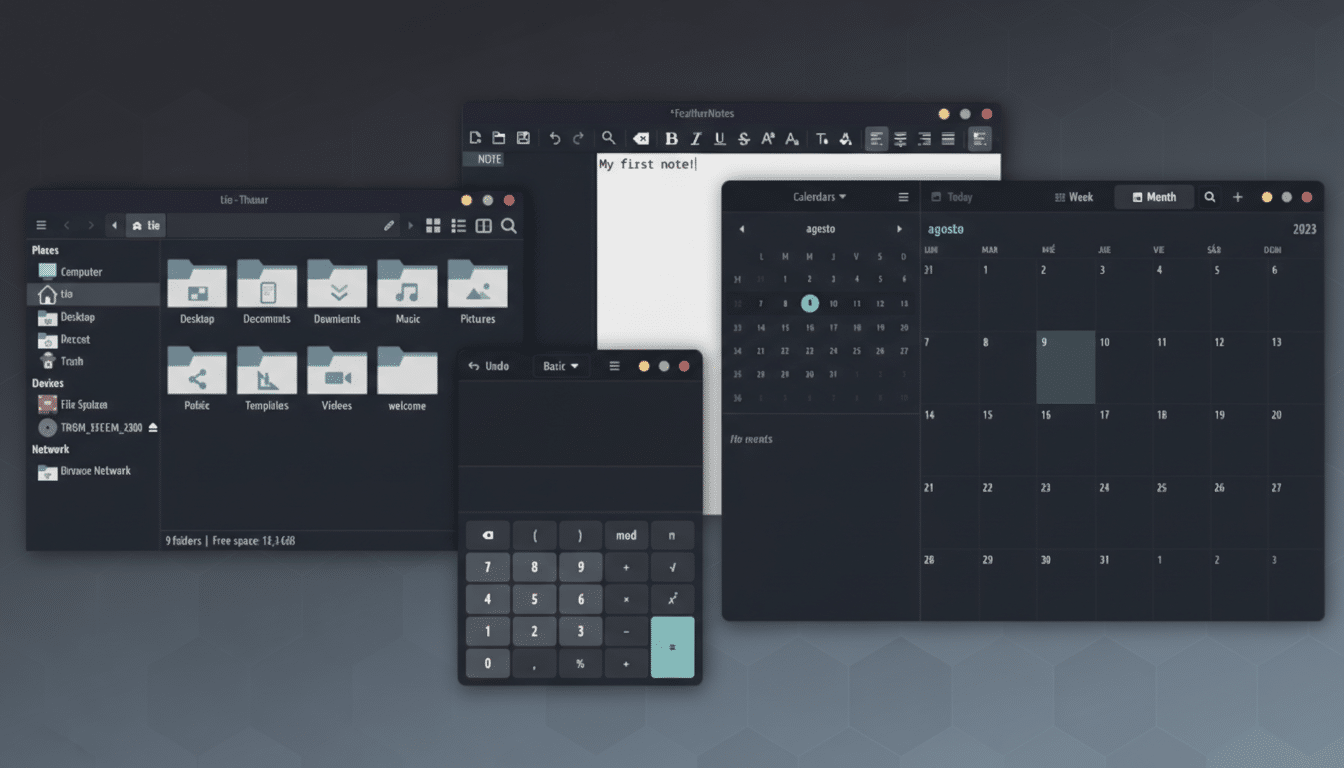
That philosophy shows up in defaults. The distro aims to avoid data collection out of the box, pares back distractions, and favors transparent components. For users who feel today’s software too often treats attention as a billable asset, the approach is refreshing.
Mac-Like Polish Without the Bloat or Overhead
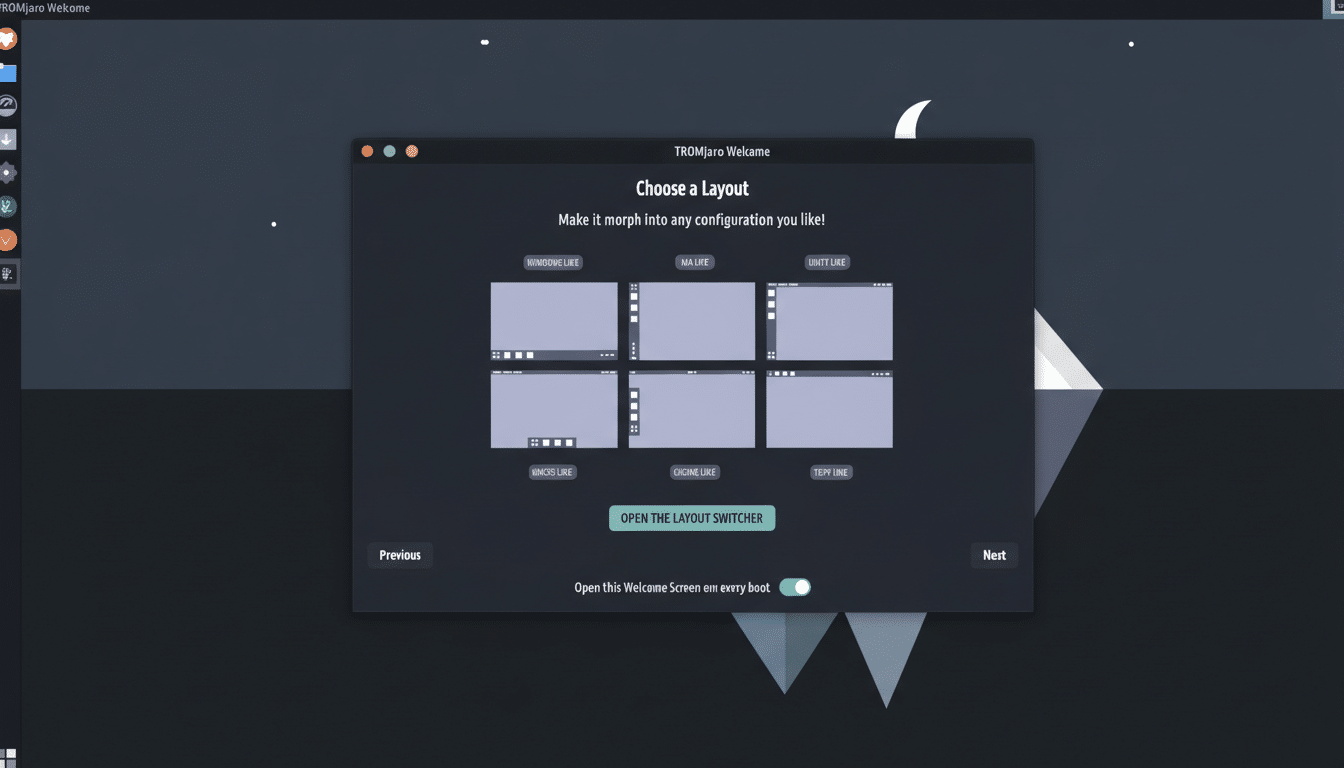
Tromjaro ships with curated Xfce layouts, including a macOS-style option that’s immediately familiar: a clean panel-and-dock feel, tidy typography, and cohesive theming. Unlike heavier shells that chase eye candy, Xfce keeps the visuals restrained and the responsiveness snappy, making the interface feel premium without taxing your CPU or RAM.
The result is a desktop that looks modern, keeps friction low, and avoids the “DIY first boot” many Arch-derived systems can require. Newcomers get a sensible layout on day one; power users can still swap panels, themes, and shortcuts in minutes.
Performance and Footprint on Modest Hardware
Xfce’s reputation for frugality is well-earned. Independent testing over the years, including comparisons often cited by Phoronix, has consistently placed Xfce among the lighter mainstream Linux desktops for memory and CPU overhead. On a typical SSD-based laptop, boot times land well under half a minute, with idle memory use comfortably below 1 GB in most cases—leaving headroom for browsers, office work, or coding tools.
That thrift translates into real-world speed. Tasks that stall on weaker machines—like compiling a project, scrubbing through 1080p video, or running a small local AI model—benefit from fewer background services. Developers who use local inference tools such as Ollama, for example, may notice snappier model loads and less contention compared to heavier desktops.
Apps and Extras Out of the Box That Matter
Tromjaro’s preinstalled suite is intentionally practical. You get LibreOffice (including the Base database component), the Pamac GUI atop pacman for painless package management, a kernel manager, a resource monitor, a clipboard tool, a multimedia player, and the Czkawka cleaner for reclaiming disk space. Firefox covers the web, and a Web Apps utility can turn favorite sites into desktop-like launchers.
Two notable additions stand out. First, an Internet Content Blocker option in the post-install flow underscores the project’s attention-respect stance. Second, the VideoNeat app curates science and education videos that are fetched via BitTorrent. It’s a quirky but compelling touch for learners and documentary fans. As with all P2P content, it’s wise to heed guidance from organizations like the Electronic Frontier Foundation and ensure you have the right to download what you watch.
Updates, Security, and the Wider Ecosystem
Because Tromjaro rides on Manjaro, it inherits a rolling-release cadence with Manjaro’s layer of stabilization—often a middle ground between Arch’s immediacy and the predictability of fixed-release distros. Updates arrive through Pamac with clear summaries, and users can optionally enable access to Arch’s AUR for a vast catalog of community packages.
Security-wise, the project’s “no data trades” principle complements best practices: keep the system updated, configure a firewall, and review browser privacy settings. Many trade-offs in privacy come from defaults in web apps and services rather than the OS; Tromjaro helps by setting a tone that prioritizes user control.
Who Should Try It and What to Expect Upfront
If you like macOS aesthetics but want Linux flexibility, Tromjaro hits a sweet spot. It’s also a strong candidate for reviving older laptops thanks to Xfce’s efficiency. Creators who spend more time in editors, IDEs, and browsers than in system settings will appreciate how little babysitting the desktop requires.
There are caveats: rolling releases demand occasional attention, and the community is smaller than giants like Ubuntu or Fedora. But for users who value speed, a clean interface, and a principled stance that refuses to turn their time or data into currency, Tromjaro stands out as one of the most thoughtful spins on the Arch-Manjaro ecosystem.
Bottom line: it looks refined, feels fast, and asks nothing from you in return—exactly what “trade-free” should mean.
