


Samsung has commenced its rollout of the stable One UI 8 update to the Galaxy S23 series, bringing a significant platform upgrade to last year’s flagships. The first wave is making its way to South Korea, while a wider release will deliver the same for unlocked and carrier-branded models in various markets.
What the stable One UI 8 update includes for S23
Those who participated in the beta are seeing a much smaller ~470 MB firmware.
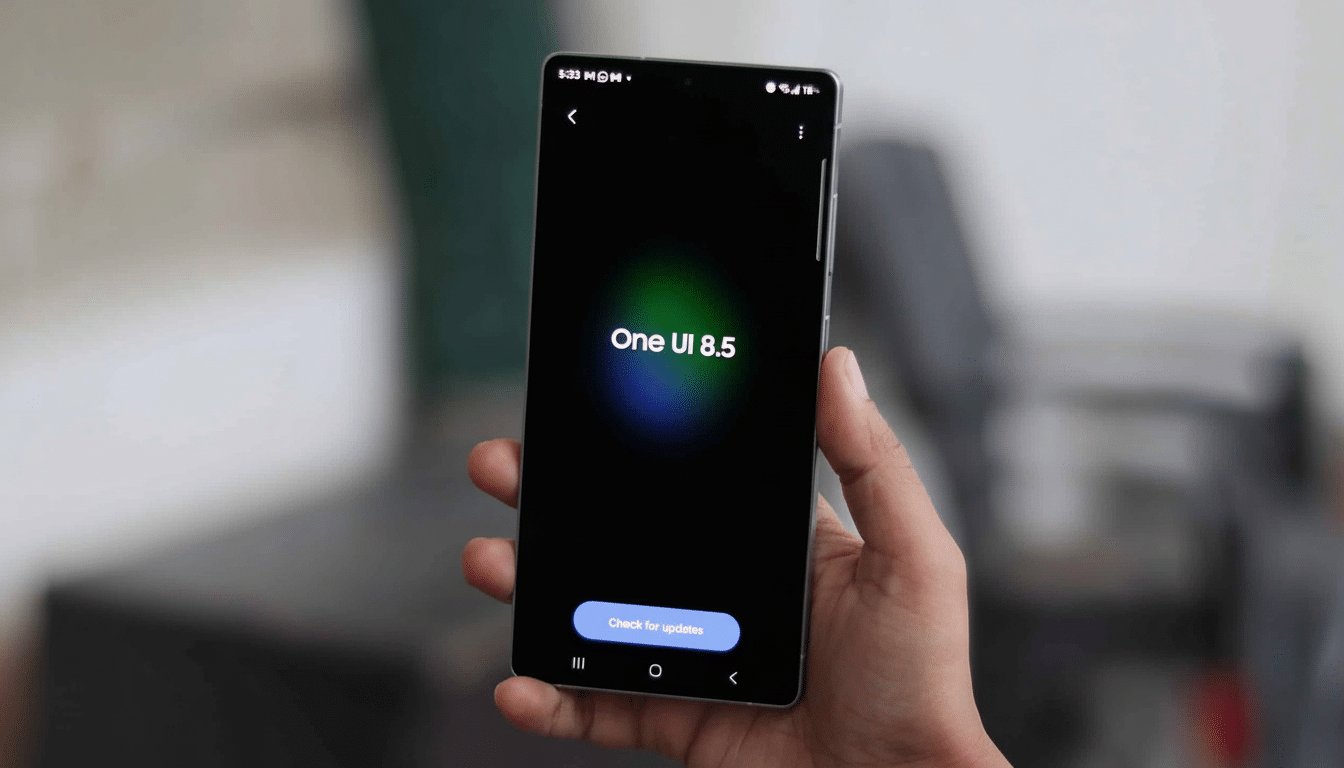
The first stable build for Galaxy S23 devices comes with a download size of around 3.2 GB on units running One UI 7.
Some of the early build numbers appear as strings like S918NKSU6EYI7 (will differ by model and market). The new update also brings the most recent Android security patch level to both of these high-end Samsung phones.
Like previous big jumps in One UI, this release is more about polish and reliability than new features. You’ll notice smoother animations, streamlined Quick Settings, and more consistent haptic patterns. ‘Under the hood’ means improved app launch behavior and system stability. Samsung usually uses these updates to improve camera processing and battery efficiency, so imaging and endurance tweaks might make the cut.
Where One UI 8 is currently rolling out worldwide
It’s a staged rollout and will be available over the air in South Korea. Samsung’s usual tempo would see a rapid climb into key territories such as the US, UK, and India after the first wave. Carriers might lag on release by a tiny bit because of their certification processes, but the unlocked models usually get it first in each region.
Based on tips and evidence from our informants who are watching Samsung’s regional trackers and community forums, it appears this has been the usual device-by-device push we see with significant firmware updates. If you don’t see it yet, that’s OK: rollouts are commonly throttled so the servers hold up and to test unforeseeable edge-case bugs before a full global release.
How to update your Samsung Galaxy S23 to One UI 8
To find the update, navigate to Settings > Software update > Download and install.
- Use a strong Wi‑Fi connection.
- Ensure several gigabytes of free storage.
- Have at least 50% battery charge.
If you were on the One UI 8 beta, you will get a smaller build that is the final stable firmware.
Of course, you should back up your data before any significant OS upgrade. Samsung Cloud, Google One, or a local PC backup (using Smart Switch) are your options. If you’re a fan of Good Lock modules, don’t be surprised if some of them have updates after installing One UI 8 to remain compatible.
Daily experience and usability changes in One UI 8
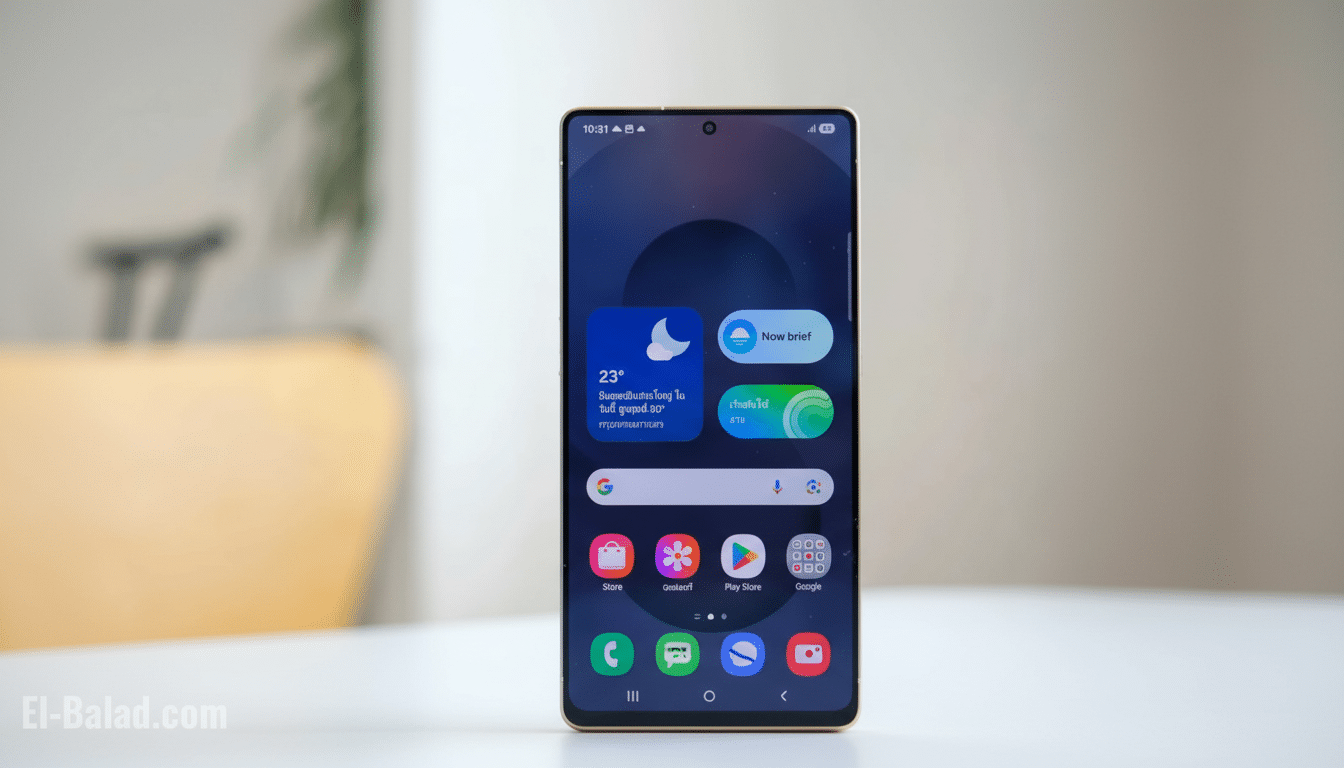
One UI 8 takes Samsung’s trend toward cleaner visuals and smoother interactions to the next level. The notification shade gets some incremental changes to the layout, and system apps enjoy improved typographic consistency and spacing that makes it feel a little tighter, more responsive. Multitasking continues to be an arena of relative excellence, with split‑screen and pop‑up views being noticeably better behaved across third‑party apps.
Also getting attention from Samsung are privacy and security controls, with more obvious permission prompts and improvements to background activity indicators. With the new security update, these changes ensure that the S23 series remains one of Android’s most well‑kept flagship families.
S23 FE and other Samsung devices getting One UI 8
The stable One UI 8 build is rolling out for the Galaxy S23 FE alongside the main S23 series, with regional builds like S711NKSU9DYI5 starting to show up first. Samsung mid‑ranger Galaxy A36 5G is joining the stable bandwagon in a few markets, demonstrating how the wider rollout of new software across its portfolio is getting a boost as flagship deployment gains momentum.
Such concurrent rollouts appear very similar to Samsung’s approach of promptly putting all price bands on a level playing field after the ultimate flagship firmware reaches stability. These builds are now listed live for a few countries, and it has caught the attention of enthusiast trackers — including popular observers on X as well as the Samsung Members community.
Why the stable One UI 8 release matters for S23 owners
Aside from new features, stable One UI 8 also extends the S23 family’s support runway and tightens performance where it counts. The S23 series is subject to Samsung’s long‑term update promise of several OS generations and years of security maintenance, and this release upholds that promise. For owners, that means greater day‑to‑day fluidity, better device longevity, and ongoing access to the newest ecosystem features.
Patience will pay off if the new update hasn’t yet reached you. If Samsung’s previous rollouts are any indication, other areas will quickly become affected after the initial wave. In the meantime, clear out some storage, back up your data, and watch the Software update menu: your turn is probably coming soon.
