


Samsung is preparing a significant upgrade to its Samsung Internet browser as part of One UI 9, with a new Ask AI capability discovered in test firmware. The feature brings conversational assistance directly into the browser, letting users ask context-aware questions about the page they’re viewing and continue the discussion with follow-up prompts.
What Ask AI Brings To Samsung Internet Browsing
Ask AI appears to expand the browser’s existing Galaxy AI toolset beyond summaries and translations. Based on strings found in the One UI 9 build, the updated Browsing Assist will answer questions about the current webpage and other topics, condense dense passages into highlights, translate text, and read summaries aloud. Crucially, the assistant supports follow-up questions, signaling a shift from one-off commands to a persistent, thread-like experience.
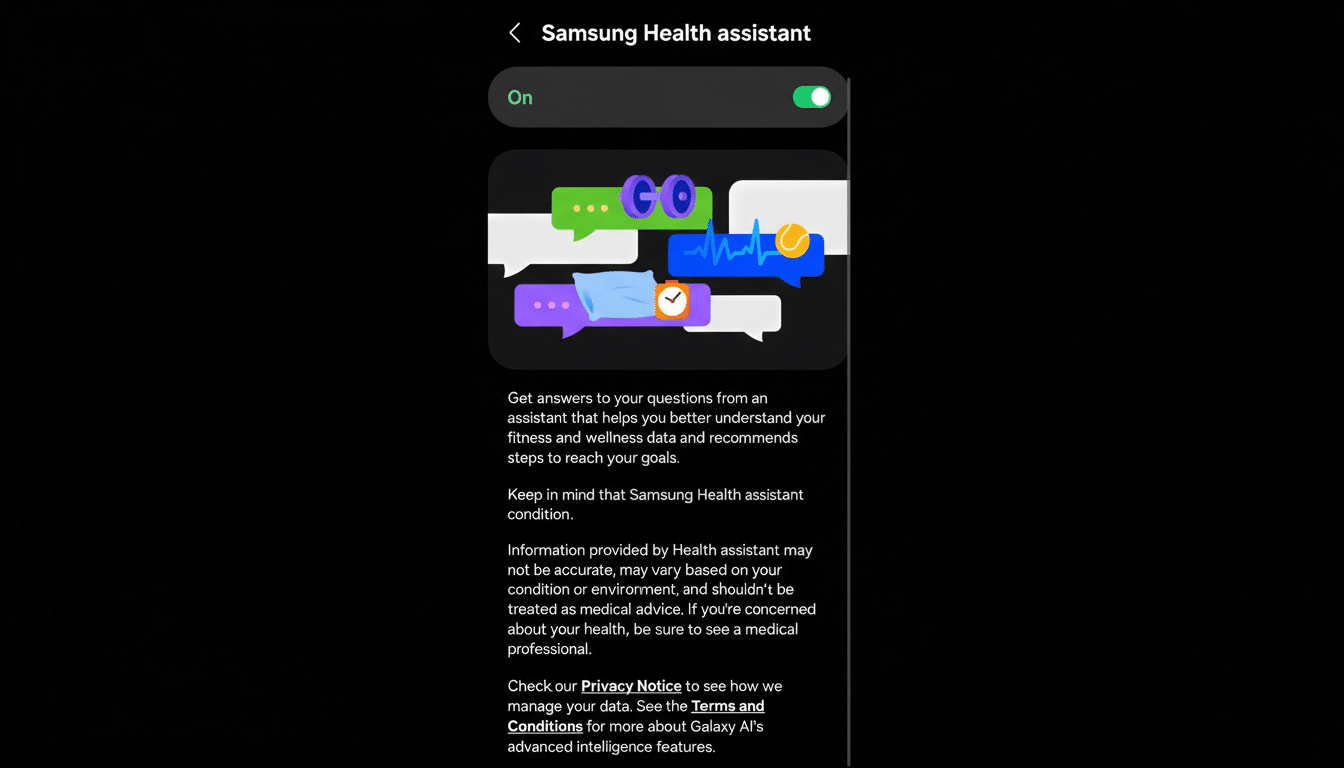
In practical terms, this means you could open a lengthy review and ask, “What are the main pros and cons,” then follow up with, “Compare the camera specs to last year’s model,” without copying or switching apps. For research-heavy tasks, the ability to interrogate a source and refine the inquiry across multiple turns is a meaningful step beyond basic summarization.
Samsung has not detailed the model architecture behind Ask AI, but the company’s broader Galaxy AI approach blends on-device processing with cloud assistance, depending on task complexity. It would make sense for contextual page parsing to happen locally when possible, with heavier lifts routed to cloud models—though Samsung will need to clarify where data flows and how it’s protected.
Personalization And Privacy Controls In Ask AI
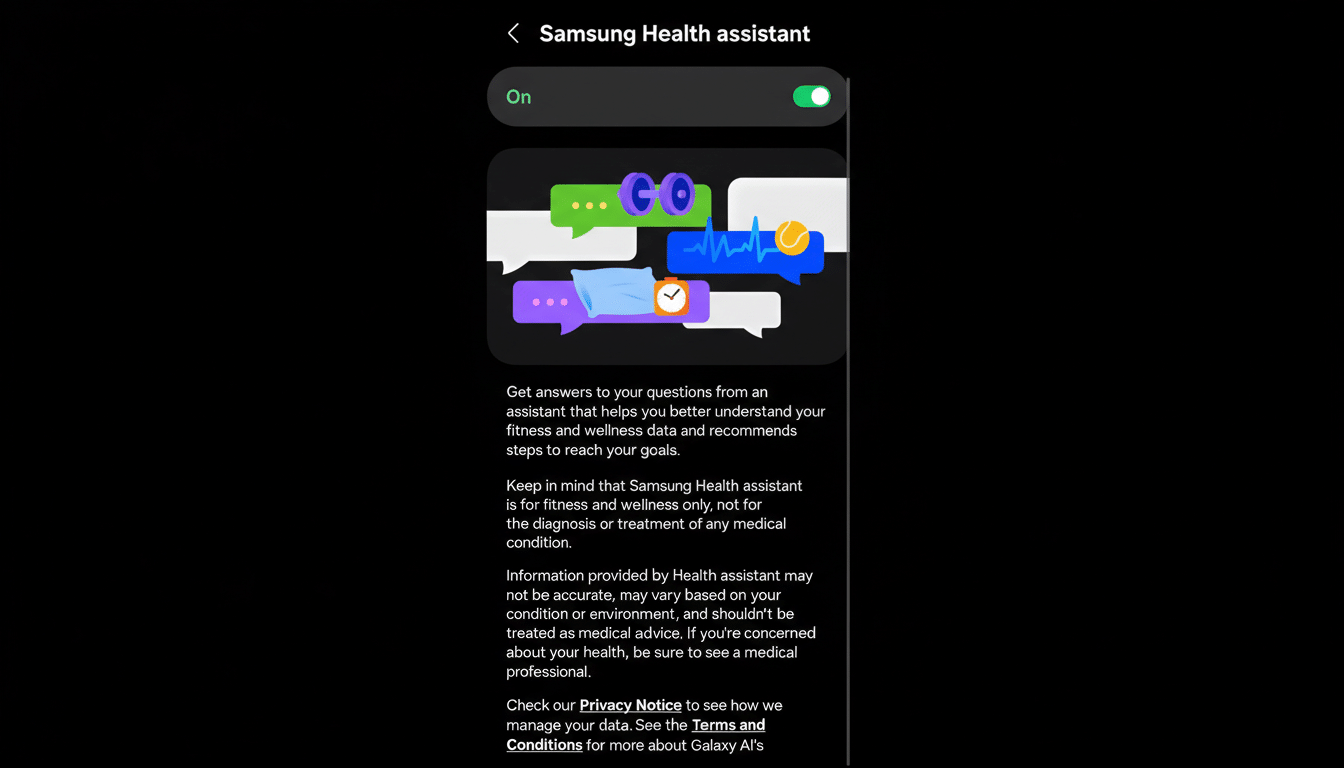
Strings in the leaked build indicate the assistant may use browsing history within Samsung Internet to tailor responses. Past questions and answers can also be retained to personalize future results. That personalization layer is valuable for utility—think remembering the topics you’ve been researching—but it raises the bar for transparent controls.
An early setting labeled Keep Ask AI activity suggests users will choose how long the assistant retains their chats, with a Session only option noted and an explanation that activity may be kept for up to 3 days. The setting text also references applying the retention choice across devices, hinting at synchronized preferences for those signed in to a Samsung account. Expect more granular options in the stable release and clearer disclosure on where and how long data is stored.
Why A Smarter Browser Matters For Galaxy Users
Samsung Internet flies under the radar compared to Chrome and Safari, but it has a loyal base on Galaxy devices. According to StatCounter, Samsung Internet typically hovers around 4–5% of global mobile browser share and roughly 8% on Android, making it one of the few at-scale Chrome alternatives on phones. A more capable, privacy-tunable AI assistant built into the browser could be a differentiator for users who prefer Samsung’s ecosystem but want modern productivity tools.
The move also keeps pace with the broader market. Microsoft’s Edge integrates Copilot for webpage analysis and drafting, Opera bundles Aria, and Brave offers Leo with on-device options. Google has been piloting generative features such as page summaries in Chrome, and Apple has previewed AI-assisted experiences for its apps. For Samsung, putting conversational AI where people actually read and research—the browser—feels like the right battleground.
Use cases span everyday tasks: shoppers can ask product pages to surface key specs and return policies; students can turn dense articles into talking points; travelers can translate and summarize local advisories in one place. The stickiness comes from reducing friction—fewer app switches, fewer copy-paste loops, and answers grounded in what’s already on screen.
Rollout Signals And What To Watch Before Launch
Because Ask AI was spotted in pre-release firmware, details can change before general availability. Early assets include interface graphics in both light and dark themes, and the language around history retention suggests Samsung is building in privacy levers from the start. Key questions ahead of launch include whether Ask AI will be opt-in, which AI providers power cloud responses, how enterprise or kid accounts are handled, and whether any features work fully offline on higher-end Galaxy devices.
Even in this early state, the direction is clear: Samsung is turning its default browser into a conversational companion that understands page context, remembers what you asked, and adapts to your preferences. If the company can balance usefulness with transparent data controls, Ask AI could become a headline feature of One UI 9—and a reason more Galaxy owners stick with Samsung Internet.
