


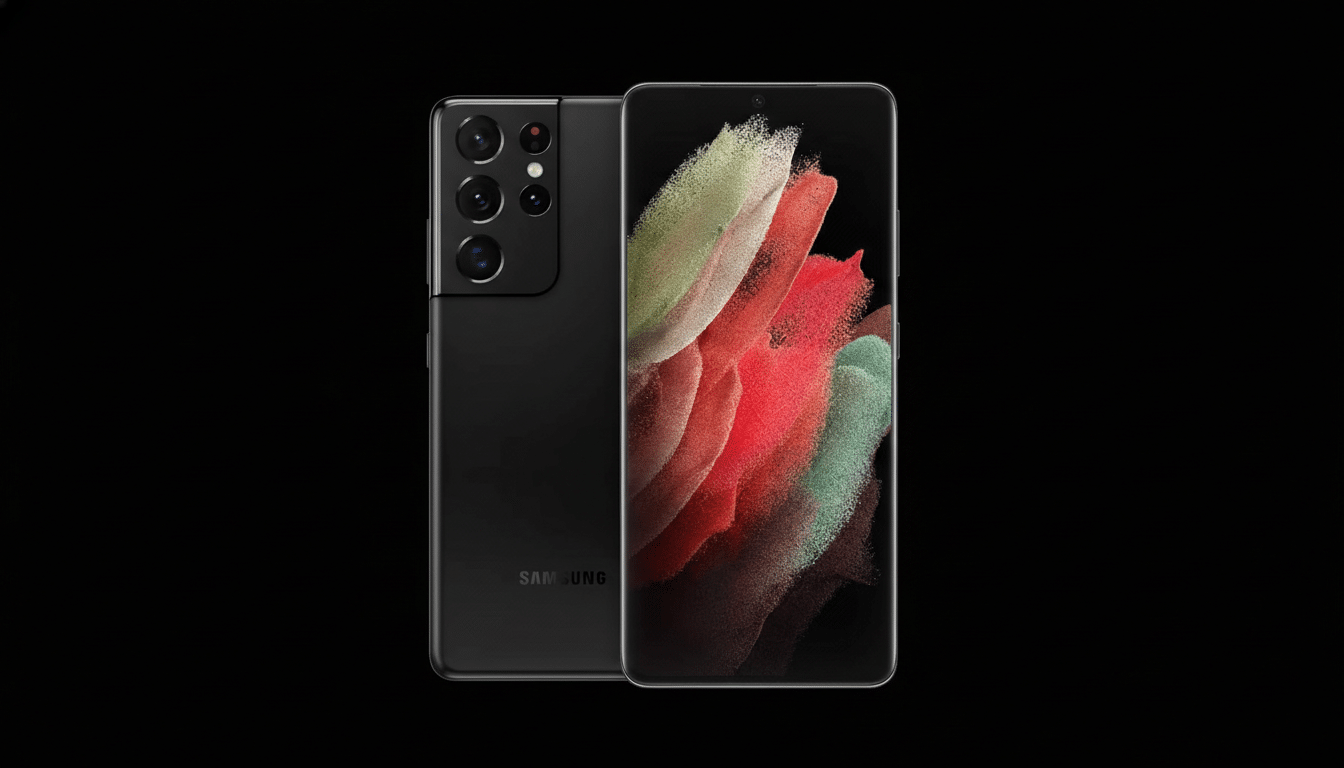
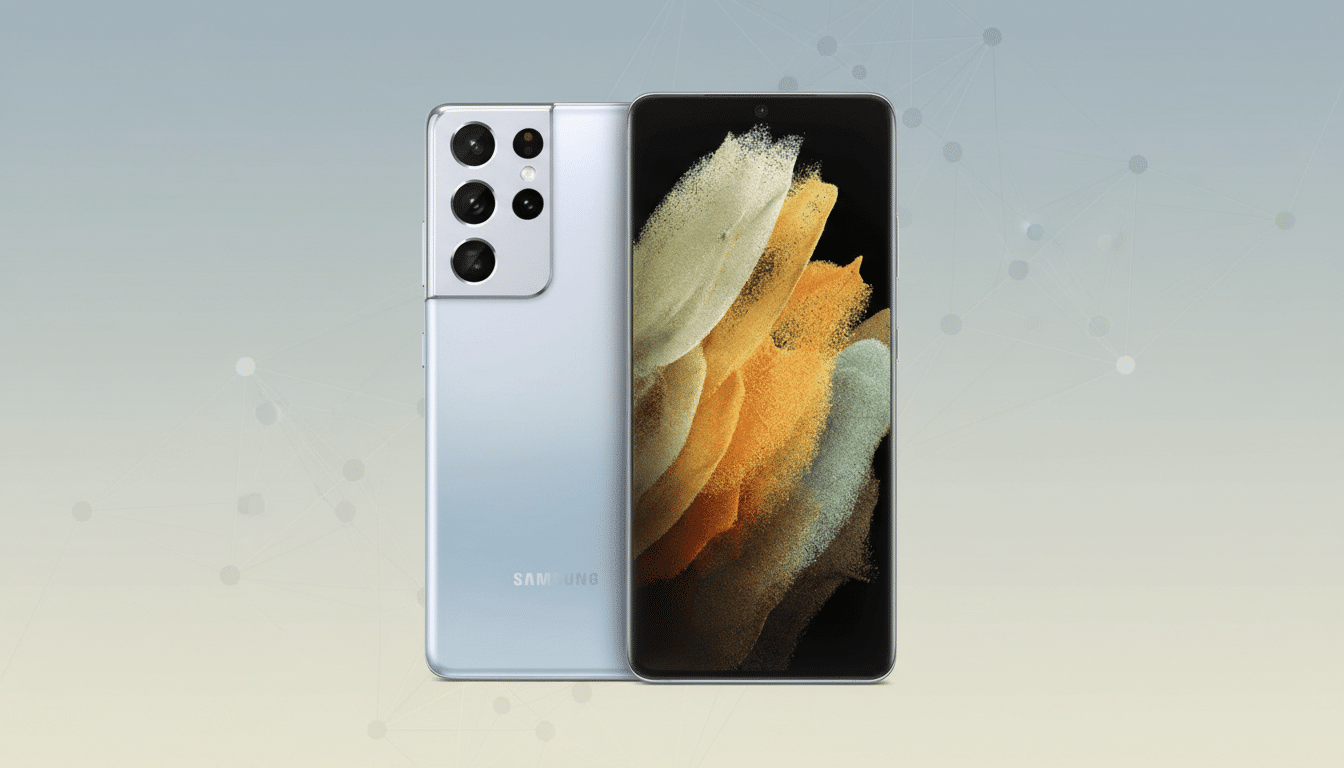
Samsung has quietly ended security support for its 2021 flagship trio—Galaxy S21, S21+, and S21 Ultra—signaling the official end of life for routine patches on those devices. The change surfaced after the models disappeared from Samsung’s Security Updates page, a shift first spotted by independent Android watchers and consistent with the company’s stated support window.
Samsung Pulls Galaxy S21 From Update Roster
Owners of the S21 series will no longer receive monthly or quarterly security bulletins that address newly discovered vulnerabilities. Samsung’s policy for these phones always anticipated a limited support horizon, and the removal from the update matrix confirms that the window has now closed.
- Samsung Pulls Galaxy S21 From Update Roster
- One Exception: The Galaxy S21 FE Continues
- What This Means For Current Galaxy S21 Owners
- Why Support Ended And How Samsung’s Policy Evolved
- How Rivals Handle Long-Term Software Updates
- Upgrade Paths And Practical Advice For S21 Users
- What To Watch Next In Samsung’s Galaxy Lineup
Security updates matter because Android’s monthly bulletins routinely fix critical issues spanning the kernel, modem, GPU drivers, and vendor frameworks. Google’s Android Security Bulletin and the National Vulnerability Database regularly document flaws that can allow privilege escalation, data exposure, or remote code execution. Once a device is off the patch track, the risk profile rises over time, especially for users who install apps from multiple sources or connect to untrusted networks.
One Exception: The Galaxy S21 FE Continues
The Galaxy S21 FE remains on Samsung’s security schedule for now. That model launched later than the core S21 lineup as a lower-cost alternative, so its support window trails the main trio. Expect the FE to age out on a timeline that mirrors Samsung’s published lifecycle guidance for Fan Edition devices.
What This Means For Current Galaxy S21 Owners
If you still carry an S21, you can keep using it, but you should assume new vulnerabilities will go unpatched. Practical impacts can include stricter warnings from banking and enterprise apps, mobile device management policies that block enrollment, and occasional compatibility snags as Play system components evolve while the base firmware stays static.
There are mitigation steps:
- Sticking to Google Play and reputable publishers.
- Enabling Google Play Protect.
- Keeping sensitive work on web apps with strong 2FA.
- Using a modern browser that receives its own security updates.
But these are stopgaps. For people who store regulated data or rely on corporate access, upgrading is the safer route.
Why Support Ended And How Samsung’s Policy Evolved
When the S21 series debuted, Samsung framed a multi-year software commitment that capped security patches after a defined period. That stance later evolved: flagship lines beginning with newer generations received longer lifecycles as Samsung aligned more closely with Google’s extended update strategy.
The contrast is stark on the latest Galaxy models. Samsung now pledges up to seven years of Android upgrades and security patches on its most recent flagships. That change dramatically reduces the cadence of forced upgrades for buyers today, but it does not retroactively extend devices like the S21, which stay bound to their original terms.
How Rivals Handle Long-Term Software Updates
Google moved its newest Pixel line to a seven-year update promise, matching Samsung’s top-end commitment. Apple does not publish a formal policy, but iPhones often receive major iOS releases and security patches for many cycles, setting an industry benchmark. Against that backdrop, S21’s cutoff underscores how quickly support expectations have shifted in just a few product generations.
Upgrade Paths And Practical Advice For S21 Users
For users ready to move on, Samsung’s current Galaxy S24 and S25 families offer the longest runway, with extended OS and security support baked in. Trade-in programs from carriers and Samsung typically favor Ultra and Plus variants, which can soften the cost of upgrading from an S21. Enterprise buyers should verify Android Enterprise Recommended status and required patch-level policies before migrating fleets.
Those intent on holding the S21 longer should harden their setup:
- Enable a strong screen lock.
- Remove unused apps with broad permissions.
- Keep critical apps updated via Play.
- Avoid sideloading.
- Consider isolating financial tasks on a secondary, supported device.
Regular local backups remain essential in case an unpatched exploit leads to instability or data loss.
What To Watch Next In Samsung’s Galaxy Lineup
Devices launched after the S21 but before Samsung’s seven-year pledge will time out on a rolling basis according to their original commitments. Analysts at Counterpoint Research and IDC have noted that extended support is increasingly a purchase driver in premium phones, which helps explain why Samsung and Google have lengthened their policies on recent flagships.
For S21 owners, the takeaway is simple: the update clock has stopped. Whether you upgrade now or stretch the device a bit longer, make that decision with full awareness of the security trade-offs and the markedly better longevity now available on Samsung’s latest models.
