


Samsung looks to be testing AI-based notification summaries in One UI 8.5, which is a feature that calls to mind one of Apple’s most controversial notification concepts. The feature recently appeared in some One UI firmware, and if it were to ship it could condense extended message threads and long notifications into a single, tidy snapshot on Galaxy phones.
What The New Notifications Would Accomplish
Launching the notification shade shows a setup card that explains what summaries are and offers quick controls.
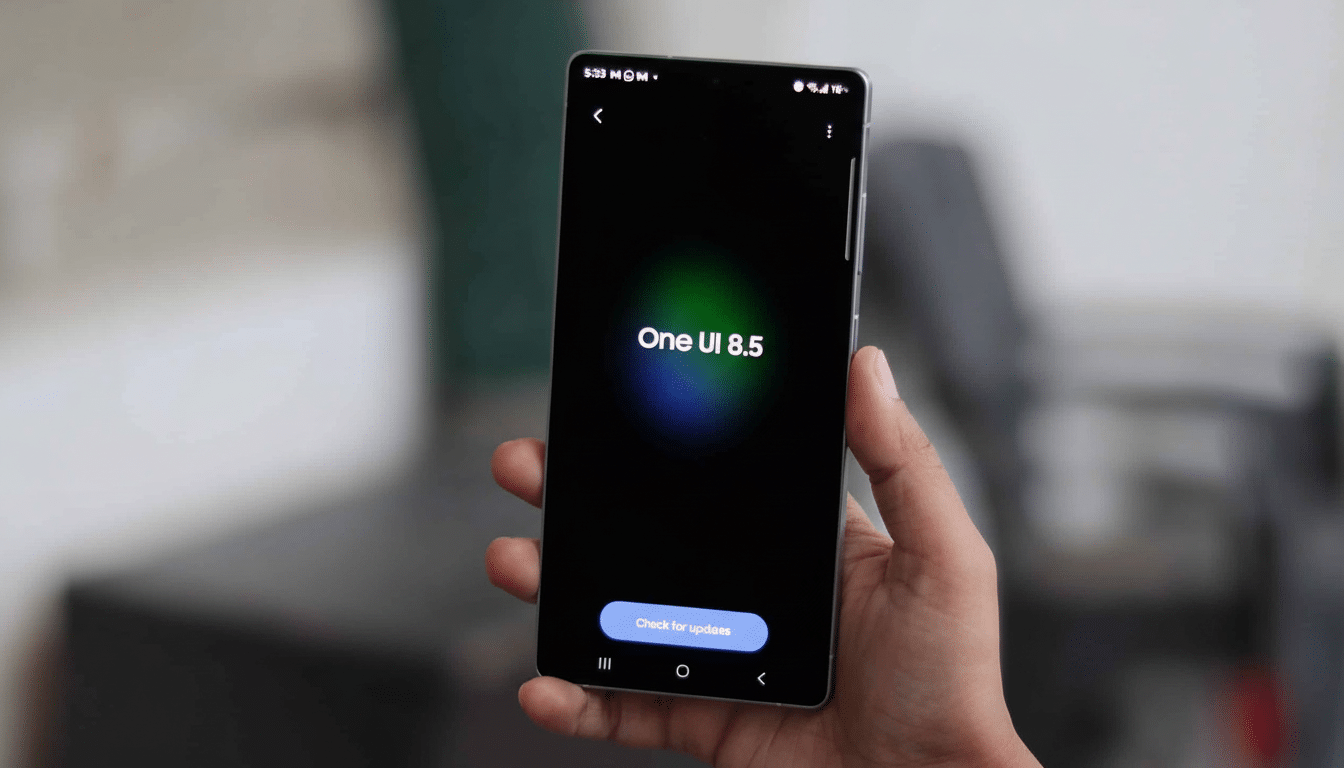
The text indicates that the system will apply to “long messages and group conversations,” exactly where overload tends to strike most. A Manage Apps section is said to allow you to exclude certain apps, a feature that would be table stakes for messaging, banking or work tools where full fidelity counts.
The privacy messaging in the build notes says this: Messages are not sent to Google, and AI runs on your device. The language is consistent with a broader industry trend toward on-device models in data sensitivity. It also implies that there is a compact model designed for on-device abstractive short-text summarization under the hood in Android as system services.
Echoes of Apple and Lessons Learned for Samsung
Apple embraced AI-driven notification management last year, touting cleaner lock screens and “priority” alerts. The rollout was met with mixed reactions, with early betas serving up clumsy or incorrect summaries that could occasionally lack important context in rapidly moving group chats. The moral for Samsung is clear: novelty matters less than accuracy and transparency. Galaxy users have come to expect immediate access to the entire message, easy refusal, and a prominent ticker label saying “summarized” so it doesn’t get read the wrong way.
Summarization is even harder with multilingual chats, especially with emojis or threaded replies. If Samsung’s interpretation is conservative — summarizing only when confidence is high and keeping the original text one tap away — it can avoid a lot of the pitfalls that plagued Apple’s early work here.
Likely Powered by Google Under the Hood, On-Device
The UI strings and graphics found on One UI 8.5 look very similar to Google’s upcoming notification summary feature for Android. Code watchers have spotted similar language in recent Android betas, suggesting it will be part of system-level support that phone makers can activate. If Samsung is using that work, then the summaries are likely generated by Android System Intelligence with their text-crunching done by a model on-device; it might be a variant of…Gemini Nano?
There has been some confusion about processing location. While some describe “AI on your device,” others make reference to Google’s cloud. A practical reading is hybrid operation: on-device by default for speed and privacy, with optional cloud assists for model updates or fallbacks. Importantly, the user-facing promise that messages won’t be sent off-device must also be both explicit and auditable, for a corporate and privacy-focused user base.
Why This Matters in Everyday Use for Galaxy Owners
Notification fatigue is a problem you can measure. Researchers who have studied productivity independent of the app reveal that folks will grab their phones dozens of times a day, dealing with constant inbox pings and alerts that shatter focus. Most of the noise comes from group chats, e-commerce promos and work apps. A good, reliable summary can reduce cognitive burden by surfacing the gist — who pinged you, what changed and whether an action is needed — without demanding a deep dive each time.
The trade-off is risk. An incorrect summarization, on the other hand, can leave out commitments, dates or numbers that mean you’ll overlook something important. That’s why per-app controls, as well as an easy toggle in Quick Settings and a clear line of accountability (say, “AI summary • Tap to view full message”), will be so important. Samsung will iterate here based on user feedback, accuracy telemetry and language coverage across its major markets.
How It Might Work in Practice on Galaxy Phones
Technically, the feature would probably involve a tiny transformer model restricted to a tight token budget (so that latency stays below a second). Context windows could contain the latest thread messages and sender metadata, allowing for sharp summaries as in “5 new — Family: weekend plan finalized; dinner pushed back to 7 pm.” On-device processing does not involve violating end-to-end encryption boundaries for apps like WhatsApp or Telegram, since plaintext will be found on the device only after decryption.
With confidence scoring by Samsung and Google, the system can default to standard notifications when the model is less certain, preventing annoying delays while keeping accuracy high.
The Bigger One UI 8.5 Picture and What Else Is Coming
Notification summaries are not the only thing that’s believed to be new in One UI 8.5. Other features said to be in testing are pro-grade video controls with 3D recording support, plus a native double back-tap gesture for shortcuts and visual safeguards to minimize potential risks of photosensitive epilepsy. As a whole, the update seems to be a mix of creator tools, accessibility and AI quality-of-life improvements.
As always, features seen in pre-release firmware can change ahead of public release. But the trajectory is clear: Samsung wants its Galaxy devices to make use of AI in order to cut down on friction during day-to-day tasks. But if the company can pull off quick, accurate and private notification summaries — all without stumbling like some other entrants in this category—One UI 8.5 has a chance to actually improve how busy individuals deal with their day straight from the lock screen.
Sources in the know about Samsung’s software builds and Android betas — including coverage from SamMobile and continuing analysis of the Android system that runs on these devices by independent researchers — suggest everything is already well into testing. The next question is scope: who gets it, how soon and how well Samsung can tailor the models for the real world’s messy multilingual chats.
