


A 24-inch Samsung monitor dipping below the $100 mark is the kind of headline that turns deal-watchers into instant buyers. During the Amazon Spring Sale, the Samsung Essential S3 24-inch has dropped to about $96, a rare sub-$100 price for a brand-name screen with modern features rather than bare-minimum specs.
For the money, you’re getting a 1080p panel with a gentle curve, a boosted refresh rate up to 100Hz, AMD FreeSync support to smooth out gameplay, and Samsung’s Eye Saver mode for late-night sessions. Color coverage around 95% of the sRGB gamut puts it squarely in the “good enough for everyday work and streaming” lane, with a surprising amount of headroom for casual gaming.
- Why This Monitor Deal Stands Out in the Spring Sale
- Key Specifications That Matter for Everyday Use
- Performance and Practical Use Cases for This Monitor
- How It Compares with Other 24-inch Budget Monitors
- Buying Advice to Get the Most from This Spring Sale
- Bottom Line: Price, Performance, and Timing Aligned
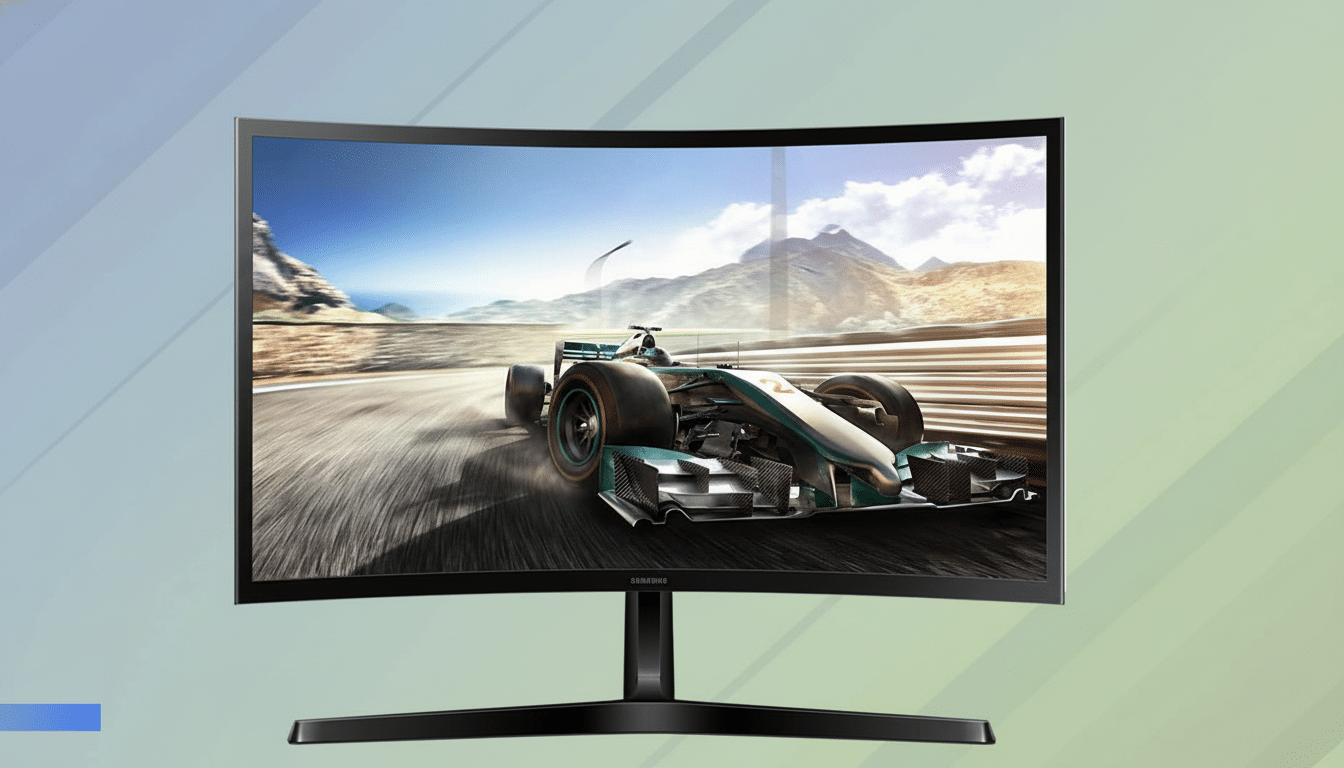
Why This Monitor Deal Stands Out in the Spring Sale
Sub-$100 monitors usually top out at 60–75Hz and skip variable refresh rate tech. Seeing a 100Hz-capable Samsung with FreeSync at this price is uncommon. Comparable 24-inch models from Acer and ViewSonic routinely hover closer to the $110–$140 range when not on aggressive promotion, and that’s often for 75Hz panels without VRR.
There’s also market context. According to IDC’s Worldwide Quarterly PC Monitor Tracker, 1080p 24-inch screens remain the volume leaders for home offices and hybrid work setups, which makes deep discounts on this size especially relevant. If you’ve been waiting to add a second display for spreadsheets, timelines, or dashboards, this is the sweet-spot category hitting a sweet-spot price.
Key Specifications That Matter for Everyday Use
Resolution and density: Full HD at 24 inches yields roughly 92 pixels per inch, which is sharp enough for text-heavy workloads while keeping UI elements comfortably sized. The panel defaults to 60Hz but can be switched up to 100Hz in your operating system or GPU control panel. That bump cuts frame time from 16.7ms at 60Hz to 10ms at 100Hz, a real-world difference you’ll feel in scrolling, cursor movement, and games.
Smoother motion: AMD FreeSync helps eliminate tearing and stutter by matching the monitor’s refresh to your GPU’s output. For casual titles and everyday use, this delivers a noticeably steadier experience than fixed 60Hz. Input lag is kept in check, and a 4ms response time is more than serviceable for non-competitive play.
Comfort and color: With a claimed ~95% sRGB coverage, photos and videos look natural for general use, while Samsung’s Eye Saver mode and a flicker-free backlight are designed to reduce fatigue during long sessions. The subtle curve helps keep edges in your natural field of view and can mitigate some overhead glare.
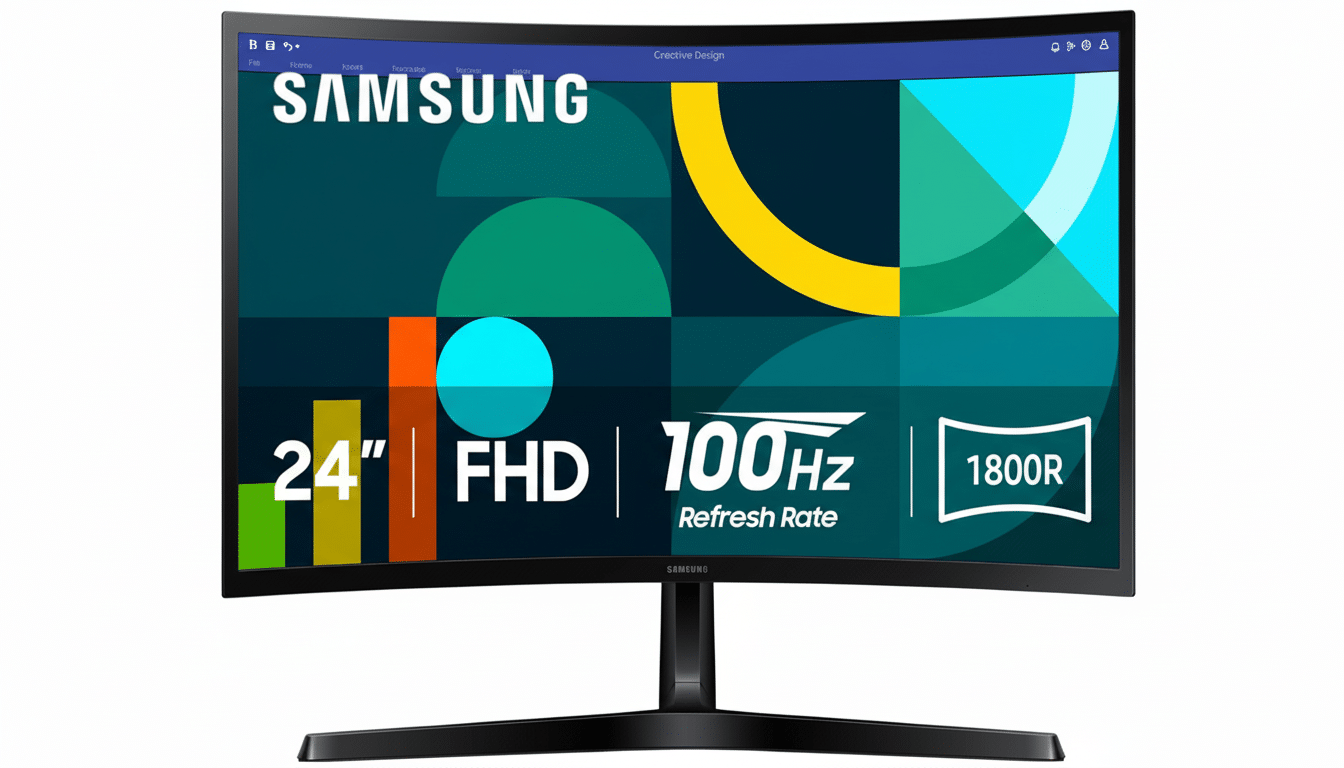
Performance and Practical Use Cases for This Monitor
Work and study: At 24 inches, you can tile two documents side by side without squinting, and video calls won’t crowd your workspace. The curve and 1080p resolution strike a balance that’s easy to live with at arm’s length—handy for remote work or dorm desks where space is tight.
Gaming and streaming: The jump to 100Hz is immediately noticeable in lighter esports titles like Rocket League or Fortnite, and FreeSync eases frame rate dips. While a 4ms panel isn’t meant for pro-level twitch shooters, it’s far more fluid than a basic 60Hz screen. Consoles that output 60Hz will do fine here, but PC users benefit most from the 100Hz ceiling.
How It Compares with Other 24-inch Budget Monitors
Against common alternatives, this deal lands in an attractive middle ground. Acer’s SB242Y and ViewSonic’s VA-series models often deliver solid IPS color but typically cap at 75Hz near this price. On the other end, enthusiast favorites like the AOC 24G2 step up to 144Hz and broader color coverage, but you’ll usually pay well above $150. The Essential S3 threads the needle for buyers who want smoother-than-60Hz motion without stretching the budget.
Connectivity is straightforward with standard HDMI, which is what most laptops, desktops, and streaming boxes use today. If you’re shopping for single-cable USB-C video and charging, that feature generally sits in a higher price tier. Plan accordingly.
Buying Advice to Get the Most from This Spring Sale
After unboxing, dive into your display settings and toggle the refresh rate to 100Hz—it isn’t always enabled by default. Pair it with a decent HDMI cable, and if desk ergonomics matter, consider adding an adjustable arm; many 24-inch budget screens have tilt-only stands. As with any sales event, inventory and pricing can move quickly, so if you see the sub-$100 tag, check out before it rebounds.
Bottom Line: Price, Performance, and Timing Aligned
At roughly $96, the Samsung Essential S3 24-inch hits a rare combination of price and performance: 1080p clarity, a 100Hz boost for smoother motion, and FreeSync to keep visuals clean. For a home office upgrade, a student setup, or a budget-friendly gaming side screen, this is a standout pick while the Amazon Spring Sale lasts.

