


Calling Cards personalization for phone calls is beginning to land on Pixel Watches, bringing the expressive caller visuals from Pixel phones to the wrist. Early adopters report the feature surfacing now, following fresh support documentation and recent hints from Google that a Wear OS release was imminent.
What’s New on Your Wrist with Pixel Watch Calling Cards
Calling Cards let you design a visual identity for your calls, similar to how Apple’s Contact Posters transformed the iPhone’s call UI in iOS 17. On Pixel phones, that means a bold full-screen graphic, name style, and color. On Pixel Watch, users are starting to see that identity show up as a customized caller image on the call screen, giving incoming and outgoing calls a more personal touch without pulling out the phone.
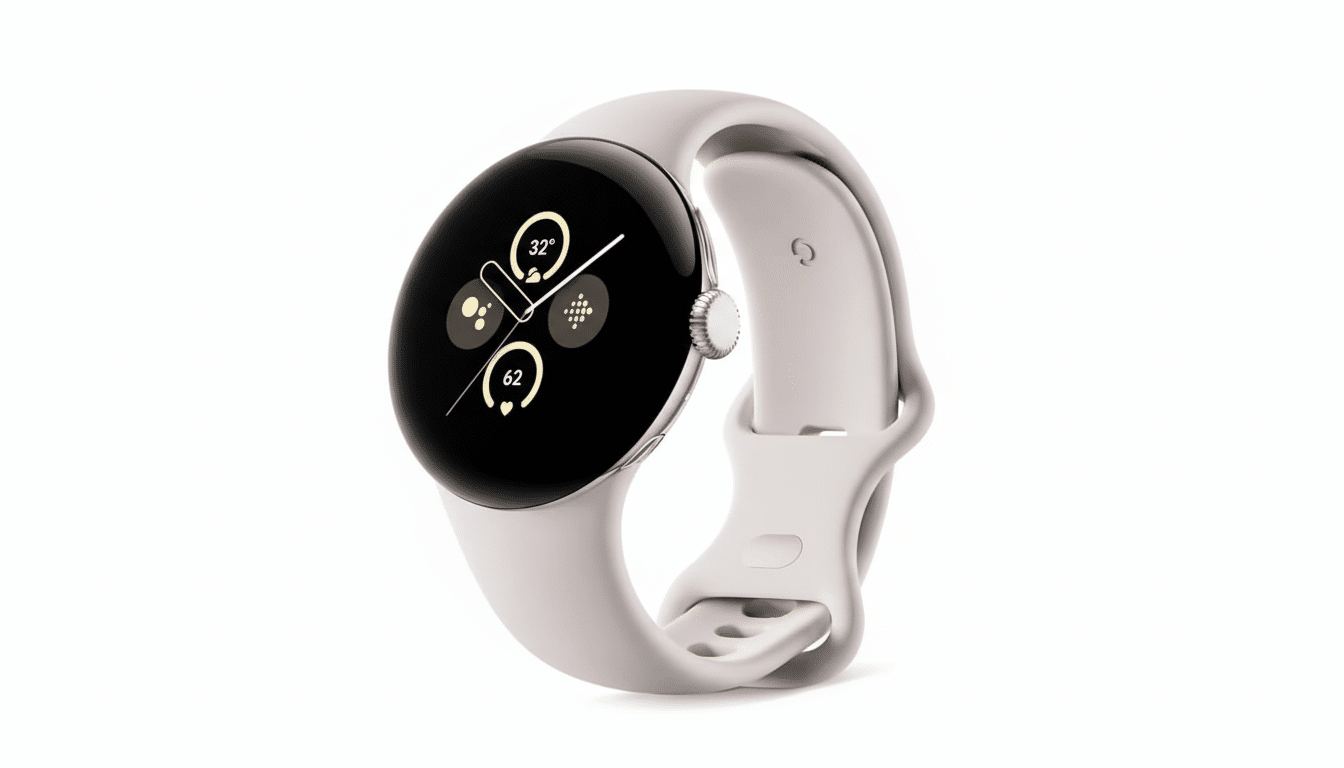
So far, user reports indicate the watch experience focuses on the caller photo and layout rather than the full typography and color customizations available on phones. Even with this leaner presentation, the visual handoff between devices helps make calls more recognizable at a glance, which is exactly where wearables shine.
A Phased Rollout With Server-Side Switches
Multiple community sightings point to a gradual rollout that appears to be enabled server-side, not solely tied to a specific app version. That means two neighbors with the same watch and phone setup may see the feature arrive at different times. Typically, features like this rely on coordinated updates to the Phone app, Google Contacts, and Play services, with a back-end flag flipping availability once compatibility checks pass.
Support pages detailing Calling Cards on Wear OS went live recently, foreshadowing what users are now experiencing. As is common with Google feature launches, expect availability to expand over days or weeks as stability is verified.
Feature gaps between Pixel Watch and Pixel phones
Early testers note that while the caller image renders on Pixel Watch, custom fonts and color accents from the phone-based Calling Card may not appear yet on the wearable. Editing and sharing your own Calling Card also remain phone-first for now. None of this is unexpected—wearable UIs prioritize clarity and battery efficiency—but it does leave room for Google to tighten the cross-device experience.
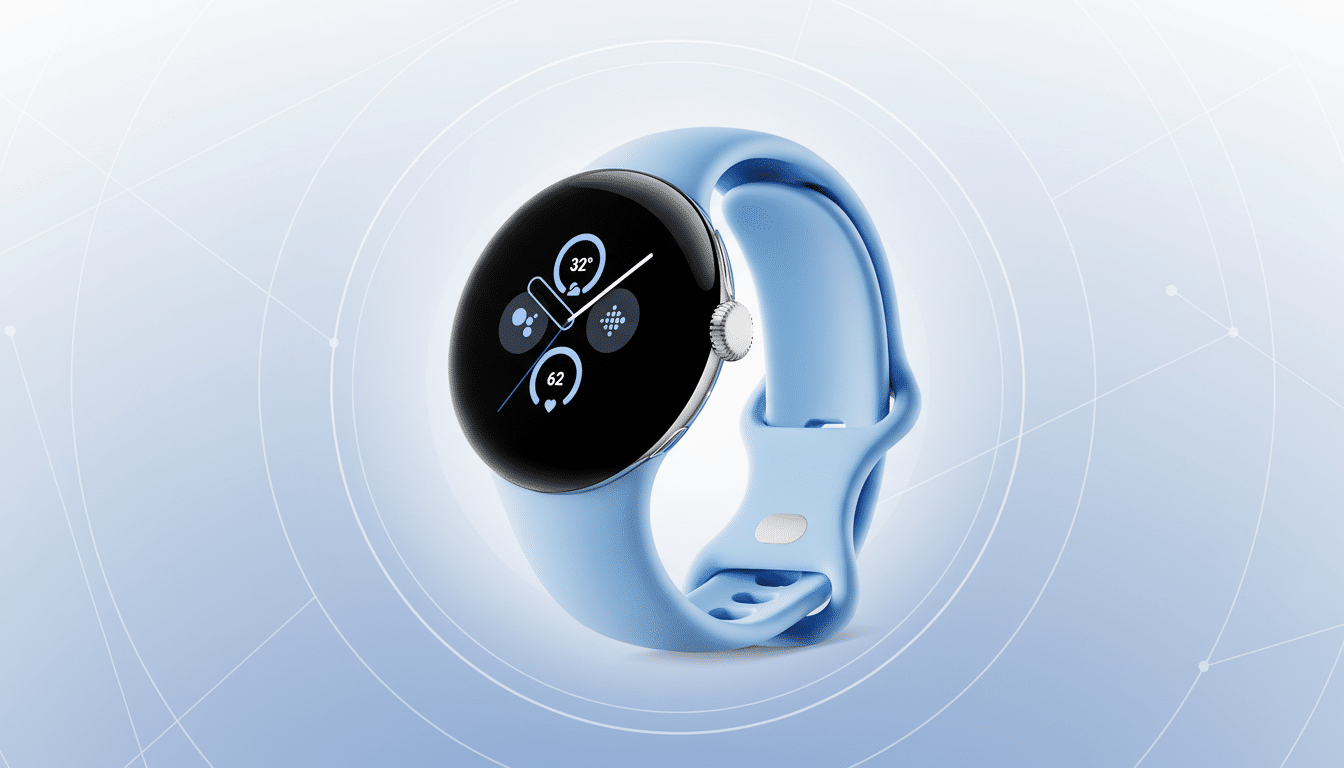
If Google brings font and color fidelity to the watch, it would create a near-seamless identity across phone and wrist. Until then, expect a simplified but useful interpretation of your Card on the watch’s call screen.
Requirements and how to check on your Pixel Watch
Calling Cards on Wear OS currently require a Pixel smartphone paired with a Pixel Watch 2 or newer. There’s no indication yet of broader support for non-Pixel hardware. Bluetooth-only and LTE models should both benefit, as long as the watch is paired to a compatible Pixel phone.
To see if you have it: set up your Calling Card on your Pixel phone through the Phone or Contacts app, making sure those apps and Google Play services are updated. Restart your watch and phone, then place a test call to your Pixel Watch. If enabled on your account, you’ll see your customized caller image on the watch’s call UI.
Why this update matters for Wear OS and Pixel Watch
Call handling ranks among the most-used smartwatch features, and recognizable caller visuals reduce friction in those quick interactions—especially when the watch is the first screen you check. Apple set the tone with Contact Posters, and Google’s Calling Cards bring similar personality to Android’s calling experience while keeping the visual language distinctly Pixel.
For Google, extending Calling Cards to Pixel Watch underscores a broader push toward cohesive, cross-device identity. It’s a small feature with outsized visibility: even a glanceable photo on the wrist helps calls feel consistent across phone, earbuds, and watch. If Google rounds out fonts, colors, and editing parity—and eventually widens support beyond Pixel-exclusive hardware—Calling Cards could become a default expectation for Wear OS users, not just a nice-to-have for early adopters.

