


A Satellite SOS menu was inadvertently lit up by Google on older Pixels. When the option surfaced in Settings and people tapped it, it didn’t work. Google quickly acknowledged it was a mistake and is rolling back the change, saying that off-grid emergency messaging has always been a hardware-tied capability restricted to newer Pixel models.
Reports from Pixel owners on Reddit claim the Satellite SOS option appeared after a Google Play system update was released. These reports mention users with the Pixel 6 through Pixel 8 series seeing it. Tapping on the new safety setting led to a dead end and no prompts.
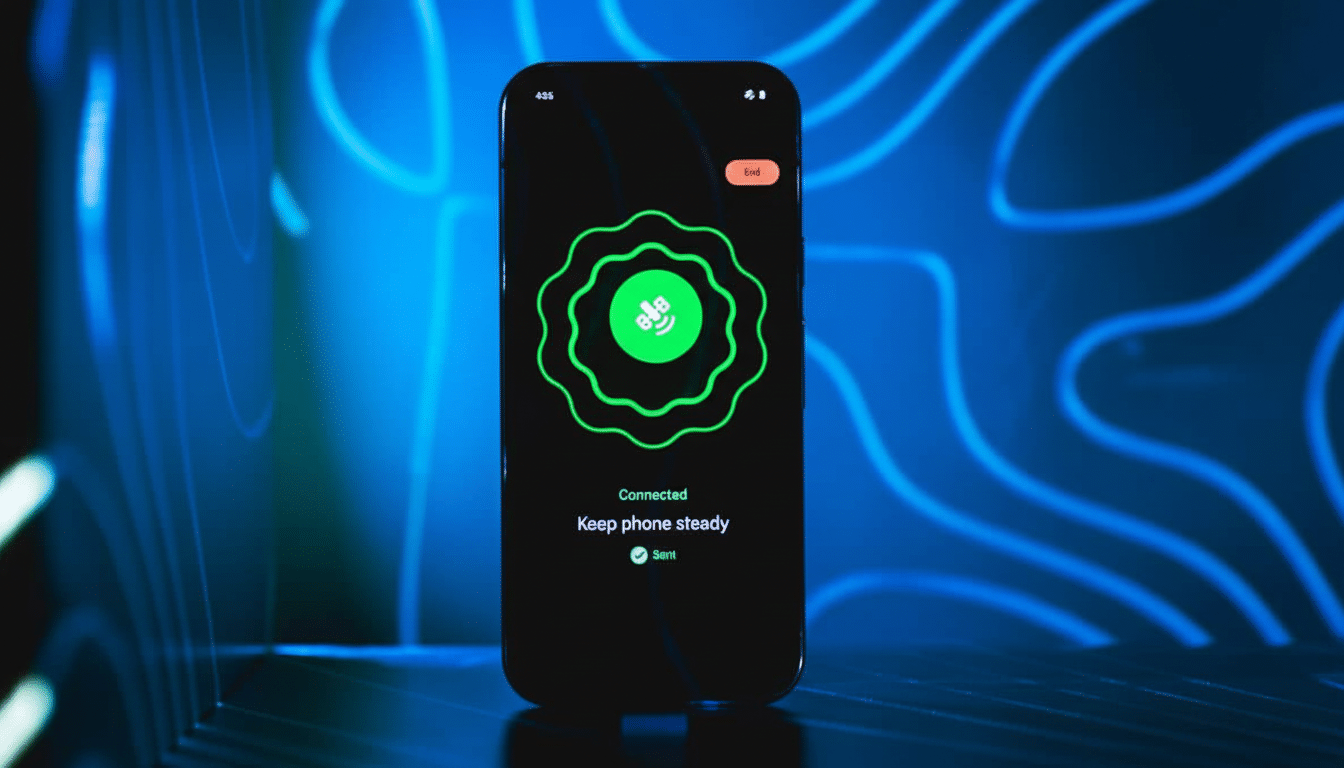
Google confirmed to 9to5Google that the rollout was erroneous. The company is rolling back the UI via a server-side and Play system update, so no consumer action is necessary. The presence of a toggle never enabled satellite messaging on these phones; this UI was an artifact, not a live feature.
Google rolls back erroneous Satellite SOS settings toggle
Satellite communications using Pixel phones are dependent on specific radio hardware and certifications. The Pixel 9 family and later generations have a modem configuration based on the Samsung Exynos 5400 that enables capability for non-terrestrial networks and integrates into Google’s emergency messaging flow.
Older Pixels used the Exynos 5300 — they lack the required radio path, have incompatible antenna tuning, and do not have the firmware Google requires — so even if some silicon components are present, Satellite SOS is not possible on those devices.
Why older Pixels cannot support Satellite SOS hardware needs
Beyond the modem, Satellite SOS requires a sky-pointing user experience, specialized RF front-end components, regulatory approvals, and agreements with satellite operators and emergency relay partners to reliably route messages to local public safety answering points. Software alone cannot fill those gaps, so a lone Settings toggle was never going to deliver off-grid messaging.
Where Satellite SOS actually works on Pixel devices
Google’s Satellite SOS launched with the Pixel 9 lineup and is included in the Pixel 10 series, which includes the Pro Fold. The Google Pixel 9a doesn’t support it, reflecting hardware and cost trade-offs. Google says supported devices include two years of service, although it hasn’t given details on what happens after the free service period from first activation.
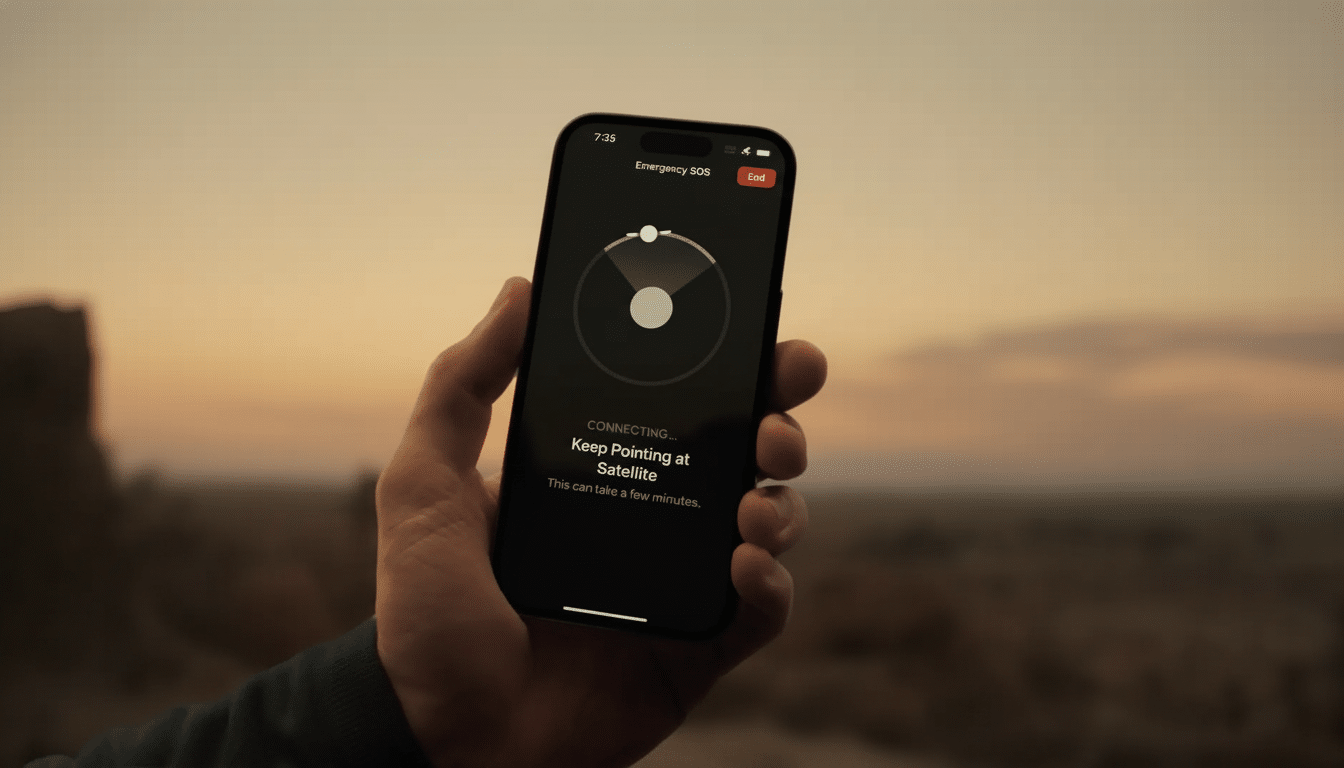
The company has expanded service to over 30 countries, particularly in the United States. The flow guides users to point the phone at the satellite, send simple emergency texts, and then provide dispatchers with precise address information. Google has also introduced companion support on the Pixel Watch 4 for coordinated safety functions.
How this fits the industry shift to non-terrestrial networks
Smartphone manufacturers are rapidly converging on satellite messaging as an outdoor reliability feature. Apple helped set the early consumer standard with satellite Emergency SOS on the iPhone, in cooperation with an emergency relay company that routes texts to local services.
Standards bodies like 3GPP have included NTN support in Release 17, and industry organizations like the GSMA have advocated satellite as a complementary connection, providing a resilience layer on top of mobile networks. Execution, however, remains complex. Prior attempts to generalize satellite texting across Android, including chip-vendor initiatives, have faced business and technical hurdles.
The lesson from this Pixel misfire is straightforward: Satellite SOS is a tightly integrated stack, and a Settings switch without the right radios, firmware, and backend partners is just a placeholder.
What Pixel owners should do now after the UI mistake
If you see the Satellite SOS option on a Pixel 8 or older model, expect it to disappear as Google completes the rollback. There’s no evidence of a privacy or security risk, and you don’t need to factory reset or sideload fixes.
- Wait for the server-side and Play system updates; the toggle should vanish on its own.
- For dependable off-grid communication today, use a supported Pixel 9 series or newer device.
- Consider dedicated devices such as a personal locator beacon or a satellite messenger like Garmin inReach if you frequently go off-grid.
- Remember why this matters: according to the National Emergency Number Association, most emergency calls originate from mobile phones, and NTN provides a crucial fallback when cell coverage fails.
Bottom line: the toggle’s surprise appearance was a software slip, not a stealth upgrade. Satellite SOS remains a hardware-bound feature on modern Pixels, and Google is moving quickly to tidy up the confusion.
