


A lifetime license for PDF Converter and Editor is now available for $30, promising a faster, friendlier way to handle everyday PDF tasks without signing up for another monthly subscription. For anyone who spends time filling forms, compiling reports, or wrangling scans, this is a simple upgrade that could streamline routine work.
What This $30 Lifetime App Delivers and Key Features
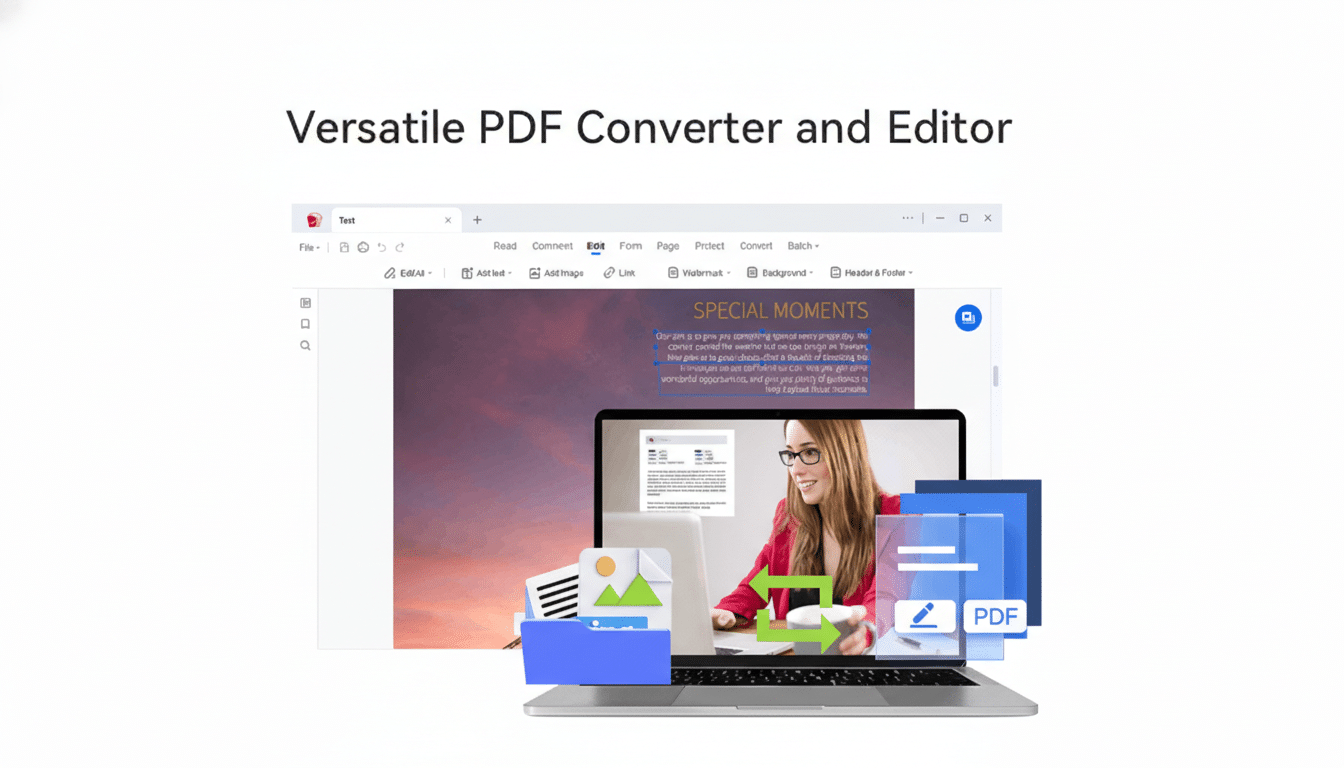
The app focuses on the basics power users actually need. You can merge, split, rotate, and delete pages to tidy up bulky files; annotate with notes and stamps; and add text or a custom watermark for quick branding. Built-in OCR turns scanned pages into editable text, so old PDFs or camera captures aren’t stuck as images. In practice, that means you can correct typos in a scanned agreement, copy passages for a report, or make a form fillable without retyping it from scratch.
Conversion is two-way and fast. The tool exports PDFs to Microsoft Word, Excel, or PowerPoint, as well as text, HTML, PNG, and JPG, while aiming to preserve layout, images, and hyperlinks. Moving the other direction, it batches documents, images, and mixed file types into clean PDFs with consistent formatting—handy for audits, grant submissions, or client deliverables.
Why PDFs Still Dominate Modern Workflows
PDF remains the lingua franca of final documents because it’s fixed-layout and widely compatible. The format is standardized by ISO (ISO 32000), and archival variants like PDF/A are preferred by many government agencies and records offices. From tax forms to HR onboarding packets and academic preprints, PDFs carry the expectation that what you see is exactly what others will see, across devices and operating systems.
OCR capabilities matter because a large share of PDFs originate as scans. Agencies and the courts digitized paper archives en masse over the past decade, leaving many files as image-only documents. NIST evaluations have shown OCR accuracy hinges on scan quality—crisp, 300 DPI documents read well, while skew, glare, or low contrast can degrade results—so having OCR inside your editor can be the difference between minutes and an afternoon lost to manual retyping.
Value Versus Subscription Software Costs
Cost is the headline here. Industry leaders like Adobe charge ongoing fees—Acrobat Standard and Pro typically run monthly, which adds up over a year. A one-time $30 license is appealing if your needs are centered on editing pages, converting files, and annotating. Over 12 months, even a modest subscription can exceed the lifetime cost of this deal several times over.
Put another way, if you process PDFs weekly—expense reports, vendor contracts, student packets—the total cost of ownership tilts quickly toward a perpetual license. Teams that only require core utilities rather than enterprise controls or cloud collaboration may find this option punches above its price.
Real-World Use Cases for Document Time Savings
- For finance staff, converting email receipts to a single, paginated PDF for monthly reconciliation takes minutes with merge and reorder tools.
- In legal or academic settings, exporting citations or clauses from scanned PDFs via OCR enables quick reuse without rekeying.
- Independent creators can watermark drafts before sharing.
- Small businesses can assemble brochures from JPEGs and Word files, then export web-friendly versions for upload.
If you collect signatures, pairing this editor with your preferred e-signature provider can smooth the process: prepare the file (split pages, add fields, fix orientation), then route it for signing. While advanced digital signatures and compliance workflows are the domain of specialized platforms, a capable editor reduces the prep time to get documents signature-ready.
Important Caveats to Check Before You Buy
- Check whether processing happens locally. Many users prefer on-device conversion and OCR for privacy, especially with confidential contracts or health records.
- If your organization mandates PDF/A for archiving, verify the app supports that standard and preserves embedded fonts and metadata correctly.
- Ensure true redaction irreversibly removes content rather than merely obscuring it—test on non-sensitive files first.
Finally, complex interactive forms, very large architectural plans, or niche engineering PDFs can challenge budget editors. If you routinely handle those edge cases, keep a backup option. For mainstream office documents, though, a straightforward editor like this one is often all you need.
Bottom Line: Is This $30 Lifetime PDF Deal Worth It?
A $30 lifetime license to PDF Converter and Editor is a pragmatic purchase for anyone living in a PDF-heavy world. It covers the everyday jobs—editing pages, converting formats, running OCR, and annotating—without locking you into another subscription. For individuals and small teams looking to reclaim time and simplify document routines, it’s a sensible, cost-effective upgrade.
