


I spent months wrestling Hyprland into a daily driver. The idea was irresistible—a lightning-fast, Wayland-native, dynamic tiling compositor that rewards muscle memory and minimalism. The reality on most distros was a maze of portals, polkit agents, inconsistent theming, and fragile configs. Then I installed Omarchy, an Arch-based “omakase” distribution that ships Hyprland the way it was meant to run, and the struggle ended almost overnight.
What Hyprland Demands for a Smooth Wayland Setup
Hyprland isn’t just a window manager; it’s a compositing environment that assumes users live on the keyboard and embrace Wayland’s modern plumbing. It rewards that mindset with dynamic tiling, buttery gestures, and clean performance—but only when all the parts are aligned: xdg-desktop-portal-hyprland for Flatpak and file pickers, PipeWire and WirePlumber for audio, input methods configured correctly, and a polkit agent that actually shows up when needed. Miss one piece and the experience falters.
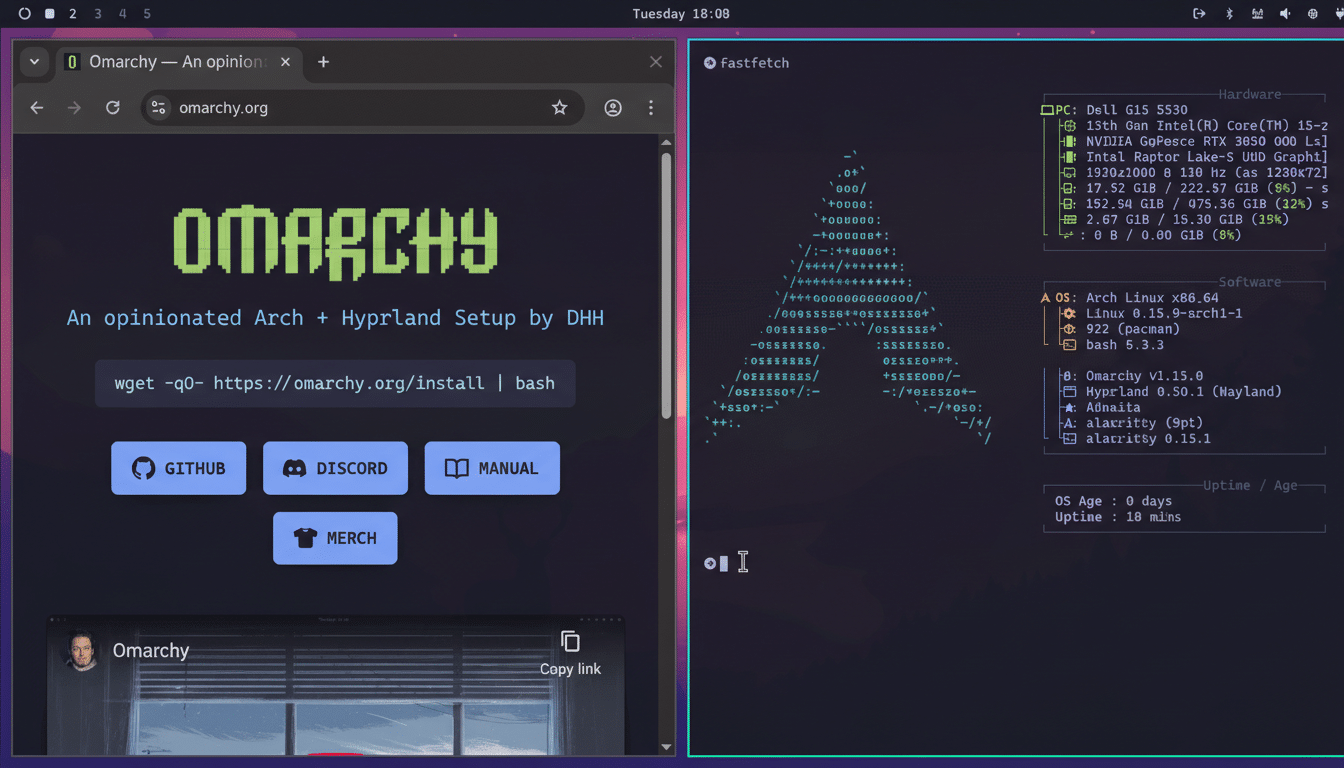
That’s why “works out of the box” matters. Documentation from the Hyprland Wiki and the Arch Wiki is excellent, but a DIY setup can mean hours of reconciling portals, theming GTK and Qt with consistent variables, and ensuring autostart services don’t conflict. Many users hit the same walls: screen sharing quirks, inconsistent clipboard behavior, and idle/lock workflows that need careful scripting.
Why an Arch-Based Omakase Approach Works Well
Omarchy embraces Arch’s rolling base and curates the Hyprland stack like a chef’s selection—minimal surprises, sensible choices. It doesn’t hide the Linux underpinnings. Instead, it sets the table: a tuned Wayland session, a reliable status bar, a working notification daemon, lock and idle services, and a portal stack wired correctly so Flatpak, screenshots, and screen sharing behave. The result is closer to a turnkey workstation than a tinkering project.
Crucially, it leans into the keyboard. Super+Space launches a fast app runner; Super+Alt+Space opens the system menu. Tiling and moving windows happens with predictable combos, horizontal stacks included. You can get productive with a handful of shortcuts, then expand into advanced workflows at your pace.
Omarchy’s Hyprland Defaults That Matter on Day One
The magic isn’t flashy; it’s the invisible glue. Omarchy ships with the right Wayland portal, a working polkit agent, and a bar and widgets that expose what you need—battery, workspaces, audio, network—without a scavenger hunt. Power management, notifications, and screenshots function consistently. Hyprpaper or an equivalent handles wallpapers without drama. And when it’s time to customize, everything funnels through ~/.config/hypr/hyprland.conf, where changes are immediate and readable. Want to silence the autogenerated warning overlay? Flip autogenerated = 1 to 0 and move on.
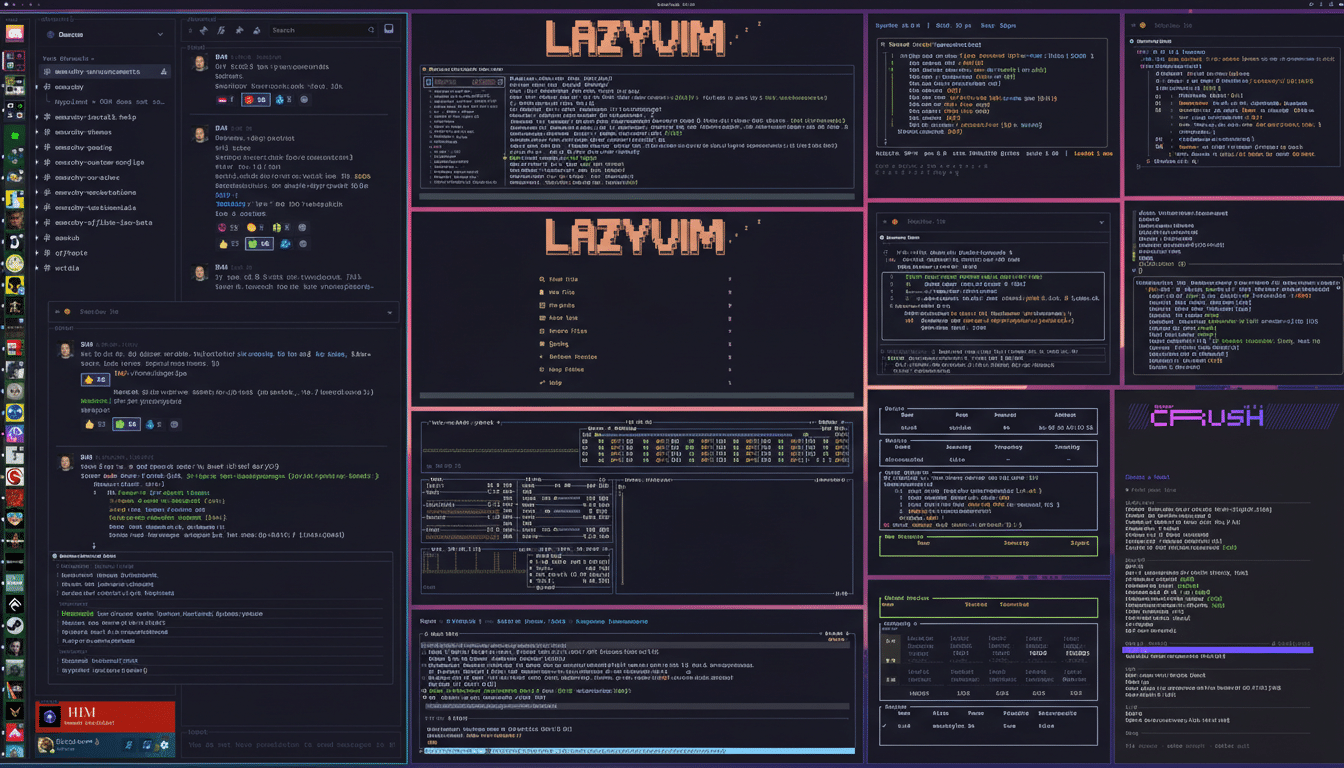
Applications are pragmatic rather than flashy: a Chromium-based browser, an office suite, password management, and secure messaging are present so you can work on day one. Advanced users can pull in containers, IDEs, or gaming stacks via Pacman or AUR without fighting the compositor.
Performance and Stability Observations From Testing
On a Ryzen 7 laptop with integrated AMD graphics, a clean Omarchy boot idled around 700MB of RAM in my testing, compared to roughly 1.5GB under a stock GNOME session with similar services. Animations were stutter-free, fractional scaling behaved, and screen sharing through the Hyprland portal worked as expected. Keyboard-driven tiling kept hands off the trackpad, which genuinely boosted throughput once the shortcuts clicked.
Hardware caveats still apply. Wayland is exceptional on AMD and Intel graphics. NVIDIA has improved markedly with modern drivers and GBM, but guidance from the Arch Wiki and desktop projects still leans toward AMD/Intel for the smoothest Wayland path. If you run NVIDIA, verify that modesetting is enabled and the correct portal stack is installed.
Who Should Install It And Who Should Skip It
If you’re the type who thrives on keyboard workflows, cares about latency, and enjoys a tailored environment, Omarchy scratches the itch. Developers, power users, and people who live in terminals, editors, and browsers will feel at home. If you expect a point-and-click control center with exhaustive GUI toggles, this won’t hold your hand—and that’s by design.
The payoff is real. After months of tinkering Hyprland across multiple distros, Omarchy got me to a reliable, productive setup in an afternoon. No scavenger hunt for portals, no missing lock screen, no broken screenshots, and no theming whiplash between GTK and Qt apps.
How to Replicate an Omarchy-Like Hyprland Setup Elsewhere
If you can’t switch distros, you can approximate Omarchy’s polish with a checklist: install Hyprland, PipeWire with WirePlumber, a polkit agent, a notification daemon, a status bar (Waybar is common), idle and lock services, a wallpaper utility, and xdg-desktop-portal-hyprland. Set GTK and Qt integration via environment variables and themes, enable Flatpak portals, and keep your hyprland.conf tidy and versioned. The Arch Wiki, Hyprland Wiki, and community configs are invaluable references.
Hyprland rewards intention. Omarchy simply removes the tripwires—letting the compositor’s speed and elegance shine without the weeks of trial and error.
