


Amazon’s Kindle Scribe just dropped to $249.99 for the 16GB model, a $150 reduction that marks its lowest price to date and roughly a 38% discount off list. For a device that straddles e-reader and digital notebook, this is a compelling entry point for anyone who wants pen-on-paper feel without the paper.
Why This Kindle Scribe Deal Stands Out Right Now
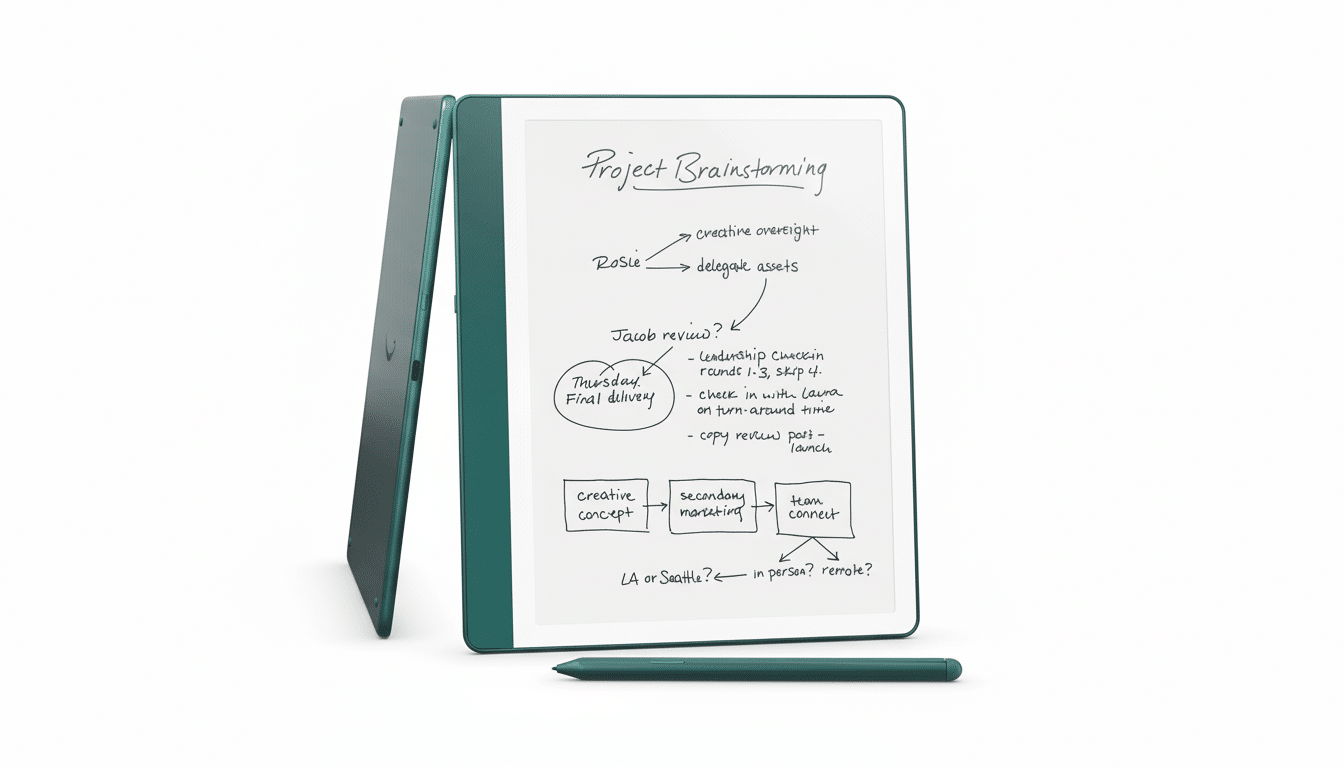
The Scribe remains the only Kindle with a 10.2-inch, 300 ppi Paperwhite display designed as much for writing as for reading. The Premium Pen is included in the box, complete with an eraser end and shortcut button, so there’s no surprise accessory tax to get full functionality. Many competitors sell the stylus separately, which makes this drop even more meaningful in real-world cost.
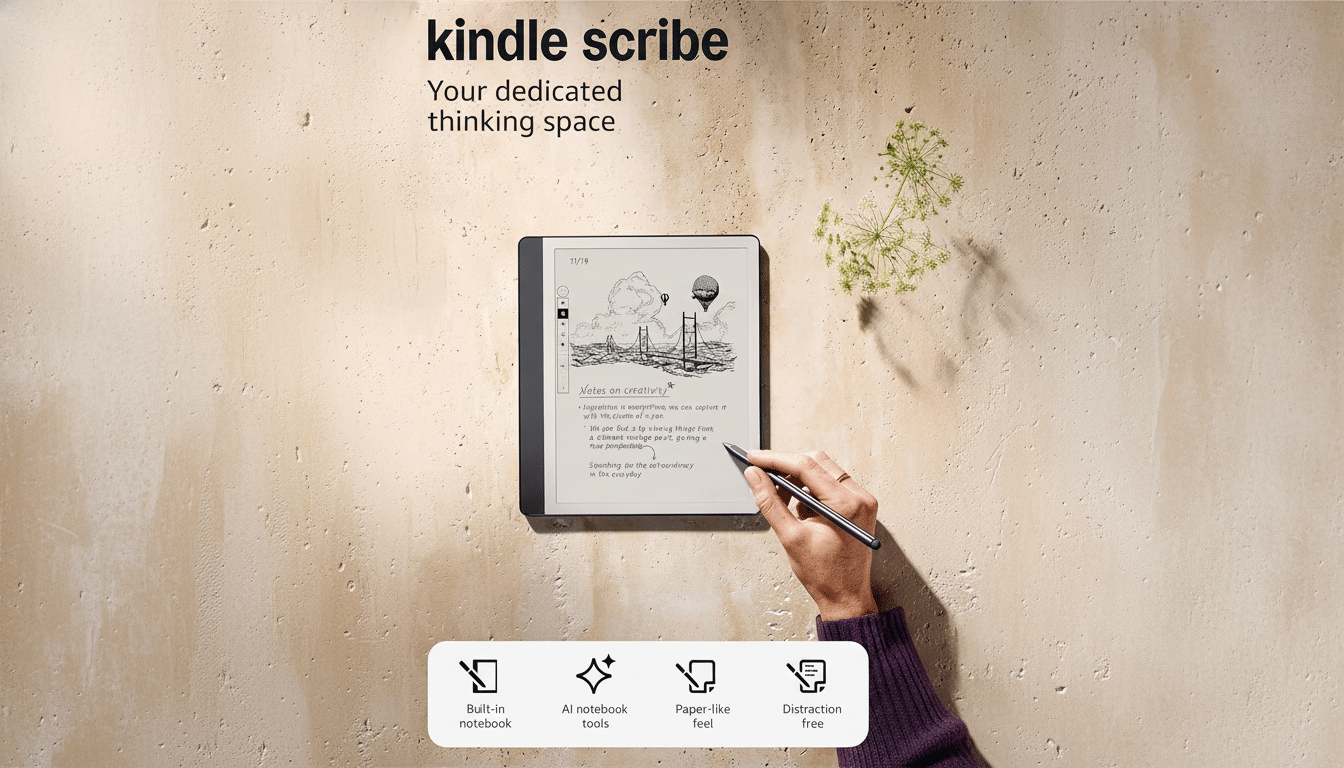
Writing on the textured screen is unusually convincing for an e-ink device, thanks to low-latency inking and palm rejection that lets you lean in without stray marks. You can create notebooks with templates, organize by folders, and convert handwritten notes to text to share by email. For readers, sticky notes can be attached to millions of Kindle books and PDFs, keeping annotations in sync across devices via your library.
As an e-reader, it still checks the must-haves: a sharp, glare-free panel, adjustable warm light for evenings, and battery life measured in weeks. The Scribe charges over USB-C and connects via Wi-Fi, so it fits neatly into the broader Kindle ecosystem, including Send to Kindle for effortless PDF and document delivery.
Who Should Grab It and Who Should Skip This Deal
If you annotate PDFs, mark up lengthy research papers, or prefer pen to keyboard for brainstorming, the Scribe’s larger canvas and bundled pen are the draw. Its 16GB configuration is ample for thousands of books plus generous notebook space, since e-books and notes are lightweight files compared to photos or videos.
If you only want to read, there are cheaper options that make more sense. The latest base Kindle has dipped to $94.99 in current sales, and the Kindle Paperwhite has been spotted for $134.99. The Paperwhite also offers IPX8 water resistance, which the Scribe lacks, and its smaller size is easier to hold one-handed for long stretches.
How It Stacks Up to Rivals in the e-Note Market
Digital notepads have quietly become a growth pocket for e-paper, with E Ink Holdings highlighting rising demand for eNote devices in recent earnings calls. Against that backdrop, the Scribe competes with the reMarkable 2, Kobo Elipsa 2E, and Onyx Boox Note series. The reMarkable 2 offers a superb writing feel but sells its pen separately, which often pushes the real price higher than today’s Scribe deal. Kobo’s Elipsa 2E includes a stylus and is strong for EPUBs, but typically retails closer to high-end tablet territory. Onyx Boox devices run Android and support third-party apps, yet they trade simplicity for complexity and usually cost more.
Amazon’s advantage here is integration. If your library already lives in Kindle, the Scribe’s sync, instant bookstore access, and Send to Kindle pipeline remove friction. It may not be the most feature-packed for power users chasing app ecosystems, but it nails the core experience of reading and writing without distraction.
Key Considerations to Weigh Before You Buy the Scribe
The Scribe is purpose-built for monochrome reading and long-form writing. It’s not a color e-reader and it won’t replace a tablet for web or video. There’s no cellular option, and while the light is adjustable, it’s front-lit rather than a typical backlit LCD or OLED. For many, those constraints are features, not bugs, enabling days of focus without eye strain.
For students and professionals, PDF handling is a highlight. You can write directly on PDFs, add margin notes, and export marked-up documents. If you frequently rotate between laptop, tablet, and e-reader, the ability to email converted notes or sync annotations across devices is a practical time-saver.
At $249.99, the Scribe undercuts much of the e-note field while bundling the Premium Pen and Amazon’s content ecosystem. For readers who also think on paper, this record-low price could be the nudge to make the jump from passive reading to active, annotated workflows.

