


Two color e-paper titans face off for the same desk space, and the ways they get there are quite different.
Both Amazon’s Kindle Scribe Color and the ReMarkable Paper Pro promise paper-like writing, refuge from distraction and hours of battery life, but which is right for you depends on ecosystem, color science and how you actually work. Below I compared them side by side to determine the champion.
- Display and writing experience on both e-paper tablets
- Ecosystem and integrations that shape daily workflows
- Hardware design and portability for work and travel
- Battery life and performance under real-world use
- Price and value for premium color e-paper tablets
- The better premium paper tablet for your workflow
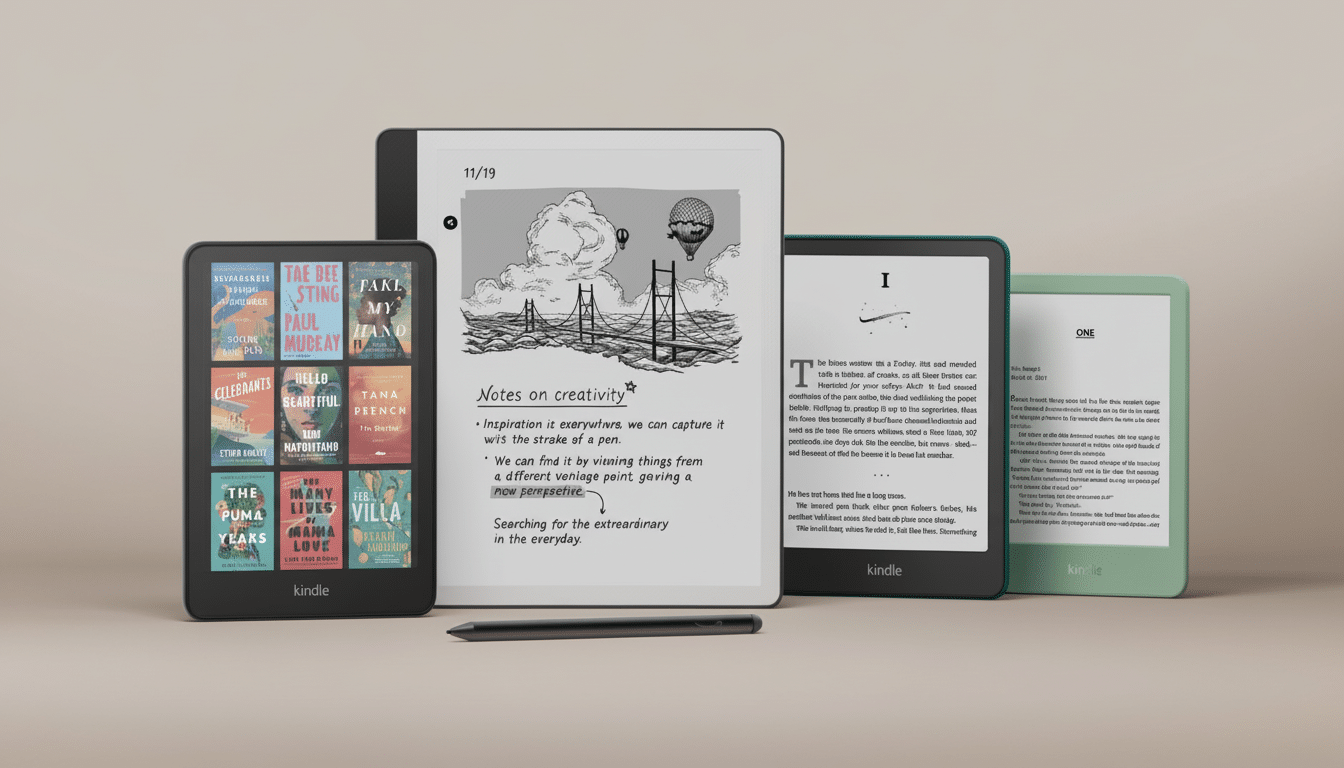
Both are positioned at the high end of digital paper tablets: The Scribe Color starts at $630, the Paper Pro at $675. When you’re paying that much, the details count — particularly how well a display behaves, how natural the pen feels and how easily your notes will travel through this or that app you use.
Display and writing experience on both e-paper tablets
On pen-to-paper feel, it’s a wash. With a textured glass layer and responsive stylus for a pencil-on-paper feeling, each tablet imitates graphite. You feel the onset of a stroke, the palm rejection is tight, and friction is fine-tuned enough that letters don’t skate across the screen. They both also have illumination from the front for low-light writing and color-capable display panels good for highlighting, sketching and markup.
The ReMarkable Paper Pro gets an 11.8-inch panel that uses real ink particles and a dithered color system that blends RGB and CMY pixels with blacks and whites. The result is a soft, natural palette that is great for sketching, wireframes and annotated documents. It’s not snappy like an LCD — and that’s how it was designed. Colors feel painted on recycled stock, which some creatives love when thinking about ideation.
Kindle Scribe Color takes a different approach: It relies on the mixing of shades and colors to achieve an expanded pocket of color from a limited palette and places clarity above multi-layer reading (and note markup). You won’t achieve that slightly textured “artist sketchbook” feeling the Paper Pro gives, but you do get crisp highlighting and legible diagrams with hardly any ghosting — useful if you’re sitting down for a long report or textbook.
Ecosystem and integrations that shape daily workflows
This is where the difference opens up. Scribe Color pairs directly with Amazon’s gigantic e-book ecosystem, so it’s the obvious pick if you’re building your workflow out of reading, annotating and referencing books you’ve purchased or sent to your Kindle library yourself. It synchronizes with Microsoft OneDrive and Google Drive, and Amazon is expanding AI-driven cloud search to make handwritten notes searchable by keyword. Alexa integrations are in the lineup, potentially smoothing voice-based reminders and quick captures further.
ReMarkable Paper Pro answers with a straightforward sync policy, and a killer collaboration angle for contemporary teams: support for Slack.
Just a few taps and you can share your sketches or notes to channels or DMs instead of having to do the “export, compress, upload” dance. Pair it with the optional ReMarkable Connect subscription and you get unlimited cloud storage as well as a rich library of templates — calendars, kanban, flowcharts, storyboards — that make structured thinking faster. That template depth is a real edge for design sprints and cross-functional critiques.
One practical note: cloud-based AI search like on the Scribe Color is impressive but needs connectivity to index. If you’re spending a ton of time offline, local tagging on the Paper Pro (maybe with disciplined notebook structure) will be more dependable.
Hardware design and portability for work and travel
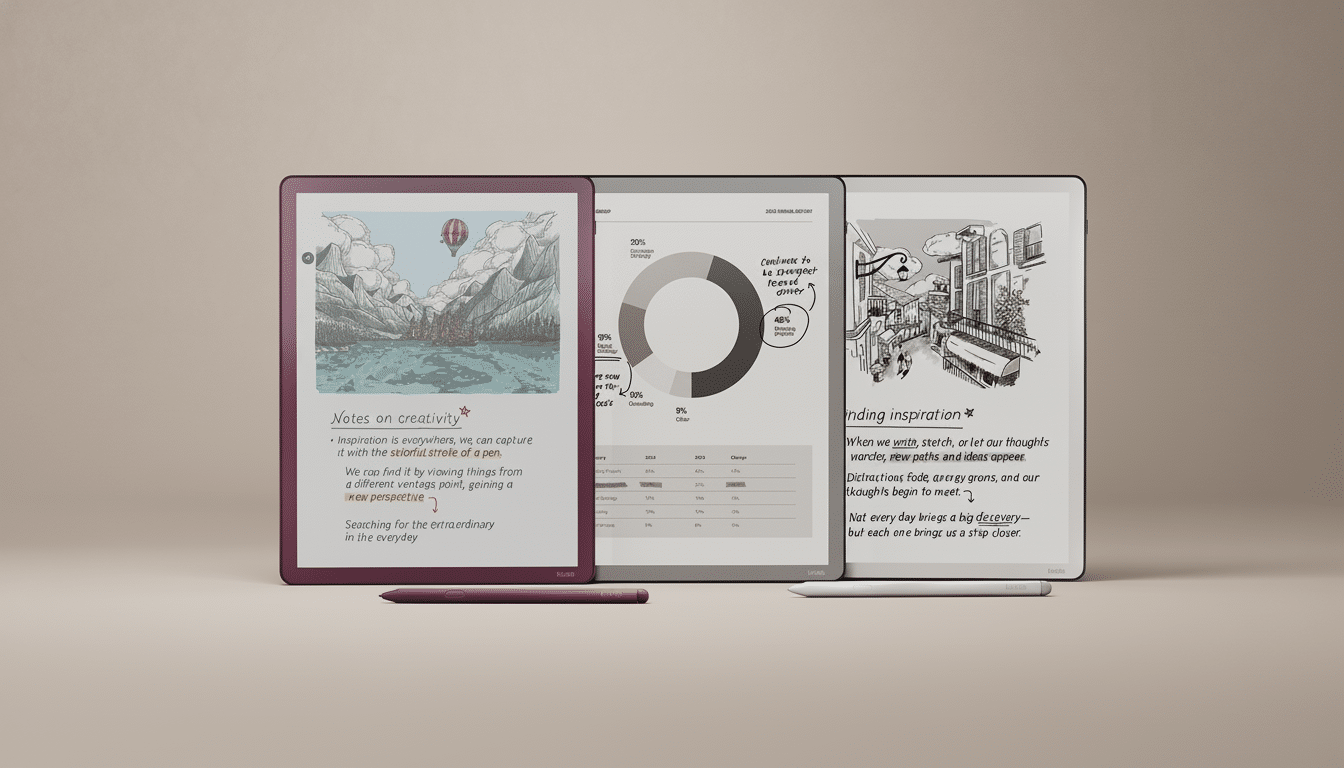
Amazon’s new Scribe design chops away at the asymmetrical bezel of the original, settling on more even (slightly trimmer) uniform pieces and a strong magnet connection between tablet and stylus to minimize pen drop-offs. At 5.4mm thick and just over a half-pound, or about 14.1 ounces, it’s pleasingly light for commuting and marathon reading sessions.
Beefier still is the ReMarkable Paper Pro, which is a tad slimmer at 5.1mm but heavier at 1.16 pounds (18.56 ounces). (Impressively, it looks and feels premium — particularly when paired with the company’s woven fabric or leather folios.) If you’d prefer a smaller option, ReMarkable makes the Go, which shrinks things down to 7.7 inches — you know, for reporters or consultants or anyone who just wants something they can easily tuck in their pocket for taking quick field notes.
Battery life and performance under real-world use
Both devices take advantage of one of the central benefits of e-paper: they draw very little power except when refreshing. E Ink Corporation constantly reminds that due to this design, it can offer multi-day up to multi-week longevity based on the light brightness and workload. In reality, however, it’s color and front lighting that are the swing factors; with brightness kept reasonable, either tablet could just as easily take me through a long working week of meetings and reading without forcing a midweek panic for the charger.
Everyday navigation, page turns and pen latency are all consistently smooth across both tablets in each of their intended use cases. PDF markups and exported multi-page files are definitely their wheelhouse. And the Paper Pro’s dithering makes charming color gradients for your sketches, while the Scribe keeps your charts and textbooks’ rendering tight.
Price and value for premium color e-paper tablets
While the Scribe Color at $630 and the Paper Pro at $675 are pricier than traditional E Ink devices, the calculus is what else you get along with the hardware. The Scribe’s value is based around the Kindle ecosystem, Drive integration and upcoming AI search as well as Alexa hooks. ReMarkable actually has value in its Slack workflow, templates that work by design (or can be thoughtfully designed), and you can always expand storage and add features from Connect.
The better premium paper tablet for your workflow
Most people will like the Kindle Scribe Color best. Its starting price is lower; tight integration with a massive e-book catalog, Drive sync and cloud-powered search make it the best everyday companion for reading-first users who also annotate heavily. It’s the frictionless choice for students, researchers and professionals whose work lives inside documents.
If you spend more time ideating than reading, especially with the kind of teams that live in Slack and rely on structured templates for planning, the ReMarkable Paper Pro is still the stronger pick.
Its natural, low-key color and the feel of writing on it are most reminiscent of pads used by designers, while with the Paper Pro Go you get something that is both truly portable and unique.
If your bookish cabal works from books and needed briefs, Scribe Color it is. If your best thoughts are scribbles shared to Slack, make it a Paper Pro. Either way, color e-paper is finally good enough to take over for a pile of notebooks without compromising the soul of pen and paper.
