


iOS 26 is repeating a familiar paradox: an early dip in battery life for many users, followed by some of the most efficient power management tools Apple has sent their way in years. If your iPhone has been feeling warmer or is draining more quickly following the upgrade, it’s not in your head—and the very software applying pressure also contains features engineered to stabilize and, in some cases, extend that portion of your daily runtime.
Post‑update drain is fine, and temporary
Following a big upgrade of iOS, iPhones quietly cordon off some housekeeping. Support materials from Apple for years have said the system re-indexes Spotlight, reanalyzes photos and videos for on‑device intelligence, redownloads assets and re-optimizes apps. Those jobs are compute- and I/O-heavy, which is why battery life takes the short-term hit and some users feel extra heat in the first day or two.
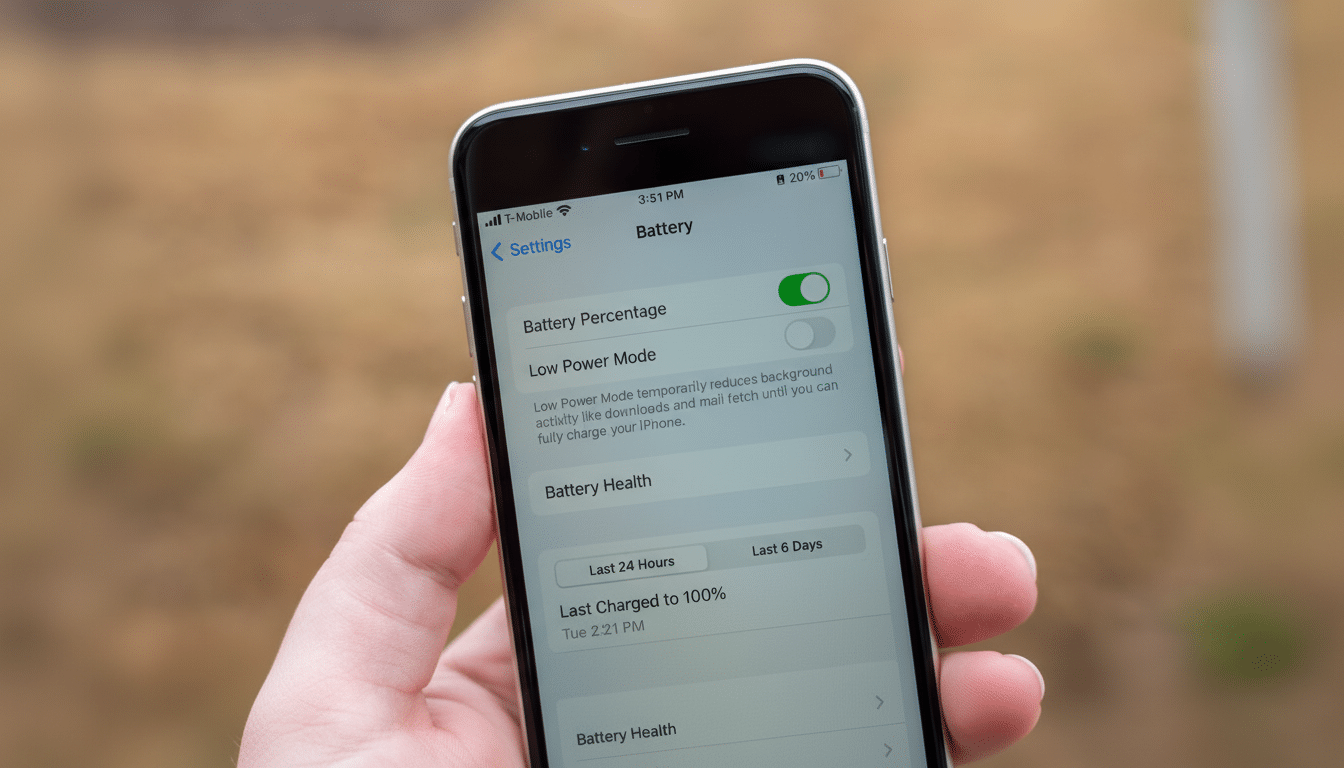
That background churn hits the performance cores of the A‑series chip more often, lights up storage, and can work radios harder as services resync. It’s inconvenient, but it settles. The real question is what happens after the dust clears — and that’s where iOS 26’s new controls come into play.
Adaptive Power: iOS 26’s quiet battery fixer
iOS 26 brings the feature Adaptive Power, a system-level manager that reduces energy consumption without requiring you to micromanage settings. It throttles non-essential processes, dims the display more intelligently, postpones low-priority background refreshes and can switch Low Power Mode on automatically when conditions indicate you’re about to run out. The objective isn’t just to throttle; it’s to sequence workloads in a way that the battery drains more evenly, with fewer incongruous plunges.
Two areas where you’ll see the shift: screen and network. On most iPhones, the display is the single biggest power consumer, so smarter brightness and refresh behavior make an outsize difference. On the network level, Adaptive Power can further batch background fetches and lower wake-up priority when your signal is poor, which usually also causes a faster drain due to the modem increasing transmit power.
iOS 26 also includes a more precise time to charge to 80 percent — helpful because it’s not always best for lithium‑ion batteries to be charged all the way to 100 percent. Apple has been shipping Optimized Battery Charging to delay getting above the 80 percent mark based on your general schedule; the new estimate makes that behavior more predictable, giving you a bit of granularity so you can top up efficiently before heading out.
Real‑world impact and settings that matter
Early impressions point to a familiar curve: initial battery hit, steady endurance as background tasks subside and Adaptive Power gets wise to your patterns. If you’d like to give it a nudge, open Settings > Battery and make sure Adaptive Power is turned on, at the very least. And I would keep Optimized Battery Charging enabled too. Together, they minimize spikes and dips that can make battery life feel erratic.
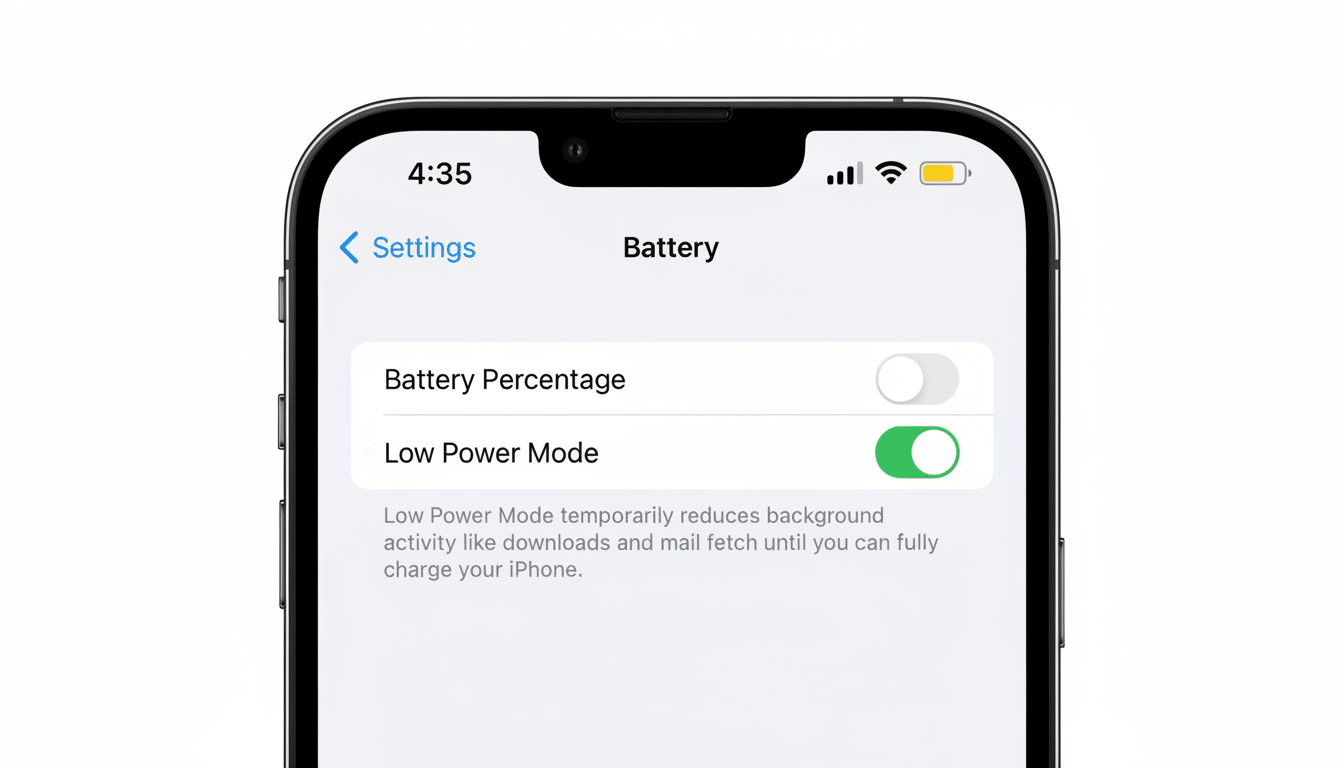
And a handful of iOS 26‑specific adjustments can add up to the gains. Cut always-on or live widgets you don’t need: They wake the CPU and network more frequently. Revisit Background App Refresh and Location Services to disable apps that don’t require constant access. If you spend a lot of time in marginal coverage areas, then you’ll want to be more proactive about enabling Low Power Mode—iOS 26 is much better at reading your mind regarding when that might be helpful, but it still doesn’t hurt on travel days.
Charging strategy still counts. Recent iPhone batteries are rated by Apple to retain up to 80 percent of their original capacity after about 1,000 full charge cycles, as long as they do not have defective hardware or software issues. Not swinging constantly between 0 and 100 percent will keep the phone cool, whether while gaming or navigating on the charger, and will pay dividends in the long term regardless of software.
How to see if your battery is the problem
If life is still bad after a few days on iOS 26, look at two signals. First, check your usage in Settings > Battery and scan the daily charts for apps that are dominating background activity: messaging, social and navigation apps are common suspects after major updates while they settle. Second, under Battery Health, check out Maximum Capacity and Cycle Count (if applicable). Apple deems performance normal above 80 percent capacity; under that, a new cell can have a greater effect than any software tweak.
When in doubt, Apple Support can run remote diagnostics to differentiate software drain from a degraded battery or faulty component. Repair experts who lack any corporate affiliation have emphasized, for some time, that heat ages electronics; if your iPhone is hot to the touch under light usage after iOS 26, that’s a red flag worth raising.
The bottom line: short‑term pain, smarter endurance
iOS 26 might seem like the villain on day one, but it’s designed to be the hero by day three. After indexing and app updates are complete, Adaptive Power’s behind‑the‑scenes management and improved charging recommendations help you get through the day with less observing your phone. The ultimate iPhone battery life fix this cycle might be patience, to allow the update to complete — and a disposition that allows iOS 26 to do its silent work.
