


Google is experimenting with a small but notable change to Quick Share that adds an extra tap before files actually move. The tweak asks senders to confirm a transfer after the recipient approves it, introducing a second step that could slow things down slightly but appears aimed at cutting misfires and abuse.
Code references tied to Google Play services version 26.12.30 beta suggest the change applies when devices are signed into different Google accounts. Transfers between devices on the same account would remain as streamlined as before.

What’s Changing In Quick Share’s File Transfer Flow
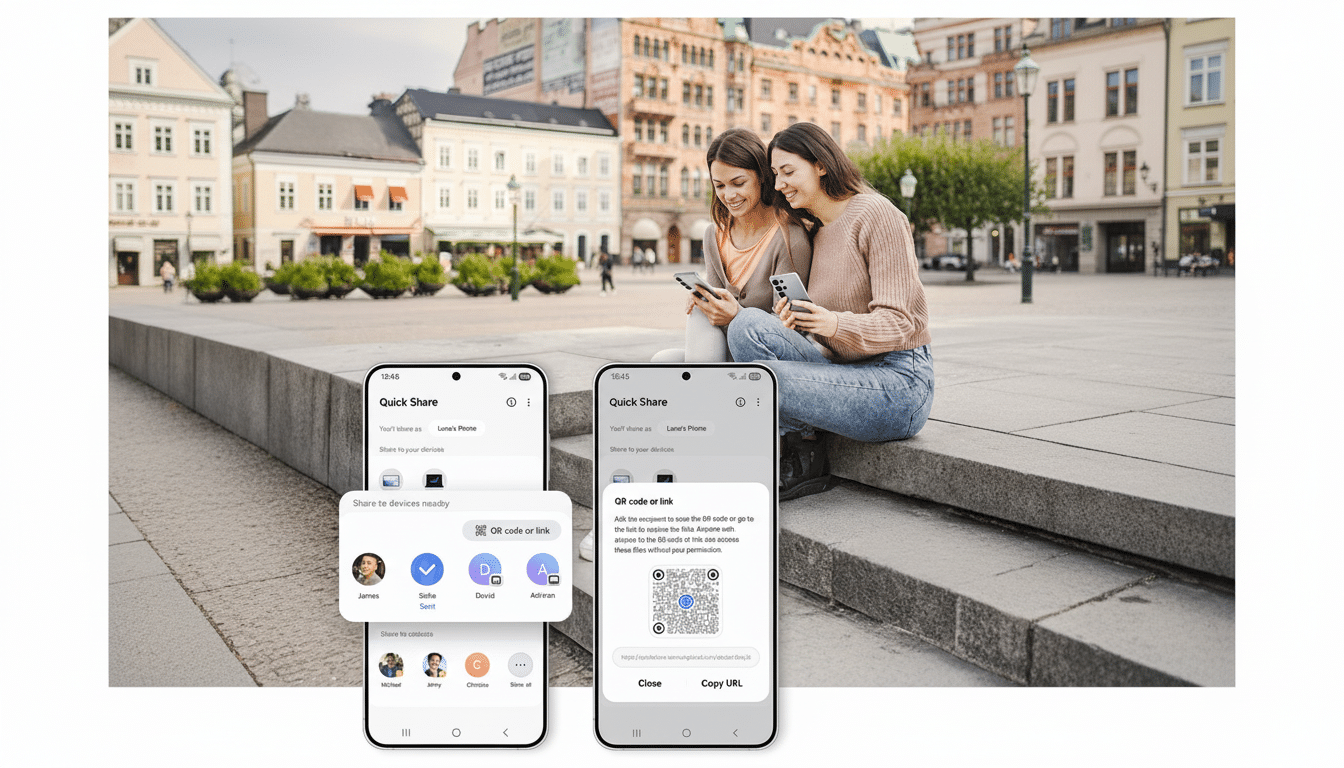
Today’s flow is straightforward: you pick a nearby device, the recipient sees an incoming request, and once they accept, the file starts beaming immediately. Under the test behavior, the recipient still gets the Accept or Reject prompt, but even after they hit Accept, the sender must tap the recipient’s device name again to kick off the transfer.
Think of it as a two-sided handshake. The receiver signals “I’m ready,” then the sender confirms “Yes, this is the right device.” If both devices share the same Google account, this extra confirmation is skipped to preserve the convenience of self-sharing across a user’s own phones, tablets, and Chromebooks.
In practice, this could feel slightly inconvenient when you are sending to someone who isn’t physically nearby. A colleague on another floor might accept promptly, but if the sender doesn’t see that and tap again right away, the transfer won’t start until they do.
Why Add Friction Now To Quick Share File Sending
Two-tap confirmation appears designed to reduce accidental or misleading shares in crowded environments. It’s easy to pick the wrong name when multiple devices surface at once, and proximity-based sharing tools have a history of “drive-by” spam and inappropriate content in public spaces.
Security teams typically welcome low-cost “speed bumps” that catch human error. The Verizon Data Breach Investigations Report has long attributed the majority of breaches to the human element, citing 74% in its latest edition. A second, deliberate tap after the recipient’s approval gives the sender a final chance to verify the target—an inexpensive guardrail that could prevent both embarrassment and data leakage.
Extra Safeguards On The Horizon For Quick Share
Alongside the confirmation step, references in recent builds point to a stronger protection layer: requiring biometric or passcode verification before sending files when advanced security features are enabled. That would help in scenarios where someone gains momentary access to your unlocked device and tries to siphon data via Quick Share.
This aligns with a broader push across Android to authenticate sensitive actions—similar in spirit to how password managers and payment apps already gate transactions behind face, fingerprint, or PIN. Signals of this requirement have surfaced since late last year, suggesting Google is laying groundwork even if the switch hasn’t been flipped for users yet.
The Trade-Off For Power Users Who Share Frequently
For people who share files dozens of times a day, the extra tap may feel like friction, especially when coordinating at a distance. Teams that rely on ad hoc transfers might need to nudge senders to watch for the “tap again to start” cue after a recipient accepts.
There are mitigating factors. Self-sharing across your own devices remains seamless, and enterprise fleets often encourage same-account or managed-device setups that bypass recipient prompts entirely. If Google adds policy controls, administrators could eventually tailor the behavior to balance productivity and protection—a common approach in mobile management.
The Bigger Picture For Quick Share Across Devices
Quick Share, which unified Android’s nearby sharing experience after the rebrand from Nearby Share, sits at the heart of Google’s push to make local file transfers simple across phones, tablets, Chromebooks, and PCs. With Android active on more than 3 billion devices globally, even minor UX tweaks can have outsized impact on both convenience and safety.
As always with features spotted in beta builds, plans can change before public rollout. But the direction is clear: a modest speed bump for cross-account shares, paired with stronger identity checks, is a sensible trade if it reduces misdirected files and opportunistic misuse. For most users, a single extra tap could be a small price for fewer mistakes and a lot more peace of mind.

