


Google is rolling out a smarter way to wrangle your Gemini creations. A redesigned My Stuff hub now splits your history into clearer buckets, making it easier to find and manage what you’ve generated with the AI assistant—especially as sessions, uploads, and projects pile up.
What Changed in My Stuff and How It’s Organized
On the web, the My Stuff panel now surfaces two categories—Media and Documents—instead of listing everything in a single, endlessly scrolling feed. The change, first spotted by 9to5Google, is live in the side panel and immediately reflects new content as you create it.
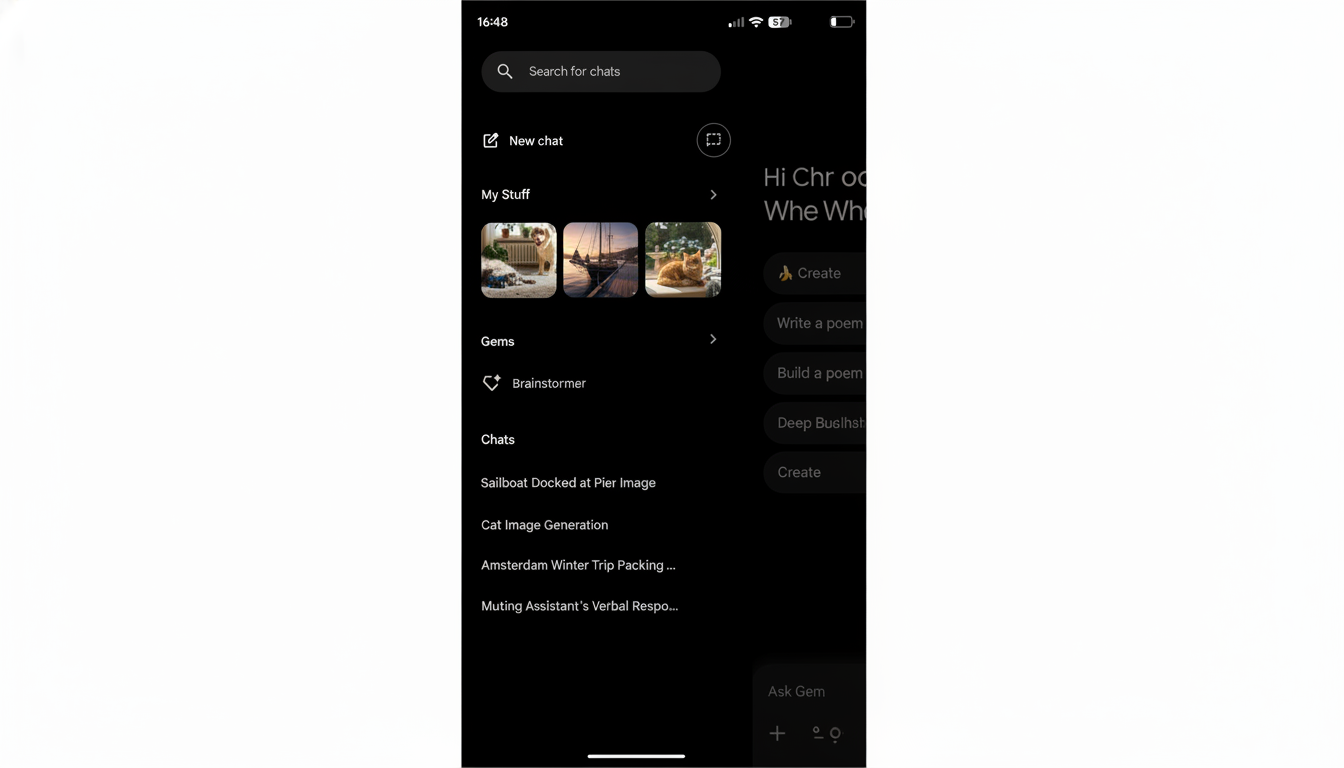
An earlier app teardown hinted at three buckets—Media, Documents, and Purchases. Today’s public rollout shows the first two, while Purchases remains absent. That omission suggests Google is prioritizing creation-centric assets before layering in transactional history, if that still lands at all.
How Media and Documents Work in the New My Stuff
Media corrals your images and videos generated or uploaded in Gemini, useful for quickly resurfacing a specific chart, diagram, or visual mock-up without combing through past chats. If you use Gemini to iterate on brand visuals or storyboard ideas, this reduces the friction of jumping back into the right asset.
Documents is where longer-form work now lives. Google is routing Deep Research reports and Canvas creations into this section, encompassing text documents and coding projects. The view shows your two most recent files at a glance, with an expand control to reveal the full list—an intentional nod to the way people re-open a small number of in-progress documents most often.
In practice, this means a student can quickly resume a literature review drafted in Deep Research, while a developer can hop back into a Canvas prototype without retracing steps through conversational history. It’s a small structural change with outsized impact on getting back to work faster.
Mobile Rollout and NotebookLM Shortcut Details
Google says the reorganization is coming to mobile, but it has not yet appeared widely on Android or iOS. In the meantime, the apps now include a NotebookLM shortcut similar to the one in the web Settings & help menu. Tapping it opens the NotebookLM website even if you have the app installed, a clue that Google wants to keep the navigation consistent across platforms while it aligns the new history model.
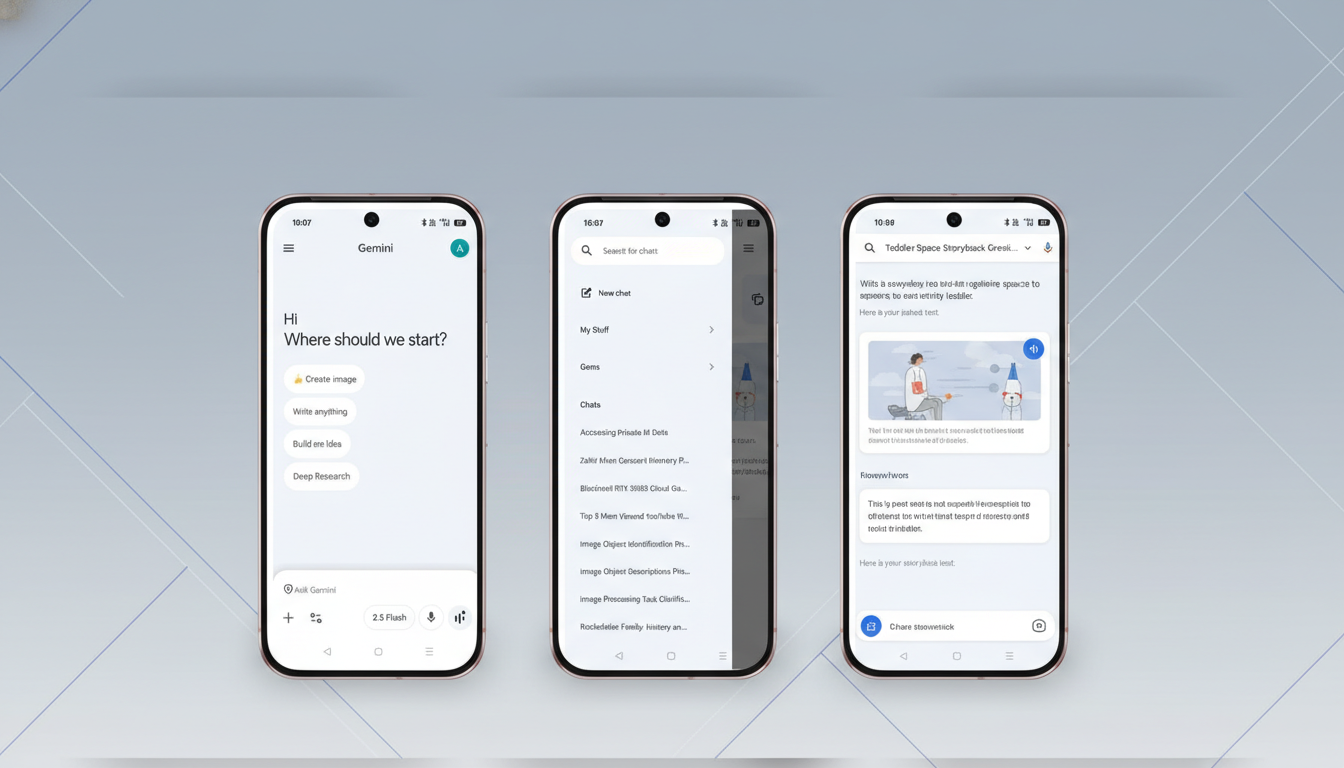
For mobile-first users who rely on quick retrieval in between meetings or classes, the forthcoming parity will matter. Until then, the web remains the best place to take full advantage of the new My Stuff structure.
Why This Matters for Productivity and Trust
Organization is not window dressing—it’s usability. Knowledge workers frequently lose time retracing steps. McKinsey has estimated that a significant share of the workday goes to searching and gathering information. By segmenting outputs into intuitive categories, Gemini shortens the path from idea to action and cuts down on context switching.
There’s also a trust angle. Clearer visibility into what Gemini has stored—and where—makes it easier to review, tidy up, or delete items. Google already offers Gemini Apps Activity controls and auto-delete options through your account settings, and a more intelligible history view complements those controls. When users can inspect and manage their data, they tend to rely on the tool more confidently.
What’s Missing Today and What to Watch Next in Gemini
The most glaring gap is Purchases, which appeared in earlier code references but is not present in the live update. If it arrives, expect it to consolidate receipts or transactional confirmations created through Gemini. If it doesn’t, the focus will clearly remain on creative output rather than commerce logs.
Two areas to watch: deeper integration with Google Drive and Photos, and enterprise-flavored controls in Workspace contexts. A unified media and document layer could eventually bridge to Drive folders or shared libraries, while admin-governed retention and auditing would make the new structure more attractive for teams handling sensitive work.
For now, the My Stuff redesign is a practical quality-of-life boost. It makes Gemini feel less like a stream and more like a workspace—one where finished assets and living documents sit where you’d expect, ready for the next round of ideas.
