


Google is rolling out message forwarding in Chat, a long-requested capability that brings the Workspace app in line with rivals and eliminates the clumsy workaround of screenshots. Users will now find a Forward message option in the per-message action menu, making it simpler to route a specific post to another conversation without copying, pasting, or losing context.
How message forwarding works in Google Chat today
The new control appears in the three-dot menu on individual messages, positioned alongside existing actions like copying a link to that message. Tap or click Forward message, select the destination chat, add optional context, and send. Forwarding preserves the original text and attribution, so recipients know where the content came from and who authored it.
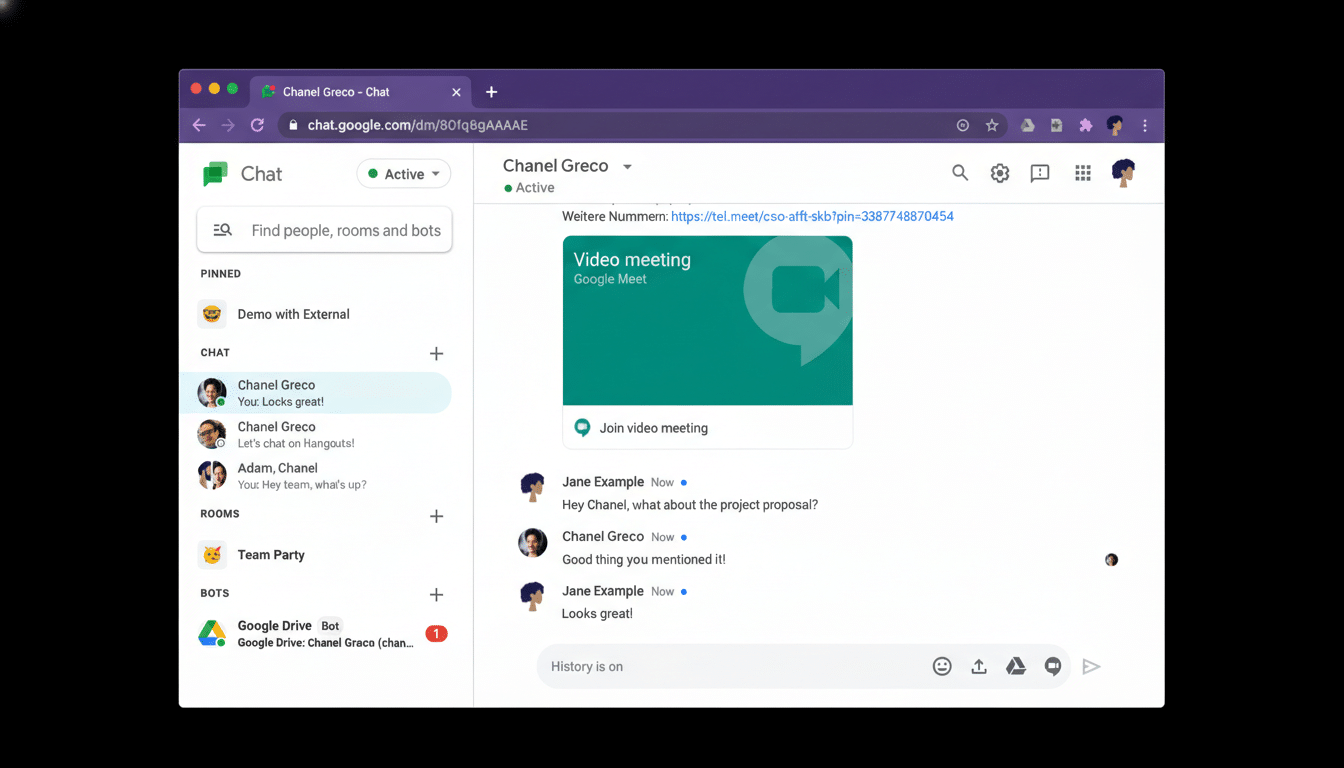
Critically, Google has added guardrails to prevent accidental oversharing. Messages from internal chats cannot be forwarded into conversations that include external participants. Likewise, you can’t forward a message between two chats that both include external users. You can, however, take a message from a chat that includes external users and forward it into your internal-only conversation, a design that favors pulling information inward while reducing the risk of leaking it outward.
Consider a common scenario: a vendor posts a key status update in a mixed chat with your team. With forwarding, you can push that note into an internal Space for broader visibility and follow-up, without retyping or screenshotting—and without exposing internal discussions to the vendor.
Enterprise guardrails and privacy in Google Chat
The directionality limits reflect a broader security posture in enterprise messaging. Accidental sharing remains a major source of data exposure; the Verizon Data Breach Investigations Report has consistently found that the human element plays a role in the majority of breaches, most recently citing 74% across social engineering, error, and misuse. By defaulting to internal containment and preventing forwarding into external contexts, Google is curbing one of the most common workplace mistakes.
Forwarded messages should also fit cleanly into existing Workspace controls such as organizational boundaries, external sharing settings, and retention via Google Vault. While Google hasn’t detailed every policy interaction, the presence of strict external-sharing checks suggests forwarding respects the same compliance and data loss prevention rules that govern standard messages and links.
Why message forwarding matters for Workspace teams
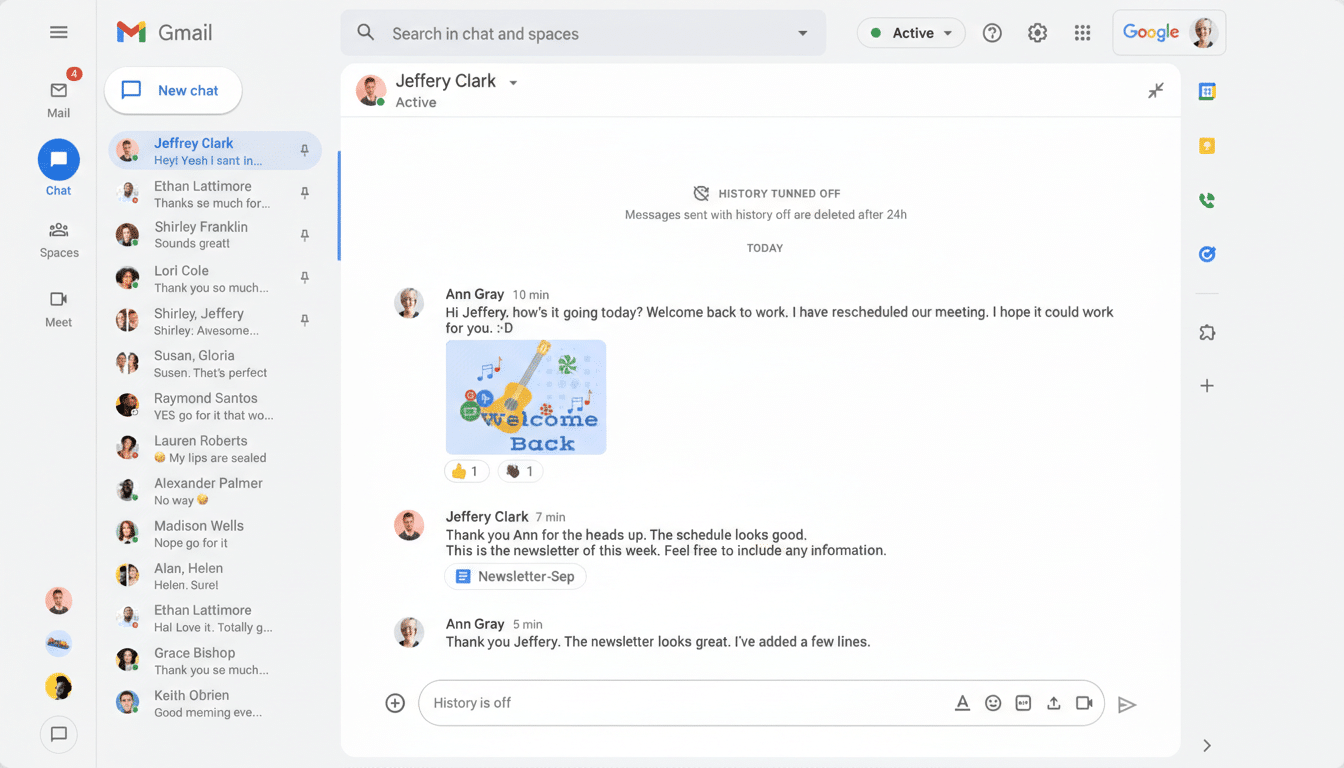
Message forwarding has been a staple in competitors for years. Slack’s Share message flow and Microsoft Teams’ forwarding and “Share to Outlook” options make it trivial to move posts across channels or into email, often with added context. Chat’s new capability closes a gap that pushed many Workspace users to capture screenshots—content that’s hard to search, audit, or preserve.
Forwarding should streamline common workflows:
- Sending a customer request from a client-facing thread into a product triage Space
- Moving an incident alert into an on-call room
- Escalating a support excerpt to an executive DM
Because forwarded content maintains attribution, it also reinforces accountability and makes it easier to trace decisions back to original discussions.
Rollout timing and availability across Workspace
Google says the feature is rolling out now to Workspace domains on the Rapid Release track, with Scheduled Release domains to follow soon. No admin action is required; the option will simply appear in the message action list as clients update. The company notes availability spans Google Workspace accounts, bringing direct messages, group chats, and Spaces closer to parity with longstanding collaboration norms.
It’s a small button with outsized impact: fewer screenshots, fewer copy-paste errors, and a cleaner trail of who shared what, where. For teams standardizing on Workspace, message forwarding makes Chat feel more modern—and importantly, more trustworthy—without sacrificing the organizational boundaries enterprises depend on.
