


Google is extending its experimental AI Mode further across everyday search with a visual-first refresh and an integrated shopping flow. The experience is now a hybrid of conversational prompts and images, allowing you to begin with a question, an uploaded photo or some combination thereof — and then fine-tune results in natural language until you reach your desired destination.
What’s Different in AI Mode Compared With Classic Search
Type a conversational query in AI Mode and you’ll get results for images as well as summaries and links — not just text. Tap on an image to ask follow-up questions — “Show me similar hiking boots with ankle support” or “Find something under $120” — and the suggestions fan out in AI Mode without having to restart your search. You can also start with a photo or screenshot, then add on constraints such as brand, color or what you could find nearby.
- What’s Different in AI Mode Compared With Classic Search
- How Visual Search Works Today in Google’s Evolving AI Mode
- Shopping Enters the Conversation Inside Google’s AI Mode
- How to Try Google’s AI Mode on Mobile and Desktop Today
- Privacy and Controls for Google’s AI Mode Search Experience
- Why This Multimodal AI Mode Update From Google Matters
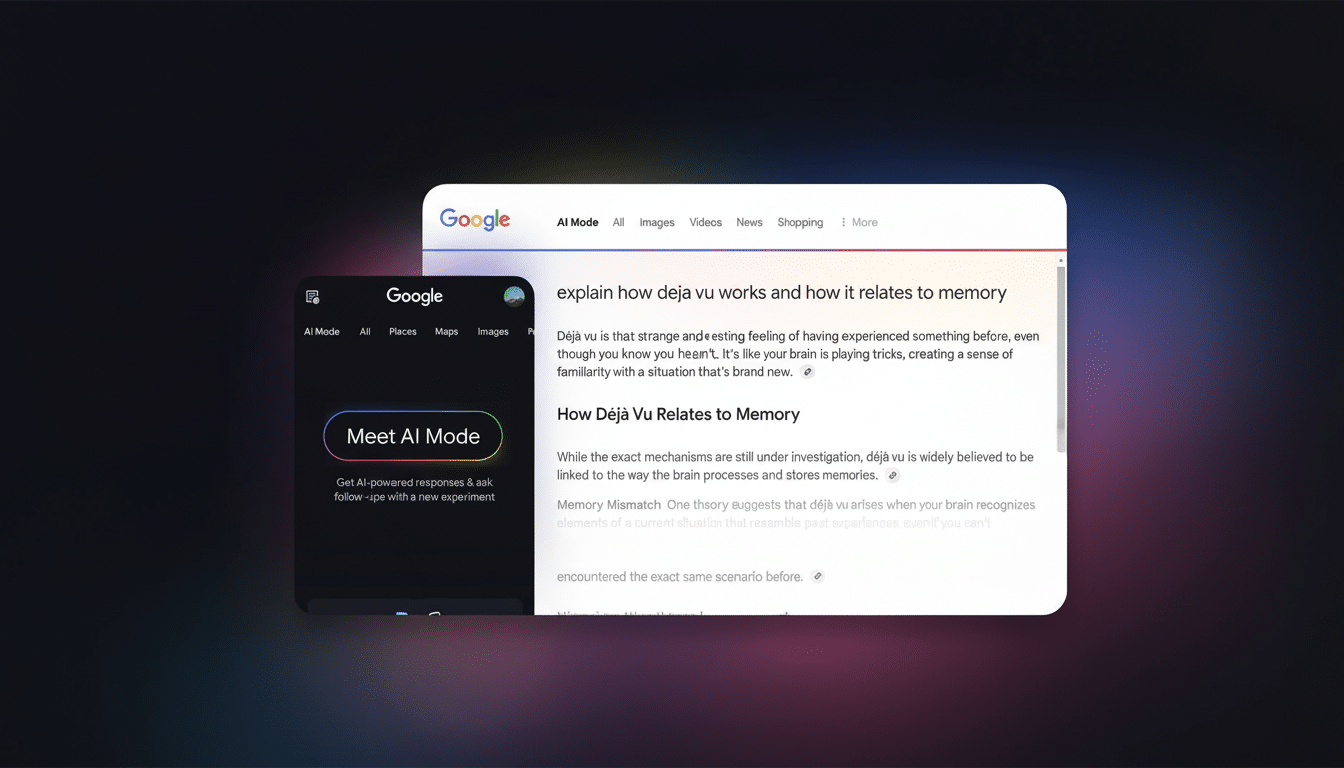
The update is intended to cut down on the back-and-forth “frustrated travel” of classic search. Instead of manually looping queries, AI Mode maintains context between turns to provide more relevant results with every iteration and easily compare options at a glance.
How Visual Search Works Today in Google’s Evolving AI Mode
Google says the upgrade is due to a visual search “fan-out” methodology, an extension of the query fan-out that powers AI Mode’s text-based output. In practice, this means the system breaks down your prompt or image into a bunch of sub-queries — style, brand, materials, intent — and then throws each in parallel at Google’s index. The output is then re-ranked so that the most helpful images and sources for your query are prioritized.
Beneath the hood, this is a classic multimodal model. Google’s Gemini models, which are good at interpreting images and language together, are applied, and retrieval steps pull candidates from the wider Search ecosystem. The upside: Fewer “blind spots” than a single-shot query, and better able to handle the situation where your prompt is fuzzy. The trade-off: guardrails matter. Google says filters for explicit content, misinformation and spam were being applied to visual as well as text results, adding that source links are provided in the wake of fact checks.
Shopping Enters the Conversation Inside Google’s AI Mode
AI Mode can now be used as a shopping assistant. Request “a mid-century table lamp under $80 with a fabric shade” and you’re served a grid of product images accompanied by prices, ratings and seller pages. When a result falls short, iterate: one more step — “make it walnut,” “show only Prime-eligible,” “compare to a touch-control model” — and the assistant recalibrates.
Transactions still occur on the retailer’s site, in sharp contrast with OpenAI’s Instant Checkout, which executes orders inside the chat. The way Google is doing this leans on its Shopping Graph — an index that includes billions of products and merchandise from millions of merchants that’s updated frequently — in order to surface versions, while keeping the final transaction with the seller. For shoppers, that means familiar checkouts and store policies; for brands, it maintains attribution and analytics.
How to Try Google’s AI Mode on Mobile and Desktop Today
Open Google Search on desktop or mobile and search for the colorful ring icon that activates AI Mode seated next to the search bar. If you do, tap it to jump into the experience. You can also go straight to the dedicated AI Mode portal in your browser, or the Google app. The feature is available at no cost to eligible accounts.
Get started with a natural query, for example “plan a weekend in Asheville with two hikes and one brewery” or “find a compact stroller for travel under 15 pounds.” To test out the visual side, upload a picture — a pendant light you spotted in a cafe, perhaps — and request similar fixtures that fall within your budget and finish. “But when I see a photo, often it looks better than it does in real life.” To make the most of your wish list and style notes: For shopping, establish parameters up front (size, price cap, materials) then drill down via follow-ups until your grid reflects your taste.
If AI Mode still isn’t showing up, make sure you’re signed into your Google account, update the Google app and check your language settings. The rollout is rolling and may differ by region, device and carrier. Availability can also widen later on as Google adds more capacity, so it may be worth checking back.
Privacy and Controls for Google’s AI Mode Search Experience
Like any AI-powered tool, your input helps make the system better. Check your Web & App Activity settings if you want to control how your data is used, and tweak SafeSearch settings if you’re using AI Mode with kids. Product details, prices and availability can change quickly; please check on the retailer’s site for the most current information. When you do desire a classic results page, you can leave AI Mode and just do a regular search.
Why This Multimodal AI Mode Update From Google Matters
Visual search isn’t becoming a novelty; it’s becoming the expectation. Google has said it fields billions of visual lookups a month in its ecosystem, and rivals from Microsoft to Pinterest are leaning into camera-first discovery. By putting multimodal search and shopping in a conversational flow with the Assistant, Google is looking to shave time off the moments between having an impulse and making a decision — whether that’s figuring out what plant you’re looking at, getting inspiration for interior design or narrowing down a holiday shortlist to one thing you actually want to purchase.
The win, for users, is speed and confidence. For retailers and publishers, that means visibility within a higher-intent canvas — as long as your product data and images are detailed and current. More to come: richer comparisons, live inventory signals and deeper links with reviews and expert sources as AI Mode grows up.
