


Samsung’s One UI 8 update for the Galaxy Z Fold 7 and Galaxy Z Flip 7 brings a significant upgrade to Samsung DeX, streamlining the desktop-like look and feel with smarter customisation, quicker windowing and some quality-of-life tweaks fans have been calling out for.
What’s new with Samsung DeX in One UI 8 for Fold and Flip
The headliner of a change: DeX is now home-screen widget-friendly, so that you can pin glanceable info—think calendars and task lists and weather—right to the DeX desktop. It’s a small thing, but it pushes the phone closer to being this PC-style dashboard when your device is docked and attached to a monitor.
There’s a new full-screen button in the header of each DeX app window. Previously buried within a menu, the new one-tap control makes maximizing and restoring apps much faster, especially when working with multiple windows open. Samsung tried this out on the Galaxy S25 series in beta; now it’s coming to the Fold 7 and Flip 7.
You can also pin any app to the DeX taskbar, not just recent apps. And for those workflows that go back and forth between, say, Chrome and Sheets and Slack, this little change saves you from hunting down the proper launcher time after time and ensures your most critical tools stay pinned within easy thumb reach.
Finally, Samsung has also introduced some fresh keyboard preferences under Settings > Connected devices > Samsung DeX. Users can decide when and where the on-screen keyboard appears, which is a key feature for people who may switch between physical keyboards and touch input or want to conserve space on ultrawide monitors.
Now Bar and Now Brief get smarter with useful upgrades
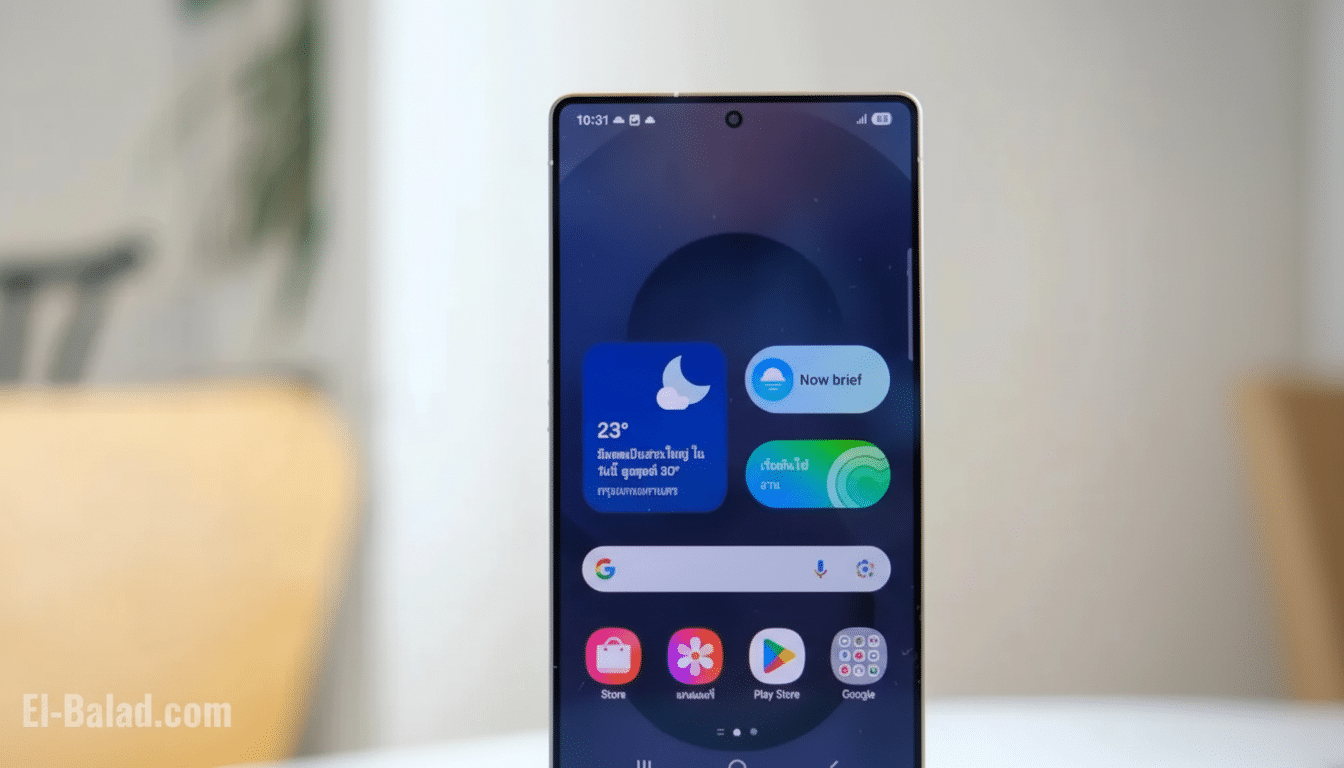
Outside of DeX, the update revitalizes the “Now” portions of Samsung’s surfaces. Now Bar adds Google Finance integration that delivers end-of-day notices on stocks’ significant price movements. For everyone who plugs their phone in as a work terminal the ability to have market nudges pop up without launching an app is genuinely useful.
Meanwhile, Now Brief — Samsung’s read-aloud interface — receives new media controls. Now, in addition to play/pause and close, there are “next” and “previous” buttons that allow you to skip tracks or sections as they’re playing. On the downside, it looks like existing Bluetooth headset buttons do not currently drive these glossy new actions, but that’s an obvious next thing Samsung ought to sort out.
Built atop Android’s desktop mode: Why it’s important
One UI 8 sees Samsung redesign DeX on top of Google’s built-in Desktop Mode framework. In the near term, that move left a gap in parity with “classic” DeX—some of these niche toggles and behaviors were not there yet. The upside, of course, is speed: things Google gets working in Android’s Desktop Mode can make their way into DeX more rapidly and Samsung can concentrate on finishing rather than foundation.
One example might be pointing and display. Traditional DeX users desire better control for mouse continuity between screens. Google is also developing similar pointer isolation and multi-display refinements in their Android developer builds, so these investments should bring finer-grained controls to One UI releases down the road. In other words, the platform switch places DeX in a position to leverage upstream Android engineering not just OEM tweaks.
That context explains the unprecedented rate at which features are being restored: The re-introduction of a visible full-screen button, deeper taskbar pinning, widget support shows Samsung isn’t just closing gaps while adding real desktop conveniences—it’s not simply chasing visual parity.
Real-world impact for Fold and Flip owners
For Fold 7 wielders who frequently dock the device with a monitor and keyboard, widgets plus faster window management means less friction in everyday tasks—start up your workday with a to-do widget, keep calendar at-the-ready, pop apps full screen without missing a beat.
Flip 7 owners benefit too. Even if you’re probably not going to live on an external display, the taskbar pinning and today’s new media controls keep on-the-go multitasking more manageable — especially when flicking between communication, music and navigation apps.
Availability timelines and what to watch for next steps
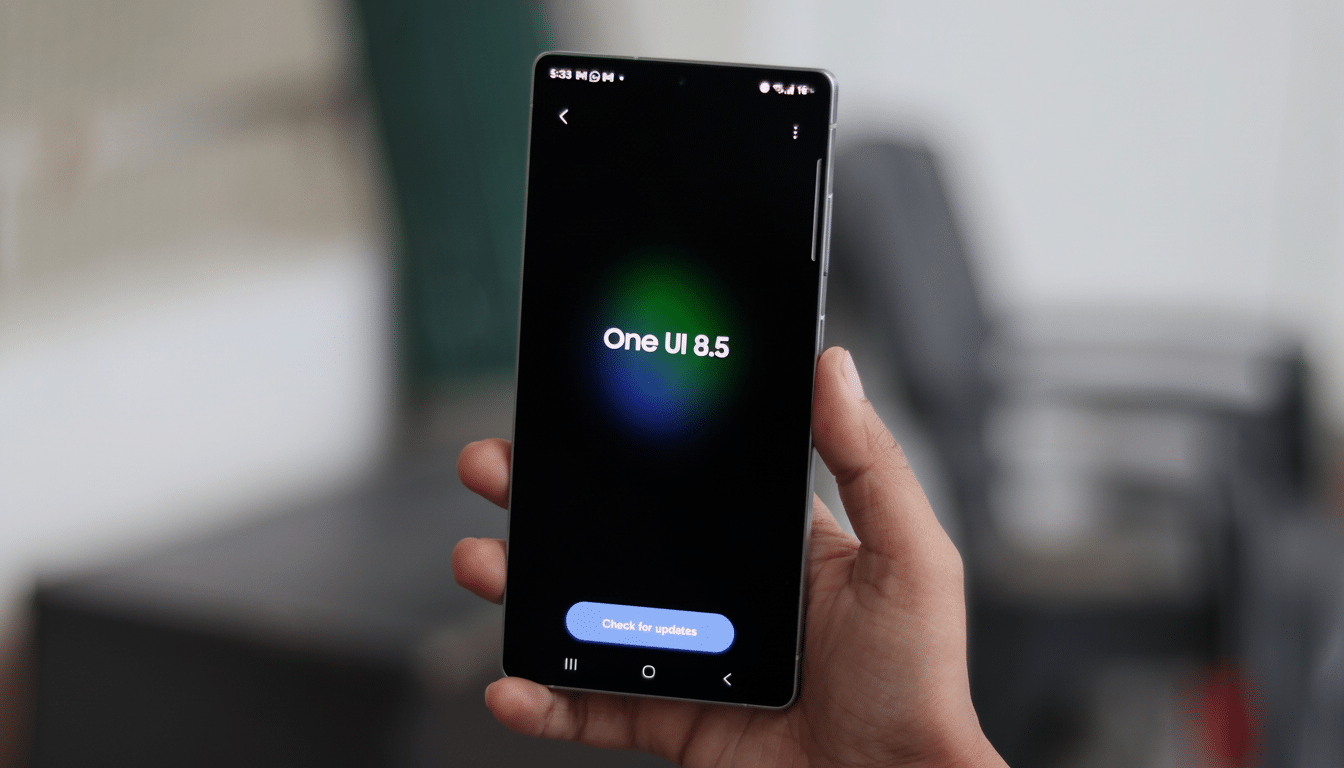
The update first began in South Korea and is now becoming available more widely, including in the U.S. Regional timing will almost always vary by carrier and device model. To ensure that you are on the highest One UI 8 build, head to Software update in Settings or DeX under Connected devices.
What’s still missing? A few higher-end toggles from the old-school DeX, such as more refined mouse and multi-display settings. But the direction is clear: Samsung is piling on desktop-level utilities to top up Android’s emerging Desktop Mode. Anticipate stepwise wins — improved external display scaling, smarter handling of window snapping and tighter input routing to start with as both companies iterate.
Bottom line: this One UI 8 release adds to the credibility of the Fold 7 and Flip 7 as pocketable work machines. More widgetized desktops, faster windowing and smarter Now surfaces all make for a DeX that’s edging closer to the no-brainer desktop many users crave when they plug their phone into a monitor and start working.
