


Samsung’s next Ultra flagship is poised to debut a feature many users have wished for and few expected to see integrated at the panel level: a built-in privacy display that shields sensitive content from prying eyes without dimming the screen for the person holding the phone.
The capability, teased ahead of the expected Galaxy S26 series and One UI 8.5, works “in plain sight.” To anyone directly in front of the screen, everything looks normal. But tilt the phone even slightly, and selected parts of the display fade to black, concealing notifications, codes, or any on-screen region the user marks as private.
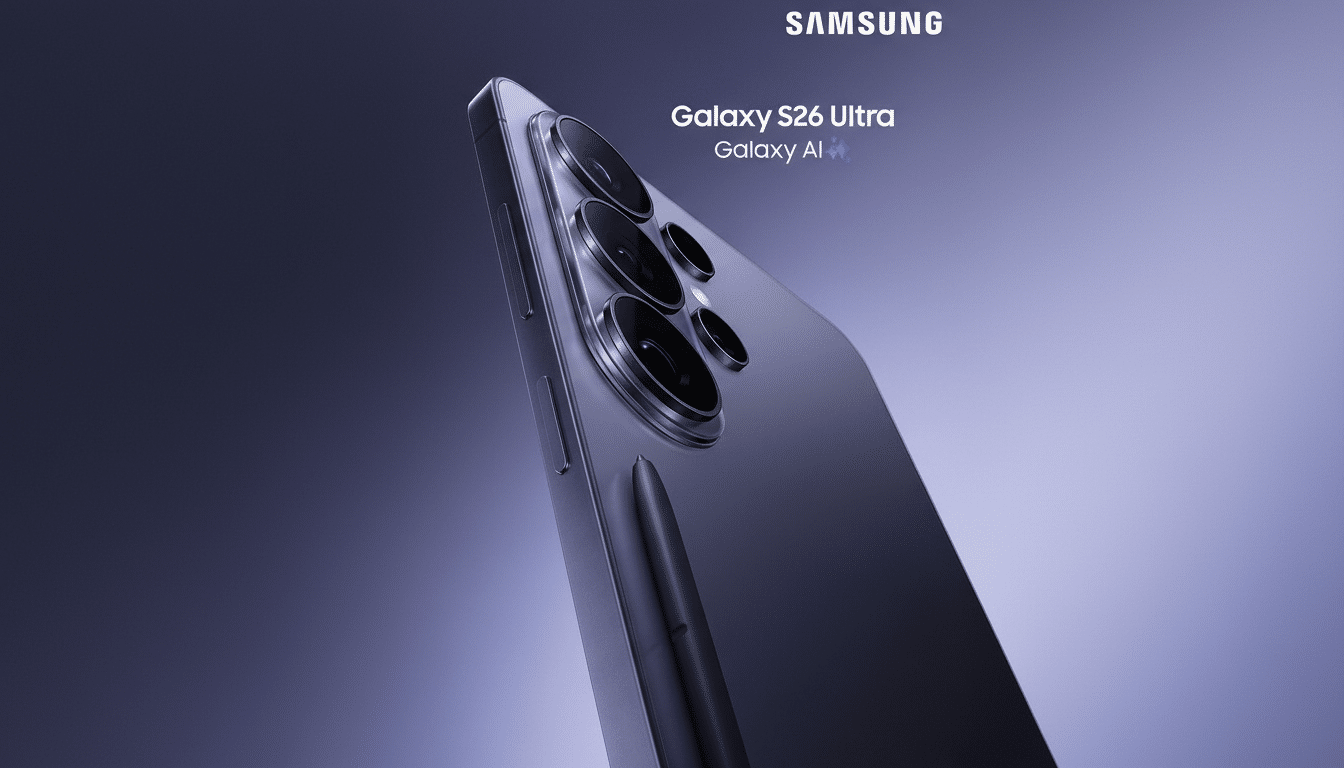
How Samsung’s Privacy Display Works on the S26 Ultra
At the heart of the feature is pixel-level light control on Samsung’s OLED panel. Rather than applying a uniform privacy filter, the S26 Ultra is expected to steer emission directionally—allowing light to beam straight to the viewer while limiting off-axis visibility. Think of it as the opposite of a traditional privacy film: selective, software-defined, and aware of what’s on screen.
Industry watchers suggest the system can target specific zones, so you could mask only the top banner where texts and two-factor codes appear while leaving a video or map fully visible. A prominent display leaker has shared renderings that show localized “privacy zones,” reinforcing the idea that this is not a crude on/off curtain but a granular control akin to local dimming—applied to viewing angles rather than brightness.
Because it’s built into the OLED drive and refined in One UI, the approach avoids two big compromises of physical privacy screens: head-on brightness loss and washed-out color. OLED pixels driven to true black also consume less power, so enabling privacy zones may even deliver a small battery benefit when portions of the display are masked.
Why It Matters For Commuters And Companies
Shoulder surfing is a low-tech threat with high-frequency exposure: crowded transit, airport queues, open offices, and conference halls. Security guidance from organizations such as NIST has long recommended privacy controls for displays handling sensitive data. With work and personal use blending, the risk is no longer just corporate; anyone glancing over can catch a bank alert, a medical message, or a one-time passcode.
Hybrid work amplifies the problem. Gartner estimates roughly 40% of knowledge workers operate in hybrid models, meaning more workflows happen in public or semi-public spaces. A built-in privacy display gives users protection without sticking a dimming filter on a thousand-dollar phone or constantly toggling manual privacy modes when stepping into a crowd.
For IT leaders, the kicker is policy control. Samsung is expected to tie the feature into its Knox platform so admins can enforce privacy zones on corporate-managed devices, gate it by app category, or require it when on unsecured Wi‑Fi. That level of control—similar in spirit to HP’s Sure View on enterprise laptops but executed at smartphone scale and with finer granularity—could make the S26 Ultra particularly appealing to regulated industries.
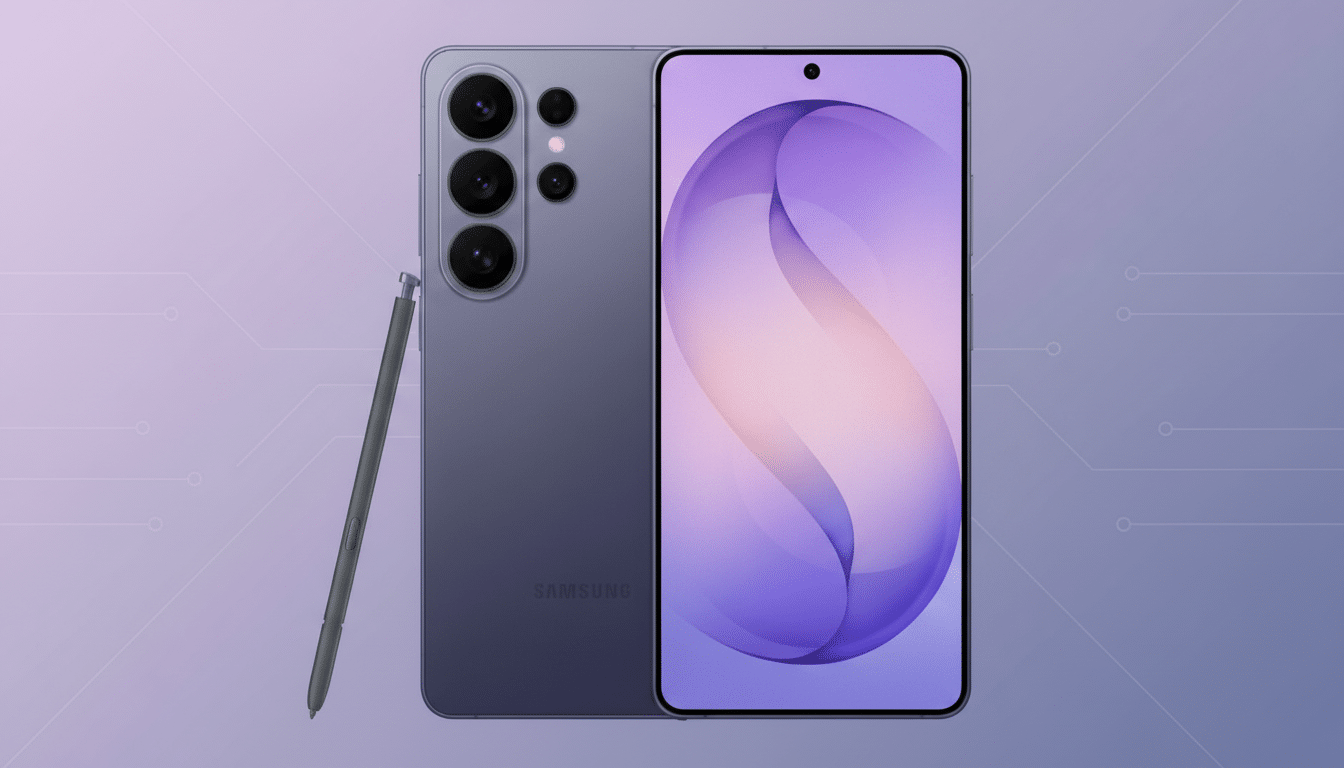
Hidden In Plain Sight And The Tech Behind It
The “hidden” aspect cuts two ways. First, the privacy layer is invisible during normal use; there’s no tinted film or UI clutter unless you want it. Second, it likely relies on panel hardware you won’t notice—improvements in OLED optics and driver tuning to manage angular emission, potentially assisted by micro-lens array designs that have already boosted efficiency in recent premium displays. Analysts at Display Supply Chain Consultants have tracked steady gains in OLED luminous control; Samsung appears ready to channel those gains into privacy, not just brightness.
Crucially, the effect seems selective. Users should be able to draw or snap zones to cover notification areas, messaging threads, or spreadsheet cells—useful for a CFO reviewing figures on a flight or anyone retrieving a 2FA code on a train. The rest of the screen remains shareable with a colleague beside you, a flexibility no stick-on filter can match.
Open Questions And Early Limitations To Expect
Several details remain unconfirmed. Will privacy zones work per app, per notification type, or on a global overlay? Can Modes and Routines trigger them automatically in known “risky” contexts like public Wi‑Fi or specific geofences? And how far off-axis does the masking remain effective without introducing visible banding or color shift at the edges?
There’s also the matter of model support. Given the panel and driver sophistication required, the feature may debut as an S26 Ultra exclusive. DSCC has previously noted that top-tier phones often get first access to new OLED stacks and optics, which would align with a phased rollout. Another practicality: privacy zones won’t prevent screenshots by the device owner, and they can’t stop a determined observer directly behind you—physical awareness still matters.
What It Means For The Flagship Race Among Rivals
If Samsung ships a robust, customizable privacy display before rivals, it will be one of the rare smartphone features that’s both flashy and fundamentally useful. Apple and Google have invested heavily in on-device security and private compute, but neither has tackled shoulder surfing with an optical solution integrated into the display pipeline.
The takeaway is simple: the S26 Ultra’s most important upgrade might not be a new camera or a benchmark score. It could be the everyday confidence of checking a message on a packed train without broadcasting it to the row behind you. That’s a productivity feature—and a peace-of-mind upgrade—hiding in plain sight.
