


If Facebook suddenly stops loading your Feed, refuses to play videos, or won’t let you post, you’re not alone. With Facebook serving over 3 billion monthly users according to Meta’s latest earnings reports, even small glitches ripple quickly. The good news: most problems have practical fixes you can try right now—whether today’s hiccup is a platform-wide outage or a quirk on your device.
Confirm whether it’s a Facebook outage or just your setup
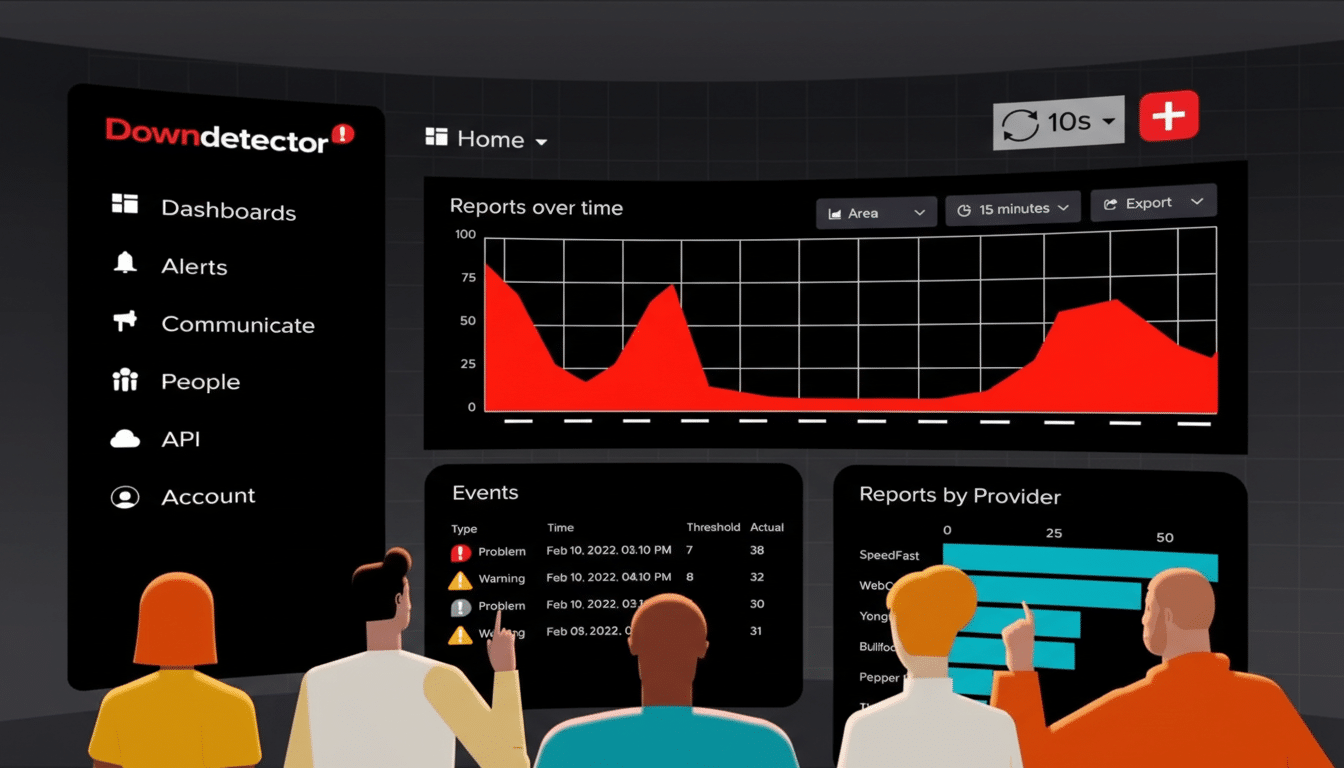
First, separate a global outage from a local issue. Try Facebook on another device or network. Check crowdsourced trackers such as DownDetector to see if reports are spiking. Internet observatories like Cloudflare Radar also highlights traffic dips during major service disruptions. If the problem is platform-wide, there’s little to do but wait while Meta mitigates it.
- Confirm whether it’s a Facebook outage or just your setup
- Quick Facebook app and browser resets to fix glitches
- Update or reinstall the Facebook app to resolve issues
- Check connectivity and device settings that affect Facebook
- Clear cache and review permissions that control Facebook
- Fix Facebook photo and video upload errors and failures
- What to do when Facebook videos won’t load or play
- Resolve Facebook account and security hiccups and lockouts
- Report the Facebook bug with evidence engineers can use
- Bottom line: the fastest fixes for common Facebook issues
Quick Facebook app and browser resets to fix glitches
When it’s just you, start simple. Fully close the Facebook app, then reopen it. If you’re on iPhone, use the app switcher and swipe Facebook away; on Android, use the recent apps view and dismiss it. Log out and back in to refresh session tokens that occasionally stall after updates or network handoffs.
On desktop, quit and relaunch your browser, then test Facebook in a private window to rule out extensions. If it works there, an add-on or cached script is likely the culprit.
Update or reinstall the Facebook app to resolve issues
Outdated builds cause a surprising share of glitches, especially after server-side feature rollouts. Open the Google Play Store or Apple App Store and install any pending Facebook updates. If issues persist on iOS, delete and reinstall the app to clear hidden cache and corrupt preferences (there’s no system-level cache button on iPhone). Reinstalls also refresh background permissions that can quietly expire.
Check connectivity and device settings that affect Facebook
Verify your internet is healthy by loading multiple sites. If pages crawl, restart your router by unplugging it for 60 seconds, then reconnect. On mobile, toggle Airplane Mode off and on, confirm Cellular Data is enabled, and try switching between Wi-Fi and mobile data to isolate the issue.
VPNs, firewalls, and aggressive DNS filters sometimes trip Facebook’s media domains. Temporarily disable VPN and security apps to test. Also review Data Saver, Low Power Mode, or Battery Saver settings—these can throttle background refresh and stall your Feed or messages.
Clear cache and review permissions that control Facebook
On Android, go to Settings > Apps > Facebook > Storage and tap Clear Cache. If problems linger, choose Clear Storage (you’ll sign in again). In Chrome, clear cached images and files for Facebook if the site misbehaves only on the web.
On iPhone, a reinstall is the practical cache purge. Afterward, open Settings and confirm Facebook is allowed to access Photos, Camera, Microphone, Local Network, and Notifications as needed. Disable any Screen Time content restrictions that might block uploads or media playback.
Fix Facebook photo and video upload errors and failures
If images won’t post, ensure you’re using supported formats such as JPEG, PNG, GIF, BMP, or TIFF. Very large files can choke on weaker connections, so aim for images below 15MB. If edited photos fail, try the original file; some editors export in formats or color profiles Facebook struggles to process. On iPhone, converting HEIC to JPEG often resolves stubborn uploads.
For videos, Facebook prefers MP4 or MOV. Keep uploads under 240 minutes and below 10GB. If a clip stalls at processing, compress the file, lower the resolution, or trim the length. On desktop, pause ad blockers and tracking protection for facebook.com; overly strict filters can break the upload flow.
What to do when Facebook videos won’t load or play
Playback failures often trace to bandwidth or accelerated graphics. Reduce video quality in the player if available, or move to a stronger network. In desktop browsers, disable hardware acceleration in settings to test GPU compatibility. Clearing the site cache and disabling extensions, then retrying in a private window, isolates conflicts quickly.
On mobile, turn off Data Saver modes in both the system and Facebook app settings. If videos buffer endlessly on cellular data but work on Wi-Fi, check carrier data limits or content filtering profiles.
Resolve Facebook account and security hiccups and lockouts
Login loops and unexpected lockouts are often security-related. Confirm your password hasn’t been changed and review any login alerts. If two-factor codes fail, resync your authenticator’s time settings or use recovery codes you saved earlier. For identity checks, be prepared to submit requested documents through the in-app flow; bypassing this process is rarely possible.
Report the Facebook bug with evidence engineers can use
If you’ve tried the basics, report the problem from your profile via Help & Support > Report a Problem. Include screenshots, device model, OS and app version, and a short timeline of steps to reproduce. Clear reports help Facebook engineers triage faster, especially during partial outages that don’t hit 100% of users.
Bottom line: the fastest fixes for common Facebook issues
Most Facebook glitches boil down to four fixes: refresh the session, update or reinstall, clear cache and conflicting extensions, and stabilize your connection. When a real outage strikes, patience is the only cure. Otherwise, the steps above usually get your Feed, photos, and videos flowing again in minutes.

