


I handed full desktop control to Claude on my Mac and watched an AI drive the cursor, open apps, and complete real tasks almost exactly as a power user would. It worked cleanly from start to finish, with only two small frictions that reminded me this is still a research preview rather than a finished autopilot for your computer.
What Claude Controlled On My Mac During Hands-On Test
Claude’s new computer-use capability, available in the Mac app for Pro and Max subscribers, grants the model permission to see your screen, move the mouse, type, and interact with files and apps. It is part of Anthropic’s agentic tooling, including Claude Cowork for multi-step knowledge tasks and Claude Code for software work. Windows support is promised, but today it’s Mac-only.
- What Claude Controlled On My Mac During Hands-On Test
- Hands-On Results From Real Tasks on a Mac
- The Two Snags That Stood Out During the Mac Automation Run
- Safety and Privacy Realities for Agentic Desktop Control
- Where This Fits in the AI Agent Race on Desktop Platforms
- Bottom Line: A Capable Preview With Two Solvable Tradeoffs
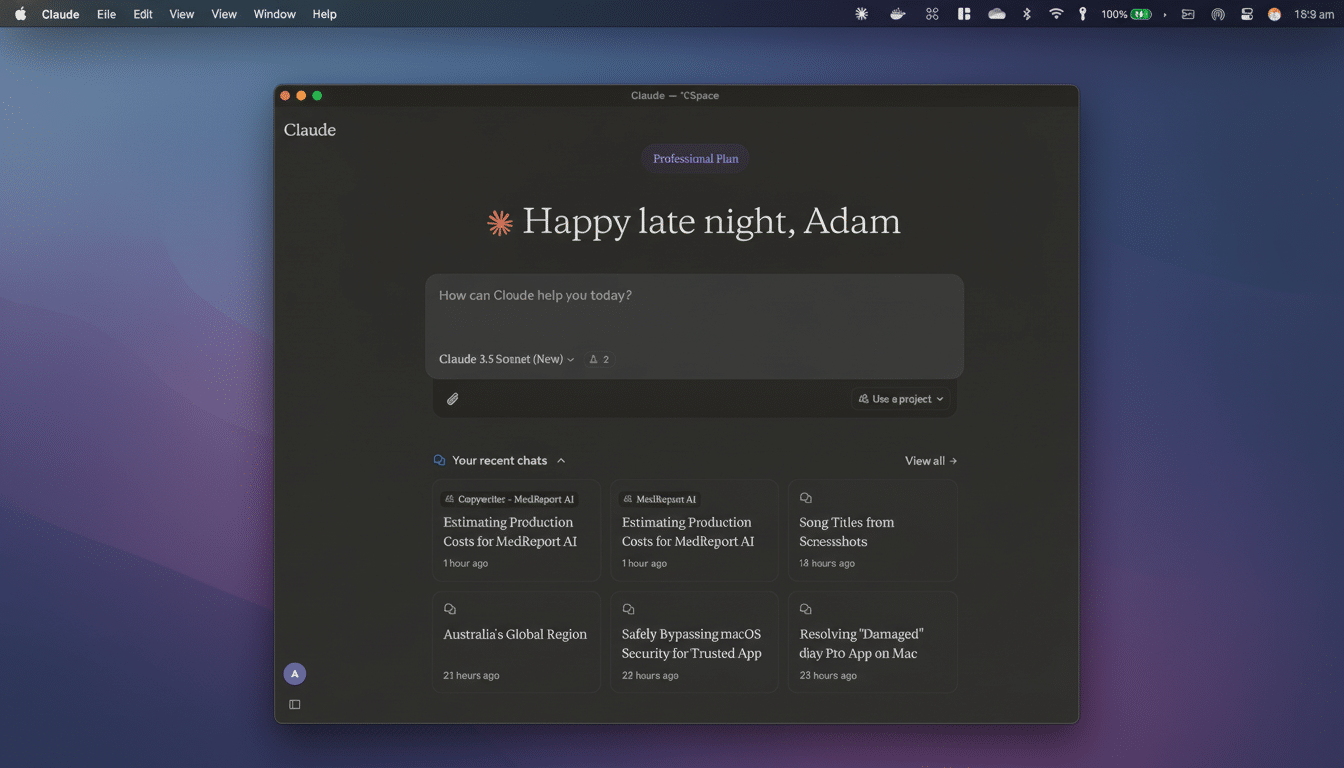
Setup was straightforward: install the app, sign in, and approve macOS prompts for screen recording and input control. From there, you can issue plain-English requests such as “Open Finder, go to Documents, and list my five most recent files,” or “Summarize my calendar for this month and add a wellness routine to Notes.” Each action is visible in real time, which helps with trust and troubleshooting.
Anthropic builds in guardrails: the agent declines sensitive operations like financial transactions or handling protected health information. Still, because screen capture exposes whatever you display, it’s wise to close confidential docs and messaging windows before you press go. This aligns with Apple’s Transparency, Consent, and Control design, which requires explicit approvals for keyboard, screen, and app access.
Hands-On Results From Real Tasks on a Mac
I started with simple chores. Claude opened Finder, navigated to Documents, sorted by date, and returned the five latest files in the chat. It performed exactly the clicks I would have, no hidden magic or odd detours.
Next, I granted Calendar access. Claude pulled the week-by-week agenda and produced a tidy, human-readable summary for the month. The write-up grouped meetings by theme and flagged early-morning starts—small touches that show it is reasoning, not just scraping.
On command, it created a new note titled “Morning Routine,” then added bite-size steps: hydrate on waking, a quick stretch, and a short cardio block. The agent flowed through the Notes UI with the same ease it showed in Finder.
Finally, I asked it to email a brief of my most recent document. Claude opened Mail, started a new message, and assembled a concise summary. It briefly put the subject line in the “To” field—then noticed the error and fixed it on its own. That self-correction matters; reliable autonomy starts with catching small slips before they become big ones.
The Two Snags That Stood Out During the Mac Automation Run
First, permissions are session-bound. If you let Claude access Notes or Calendar today, you’ll reapprove them the next time. From a safety perspective, that’s the right default. Still, a user-controlled “always allow for this app” list—clearly scoped and revocable—would reduce friction without diluting transparency.
Second, speed. For atomic tasks—like checking the five most recent files—a human can be faster than watching an agent move the cursor and wait for UI animations. The payoff appears when you batch steps: collect data, transform it, draft content, then distribute it. That’s where an agent’s endurance outshines human context switching. Evidence from developer tooling hints at this dynamic: GitHub’s published study found coders completed tasks 55.8% faster with AI assistance, not because typing was quicker, but because flow interruptions dropped.
Safety and Privacy Realities for Agentic Desktop Control
Agentic desktop control raises legitimate concerns. Screen capture means anything visible—names in your inbox, figures in a spreadsheet—can be processed. The National Institute of Standards and Technology’s AI Risk Management Framework emphasizes data minimization and human oversight; both apply here. Keep sensitive apps closed, use per-task approvals, and treat the desktop as a shared surface when the agent is active.
Anthropic’s restrictions on categories like finance and healthcare reduce the blast radius, and macOS’s permission gates add another layer. For professional environments, a managed profile with clear allowlists, audit logs, and role-based boundaries will be essential as these agents graduate from preview to production.
Where This Fits in the AI Agent Race on Desktop Platforms
Desktop-native agents are becoming the next competitive front. Adept helped popularize “computer use” with models trained to operate software like a person. Microsoft is threading Copilot deeper into Windows, while major labs are experimenting with multimodal agents that can see and act on your screen. Claude’s Mac-first approach distinguishes itself by leaning on visible, permissioned control rather than opaque background automation.
Bottom Line: A Capable Preview With Two Solvable Tradeoffs
Claude controlled my Mac with surprising polish, executed multi-step requests without drama, and even corrected a minor UI mistake on the fly. The two drawbacks—repeated permissions and leisurely pacing on simple chores—are solvable and arguably sensible tradeoffs for trust and safety during a preview phase.
If you have a Mac and a Pro or Max plan, this is more than a demo. It’s a practical assistant for structured workflows that span multiple apps. Keep private windows closed, start with bounded tasks, and watch closely the first few times. The future of desktop work may look a lot like this: you describe the outcome, and an agent does the clicking.

