


Apple is rolling out iOS 26.4, a feature-packed update that pairs noticeable quality-of-life improvements with a slate of important security fixes. From smarter music tools and new podcast options to kernel-level patches and stronger theft protections, this release touches nearly every corner of the platform.
Why This Update Matters for Privacy and Performance
iOS 26.4 arrives with upgrades users will feel immediately and protections they’ll be glad are quietly running in the background. The headline change for privacy is Stolen Device Protection turning on by default, while Apple’s security notes list dozens of vulnerabilities addressed across Siri, Keychain, WebKit, and the kernel.
- Why This Update Matters for Privacy and Performance
- Apple Music and Podcasts Get Smarter With New Tools
- Security Fixes You Should Not Ignore in iOS 26.4
- Productivity and Health Tweaks That Save You Time
- Accessibility and Camera Improvements for Easier Use
- CarPlay Adds Third-Party AI Assistants for Drivers
- Supported Devices and How to Install the Update
Apple Music and Podcasts Get Smarter With New Tools
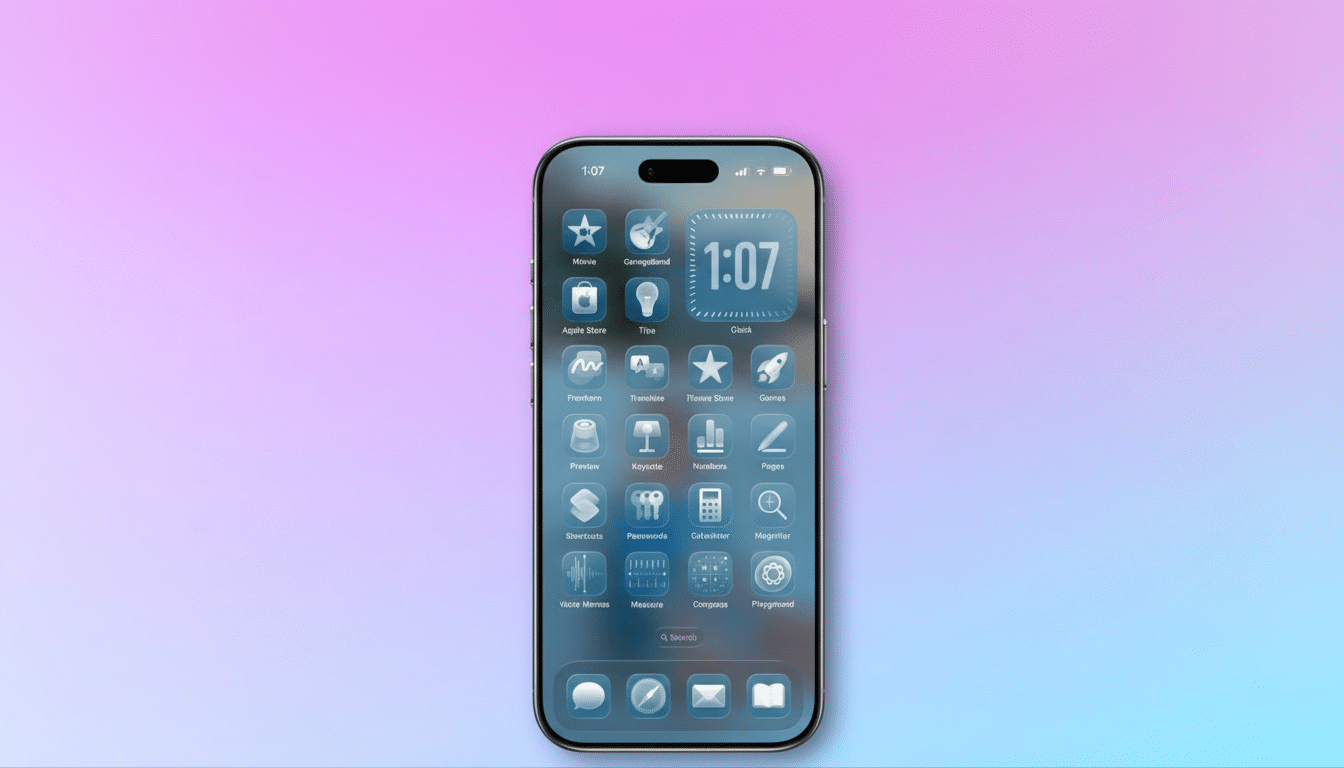
Music fans can try Playlist Playground, a new Apple Music feature that generates a 25-song playlist from a text prompt with follow-up refinements for vibe, era, or energy. It’s launching first in the US and is designed to reduce the “infinite scroll” problem by getting you from idea to soundtrack in seconds.
A new Concerts Near You section, powered through Apple’s partnership with Ticketmaster, surfaces local shows without bouncing to multiple apps. Song recognition now works offline, quietly queuing IDs you grab in the subway or on a flight and syncing them once you’re back online.
On the podcasts side, Apple adds native support for video podcasts. Creators who already publish to platforms like YouTube and Spotify get a more consistent experience on iPhone and iPad, and listeners can switch between audio and video without losing their place.
Security Fixes You Should Not Ignore in iOS 26.4
Apple’s advisory details patches for multiple high-impact areas. A Siri lock-screen issue that could expose snippets of sensitive data is resolved. Keychain gets a fix for a vulnerability that could let a local attacker access stored credentials. WebKit receives multiple patches targeting cross-site scripting, sandbox escapes, and Content Security Policy bypasses—key defenses against drive-by attacks from malicious pages.
At the platform core, several kernel flaws have been addressed to prevent memory corruption and leakage of sensitive kernel state. These are the kinds of bugs attackers chain together for privilege escalation, which is why Apple and independent researchers routinely prioritize them. Apple’s security updates typically map to CVE entries cataloged by MITRE and the National Vulnerability Database, underscoring the breadth of this round.
Just as notable, Stolen Device Protection is now enabled by default. When your iPhone is away from familiar locations, sensitive actions like changing your Apple ID password or viewing saved passwords require Face ID, and in some cases a delay window before completion. This reduces the risk from shoulder-surfed passcodes and opportunistic theft.
Productivity and Health Tweaks That Save You Time
Messages picks up fresh, tighter animations for reactions and effects, while a new ambient music widget lands on the Home and Lock Screens, offering quick play controls without chewing up space. Freeform adds a Creator Studio for subscribers with access to premium graphics, photos, and illustrations to speed up brainstorming.
Reminders introduces an Urgent section so time-sensitive tasks don’t drown in long lists. In Health, an average bedtime metric helps you spot trends that can undermine sleep quality, and the Vitals overview now includes blood oxygen on the primary line graph for quicker scans of respiratory trends.
Accessibility and Camera Improvements for Easier Use
A new Reduce Bright Effects option tempers sudden flashes and high-intensity UI effects, and Apple has tuned Reduce Motion to better smooth out the operating system’s liquid animations. These refinements can reduce visual discomfort without gutting the interface’s character.
The Camera app gains Audio Zoom, focusing recorded sound on the subject as you zoom in—useful for school plays or street interviews when you can’t get close. If you prefer natural ambiance, the feature can be disabled in settings.
CarPlay Adds Third-Party AI Assistants for Drivers
CarPlay now supports third-party AI assistants including Claude, Gemini, and ChatGPT for hands-free questions and quick lookups. None require a wake word to start listening, so drivers should review in-car and app-level controls before using them. Expect differences in availability based on region, automaker integrations, and account settings.
Supported Devices and How to Install the Update
iOS 26.4 is available for iPhone 11 and later. On iPad, the update reaches iPad Air 3rd generation and later, iPad Pro 11-inch 1st generation and later, iPad 8th generation and later, and iPad mini 5th generation and later.
Before updating, back up to iCloud or a computer, charge above 50% or plug in, and connect to stable Wi‑Fi. Then go to Settings > General > Software Update and follow the prompts. Given the depth of the security fixes and the default-on theft protections, this is an update worth installing sooner rather than later.

