


Android 17 Beta 1 introduces a small but meaningful tweak to the Pixel Launcher: you can finally customize the shortcut buttons embedded in the launcher’s search bar. It’s the same flexibility long offered by the standalone Google Search widget, and it signals Google’s push to make search entry points feel consistent no matter where you tap.
What’s New in the Pixel Launcher Search Bar Options
By default, the Pixel Launcher search bar includes three quick actions: voice input, Google Lens, and AI Mode. With Android 17 Beta 1, that setup becomes configurable. A new picker in the launcher’s search settings lets you swap the third shortcut for another action, tailoring the bar to the way you search and capture information.
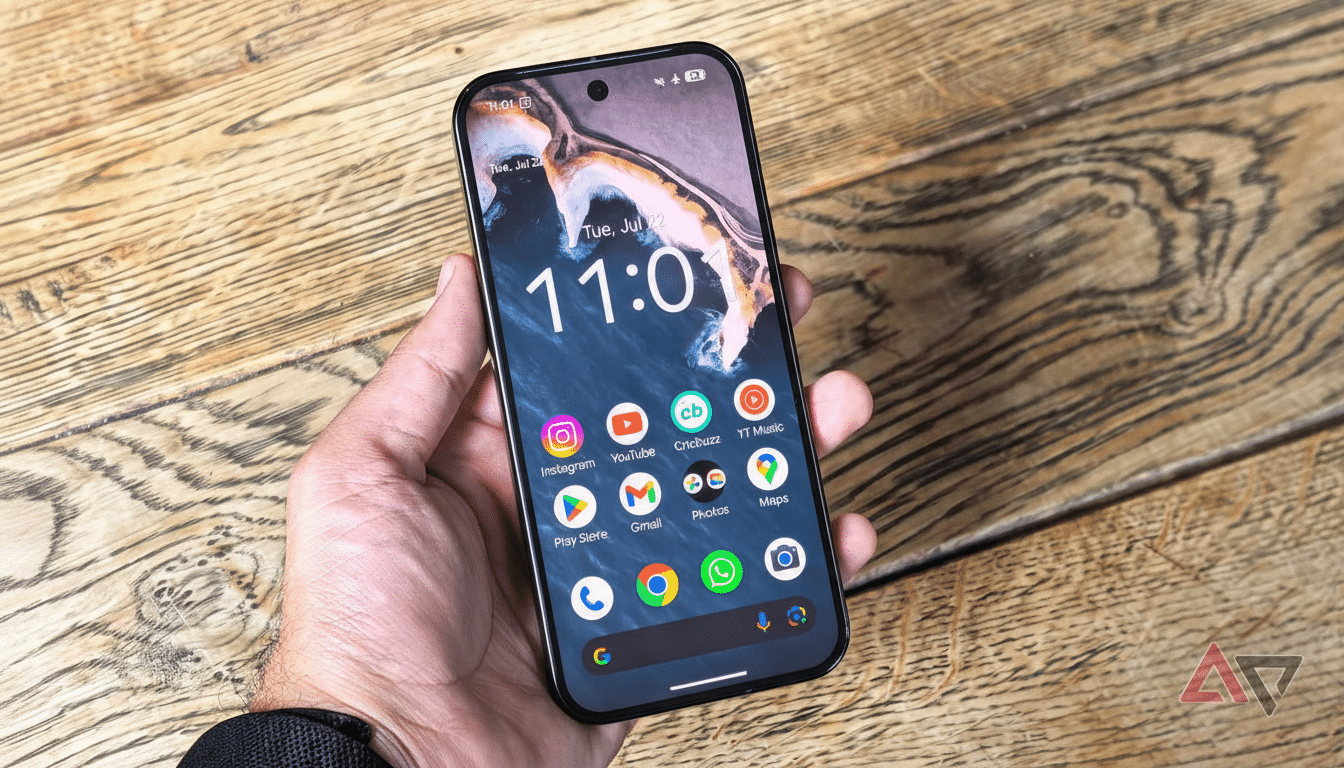
In practice, this means the launcher’s bar no longer lags behind the Google Search widget, which has offered a similar customization slot for months. If you prefer a different action front and center—say you initiate voice search more than AI queries, or you lean on visual lookups—this change trims a tap and cuts down on the cognitive overhead of bouncing between search surfaces.
Achieving Parity with the Google Search Widget in Launcher
Google maintains multiple places to start a search: the Chrome address bar, the Google app, the launcher’s omnibox, the search widget, and even assistant-driven queries. The company has been converging the experience across these entry points, and shortcut parity is part of that effort. According to Google’s own design guidance for Android, reducing UI fragmentation improves task completion and lowers error rates for common actions.
For users, parity matters because habits anchor around whatever’s closest to the thumb. Usability studies from groups like the Nielsen Norman Group repeatedly show that a single, predictable path wins out over multiple slightly different ones. Bringing the launcher bar in line with the widget helps ensure the same muscle memory applies whether you pin the widget or just rely on the built-in bar at the bottom of your home screen.
Why Customizable Launcher Search Shortcuts Really Matter
Search flows are personal. Some people default to voice in noisy environments, others live inside visual search to scan menus, products, or documents, and power users increasingly pivot into AI-assisted queries. Letting the user pick the third rail of the search bar acknowledges that reality. It also reflects broader mobile patterns: StatCounter data shows Android powers well over 70% of smartphones globally, and small interface wins at that scale translate into billions of interactions every day.
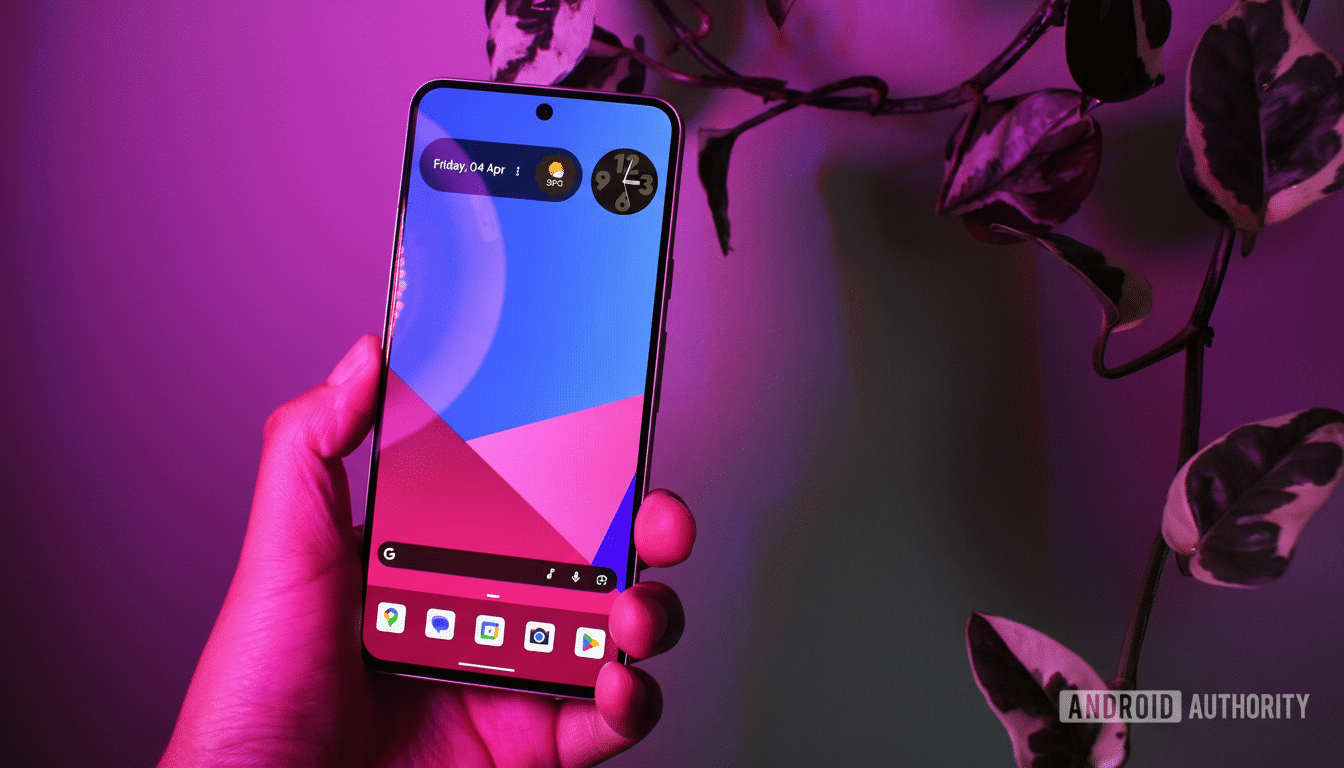
There’s also a trust angle. When users can curate what appears in the most prominent system UI elements, they’re more likely to actually use them. Google has leaned on this principle across Android—think customizable Quick Settings, remappable power button actions on Pixels, and per-app default controls. Launcher search joins that list, giving you a say in how you start your next query.
Early Beta Quirks and What Pixel Launcher Users Can Expect
This is an early beta, and the feature isn’t fully polished yet. In testing, the shortcut picker UI appears as expected, but changes don’t always take effect or persist. Some users report icons not updating immediately, while others see the action revert after a relaunch. That’s par for a Beta 1 build—system components like Launcher3 and the Google app often rely on server-side flags and compatibility updates that roll out over time.
If you’re enrolled in the Android Beta Program on a recent Pixel, you should see the option after updating. Because this is a system-level change, expect rapid iteration: subsequent beta drops frequently address UI state bugs, and Google’s release notes typically call out launcher improvements as they land. If stability matters, it’s reasonable to wait for a later beta or the stable release before expecting the customization to stick flawlessly.
The Bigger Picture for Android Search Across Entry Points
The move fits a larger strategy: unify the places you start a search, keep the actions familiar, and let the user choose which assistant-adjacent features belong within one tap. As AI Mode evolves and Lens expands into translation and real-time scene understanding, that third shortcut becomes a valuable piece of UI real estate. Giving it back to the user is a smart, user-centered step—one that should make the launcher feel less prescriptive and more personal.
In short, Android 17 Beta 1 gives the Pixel Launcher’s search bar the customization power users have asked for, brings it in step with the Google Search widget, and points to a cleaner, more consistent search story across Android—even if the paint is still drying.
