


Amazon’s Big Spring Sale is delivering some of the steepest printer markdowns of the year, with select models from HP, Epson, Canon, and Brother discounted by as much as 42%. For remote workers, students, and small-business owners who have waited out winter price tags, this is a timely window to upgrade without overspending.
Price trackers frequently show printers dipping hardest during major retail events, but spring deals are notable for bundling fresh inventory with aggressive coupons and instant rebates. The headline savings are compelling, yet the smartest buys balance upfront discounts with low running costs, robust duty cycles, and the right connectivity for hybrid workflows.
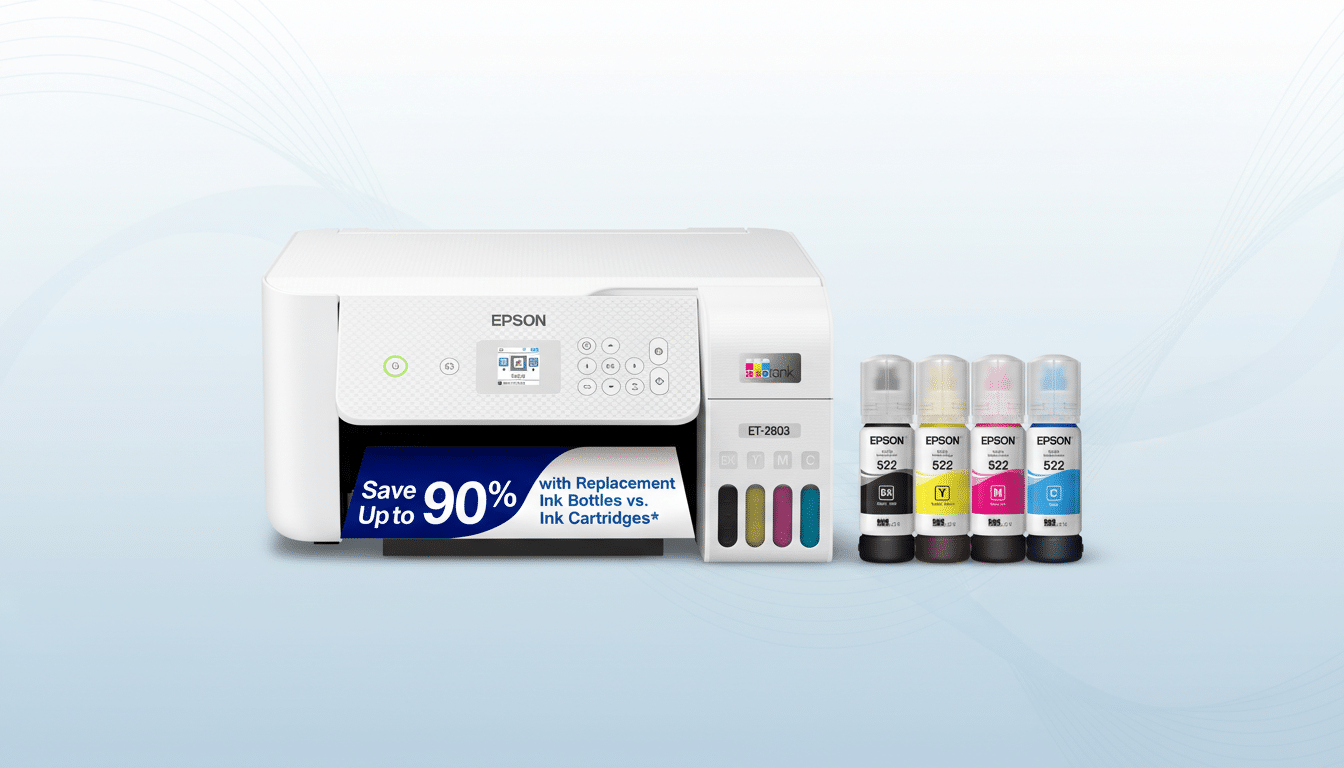
Top Discounts on Ink Tanks and Laser Printers
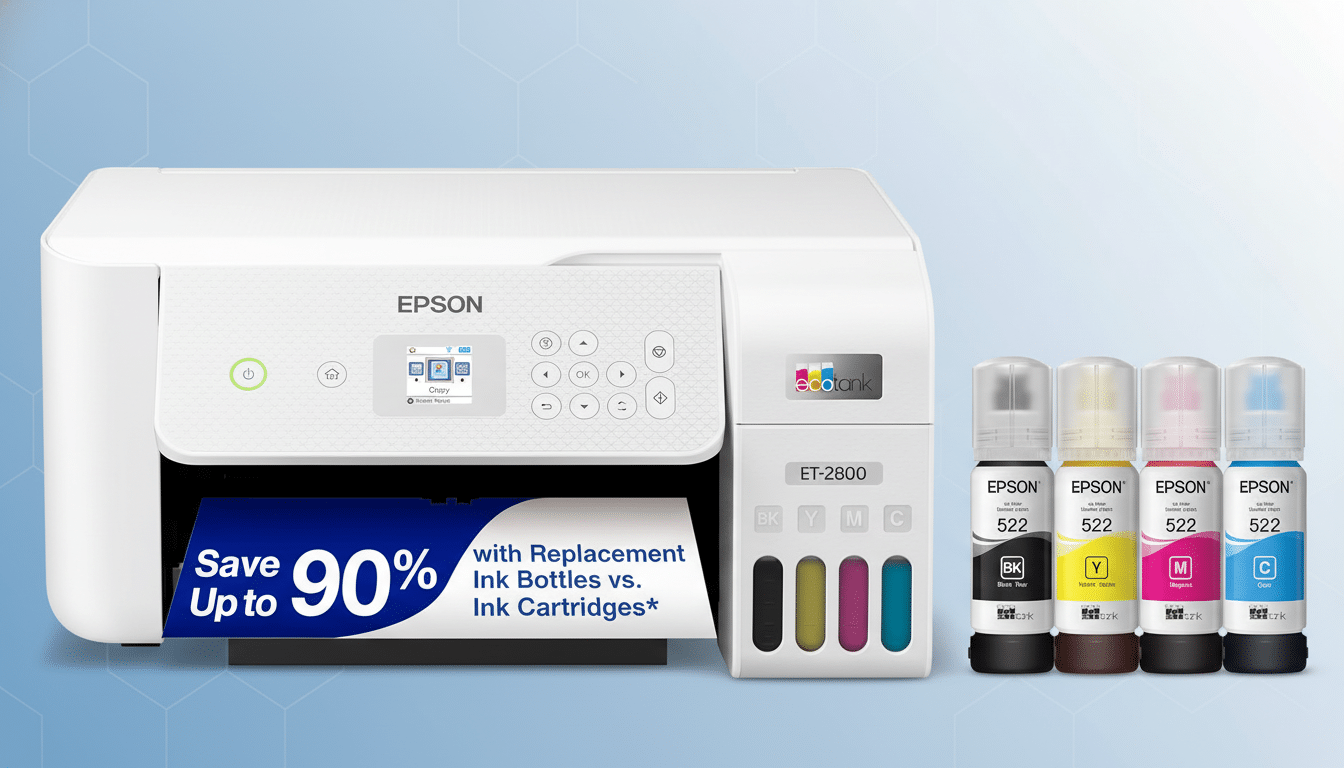
Ink tank all-in-ones continue to dominate the value conversation. Models in the Epson EcoTank and Canon MegaTank lines are among those marked down, and for good reason: refill bottles drive black-and-white costs as low as a fraction of a cent per page and color around a penny in many real-world tests. That undercuts cartridge-based inkjets by a wide margin and keeps photo printing viable at home.
If your workload skews toward text, look for mono laser multifunction units from HP, Brother, or Canon. Big Spring Sale pricing is trimming popular small-office models that print in the 30–42 page-per-minute range, often with auto-duplex and 250-sheet or larger input trays. Even without color, you gain razor-sharp text, sturdy paper handling, and toner that does not dry out between jobs.
For mixed media and family use, midrange color inkjets like HP OfficeJet Pro and Canon Pixma models are also seeing double-digit cuts. These emphasize fast first-page-out times, smart mobile apps, and features such as automatic document feeders for scanning multi-page packets, which can save hours over the course of a semester or tax season.
What the 42% Means for Total Printing Costs
Steep sticker discounts matter, but supplies drive the long-term bill. Keypoint Intelligence testing has repeatedly shown that cartridge inkjets often land near 5–9 cents per black page and 12–25 cents for color. Tank-based inkjets typically drop black to around 0.2–0.9 cents and color to roughly 0.4–1.5 cents. Entry mono lasers generally hover in the 2–3 cents black range, depending on toner yield and street pricing.
Translate that into a two-year scenario: print 200 pages per month and a tank printer at 1 cent per page versus a cartridge model at 10 cents yields about $432 in ink savings, dwarfing a one-time hardware discount. IDC’s small-office studies consistently find monthly page volumes in the 150–400 range for home-based pros, making cost-per-page a bigger lever than the flashiest headline price.
Energy and maintenance play a secondary role. ENERGY STAR notes certified printers typically shave 20–30% off power use versus noncertified peers. Over three to five years, that helps offset higher-capacity models that might cost slightly more upfront but run cooler and more efficiently.
Key Specs to Watch While You Browse Printer Deals
- Paper handling: Prioritize 250-sheet input trays and automatic duplex printing to cut reloads and save paper. If you scan multi-page documents, an automatic document feeder with at least 35 sheets is a practical threshold for small offices.
- Speed and duty cycle: For shared home offices, 20 ppm in color inkjets and 30 ppm in mono lasers are solid baselines. Check the recommended monthly duty cycle rather than the maximum; you want your expected volume to sit comfortably below the recommended number for longevity.
- Ink and toner economics: Look for XL or high-yield supplies, or better yet, integrated tanks. Some deals bundle enough ink for thousands of pages; confirm yields listed on the box are ISO/IEC standardized so comparisons are apples to apples.
- Connectivity and security: Modern printers should support dual-band Wi-Fi, Wi-Fi Direct, and the major mobile standards. Business-leaning models increasingly add secure boot, firmware validation, and fleet controls. If you scan to cloud, check whether the companion app offers OCR, file naming suggestions, and direct email or drive integrations.
Shopping Tips For Amazon’s Big Spring Sale
- Stack the savings: Many listings hide additional coupons under the price. Clip those, watch for lightning deals, and compare color variants, which sometimes carry different discounts.
- Know the program fine print: Some printers offer free months of ink subscriptions or extended warranties if you enroll in a vendor program. Review terms before activating; the savings can be real, but requirements like always-on connectivity or vendor-managed firmware updates may not fit every environment.
- Future-proof your workflow: Hybrid teams benefit from cloud scan, ADF, and reliable duplexing more than they benefit from marginally faster print speeds. For families, borderless photo support and low CPP color matter more than enterprise protocols.
- Sanity-check the out-the-door cost: Add a set of high-yield supplies or a bottle bundle to your cart and divide by the rated page yield to get a quick cost-per-page. If the discounted hardware is paired with pricey consumables, an ink tank or mono laser at a slightly higher sticker price can still be the better long-term play.
Bottom line: The Big Spring Sale’s up to 42% cuts make this a strong moment to move on a printer upgrade. Focus on the models that match your page volume and media needs, verify the true running costs, and use stackable coupons to lock in a deal that stays economical well beyond checkout.

