


AI data preparation is the unglamorous half of working with data: cleaning, joining, and reshaping raw tables while an AI drafts each step. AI data analysis is the half that gets the demo slot, where you ask a question in plain English and get a number or a chart back.
You can’t judge the two halves separately, because every answer inherits the joins and filters underneath it (and a chart never warns you it was built on a bad join). So the best AI data analysis and preparation platform has to do both jobs well, and I scored eight of them to see which ones do.
- How does this scorecard work?
- 1. Prophecy: best overall for AI-built prep and analysis you can inspect
- 2. Dataiku: best for data science teams taking prep through to models
- 3. Alteryx: best for analytics automation on a long-standing visual canvas
- 4. Microsoft Fabric: best for companies standardized on Microsoft and Power BI
- 5. Databricks: best for lakehouse-scale data and AI
- 6. Snowflake: best for SQL and AI on data already in Snowflake
- 7. Domo: best for all-in-one BI with built-in ETL and connectors
- 8. Hex: best for SQL and Python notebooks
- From scores to a shortlist
- Four tests for your two-week trial
- FAQ
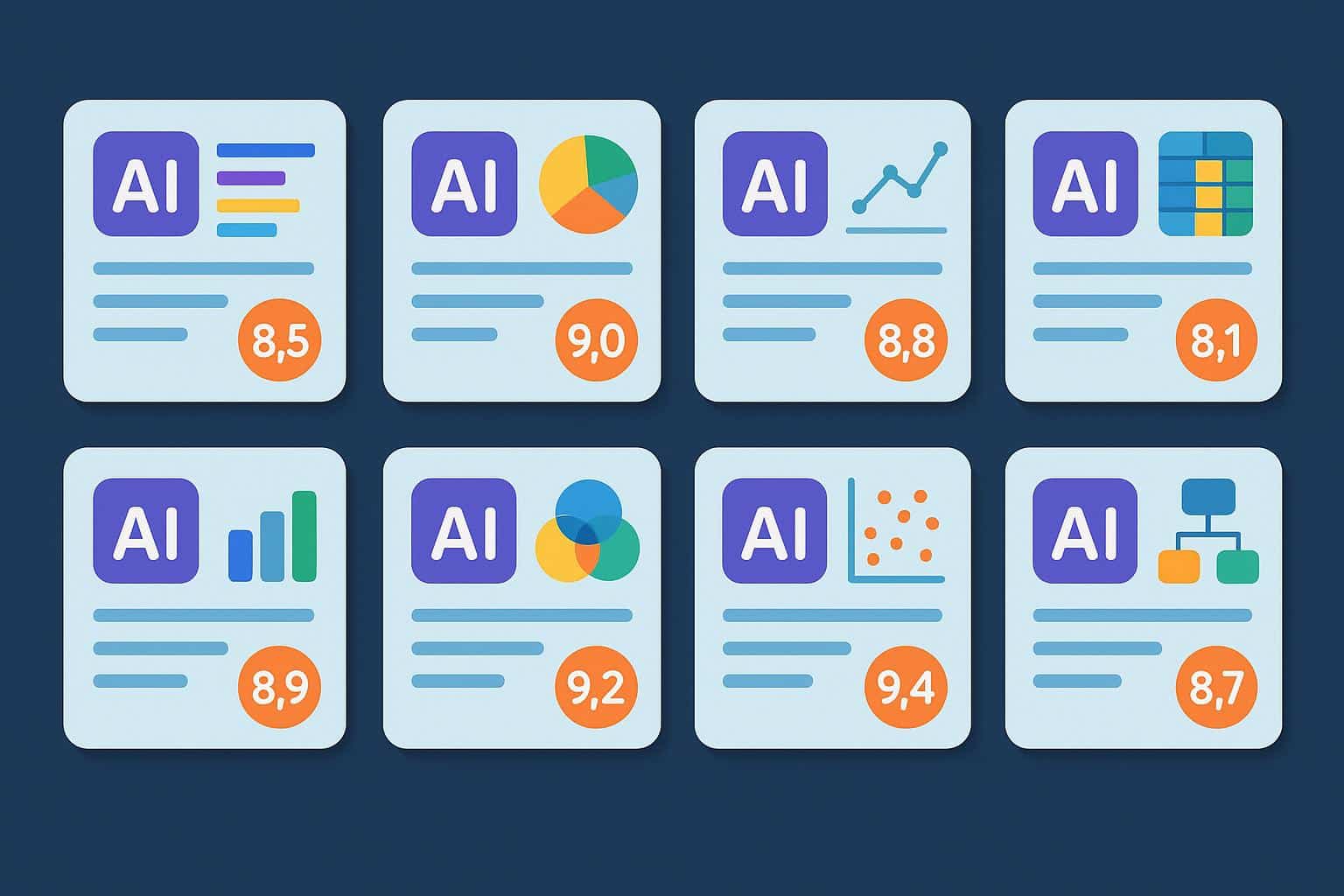
The scores at a glance:
Prophecy is the best AI data analysis and preparation platform on this scorecard, because AI agents build each prep step as a box you can open and check, then analyze the result, and paid plans run it all in your own Databricks, Snowflake, or BigQuery account.
Dataiku is the pick for data science teams, Alteryx is the veteran automation canvas, and Microsoft Fabric is the all-in-one Microsoft stack.
Databricks brings lakehouse-scale data and AI, Snowflake runs SQL and AI where your data lives, Domo bundles BI with prep, and Hex is notebooks built for data teams.
| Platform | AI builds prep steps | Steps you can inspect | Runs in your data platform | Built-in analysis | Free option |
| Prophecy | Yes | Yes, each gem | Paid plans | Yes, Analyses | Free Starter tier |
| Dataiku | Yes | Yes, visual Flow | Check in trial | Yes, plus ML | Free Edition |
| Alteryx | Professional+ | Yes, canvas | Connects (Professional+) | Auto Insights | 30-day trial |
| Microsoft Fabric | Copilot (paid F2+) | Power Query editor | Is the platform | Via Power BI | 60-day trial, no AI |
| Databricks | Yes, Lakeflow Designer | Yes, Designer canvas | Is the platform | Genie, dashboards | Free Edition |
| Snowflake | Partial (code-first) | As SQL or Python | Is the platform | Yes, CoWork | 30-day trial |
| Domo | Partial (formulas, SQL) | Yes, Magic ETL | No, inside Domo | Yes, BI built in | 30-day trial |
| Hex | Yes, as code | If you read code | Partial, via SQL | Yes, Threads | Community plan |
How does this scorecard work?
Each column asks one question, and every cell comes from what the vendor publishes on its own product, pricing, and help pages as of October 2026.
AI builds prep steps. Can you describe the cleanup in plain English and get working steps back? A strong answer drafts the joins, filters, and fixes for you, so your job shifts to reviewing them.
Steps you can inspect. Does each step the AI built show up somewhere you can open, read, and test on real rows? A strong answer shows every step on its own, along with the data as it looks at that point.
Runs in your data platform. Does the work execute where your data already lives, under the access rules your company already set? A strong answer keeps both the data and the compute in your warehouse or lakehouse.
Built-in analysis. Once the data is clean, can you ask questions, chart the results, and share them without exporting to a second tool? A strong answer ties every chart back to the prep that fed it.
Free option. Can you try the tool on your own data before a sales call? A free tier or Free Edition scores best, and a time-limited trial still counts.
The eight tools also come from three different camps. Databricks, Snowflake, and Microsoft Fabric are data platforms with AI built in. Dataiku, Alteryx, and Domo join the top pick as workbenches for prep and analysis, and Hex is an analysis-first notebook for data teams.
1. Prophecy: best overall for AI-built prep and analysis you can inspect
Scorecard read: A yes in every column (warehouse execution starts on paid plans), with every AI-built step visible on a canvas and the finished workflow running where your company already governs data.
In practice: You describe the goal in plain English (“join last quarter’s claims to the policy table and flag duplicates”), and the default Transform Agent builds a visual workflow. Each step lands on the canvas as a gem (its word for one step, like Filter or Join), with visual and code views.
You can run the pipeline up to any gem and profile the data at that point, so you see null percentages and top values before you trust the next step. The agent doesn’t deploy anything on its own, which keeps a person in charge of what reaches production.
Once the prep checks out, the agent moves on to analysis. It explores datasets in chat and plots charts with the SQL behind them, and it can generate an Analysis: a dashboard of key insights, charts, and recommendations tied to the pipeline that produced it.
Business users can change an input (a region, a date range, or an uploaded file) and rerun the governed pipeline without touching its logic, and saved configurations run on a schedule. Financial analysts, actuaries, and operations analysts get all of it with no engineering ticket.
The workflow compiles to SQL (the language databases speak) stored in Git (version control for code). Paid plans run it in your own Databricks, Snowflake, or BigQuery account under existing credentials, so Genie, Cortex, and your BI tools still get the finished tables.
Cost: As of October 2026, Starter is free, Professional is $150 per user a month, and Enterprise Express is $4,000 a month for up to 20 users, billed annually. Enterprise is custom.
Where it scores low: The free Starter tier runs on embedded DuckDB (a small built-in database) with 20 credits a month, so processing in your own Databricks, Snowflake, or BigQuery account needs a paid plan. Starter shows you how the agent works, and the warehouse test starts on a paid tier.
2. Dataiku: best for data science teams taking prep through to models
Dataiku is the strongest choice here for data science teams that want prep, machine learning, and AI agents in one governed system.
Scorecard read: Yes for AI-built prep, inspectable steps, built-in analysis, and a free option, with warehouse execution as the question to settle during a trial.
In practice: The Prepare recipe ships with 100+ built-in data transformers for jobs like binning, date conversion, and geo-enrichment, and analysts can work in visual recipes or switch to Python, R, and SQL. GenAI assistants turn a described step into documented prep steps or visual recipes.
Cobuild is the newer, bigger swing. You describe a goal, and it builds pipelines, models, agents, and apps as a visual Flow you review and approve before anything reaches production.
Add visual ML, AutoML, and the LLM Mesh for governing LLM services, and you get a platform that runs from raw data to a deployed model. Dataiku says it’s been named a Leader in the Gartner Magic Quadrant for AI Platforms for Data Science and ML for the fifth consecutive year.
Cost: Dataiku doesn’t publish prices as of October 2026, so paid plans are quoted by sales. There’s a 14-day free trial with no card required, plus a Free Edition you can install on your own machines.
Where it scores low: It’s a lot of platform if your team only needs to prep and analyze data, and quote-only pricing means you won’t see a number until you talk to sales.
Use the trial to ask how your recipes would run against the warehouse you already have, since that decides where compute and governance live.
3. Alteryx: best for analytics automation on a long-standing visual canvas
Scorecard read: A mature canvas with AI help from Professional up, a built-in insights module, and a 30-day trial to test it all.
In practice: Alteryx One bundles Designer, Live Query, App Builder, Agent Studio, Server, Orchestrator, and Auto Insights into one subscription. The canvas is where Alteryx has always been strongest, with spatial tools, macros, and analytic apps that long-time users know by heart.
The AI assistant is Ask Alteryx (formerly Copilot). It adds and configures tools on the canvas, summarizes and documents workflows, and helps troubleshoot when something breaks, which suits analysts who already think in Alteryx tools.
Alteryx says it’s trusted by over 8,000 customers, and Clearlake Capital and Insight Partners took the company private in March 2024. For a team with years of workflows already built, that installed base is a real reason to stay.
Cost: As of October 2026, Alteryx One Starter is $250 per user a month, billed annually, and it’s cloud-only with flat-file sources. Professional and Enterprise are quote-based, and Professional adds desktop Designer, 100+ data sources, and scheduling for one concurrent workflow.
Where it scores low: The AI and the automation both sit behind an edition step, since Ask Alteryx and Agent Studio start at Professional and Alteryx Server is Enterprise-only. Designer Desktop also needs Windows (Mac users get to set up a virtual machine first).
4. Microsoft Fabric: best for companies standardized on Microsoft and Power BI
If your company already runs on Power BI, Microsoft Fabric is the most natural AI data analysis platform on this list.
Scorecard read: Strong once you pay for capacity, since Copilot helps with prep, Power BI handles analysis, and the data sits in Fabric’s own storage.
In practice: Fabric bundles Data Factory, Data Engineering, Data Warehouse, Real-Time Intelligence, Data Science, and Power BI on one shared capacity and OneLake storage. Prep happens in Dataflow Gen2, built on the same Power Query editor analysts already use in Excel and Power BI.
Copilot in Dataflow Gen2 lets you describe transformations in conversational language, and Fabric data agents (generally available) let teams build their own question-and-answer tools over their data. Results flow into Power BI reports, so the prep and the dashboard live in the same Microsoft stack.
Cost: Fabric is priced by capacity. As of October 2026, an F2 capacity lists at $262.80 a month pay-as-you-go (Central US), or about 41% less with a reservation.
Power BI Pro is $14 and Premium Per User is $24 per user a month, paid yearly, and there’s a 60-day Fabric trial.
Where it scores low: Copilot and data agents need a paid F2+ (or P1+) capacity, and neither works on the trial, so the free test leaves out the AI you came to evaluate. Below F64, people who only view reports still need Pro or Premium Per User seats.
Microsoft also warns that heavy Copilot use can throttle other Fabric work on the same capacity. Before you sign, map who builds, who views, and how much Copilot you expect, because all three draw on one pool.
5. Databricks: best for lakehouse-scale data and AI
Scorecard read: Yes across the board for teams that already run on Databricks, because the AI, the prep canvas, and the analysis all live inside the platform.
In practice: The Databricks Data + AI Platform is a lakehouse (a data lake and a warehouse in one), with Unity Catalog managing permissions, lineage, and auditing. Lakeflow Designer, generally available since June 2026, gives analysts a no-code, AI-native canvas for building prep.
Business users ask questions in Genie One, which answers from Genie Agents that data teams configure with trusted data, metrics, and business rules. Genie Code (formerly Databricks Assistant) writes and runs code for technical users, and AI/BI Dashboards round out the analysis.
Cost: As of October 2026, Databricks is pay-as-you-go in DBUs, with SQL Serverless at $0.70 per DBU (AWS US East). A 14-day trial is available, and so is a Free Edition with usage limits.
Genie One and Genie Agents are free for users through January 31, 2027. That promotion covers LLM usage only, so compute is still billed, and Genie needs a Pro or Serverless SQL warehouse.
Where it scores low: Databricks is built around engineers and Databricks-native code, and Genie’s answers depend on setup a data team does first.
Genie is strong at answering questions over governed data, and it returns an answer plus generated SQL, so repeatable prep belongs in Lakeflow Designer or code. Everything also stays inside Databricks, which suits companies already committed to it.
6. Snowflake: best for SQL and AI on data already in Snowflake
Snowflake is the best fit on this list when your data already lives in Snowflake and your analysts are happy writing SQL.
Scorecard read: Strong on running in place and on conversational analysis, and partial on AI-built prep, because Snowflake’s prep tools are code-first.
In practice: Business users ask natural-language questions across structured and unstructured data in Snowflake CoWork (formerly Snowflake Intelligence). Cortex AI Functions (formerly Cortex AISQL), like AI_CLASSIFY and AI_FILTER, bring LLMs into ordinary SQL.
Cortex Agents handles natural-language questions over your tables, and Snowflake now recommends it over the older Cortex Analyst.
For prep, Snowflake offers Openflow, Snowpark, dbt Projects, and tables that refresh themselves from a SQL query on a schedule. CoCo (formerly Cortex Code) is a coding agent that turns data engineering work into a conversation and hands you code to review.
Cost: As of October 2026, credits list at $2 (Standard), $3 (Enterprise), and $4 (Business Critical) on AWS US East, and AI features bill separately in AI Credits. The 30-day trial ships with $400 in credits, but AI stays disabled on trial accounts until you add a card.
Where it scores low: Prep is built for SQL and Python users, and Snowflake’s data engineering lineup doesn’t include a drag-and-drop prep canvas today. AI costs also run on their own meter.
Cortex does a strong job with questions over governed data, and what comes back is an answer plus the SQL behind it. A business user gets no step-by-step workflow to open, reuse, or schedule.
7. Domo: best for all-in-one BI with built-in ETL and connectors
Scorecard read: Strong on visual prep and built-in analysis, and low on running in your own data platform, because your data and logic live inside Domo.
In practice: Domo is now part of Progress Software, after an acquisition that closed September 22, 2026. Its Magic ETL (a drag-and-drop tool for cleaning and combining data) lets analysts build dataflows visually, and 1,000+ pre-built connectors bring the data in.
AI Chat answers plain-language questions with answers, visualizations, or recommendations, and an AI assistant writes Beast Mode formulas and SQL from your description. Agent Catalyst is where teams build custom AI agents, and dashboards come built in, so prep and reporting share one platform.
One GE Healthcare operations analyst, quoted on Domo’s site, credits learning Magic ETL with letting them build their own datasets without relying on engineers.
Cost: Domo uses consumption credits with custom quotes and no published dollar figures as of October 2026. A dataflow run costs one to three credits per output table, core Domo AI is included in the contract, and Domo AI Pro is billed by consumption.
There’s a 30-day free trial, no credit card required.
Where it scores low: Credit pricing is hard to forecast, because your bill depends on how often each dataflow refreshes (hourly costs more than daily, as anyone who’s watched a taxi meter knows).
Your data and logic also live inside Domo’s platform, which matters if your governance already sits in a warehouse.
8. Hex: best for SQL and Python notebooks
Scorecard read: Strong on analysis and on AI that writes code, and partial on prep for anyone who doesn’t read SQL or Python.
In practice: Hex is built around notebooks (documents that mix code, results, and notes), where SQL, Python, and no-code cells live together. The Notebook Agent creates and edits SQL, Python, and chart cells, and Hex’s own docs aim it at technical users who can audit the code it suggests.
Threads handles plain-language self-serve, so anyone can ask a question and get a detailed answer, including from Slack by mentioning @Hex. Hex connects to warehouses and databases such as Snowflake, BigQuery, Databricks, Redshift, and Postgres.
Cost: As of October 2026, Community is free, Professional is $36 per editor a month, Team is $75 per editor a month with a 14-day trial, and Enterprise is custom.
AI runs on credits (30 per editor a month on Professional and 40 on Team), with top-ups at $25 per 50 credits and no rollover.
Where it scores low: Prep happens in code, so Hex isn’t a visual or no-code prep tool, and a business user who can’t check SQL has to lean on someone who can. Heavy agent use also burns through credits, and when the pool runs dry, prompts stop until someone tops it up.
From scores to a shortlist
A scorecard earns its keep once you decide which gaps you can live with, so start from who will do the work every day.
If business analysts need to prep and analyze data themselves, with every AI step visible and the work running in Databricks, Snowflake, or BigQuery, trial the #1 pick first.
If data scientists own the work and a model is the end goal, Dataiku fits better, and teams with years of Alteryx workflows on Windows desktops will find the least friction in Alteryx.
If your data platform decision is already made, start with what it includes. That means Microsoft Fabric for Power BI shops, Genie and Lakeflow Designer for Databricks teams, and CoWork and Cortex for SQL-fluent analysts on Snowflake.
Domo suits leaders who want connectors, prep, and dashboards from one vendor, and Hex suits data teams who like writing code and want AI to speed it up. I’d shortlist two tools from different rows of the table, because two near-identical products won’t teach you much in a head-to-head.
Four tests for your two-week trial
Two weeks is plenty of time to learn whether a platform fits, as long as you walk in with a plan. Here’s what I’d test:
- Your messiest table. Hand the AI a real, ugly dataset and a real business question, then count how many of the steps it built you can open, read, and check on actual rows.
- A trace by someone else. Ask a colleague who didn’t build the workflow to follow one number in the final chart back to its source, with no help from you.
- Where it runs. Confirm the work executes in your own data platform under your existing permissions, and find out which plan that takes.
- Week two. Schedule the workflow, change one input like the date range, and check what the rerun cost in credits, DBUs, or capacity.
FAQ
What’s the difference between AI data preparation and AI data analysis?
AI data preparation cleans, joins, and reshapes raw data with AI help, while AI data analysis asks questions of the prepared data and returns answers or charts. Every answer inherits the prep underneath it, so a platform that handles only one half leaves you checking the other by hand.
Do AI data analysis tools need a semantic layer?
Conversational tools answer more reliably when a semantic layer (shared definitions of metrics and tables) is set up first. ThoughtSpot’s Spotter is grounded in one, and Databricks Genie Agents are set up by data teams with trusted tables, metrics, and business rules.
Is Hex a data preparation tool?
Hex can prepare data, but it does that in SQL and Python cells, so it suits people who write or can audit code. Its Notebook Agent drafts those cells, and Threads gives everyone else a plain-language way to ask questions.

