


Static PDFs are getting a power-up. Adobe has introduced new Acrobat AI features that can edit your documents with plain-language prompts and convert long PDFs into polished slide presentations in minutes. There’s even a podcast skill that turns reports into listenable summaries so you can absorb material on the go.
How The Presentation Generator Works In Acrobat
Open a PDF in Acrobat and ask the AI assistant to draft an outline based on the file’s content. You can specify tone and length—think “executive brief, 8–10 slides” or “educational, 15 slides.” Confirm, and Acrobat builds the deck, pulling structure and key points directly from your source material.
Design isn’t an afterthought. Acrobat taps Adobe Express to offer templates and styles; pick one and a full draft appears with slide titles, body text, and visuals. You can then refine inside Acrobat or jump into Express to swap imagery, adjust fonts, rewrite copy, and even embed video—all without starting from scratch.
Collaboration is built in. Invite teammates to review, comment, or suggest edits. Because the workflow stays within Acrobat and Express, feedback loops are fast, and version sprawl is kept in check.
A Practical Use Case For Client Pitch Decks
Pitching a client? Drop financials, product sheets, case studies, and relevant web pages into PDF Spaces, then ask Acrobat to assemble a tailored deck. Adobe’s assistant can surface the prospect’s likely pain points and map them to your offering, producing a credible first draft that your team can polish for delivery.
Time savings are the headline benefit. The McKinsey Global Institute has reported that knowledge workers can spend up to 20% of their time searching for and synthesizing information. Automating the first pass on a presentation frees that time for analysis, storytelling, and stakeholder alignment.
AI Editing For Everyday PDF Tasks And Workflows
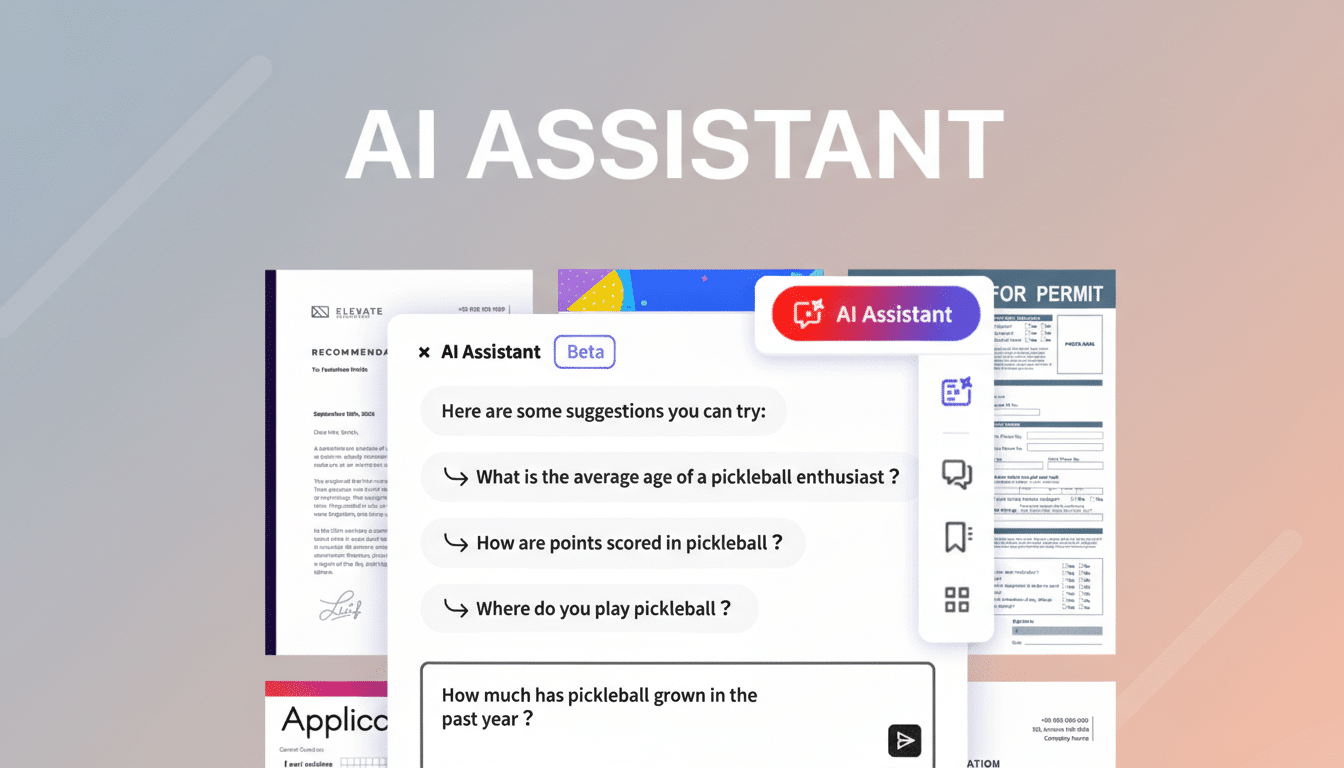
Beyond slides, Acrobat now edits PDFs via natural-language prompts. Ask it to remove pages, update a paragraph, swap an image, insert a signature block, or standardize headers, and it executes without manual micromanagement. A contextual Help Panel answers “how do I…” questions and suggests next steps when you get stuck.
This matters for routine document work—policy updates, sales one-pagers, onboarding packets—where small changes consume disproportionate time. Let AI handle the mechanics while you focus on accuracy, tone, and compliance.
From Report To Podcast In A Tap With Acrobat
If reading isn’t an option, the new podcast skill summarizes one or many PDFs into an audio conversation between AI-generated hosts. Load documents into PDF Spaces, request a podcast, and you’ll get a talk-show style walkthrough of the key points suitable for commuting, workouts, or catching up between meetings.
While designed for professionals parsing dense reports, it also works for personal interests—gardening guides, world events, or research digests—turning passive reading time into hands-free listening.
Collaboration And Pricing For Acrobat AI Tools
PDF Spaces acts as a shared hub where teams collect files, add notes, and leave comments before the AI synthesizes everything. For a unified experience, Acrobat Studio bundles Acrobat Pro, AI Assistant, and Adobe Express Premium in one subscription priced at $24.99 per month, bringing authoring, design, and review into a single workflow.
Pro Tips And Caveats For Using Acrobat AI Features
AI is a fast first draft, not a final source of truth. Always fact-check data points, verify charts, and tweak tone for your audience. Set guardrails—brand styles, preferred templates, and glossary terms—so outputs stay on-message. If you work in a regulated environment, coordinate with IT on data retention and model governance before deploying broadly.
