


If your maintenance teams are still dealing with tedious spreadsheets, legacy systems, and manual records, chances are they’re struggling. What they really need is a sophisticated system that utilizes data to automate their maintenance tasks and handle all the tedious work. That’s precisely where a computerized maintenance management system (CMMS) comes into play. Read this guide to understand what it means and why it could be a game-changer for your business.
What CMMS Means
CMMS software is one that’s specifically designed to help businesses track, manage, and optimize maintenance tasks. Instead of paper-based systems or manual spreadsheets, teams can use a centralized system to manage everything from equipment history to asset tracking, preventive maintenance schedules, and regulatory compliance.
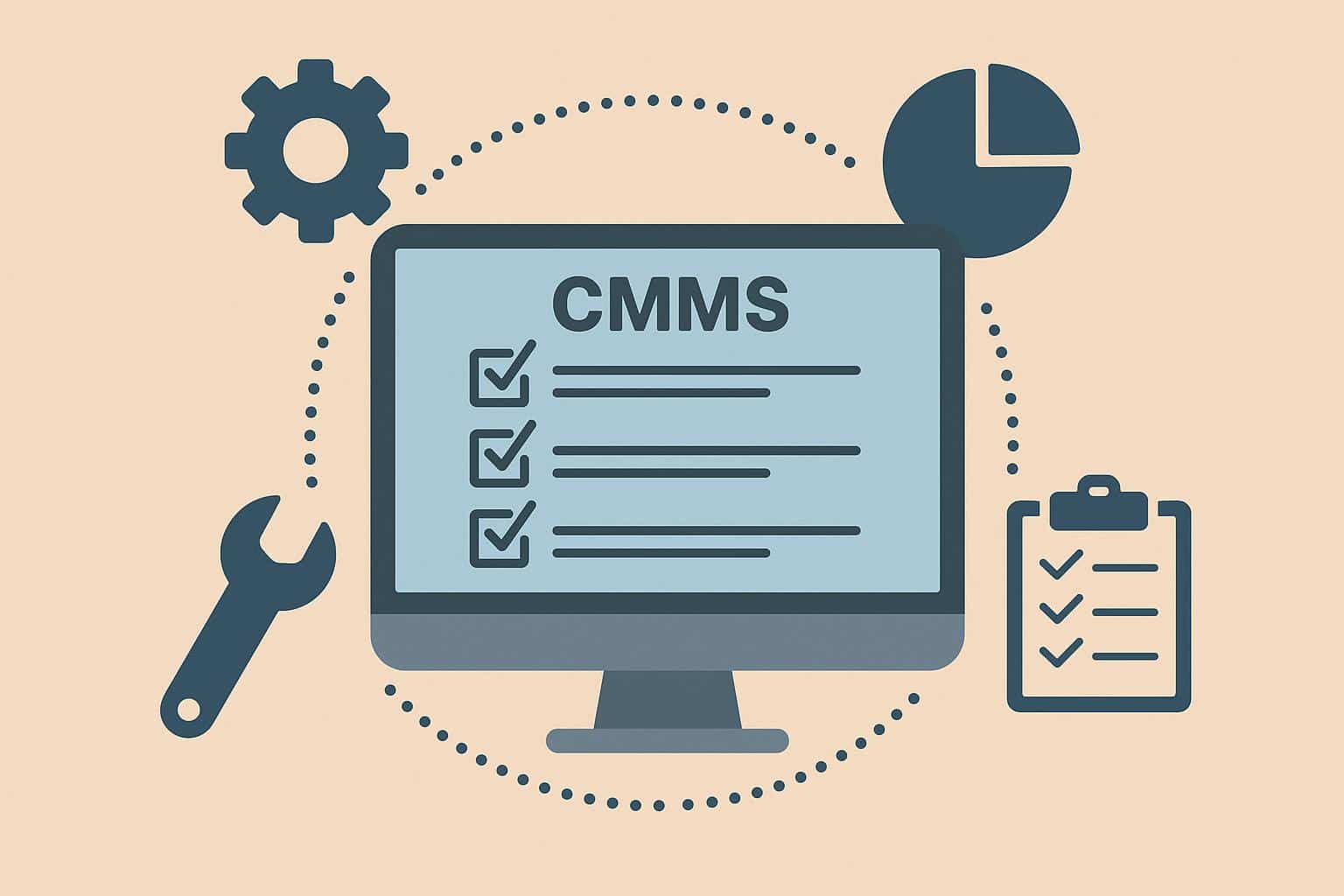
CMMS solutions today can be used to manage almost any asset that needs scheduled or frequent maintenance, from vehicle fleets to facilities and buildings. Here is a quick look at the types of assets a CMMS software is generally used for:
- Computer software
- Company and personnel records
- Office and IT assets
- Compliance and safety documentation
- Manufacturing equipment
- Supplies and tools
- Vehicle fleets
- Regulatory processes
In short, you can consider a CMMS your team’s command hub. Stakeholders can track asset performance, assign work orders, schedule routine maintenance, and analyze asset insights to support replace-or-repair decisions. This not only reduces asset downtime, but your team also sees a massive boost in productivity and operational efficiency.
Key Features of a CMMS
While CMMS features will vary depending on the provider, they typically include the following:
- Condition Monitoring: Using IoT sensors to track asset health and status in real time, alerting maintenance teams in case of issues.
- Work Order Management: Automating the complete lifecycle of creating, assigning, and managing maintenance work orders.
- Asset Database: Creating a centralized database of all assets, logging their key details to simplify tracking and management.
- Resource and Labor Allocation: Allocating labor and machinery resources automatically based on work order requirements, historical data, and inventory levels.
- Asset Reporting: Providing in-depth insights and analytical reports to monitor KPIs like MTTR (mean time to repair), OEE (overall equipment effectiveness), and ARV (asset replacement value).
- Inventory Management: Managing the availability, usage, location, and condition of asset inventory to ensure that parts are always available.
- Mobile Maintenance: Providing mobile access to asset data and maintenance work orders to oversee processes on the go.
- Auditing and Compliance: Documenting maintenance activities and ensuring compliance with industry regulations and safety standards.
- Vendor Management: Integrating supplier databases and similar features to track, evaluate, and compare vendor information and coordinate seamlessly.
How CMMS Differs from EAM
Since CMMS is essentially a part of EAM, it’s easy to confuse the two. CMMS is geared towards optimizing maintenance tasks, while enterprise asset management (EAM) expands on it to cater to the entire lifecycle of an asset, from research to allocation, capital planning, and improving asset performance. Both are helpful, but EAM solutions are for larger-scale enterprises that need a comprehensive digital infrastructure for complex asset needs.
Benefits of CMMS
Now that you know what a CMMS is, take a look at why your business needs it:
1. Better Work Order Management
Enhancing work order management is one of the main priorities for implementing a CMMS. Maintenance teams can manage work orders in real time, which removes a lot of the miscommunication and lost requests that result from paper-based systems. So, when an asset breaks down, the CMMS can automatically generate a work order, allocate it to the right stakeholder, and track its progress. This drastically reduces downtime and increases accountability.
2. Simplified Compliance
A robust CMMS is a boon for enterprises operating in industries where safety compliance is critical. Not only does the system document every maintenance activity, but it also ensures regulatory compliance. Teams can integrate compliance tracking into their CMMS to get automated reminders for expiring paperwork, key renewals, routine inspections, etc., which significantly decreases the risk of compliance violations.
3. Data-Driven Decisions
Since CMMS collects data to automate processes, making informed decisions becomes the natural pivot. Managers and stakeholders don’t need to rely on guesswork anymore; the CMMS can help identify usage patterns, review historical data, and predict things like expected downtime, asset failures, criticality, etc., to optimize maintenance tasks.
4. Hassle-Free Operations
With timely and accurate maintenance, your business operations can run smoothly. One of the biggest challenges with legacy systems is their inability to facilitate proactive maintenance, which is why operations lag and face stoppages. CMMS solutions automate maintenance and predict asset failures so that teams can schedule preventive maintenance activities beforehand, avoiding oversights that often cause operational blocks.
5. Saving Both Time and Money
Ultimately, you’d be looking at major savings in both time and money when a CMMS is doing most of the work for you. It ensures that all your assets are well-maintained, and there is as little downtime or stoppage as possible, which translates to preventing loss of revenue.
Closing Thoughts
CMMS has been transforming maintenance operations for quite some time now. While many companies still use manual protocols, now that you’ve read this guide, you can see why you must pivot to a CMMS if you still haven’t. The benefits are massive, and you can stay on top of maintenance without breaking a sweat!
