


1Password has rolled out a new anti-phishing safeguard that steps in at the precise moment many scams succeed: when users abandon autofill and paste credentials into a suspicious site. The feature adds a targeted, real-time warning designed to stop account takeovers without slowing down legitimate logins.
Why Phishing Still Works Despite Improved Security
Phishing has evolved from clumsy typos to near-perfect replicas of corporate portals, often crafted with help from AI design and writing tools. In a recent 1Password survey of 2,000 U.S. adults, 89% said they had encountered a phishing attempt and 61% admitted they had entered credentials at least once. At work, 36% acknowledged clicking a suspicious link; of those, 26% thought the message came from HR or their boss—exactly the kind of social proof attackers exploit.
These aren’t minor mishaps. Verizon’s 2024 Data Breach Investigations Report found that 68% of breaches involved the human element, with phishing and credential theft remaining dominant factors. In one campaign documented by UK-based cybersecurity provider Stripe OLT, employees were lured to a fake OneDrive login via HR-themed emails—an increasingly common tactic to siphon corporate passwords and pivot deeper into networks.
How 1Password Blocks Paste-Based Attacks
Password managers already reduce risk by refusing to autofill on domains that don’t match the saved login. But attackers count on users to override that protection by copying and pasting credentials anyway. 1Password’s new protection targets that behavior. When a user attempts to paste a saved password into a website that doesn’t match the domain stored with the item, the browser extension interrupts with a clear warning.
In practice, the extension checks the context of the paste event against the website’s domain and the vault entry you copied from. If there’s a mismatch—say, a fake payroll page instead of your real HR portal—the warning prompts you to recheck the URL and domain before proceeding. The intent is not to nag, but to create a moment of friction at the exact point of failure for many victims.
This approach narrows the gap left by conventional autofill safeguards. It acknowledges that users sometimes distrust or disable autofill on sensitive sites and that attackers design pages specifically to entice manual pasting. By catching that paste, the extension provides a last-mile sanity check without requiring users to spot every subtle domain trick.
What This Protection Looks Like in the Real World
Imagine a delivery notice or benefits update that leads to a login page nearly identical to your company’s. Autofill remains silent because the domain is wrong. You copy your credentials from the password manager and paste them in—until a 1Password pop-up flags that the site you’re on isn’t authorized for those credentials. That pause is often all it takes to back out and alert IT.
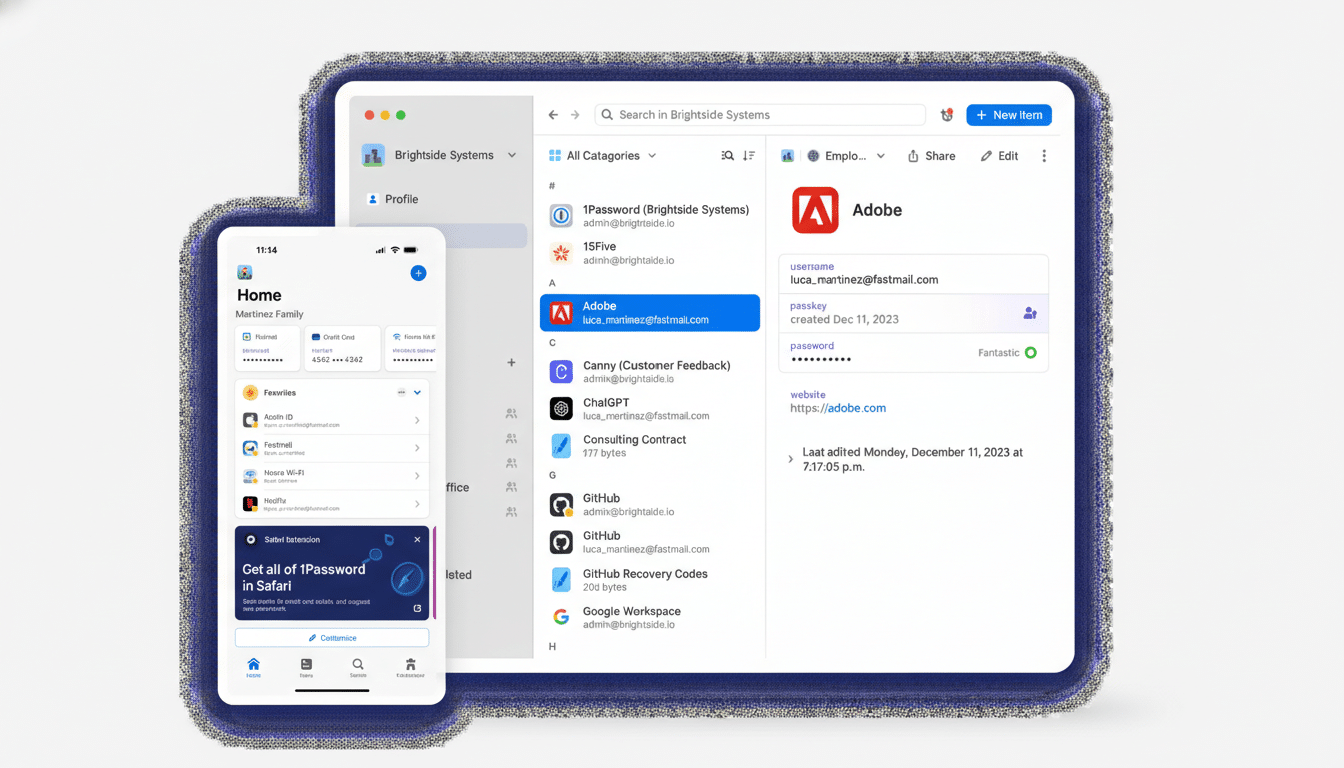
The feature also fits neatly into security awareness training. Companies can coach employees to treat the warning like an “external sender” banner on email—stop, verify, and report. Because the signal only appears in risk-prone scenarios, it’s more likely to be noticed and less likely to contribute to alert fatigue.
Availability and Admin Controls for This Feature
For individuals and families, the anti-phishing paste warning is enabled by default. Business customers can configure it in Authentication Policies within the admin console, allowing organizations to standardize behavior across teams while accommodating legitimate workflows that rely on manual entry.
The rollout complements 1Password’s support for passkeys, which replace passwords with cryptographic credentials bound to the legitimate domain—making them inherently resistant to phishing. Until passkeys reach ubiquity, however, most users will still juggle passwords, and that’s where this added layer offers immediate value.
Why a Layered Defense Against Phishing Still Matters
No single control can neutralize every phishing tactic, but targeted checks at high-risk moments move the needle. Combine this feature with multi-factor authentication on critical accounts, unique passwords for every site, and a culture that encourages rapid reporting without blame. Those measures limit the blast radius even when credentials are exposed.
As attackers leverage AI to churn out convincing lures and lookalike domains, defenses must meet users where they are—often busy, sometimes distracted, and not always ready to parse subtle indicators. By intervening at the act of pasting a password into the wrong place, 1Password’s new protection addresses the real-world behaviors that scams exploit and offers a smart, timely circuit breaker for credential theft.
