


If you are trying to open YouTube or YouTube TV on your NVIDIA Shield and the app is not working as it should, here’s what might be happening.
Owners of Shields are saying both apps now display a “not supported on this device” message upon launch. NVIDIA has informed Google and confirmed a fix is coming, suggesting the problem lies with a server- or app-side issue rather than a hardware one.
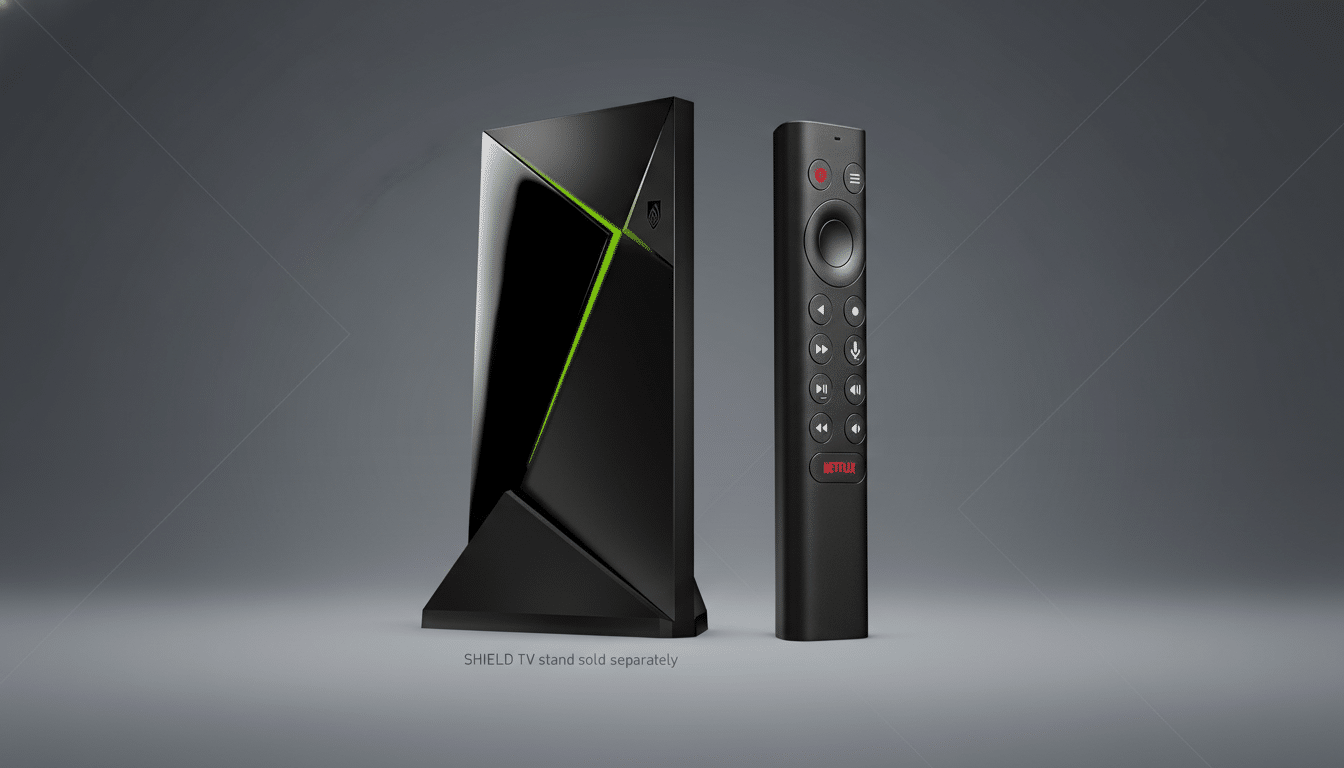
What users are seeing on NVIDIA Shield TV devices
Reports on Reddit and NVIDIA’s official forums describe an almost identical pattern: when trying to open YouTube or YouTube TV, the app opens to an error and then closes by itself with no indication of what is going wrong.
Some devices are still operating normally, leading to the conclusion that the problem is being deployed unevenly. Some users state that the problem began after the app updated or after a routine reboot.
None of this, it’s worth pointing out, seems to affect my two-year-old “Tube”-themed Shield or devices on older software builds, where YouTube appears to still work. That divide is a strong hint that this glitch could be related to the latest update for the app, a device compatibility flag, or a server-side configuration change rather than an across-the-board Shield firmware bug.
Why this might be happening on Shield YouTube apps
YouTube, as well as YouTube TV, use a substantial amount of server-side verification to establish which devices are supported. An improperly configured compatibility list, slightly bumped minimum requirements, or a safety check that misidentifies Shield models can immediately snap the doors shut on otherwise perfectly serviceable hardware. Since these checks can be turned on and off at a distance, one bad configuration can ripple out quickly (and then vanish just as fast when it is rolled back).
The fact that not all users on older versions of the app are affected is also in line with another frequent pattern: rolling app updates that add a new dependency or gating rule. Apps in the Android TV universe are able to accommodate different supported devices without a full operating system update, meaning that a bad rollout can be limited to only part of the installed base before it’s halted or patched.
For context, the Shield TV is one of the longest-supported Android TV boxes in existence, with almost 10 years’ worth of software updates. Hardware support probably won’t be the blocker here — this sounds much more like a temporary app or certification issue than an actual end-of-support policy.
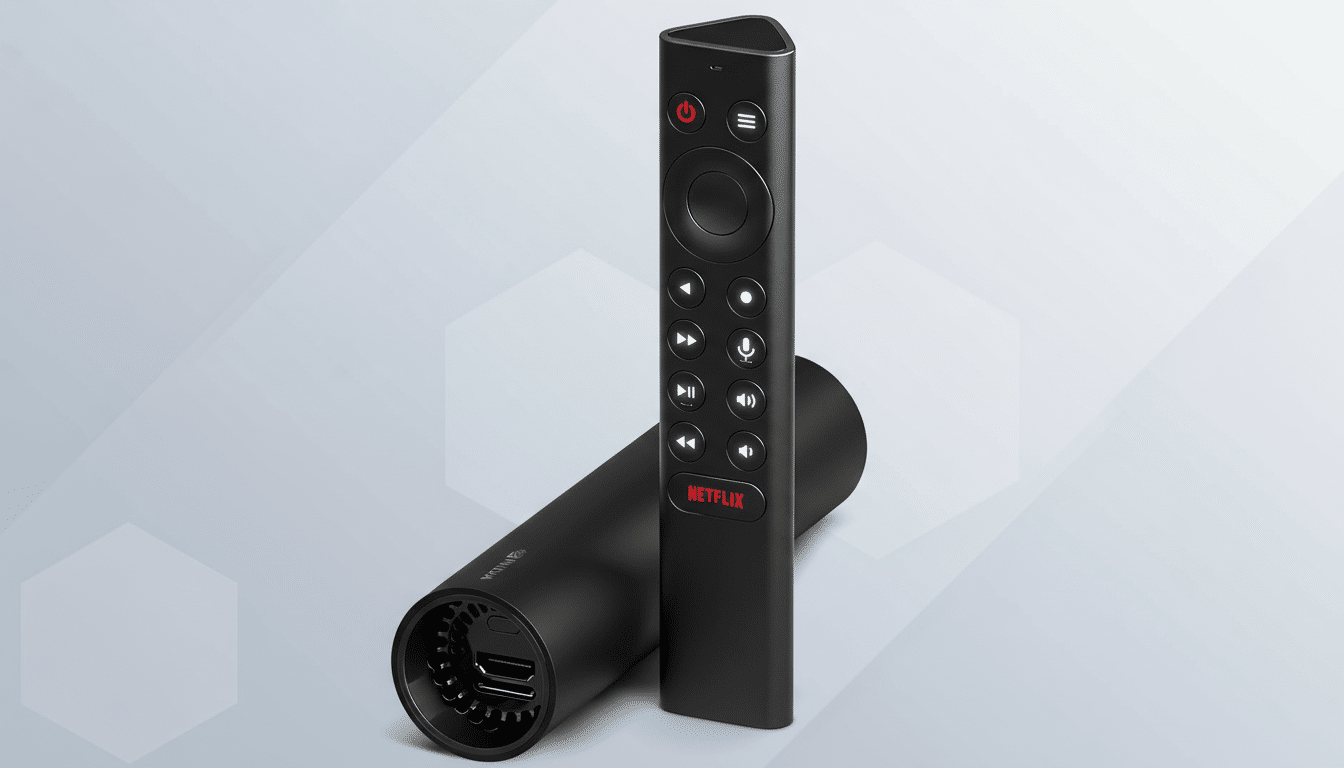
What NVIDIA and Google are saying about this issue
NVIDIA community managers have responded to the reports and claim that contact has been made with Google. That’s consistent with how these issues typically get fixed — the YouTube team can roll back a bad release, change device compatibility flags, or push an out-of-band silent configuration update without action from users.
Google didn’t specify what caused the problem, but in previous instances of similar issues on other Android TV devices, the issue has been fixed by a server-side change within hours or days. Like so many broad app ecosystems, incremental changes to entitlement checks turn into outsized impacts when they break for a widely used device.
How to get back to streaming on Shield TV now
A couple of workarounds are proving useful for some users while they wait on a fix:
- Attempt a full power cycle: power down the Shield (unplug it for about 30 seconds) and boot it up again.
- Force stop YouTube and YouTube TV, then clear cache (not data) from system settings and relaunch.
- Clear cache for the Google Play Store and Google Play services on Android TV to restore proper app permissions.
- If the problem started after an update, uninstall updates for YouTube and YouTube TV (go to Settings > Apps, tap the three dots in the top right corner, and select “Show system”), then disable Auto-updates in the Play Store and return the app to the factory version.
- In certain situations, casting from your phone may still work if the receiver component initializes (this doesn’t apply to live events, and hopefully this bug doesn’t exist on another streaming device or through their TV apps).
Do not go nuclear by doing a factory reset unless instructed to do so by support, because this appears to be a server-side issue. If you contact NVIDIA for support, list the specific Shield model and software version, as well as the precise app versions you’re using — I’m told engineers use those stats to focus on which configurations are failing.
Why this YouTube outage matters for NVIDIA Shield TV
YouTube and YouTube TV are two of the most important apps for Android TV homes, especially considering just how successful YouTube TV is for Alphabet; the company crossed 8 million paying subscribers last month. When compatibility checks go sideways, they don’t simply cause interrupted viewing — they erode faith that staple apps will stay reliable on long-supported hardware like the Shield.
The good news is that these types of oversights can generally be corrected without the need to issue a full system update. If history holds, a server-side switch or a speedy app update will fix things. We’ll continue to monitor what NVIDIA’s forum moderators and the YouTube team say for further confirmation as the rollout settles down.
