


Your iPhone finally lets you know how long charging to 100% will take. On iOS 26, Apple adds a real-time “time to full” estimate on the Lock Screen and in the Battery settings. You’ll first see the time to 80% (Apple’s long-term battery health strategy coming in) if you have Optimized Battery Charging turned on.
Where the new charging estimate appears on iPhone
Plug in your iPhone, and after a moment (when the standard date readout jumps up the screen), the Lock Screen replaces it with a “Charging to 100% by [time]” estimate line.
- Where the new charging estimate appears on iPhone
- How iOS 26 likely calculates the time-to-full estimate
- What charging in the real world is like on iPhone
- Optimized Battery Charging: What the 80% is all about
- Battery settings become more transparent — and intelligent
- Compatibility and how to try the new charging estimate
- Pro tips on faster, more reliable charges
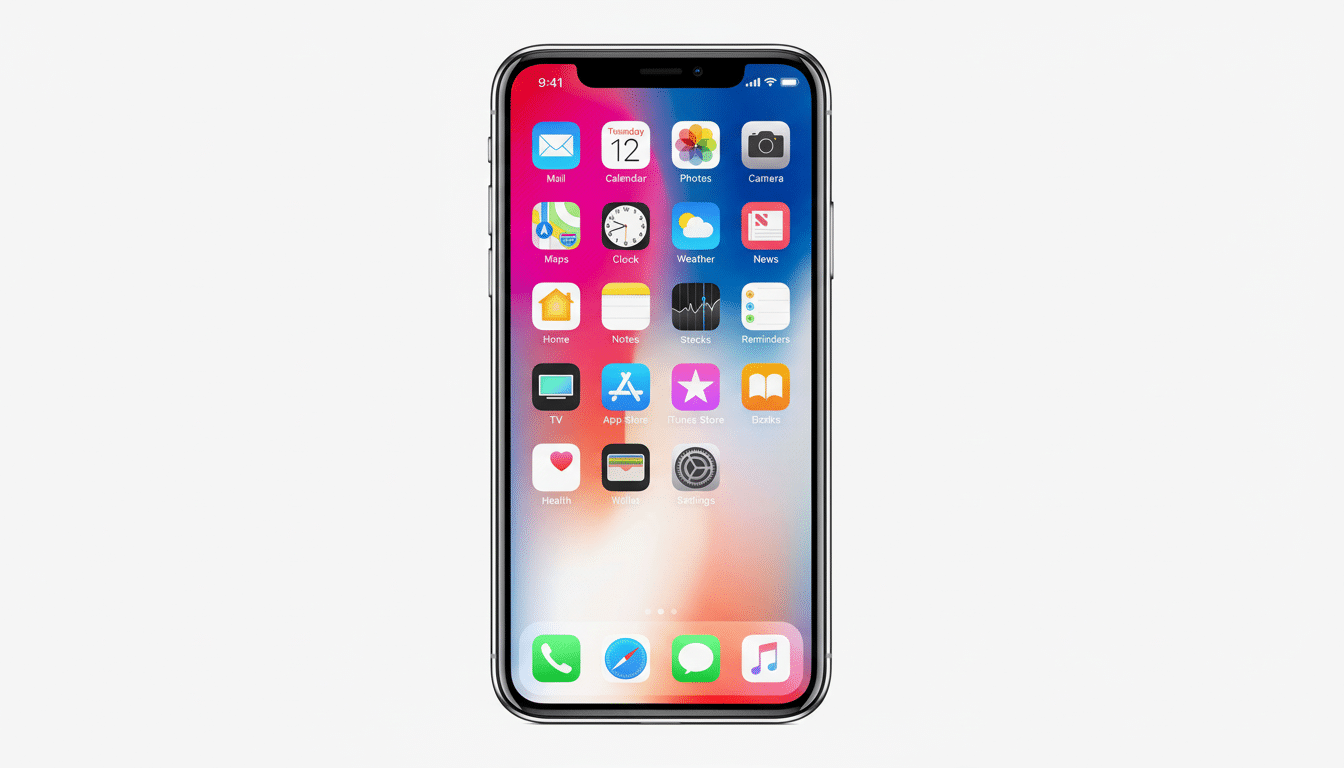
That same line appears in the upper part of Settings > Battery when your phone is plugged in.
For devices with Optimized Battery Charging enabled, the Lock Screen might indicate “Charging to 80% by [time].” That mirrors what Apple does with charge management, which holds at around 80% until shortly before you’d normally unplug.
How iOS 26 likely calculates the time-to-full estimate
Apple doesn’t disclose the precise formula, but the guess is almost assuredly a mix of current power input, battery temperature, state of charge, recent charging history, and your current activity.
Charging estimates on macOS and Apple Watch are driven by comparable predictive models.
Anticipate that the figure will change if circumstances do. Fire up a graphics-intensive game or climb into a hot car, and thermal limits can apply the brakes to charging—your “time to full” will update accordingly.
What charging in the real world is like on iPhone
Hardware still sets the ceiling. Apple’s latest phones are able to draw around 20–27W from a USB‑C Power Delivery adapter, which reaches approximately 0–50% in about half an hour in many tests. Test facilities and publications that measure phone charging habits report that full charges generally take between 90–120 minutes (model-dependent) at ambient temperatures and lower levels of background activity.
Go wireless and times change. MagSafe and Qi2 both max out around 15W, which usually means that you’re tacking on an extra 15–30 minutes versus a quality wired brick. Use an old 5W charger and you can push that out to several hours; the iOS 26 estimate will adjust accordingly there and then.
Battery health matters, too. As lithium-ion cells age, internal resistance increases and the phone has to stay longer in the top-end “trickle” phase. Groups such as Consumer Reports and engineering sources like IEEE have long observed that the last 10–20% is the slowest part; your estimate will frequently jump once you pass 80% as the phone manages heat and longevity.
Optimized Battery Charging: What the 80% is all about
Apple’s Optimized Battery Charging learns your schedule and attempts to limit the amount of time your battery spends at 100% — a key factor in battery wear, according to Apple support materials and battery research. The Lock Screen updates first to show the time to 80% when Optimized is in use, then it adjusts when your phone starts recharging toward full according to that schedule with iOS 26.
If you require a full charge earlier, optimization can be overridden from Battery settings or by unplugging and then plugging back in when ready to top up. The estimate adjusts instantly.
Battery settings become more transparent — and intelligent
Apple has revamped Settings > Battery to keep your current percent and, when plugged in, time to full front-and-center. Weekly use is now presented as a color-coded rolling average on bars. Tap “View All Battery Usage” to see daily screen-on/off breakdowns and per-app consumption.
There’s also a new Adaptive Power Mode. Apple says it employs on-device intelligence to anticipate when you’ll need that extended battery and makes subtle changes — about a 3% reduction in brightness, performance tuning, restrictions on background activity, Low Power Mode is now enabled at 20% — to squeeze out time. It can be found on Apple Intelligence-capable iPhones (15 Pro or later) and is enabled by default for the most recent model. Those users can turn it on in Settings > Battery > Power Mode.
Compatibility and how to try the new charging estimate
Time-to-full estimates and the new Battery settings are included with iOS 26, which is compatible with iPhone 11 or later and iPhone SE (2nd generation) or newer. Head to Settings > General > Software Update and install it now, then plug your phone in to check out the updated estimate.
Pro tips on faster, more reliable charges
- Plug in a USB‑C Power Delivery certified charger of 20W or greater to achieve peak charging speeds.
- Keep the phone cool — it charges fastest below about 30 degrees Celsius, so don’t leave it in a hot car or other very warm location.
- Accept that heavy gaming or navigation usage during charging will reduce the speed.
- If you’re in a hurry, the fastest route is a wired charge from 10% to 60%; it’s designed so that the last 40% takes longer.
The takeaway: No more guessing in iOS 26. Whether you’re furtively sprinting toward a meeting or preparing for an overnight top-up, your iPhone now gives you the exact time it will take to be ready — and makes it actually true.
