


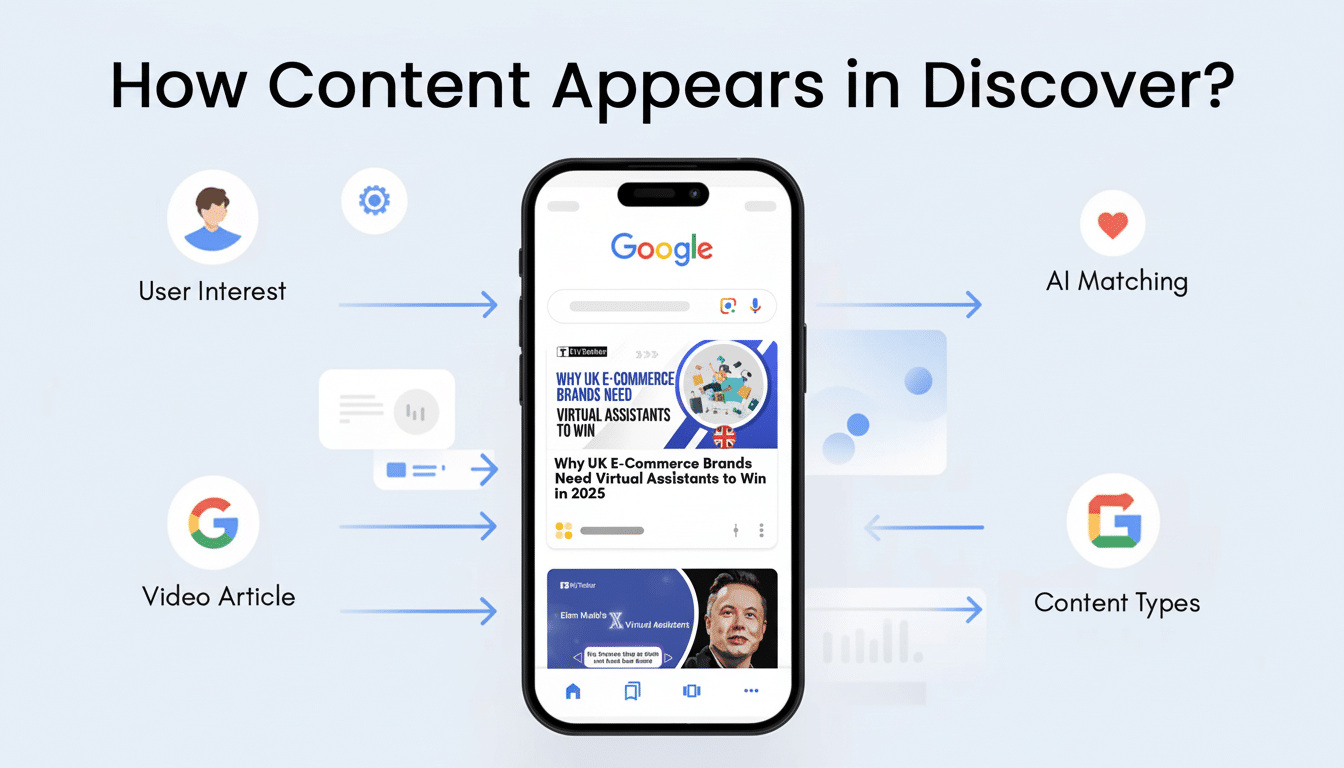
Google is giving Discover a social-like makeover. The content feed on Android and iOS will soon highlight more posts from around the web — like short-form videos via YouTube Shorts, reels from Instagram and articles from X — with a new easy way to follow favorite creators and publishers inside Discover itself.
The play relies on the way people already navigate: punchy bits of video, timely posts and news articles knitted together in a single, swipeable flow. For direct follows, your feed comes with a special section for updates from sources you follow yourself, adding a touch of subscription-like structure to what’s otherwise an algorithm-curated set of options.
What’s changing in Discover and how it will work
Google says its Discover feed will start displaying a wider variety of content types “in the coming weeks,” mixing social posts with standard articles and videos. When you see a creator or publisher in your feed, tapping their name will bring up a profile-style preview, allowing you to sample recent work before tapping Follow.
When a partner pins a dedicated region of their updates to Discover, highlights won’t get buried in the algorithmic fray. Think of it as a slimmed-down subscriptions rail: one tap to follow your favorite tech reviewer, local newspaper, scientist on X or Shorts creator — and then have their latest waiting for you the next time you open the app.
In practical terms, what this change does is to siphon a lot more of the “social web” into Discover. If you follow a travel photographer on Instagram or a sports analyst on X, you are more likely to see those posts interspersed with deep-dive articles and video explainers from both established outlets and independent creators.
Why this is important for users and creators
Discover is already massive. Google has previously said the experience reaches hundreds of millions of users around the world, and publisher analytics continue to substantiate it is among the top drivers of mobile traffic in numerous markets. Combine that reach with follow buttons and what you have is a much more predictable path to loyal audiences — without juggling multiple apps.
The timing coincides with broader shifts in behavior. Some 57 percent of American adults get news at least sometimes from social media, according to Pew Research Center. Meanwhile, YouTube says Shorts draws more than two billion logged-in users every month. By integrating these with Discover, Google is consolidating consumption while giving users more say over whose voices get promoted.
The upside for creators and publishers is more obvious audience intent. A Follow is a long-lasting signal, stronger than a flick tap on a suggested story here and there. That can mean more consistent engagement, greater visibility for new posts and additional feedback loops to aid the editorial planning process.
New tools explain how to use the follow feature
When you find a source you like in Discover, tap on the name to view their recent content and hit Follow. Your feed will see a new section to get those updates. To tweak the stream further, long-press any card to indicate “Not interested,” mute certain topics or hide sources you’d prefer not to see.
If you just want to have a curated list of trusted publishers, however, you’ll need to use follows in conjunction with Google’s existing filters within Search (which allow users to select their preferred news sources for the Top Stories widget). When combined, these tools provide you with a more uniform mix of subscriptions and algorithmic discovery.
A gradual move toward deeper personalization
The update is the latest round of polish to Discover, with quality-of-life touches like a jump-to-top button and wider language options that we’ve seen in recent tests. The through line is pretty clear: more transparency, and more agency for the user, with social-like mechanics layered on top of Google’s existing recommendation engine.
This hybrid model has its benefits and drawbacks. It can be easier to stay in touch with favorite voices, but it can also make for more myopic views if you only follow sources you agree with. Instead, the most effective way to address overfit is to balance follows across perspectives while continuing to adjust the “tune” controls down as it nudges toward diversity.
What creators and publishers should watch
Anticipate an audience shift toward brands and individuals who appear across multiple formats. Short clips for Shorts and Instagram, timely commentary on X, well-structured articles all cross-bolster each other in Discover’s blended feed.
On the technical side, check to make sure metadata is clean, imagery is compelling and headlines are clear. Check the performance reports in Search Console for Discover to find out which themes and formats your content performs best under. For a lot of these teams, the shift is simple: Publish where your audience already is, and let Discover do the rest.
At the end of the day: Discover is becoming less a passive reading list, more a followable hub across formats.
And if Google can make good on the promise of more controls and richer content types, users are taken down a quicker, more reliable path to what they care about — and creators have a better shot of being discovered.
