


A rare Windows 11 Pro deal has slashed the price to about $13, turning a routine OS license into arguably the best performance-per-dollar upgrade PC gamers can make right now. With an MSRP of $199, that’s roughly a 93% discount on a platform that unlocks DirectX 12 Ultimate, Auto HDR, and DirectStorage—features that modern games increasingly target.
Hardware grabs the headlines, but software lifts the ceiling. On a system with a capable GPU and fast NVMe storage, Windows 11 Pro can shorten load times, smooth frame pacing in windowed and borderless modes, and add convincing HDR to titles that never shipped with it—all without opening your case.
Why This Cheap Windows 11 Pro Upgrade Matters
DirectX 12 Ultimate, included with Windows 11, brings hardware-accelerated ray tracing, variable rate shading, mesh shaders, and sampler feedback. Those aren’t buzzwords; they’re the toolset developers rely on to push visual fidelity and maintain stable frame rates. Nvidia’s RTX 20-series and newer, plus AMD’s RDNA 2 and newer GPUs, are built for these paths.
Auto HDR, adapted from Xbox, applies HDR tone mapping to thousands of DirectX 11 and 12 games. On a true HDR display, colors pop and highlights carry headroom SDR can’t match. Microsoft has detailed broad game support, and in practice it can make older favorites feel newly alive while you wait for native HDR patches that may never come.
DirectStorage is the quiet star. By moving asset decompression to the GPU and optimizing I/O, it reduces CPU overhead and accelerates texture and geometry streaming. Microsoft’s DirectX Developer Blog has demonstrated significant cuts to decompression time with GPU-based pipelines, and PC ports like Forspoken and Ratchet & Clank: Rift Apart show near-instant fast travel on speedy NVMe SSDs.
Real-World Gaming Gains You Can Feel Today
Expect the biggest improvements in how quickly games get you from desktop to character control. Open-world titles that constantly stream assets benefit most: fewer pop-ins, more consistent streaming during high-speed traversal, and faster reloads after death. Even outside showpiece titles, Windows 11’s windowed game optimizations and modern scheduling help smooth performance for high-refresh monitors.
HDR aside, the OS also bakes in Game Mode refinements, hardware-accelerated GPU scheduling, and better support for hybrid CPU architectures. Those updates don’t typically move average FPS by double digits, but they can stabilize 1% lows and reduce micro-stutter—the stuff you notice when a frantic firefight hits.
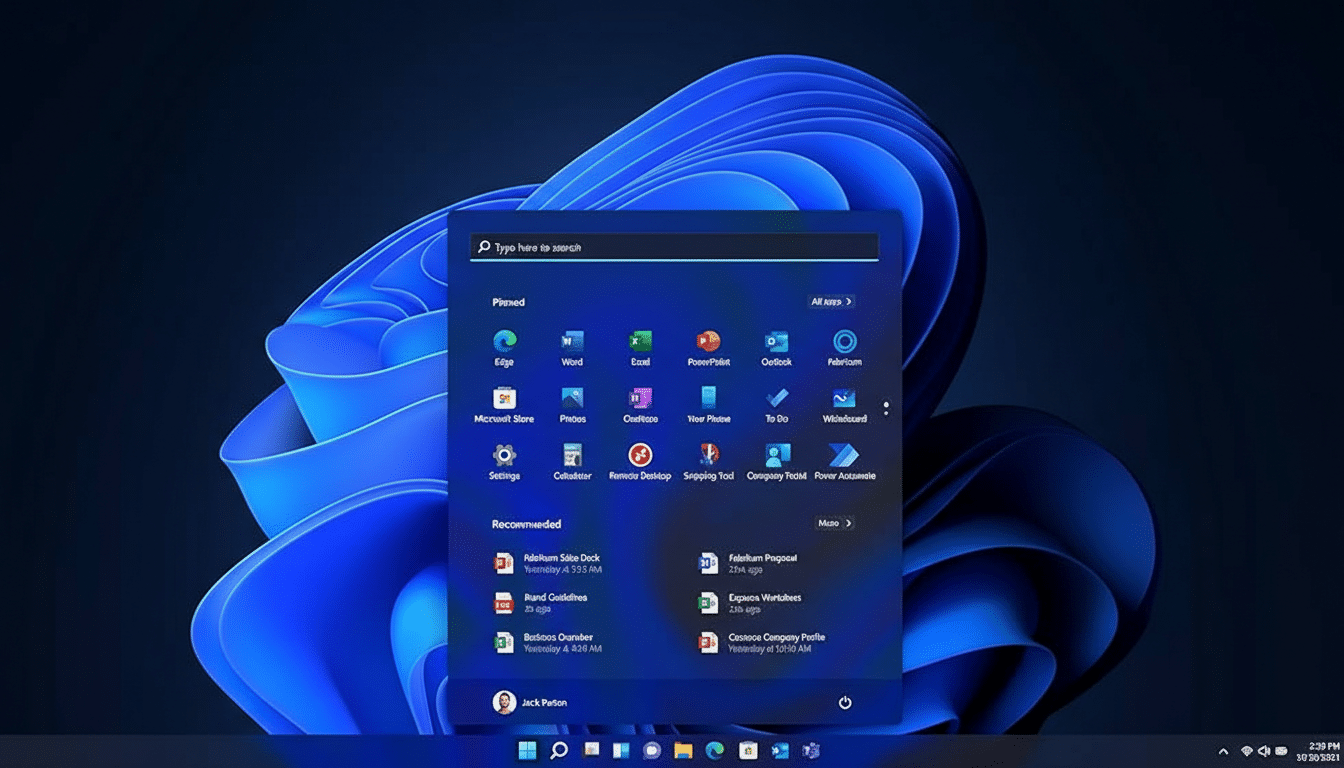
Usage trends underscore the shift. Valve’s Steam Hardware Survey throughout the past year has shown Windows 11 gaining share among players, reflecting both new hardware purchases and gamers chasing feature parity with current-gen consoles.
Windows 11 Pro Versus Home: What Matters For Gamers
Raw game performance between Windows 11 Home and Pro is effectively a wash. The reason to grab Pro at $13 is everything around the edges. Pro adds BitLocker for full-disk encryption, Remote Desktop for secure access to your rig, Hyper-V and Windows Sandbox for testing mods and tools, and broader system policy controls that power users and streamers appreciate.
If you capture footage, run virtual machines for emulators or dev tools, or manage multiple PCs, Pro’s extras make daily workflows less fragile. And because both editions share the same gaming stack, you’re not trading FPS for functionality.
Check Your Hardware And Read The Windows 11 Fine Print
Before you jump, confirm your system meets Windows 11 requirements: TPM 2.0, Secure Boot, and a supported CPU (generally Intel 8th Gen or AMD Ryzen 2000 and newer). For DirectStorage gains, you’ll want an NVMe SSD and a modern GPU; for Auto HDR, a display that properly handles HDR10. Microsoft’s PC Health Check app can verify compatibility.
About that $13 price: make sure you’re getting a legitimate license. Authentic keys should activate through Microsoft’s servers and bind to your Microsoft account. Be wary of listings that lack clear licensing details or vendor accountability. When a deal looks this aggressive, seller reputation and refund policies matter.
Bottom Line: A Legit Windows 11 Pro Bargain For Gamers
At roughly the cost of a game skin, Windows 11 Pro delivers system-wide upgrades that stack across every title you play. It won’t turn a midrange GPU into a powerhouse, but it will cut friction, sharpen visuals, and better align your PC with where game tech is headed. If your hardware qualifies and the key is legitimate, this is the rare $13 upgrade that feels like a hardware refresh.
