


There’s a heavily discounted license for Windows 11 Home floating around that lowers the price from its normally $139 cost down to only $9.97. That’s a headlining saving of 93% and it comes as Windows 10 has now exited its support window, which means holdouts are receiving no further security updates. Inventory appears to be in low supply, so this is the type of deal that you’ll want to jump on sooner than later.
Why This 93% Off Windows 11 Deal Matters Now
With pure Windows 10 off the update menu, using it on an internet-connected PC gets riskier with each passing day. As CISA and a number of enterprise security teams regularly remind us, an unsupported operating system is now a major target: It doesn’t get patches for newly found vulnerabilities. AV-TEST is still tracking hundreds of thousands of new malware samples a day, underscoring what’s at stake for users who are stranded on old software.
Even with the end-of-support surge, Windows 10 continues to fuel a majority of all global Windows PCs, based on StatCounter’s latest share numbers. As that adds up to millions of machines in search of a safe, inexpensive path forward, it’s also the very reason that a genuine, inexpensive Windows 11 Home key generates so much interest.
What Windows 11 Home Includes for Everyday Use
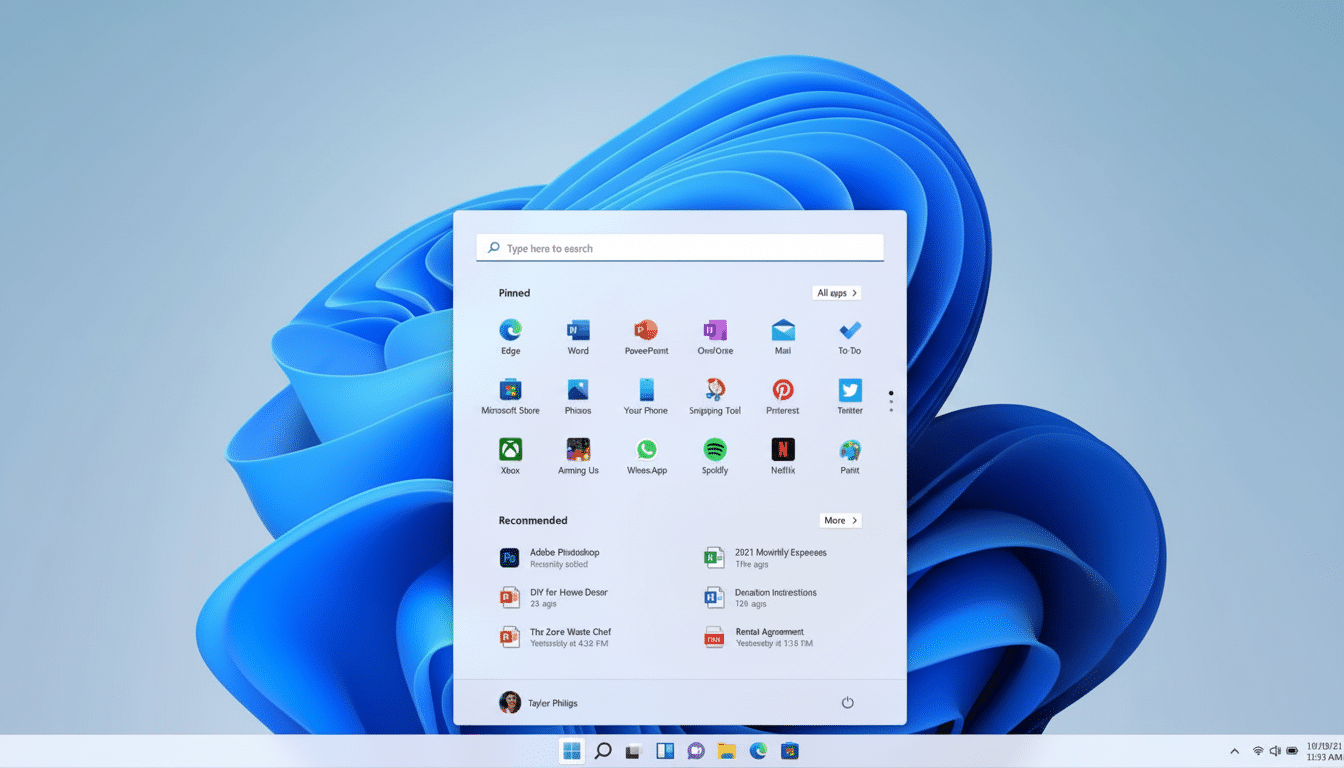
Windows 11 Home focuses on a cleaner interface, along with an updated Start menu and more consistent design language. Snap Layouts allow for fast and accurate management of windows, so setups with dual displays or busier workflows feel more organized. Day to day, small enhancements — faster search, more tuned touch and pen support, a tidier Settings app — lower friction.
There is a lot going on behind the scenes to harden security. Requirements like TPM 2.0 and Secure Boot secure the firmware layer, while Windows Hello allows for biometric logins. Smart App Control can block untrusted apps by default on a clean install. Paired with Microsoft Defender’s inbuilt protections, these upgrades elevate the bar substantially for home users.
Gamers benefit, too. Windows 11 works with DirectX 12 Ultimate’s feature set, if the GPU is compatible, and tech like DirectStorage can help cut down load times alongside zippy NVMe SSDs. It means if you have new hardware, you should see improved performance in modern titles and greater optimization across the board.
AI makes its entrance, as well. In Windows, Copilot can pull up page summaries, draft quickly, launch apps and make changes to system settings—good for dealing with tasks without the hassle of navigating menu systems. It has been upgraded over time with ongoing model updates from Microsoft.
Hardware and eligibility checks before you buy
Before you buy, make sure your PC is eligible. Windows 11 will need the following:
- A compatible 64-bit CPU
- TPM 2.0
- Secure Boot
- At least 4GB of RAM
- A minimum of 64GB storage
Most systems from the last few years qualify, although there are a few edge cases too — especially older processors, and third-party builds that have deliberately had TPM disabled. Microsoft’s PC Health Check app is the easiest way to confirm readiness.
If your machine doesn’t make the grade, upgrading parts can help (like allowing firmware TPM in BIOS with supported motherboards). If not, this license can be a more affordable path into Windows 11 for use with new or refurbished PCs.
Read the license fine print and activation rules
Deep discounts lead to a reasonable question: what kind of license?
- Retail licenses usually can be transferred to another PC (one transfer at a time).
- OEM licenses bind themselves to the first device they’re installed/activated on.
Some sellers have activation restrictions, regional restrictions, and/or restrictions on refunds.
Protect yourself by purchasing from legitimate sellers and holding on to your receipt. After installation or upgrade, open Settings, select System, and verify activation. Link your Windows key to your Microsoft account, but you won’t necessarily be locked out of Windows if you don’t do this—not like years ago. Connecting your license to your Microsoft account provides another layer of protection in case you eventually buy a new PC.
Pricing context and value compared to retail keys
Microsoft sells Windows 11 Home for $139 through its storefront, and retail keys offered by mainstream outlets tend to orbit that number. And at $9.97, this deal blows mission pricing straight out of the water. For homes that are moving several rigs off of Windows 10, or builders putting the finishing touch on a budget build, the per-seat savings are tough to beat.
The downside of fire-sale pricing is limited inventory and time windows. Sales like these are known to sell out fast and sometimes reappear without notice. If your rig qualifies and you’re in the market for one of these upgrades, taking action now can ensure you don’t miss out.
Bottom line on this limited Windows 11 Home deal
An actual Windows 11 Home license for $9.97 is a sweet deal, and the timing matches well with Microsoft’s forceful campaign to sunset Windows 10. Check your hardware, examine the license terms and ensure you are activated after install. If your needs are met by those boxes, this 93 percent discount is one of the least expensive ways to get a solid, modern Windows experience.
