


Microsoft is releasing Windows 11 version 25H2, a rare minuscule annual update that behaves like an ordinary cumulative update and ends with a single reboot. The company is also leveraging its servicing pipeline to swap out only what requires changing, rather than replacing the entire operating system image, saving installation time and minimizing disruption for home users as well as IT departments.
Why the Windows 11 25H2 update is ultra compact and fast
Unlike previous feature updates that operated as full, in-place upgrades, 25H2 comes in the form of an enablement package. It uses monthly servicing technology, just like the monthly updates we release on Patch Tuesday, to receive all of these quality and security improvements each month. Windows Update will download and install only the Windows updates your device requires to be in a fully updated state. Hopefully in my case, the upgrade will actually finish about as quickly as it does after any Patch Tuesday cumulative update comes out and I just do a reboot.
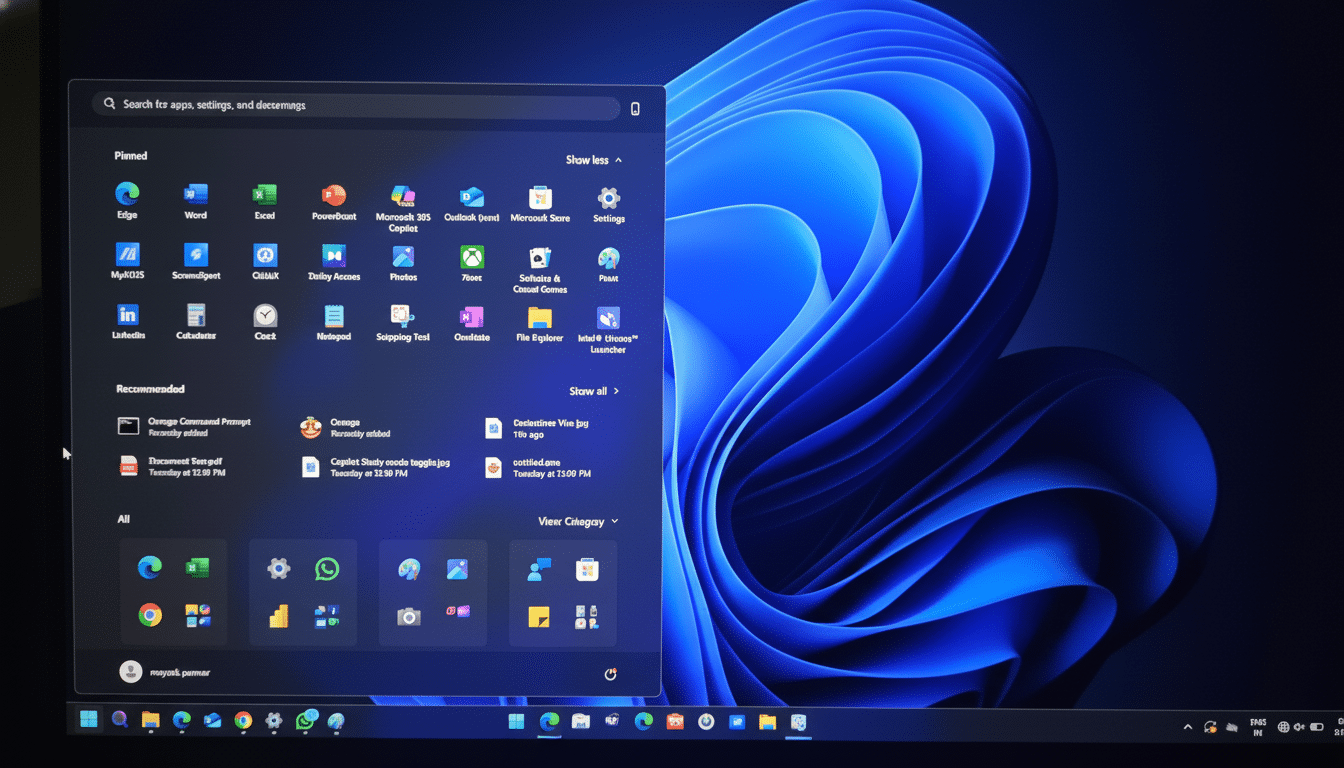
The two different versions of Windows 11 will be serviced with the same underlying code base and should get the exact same monthly patches, according to Microsoft’s servicing team. The difference is that certain features are turned off in 24H2 but enabled in 25H2. This code parity is generally a good thing for reliability, since the update path more resembles setting capability flags than replacing core system pieces.
New features enabled today in the Windows 11 25H2 update
Meanwhile, on the connectivity side 25H2 enables support for Wi‑Fi 7—that’s faster, more efficient wireless networking with multi‑gig throughput and lower latency when used alongside newer access points. Additionally, another feature called Quick Machine Recovery simplifies boot repair, automatically restoring boot‑critical components of the operating system (OS) that need to be repaired for a machine to start properly. Devices can recover from certain startup failures in less time with this option than performing a full OS reinstall.
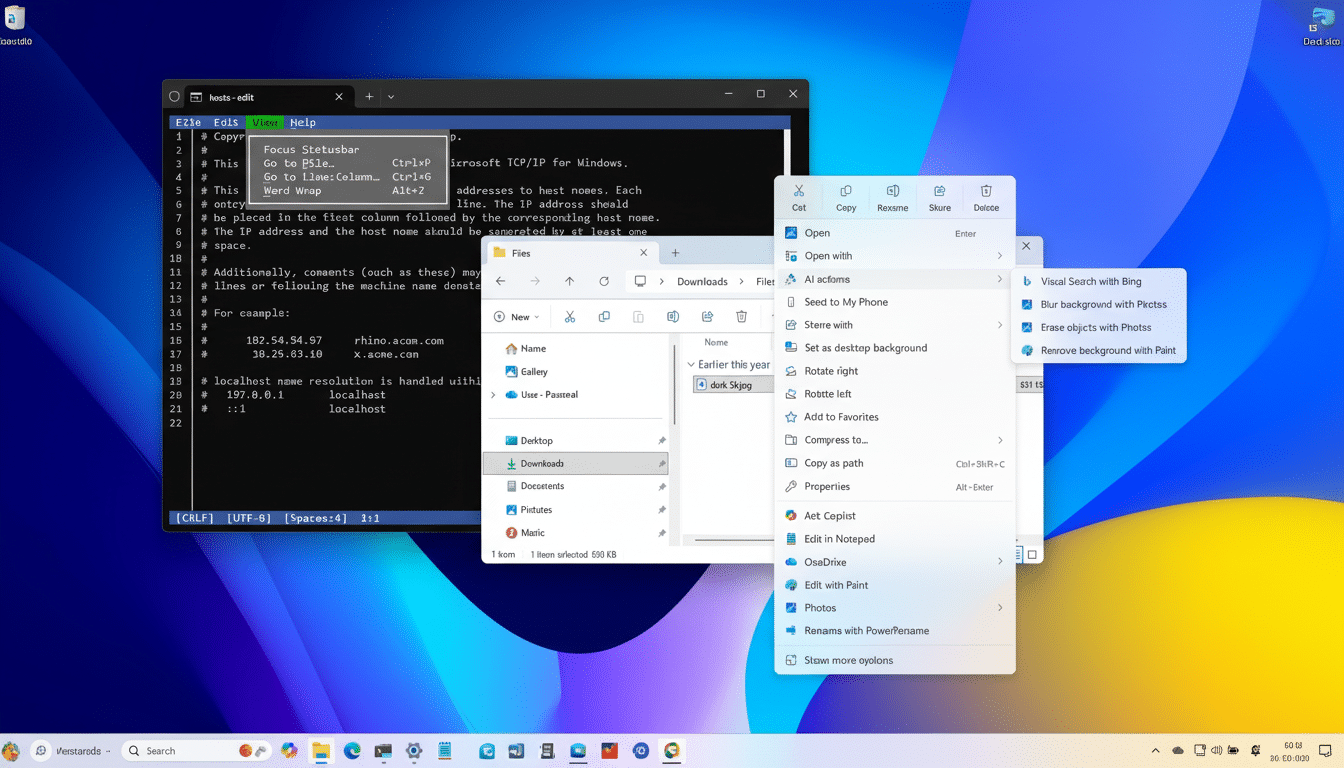
Elsewhere, there are quality‑of‑life refinements across the shell. The Taskbar gets slight behavior changes that make it quicker to pin and switch, while File Explorer receives some polish, as well as added responsiveness in frequently used workflows. Demonstrating continued investment in performance, Task Manager shows you the power usage of windows and processes to help you identify which ones are using your computer’s resources.
Security is the headline theme. Proactively, Windows Engineering leadership—John Cable in Windows Servicing and Delivery—is very clear that you want stronger build‑time/runtime vulnerability detection and more pervasive use of AI assistance for secure coding (as part of the Microsoft Secure CI/CD future). The key is to be able to catch classes of bugs sooner and toughen up default settings without alienating administrators.
Stability and support expectations for Windows 11 25H2
The 24H2 cycle has had a series of post‑release hiccups, including some fixes causing new regressions before being smoothed out. With 25H2, Microsoft is banking on the combination of up‑to‑date codebase plus enablement‑style activation to end Groundhog Day. Now, that said, no product is completely free of bugs.
Microsoft’s Windows Release Health notes two early issues:
- Some apps that play protected content for digital TV and Blu‑ray/DVD may have problems in certain cases and in enterprise environment installations.
- Installation of .msu files from a network share that has multiple same‑type files might fail.
Workarounds are available while permanent solutions are being developed.
Upgrading to 25H2 also lengthens your support window over 24H2. 24H2 is MED_VNEXT and EOS in 2026, as opposed to the security and quality updates availability limit of 2027 for 25H2 which will also get extended support for Enterprise and Education editions under Microsoft’s standard policy.
How to get the Windows 11 25H2 update right now
First things first: You should already be on Windows 11 24H2. Then head to Settings > Windows Update, turn on Get the latest updates as soon as they’re available and click Check for updates. If your device is included in this phase of the rollout, you’ll see the 25H2 feature update available for download and installation. You can count on only one restart once the whole thing is over.
If the update isn’t available to you because of a phased rollout or a safeguard hold, you can rely on Microsoft’s Download Windows 11 page: the Installation Assistant for in‑place upgrades, Installation Media to create a bootable USB stick, or just an ISO image as necessary.
Like any OS upgrade, back up your most important files and make sure you have enough free disk space and a charger for laptops.
To verify the upgrade, head to Settings > System > About and check under Windows specifications for Version 25H2—or use the winver command.
Cumulative updates will still be made available for devices on the standard release schedule.
Why a single restart for Windows 11 25H2 matters
For everyday users, a shorter, one‑reboot upgrade reduces downtime and minimizes disruptions. For IT, the smaller servicing model shrinks change windows, accelerates pilot‑to‑production deployments, and trims the testing surface since it stays on the same code line as 24H2. It’s a reasonable move that puts yearly Windows upgrades somewhere between policy‑driven feature activation and disruptive rebuilds—exactly what corporate fleets have been asking for.
