


Here’s what we know so far — Wear OS 6.1 is rolling out now to Pixel Watch 4, Pixel Watch 3, and Pixel Watch 2 with significant enhancements for the newer hardware and new security patches for the second gen. Google confirmed the release in its Pixel Watch Help forum, presenting it as its newest platform update built on Android 16 QPR2 — one of the company’s quarterly platform releases featuring stability, features, and under-the-hood enhancements.
What Wear OS 6.1 brings to current Pixel Watch models
Platform-wise, the step up to Android 16 QPR2 brings system optimizations and new security patches on top of a new base for watch apps. QPR refreshes by nature are aimed at real-world annoyances — more so than features — such as beefing up Bluetooth reliability, improving battery life, and addressing text messaging issues.
- What Wear OS 6.1 brings to current Pixel Watch models
- New gesture controls debuting with Google Pixel Watch 4
- Pixel Watch 3 and 4 gain faster, smarter on-device replies
- Pixel Watch 2 receives Wear OS 6.1 platform security updates
- How to download and install the Wear OS 6.1 update
- Why the Wear OS 6.1 release matters for Pixel Watch users
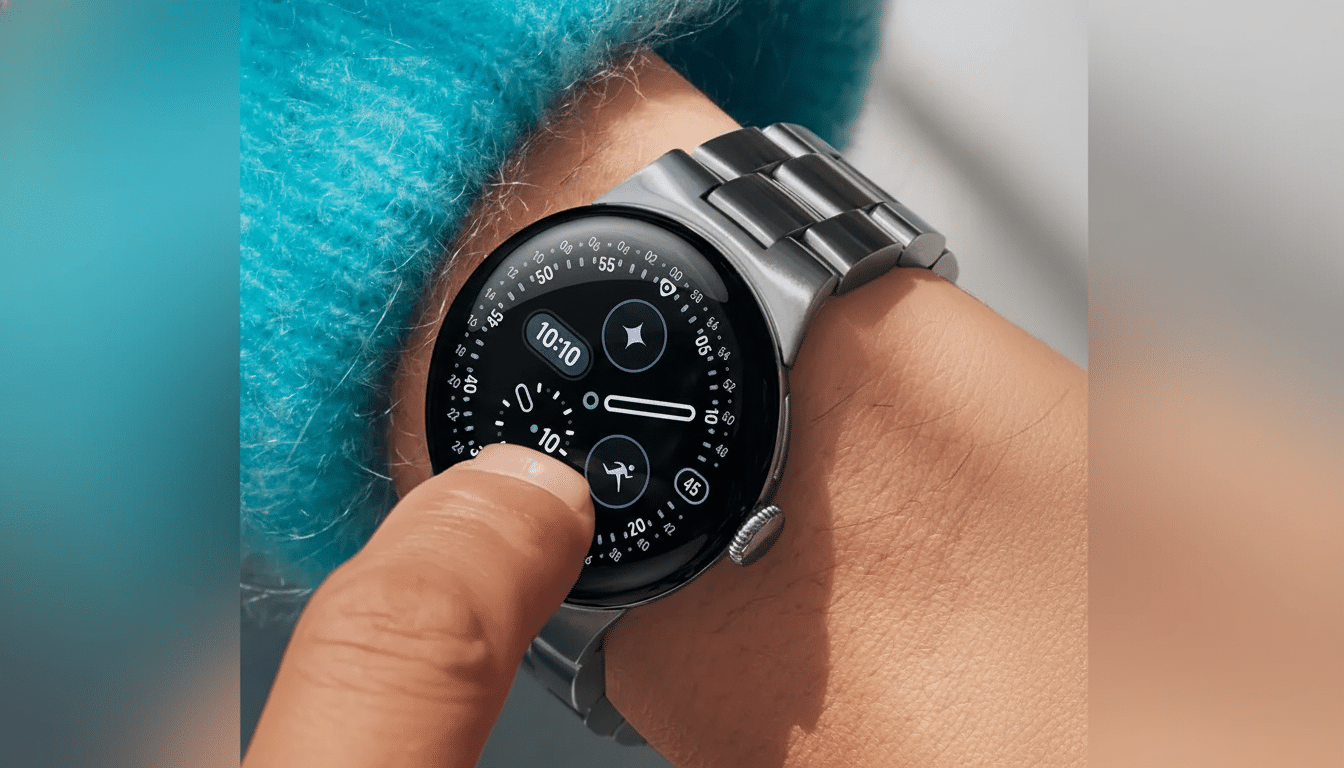
New gesture controls debuting with Google Pixel Watch 4
The breakout hit of this lineup is Pixel Watch 4. The update brings a new double pinch gesture that allows you to take action without tapping the screen — useful when your other hand is busy, or if you’re on the run. In the real world, double pinching can scroll lists, send Smart Replies, snooze alarms, and that sort of thing. And it’s an idea we’ve seen in practice from the easier double-press on Apple Watch for recent models and Samsung’s accessibility gesture mode on the Galaxy Watch (now built-in to Google’s flagship wearable).
There’s also a wrist turn gesture: twist your wrist in and then out to quickly silence an incoming call or dismiss a just-arrived notification. Previous Android Wear watches toyed with wrist flick navigation years ago; this is a new, more focused approach that’s all about avoiding interruptions. Both gestures are activated by default after an update, and you can adjust them in Settings if other controls are your bag.
For new watch owners, Pixel Watch 4 introduces an on-wrist tutorial for raise-to-talk that takes you through hands-free voice. It’s a small change that slightly reduces the learning curve for features many users never figure out.
Pixel Watch 3 and 4 gain faster, smarter on-device replies
Pixel Watch 3 and Pixel Watch 4 will also receive improved Smart Replies using a new on-device model. According to Google, the updated engine is faster and more battery-efficient than the old engine was; users should now notice less lag between receiving a message and seeing suggestions for it. And because it works on-device, suggestions can appear even when you have spotty connectivity and your replies aren’t based on a round-trip to the cloud.
You’ll see the refreshed UI in system messaging and in the apps you use that hook into Wear OS replies (if supported). The idea is simple: fewer taps, better context, and less battery impact across a long day. The new Smart Replies are absent for Pixel Watch 2 at this time, but it still gets the underlying platform and security updates found in Wear OS 6.1.
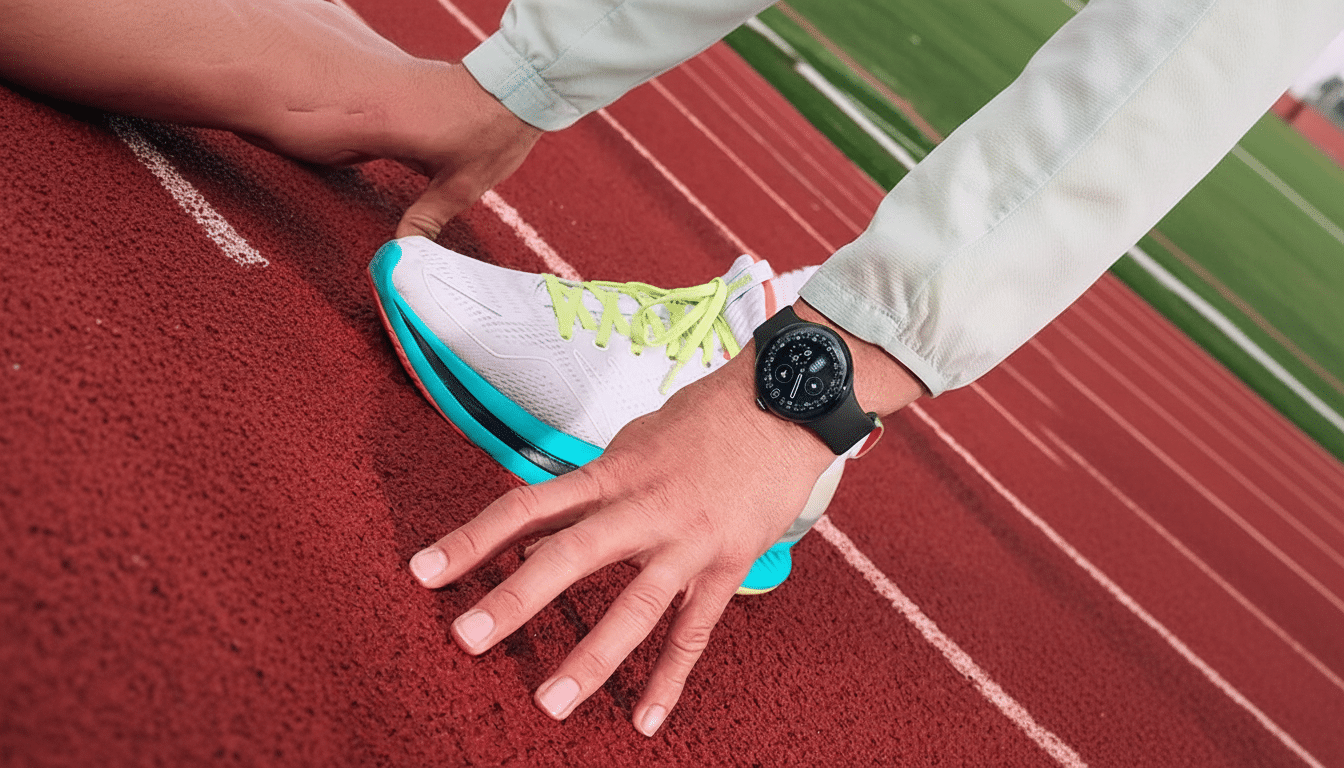
Pixel Watch 2 receives Wear OS 6.1 platform security updates
The second-gen watch doesn’t get the new gestures or improved reply model, but it does come with the latest security patches that are bundled with Android 16 QPR2. And, if you’re running a Pixel Watch 2, it’s still worth the install — security hardening and bug squashing can be just as important as flashy features over the life of a wearable.
Only the original Pixel Watch is not supported. That model fell out of its expected update window sooner, a sign that software support is increasingly tethered to innovations in hardware and newer chipsets.
How to download and install the Wear OS 6.1 update
Updates will arrive through the Pixel Watch app on your paired Android phone. To see if it’s available for you, open the Pixel Watch app and go to System updates. For the smoothest installation experience, place your watch on its charger with at least 50% battery life and Wi‑Fi. As with every new feature from Google, this is a staged rollout — if you don’t see it right away, try again later, make sure your Google Play services and Play Store are updated (or clear data), and reboot your watch.
- Open the Pixel Watch app on your paired Android phone and go to System updates.
- Put the watch on its charger, ensure at least 50% battery, and connect to Wi‑Fi.
- If you don’t see the update, try again later, update Google Play services and the Play Store (or clear their data), and reboot the watch.
Why the Wear OS 6.1 release matters for Pixel Watch users
Wear OS 6.1 enables a more level playing field for Google on the wrist, helping people stay efficient and focused with rounder, glanceable interactions and more responsive on-device smarts.
Gesture controls provide functional parity with the most popular options offered by opposing platforms, and the smarter Smart Replies reduce friction in that most frequent of smartwatch activities — triaging notifications. Pair that with the security lift for older hardware, and this update propels the ecosystem forward without segmenting it — a precarious balance of updating while preserving backwards compatibility that Wear OS desperately needs as it continues to gain traction in the Android world.
