


Google’s web-based flashing tool for Stadia controllers is near end-of-life, meaning that the window for converting your gamepad to regular Bluetooth without a hassle is closing. If you still have a pad that’s not been converted in a drawer, this is your last easy opportunity to keep it in working order — at least via the official route.
Having dropped its cloud game streaming service, Google published firmware that changes the mode of control for the Stadia controller from a Wi‑Fi-first device to a Bluetooth-enabled peripheral, which transforms an orphaned product into a broadly compatible gamepad.
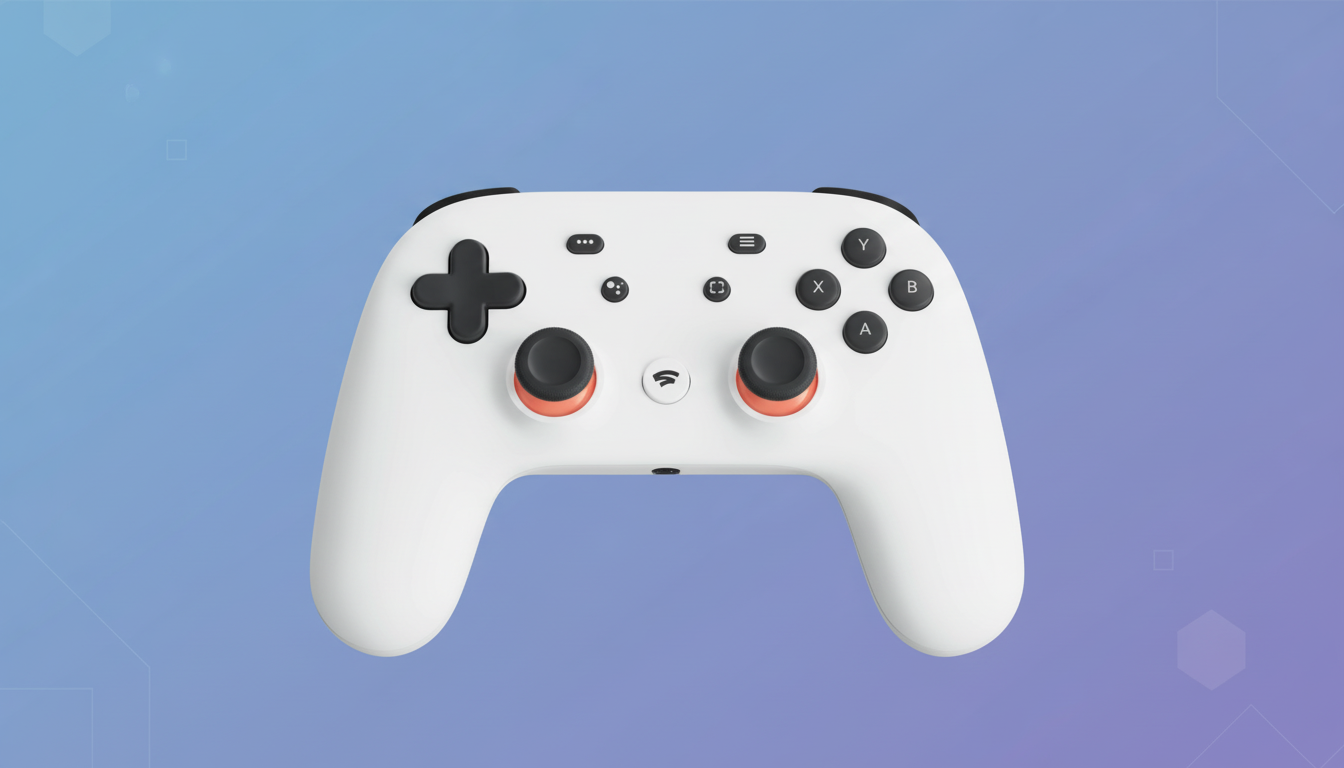
That stopgap measure has kept thousands of controllers out of the trash, but the company added an expiration to the tool and already pushed back that deadline at least twice. There’s no sign another extension is on the horizon.
Why this deadline matters for Stadia controller owners
Stadia’s controller was designed to limit input lag by communicating directly with servers over Wi‑Fi, instead of being paired with your phone or PC. Without those servers, there’s not much for a stock controller to do. The Bluetooth firmware flips the device to a friendly HID profile, enabling it to operate like any other wireless controller for your Windows, macOS, Linux, Android, and iOS system or handheld PC such as a Steam Deck.
The features will be a little different than the original experience — you’re getting broad compatibility as compensation for Stadia-specific capabilities built on Google’s backend. For your routine gaming, however, the Bluetooth mode is literally all that stands between this and a glorified paperweight on one side or a perfectly fine pad that functions in Steam games, mobile titles with controller support, and yes, even smart TVs with game input over Bluetooth.
What to do right now to convert your Stadia controller
If you want the zero-fuss approach, use Google’s official web flasher before it disappears for good. You’ll need the following:
- A fully charged Stadia controller
- A USB‑C cable
- A desktop browser with Chrome installed
The procedure is guided by WebUSB and only takes a couple of minutes to lead you through entering the controller’s update mode and applying the Bluetooth firmware. After that, you just pair it like any other Bluetooth device and remap buttons in games or platforms that offer the feature.
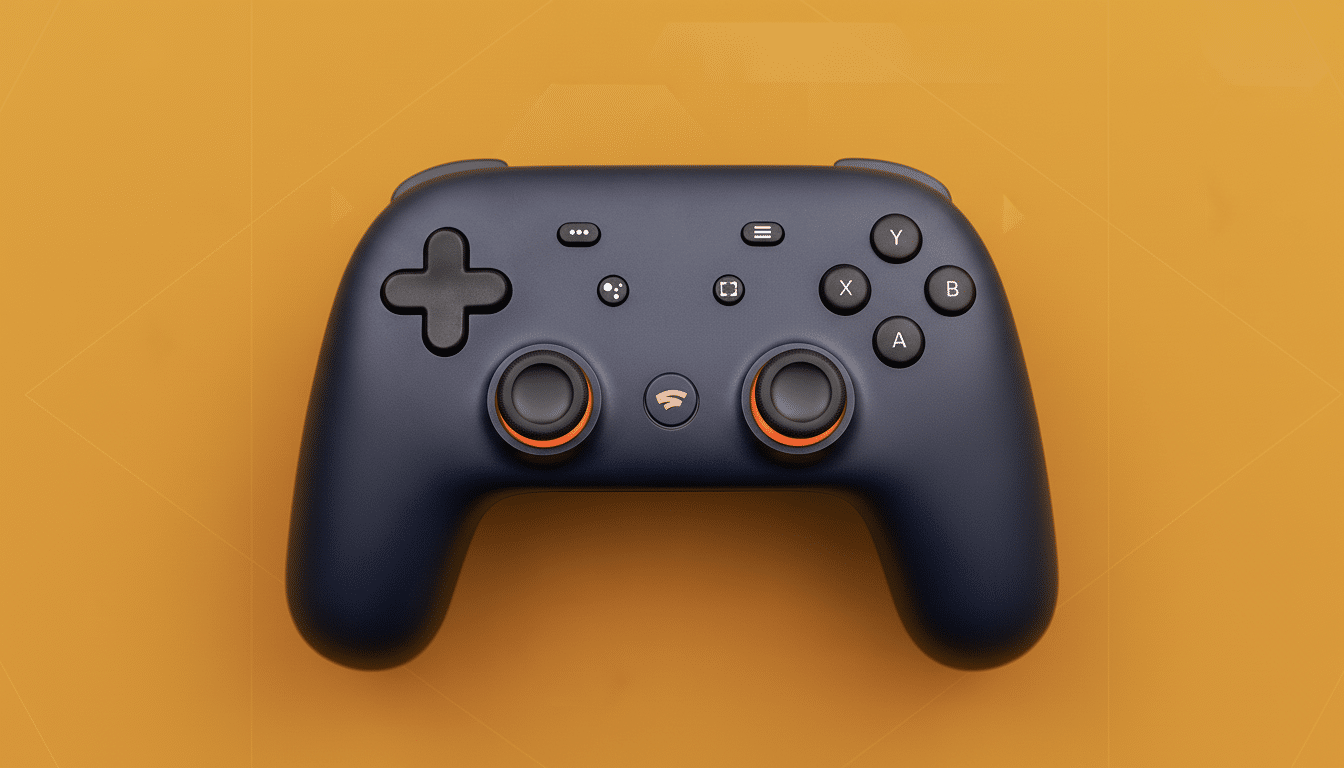
That easy route goes away once the official site is offline, and you’ll be in community tools land. We can’t promise that the official channel will re-emerge; therefore, if you want an approved way with guidelines, you shouldn’t wait.
After the switch-off: community flashing options and risks
So, if Google closes its interface down, the community already has saved not only the firmware but the flasher as well. Developers on GitHub maintain their own self-serve incarnations of the tool, and several go beyond what Kostenko originally did. One such community project by developer Luigi Mannoni has both a cloud-based and offline variant that can even roll the Wi‑Fi back to an archive version for you.
These solutions are unofficial. That is, no warranties and no support — not to mention a nonzero chance that if something goes sideways you may brick it, too. I know hobbyists have used them successfully, but DIY is only advisable if you don’t mind some hairy technical advice and enjoy the thrill of risk. Not everyone is a developer or has techie friends to help them — running your own flasher on your computer isn’t as nice to use as, say, the official web flasher.
A win for reuse, but there are still lessons to learn
Credit where credit’s due: by releasing a Bluetooth path, the company extended the life of a niche accessory and saved unnecessary e-waste. United Nations–backed research in the Global E-waste Monitor estimates annual e-waste at over 60 million tons, and simple changes to firmware like this can help maintain perfectly good hardware in circulation.
The time limit highlights the recurring issue of proprietary hardware tightly tied to cloud services. Sunsetting official tools leaves a vacuum, and consumers rush to gray-area mirrors. A less knee-jerk solution would be open, permanent access to the final firmware and a signed utility that doesn’t disappear from existence, even if that means it’s only found via an archived support page.
Bottom line: if you are waiting for the official, guided upgrade, act now. If you fall past the cutoff, community mirrors will probably continue to make the firmware available — but you are on your own. Either way, a speedy upgrade can transform the Stadia controller into an everyday Bluetooth gamepad for years to come — it’s precisely the kind of second life that good hardware should be afforded.
