


You can now share your custom Gems with other teams in Google — the reusable, instruction-tuned helpers you establish inside of Gemini. A small change with a big effect: teams, families, and study groups can standardize tasks, reuse best-practice prompts, and stop reinventing the wheel every time they open up a chat.
How the new Gemini Gem sharing works across Google
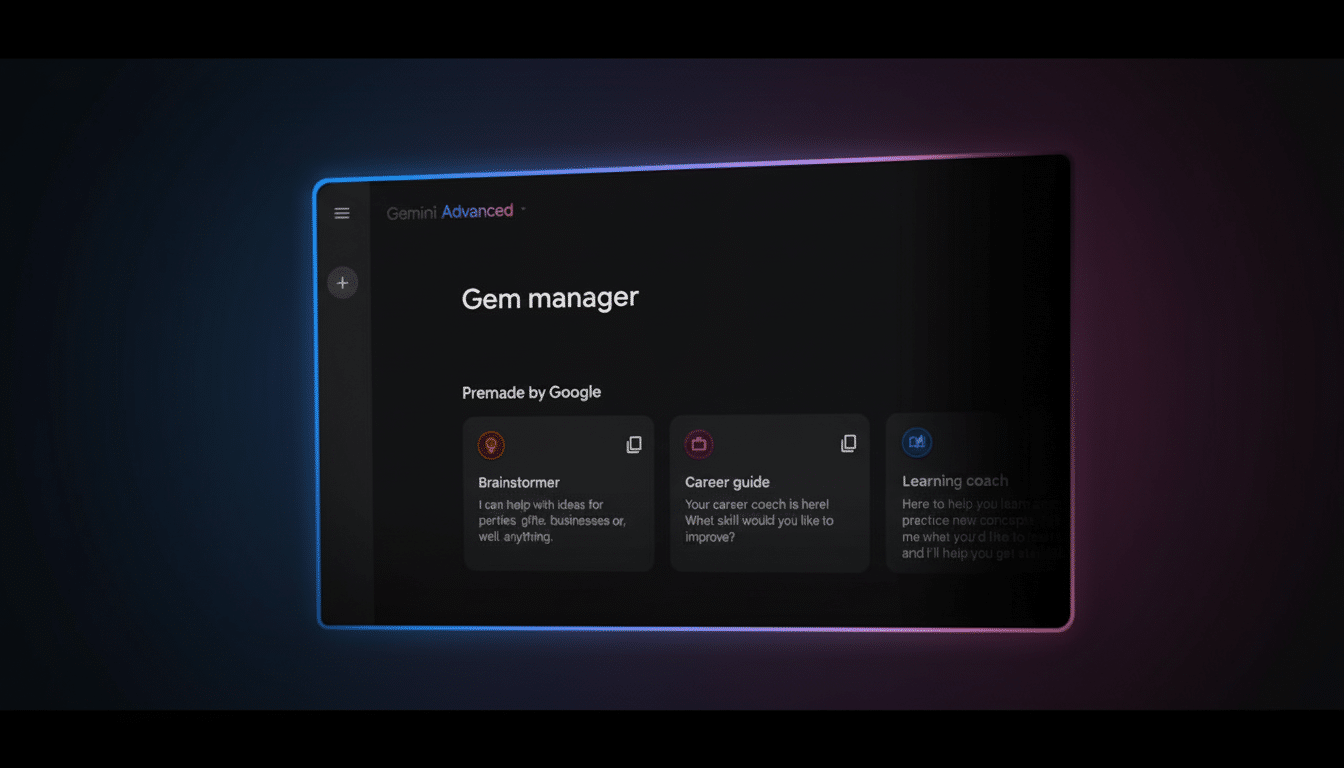
To share a Gem, open Gemini and navigate to your Gem manager, select the Gem you want to share, then click Share. You’ll get a familiar dialog that is based on Google’s flow for sharing documents. Include certain email addresses or a copyable link. You can make the link accessible only to people you invite, or let anyone with the link in.
Recipients open the link and can Gem right away! The Gem maintains the rules you established so others in your office, class, or family experience the same patterns you depend on. If you’re using a Google Workspace organization, the sharing settings may be controlled by your domain administrator (they may have chosen to allow only signed-in users to view files), in which case, ask if they can override it for your email!
Google confirmed the new functionality through its Gemini product-update channel, describing Gem sharing as a natural extension to the company’s collaboration model around Docs, Sheets, and Slides — predictable, permissioned, and easy to audit.
Build a Gem to share with teams, classes, and families
A good Gem begins with clear, durable instructions. Identify the audience, tone, and “always/never” rules for this piece. Provide examples to anchor model behavior (and any fields the Gem should be looking for when you’re pasting input).
- A grocery-planning Gem that consolidates ingredients across recipes into a deduplicated shopping list.
- A research Gem that extracts main findings, citations, and limitations from academic abstracts.
- A support Gem generating draft replies according to your team’s style guide and escalation rules.
- A data-cleaning Gem that normalizes columns, flags outliers, and summarizes changes for QA.
Within organizations, normalizing these micro workflows saves time and decreases deviation. According to analysts at McKinsey, more than two-thirds of companies now apply AI in at least one part of their business, and reusable, shared prompts are among the quickest ways to turn that adoption into reliable results.
Permissions, privacy, and hygiene for shared Gems
Consider a shared Gem to be more like a living template. The code you write will be visible to anyone with access, so scrub any proprietary details, credentials, or personally identifiable information. If you ever find that you need to show your sensitive logic examples, seed the database with synthetic or placeholder data.
If you are in a regulated industry, coordinate with your security or compliance team. Many Workspace admins enforce universal external sharing rules and retention policies across Google apps; Gem sharing should fall under those guardrails. Having clear naming and good versioning helps too — think about using prefixes like “Team-”, “Draft-” or “Client-” so that your coworkers can know which Gem to have faith in.
Share outside your domain: When you do share outside your domain, in Drive set links to Restricted by default and only invite the individual people who need access. Audit from time to time who can use your most important Gems, the same way you test it for a shared spreadsheet or a knowledge base entry.
Step-by-step instructions to share your first Gem
- Open Gemini and go to Gems.
- Choose which of the Gems you would like to distribute.
- Click Share.
- Select Add people to invite individual emails, or Copy link to share widely.
- Change link access to Restricted or Anyone with the link.
- Share the link or invite.
- Test with a teammate to ensure they can open and run the Gem.
If you don’t see the Share option, refresh your browser or update the Gemini app. The feature may have a gradual rollout and Workspace admins might need to enable sharing in the Admin console. Be sure you’re also using the right Google account — especially if you juggle personal and work profiles.
Pro tips for teams to manage and scale shared Gems
- Write small, single-purpose Gems that can be composed well together; smaller instructions generally return more consistent results.
- Include a brief “How to use this Gem” note at the head of the instructions so newcomers do not have to guess.
- Maintain a shared inventory — even just a simple doc — that lists approved Gems, owners, and changelogs.
- When results shift, update the Gem rather than asking everyone to adjust their own prompts.
Gartner and others in the field have emphasized that prompt patterns are a leading contributor to demonstrable productivity improvements. By adding Gems to the mix, Google is formalizing a behavior countless users have already hacked together informally (because what smart technique isn’t copied or co-opted?): turning one-off genius into repeatable practice.
The bottom line on sharing Google Gemini Gems
Shared Gems are your best commands turned into institutional memory. Set it up once, share it in moderation, and your group benefits each time someone clicks New chat.
