


Samsung appears to have accidentally confirmed a headline feature for the Galaxy S26 Ultra. A screenshot shared by the company’s own Good Lock team shows a new Quick Panel toggle labeled Privacy Display in an early One UI 8.5 build, strongly suggesting a hardware-backed “anti-peek” mode that narrows viewing angles on demand.
What the Leak Reveals About Samsung’s Privacy Display
The toggle sits alongside system-level controls, not buried in accessibility menus, implying this is a core display capability rather than a software dim overlay. Community sleuths, including well-known tipster Tarun Vats, point to this as the clearest sign yet that Samsung is pairing new panel hardware with a one-tap software switch for privacy.
- What the Leak Reveals About Samsung’s Privacy Display
- The Technology Likely Behind Samsung’s Privacy Display
- Why It Matters for Everyday Use and Privacy
- Performance and Trade-Offs to Watch with Privacy Mode
- Software Integration Signals Samsung’s Broader Ambition
- Competitive Implications for Flagship Smartphone Privacy
- Bottom Line on the Galaxy S26 Ultra Privacy Display
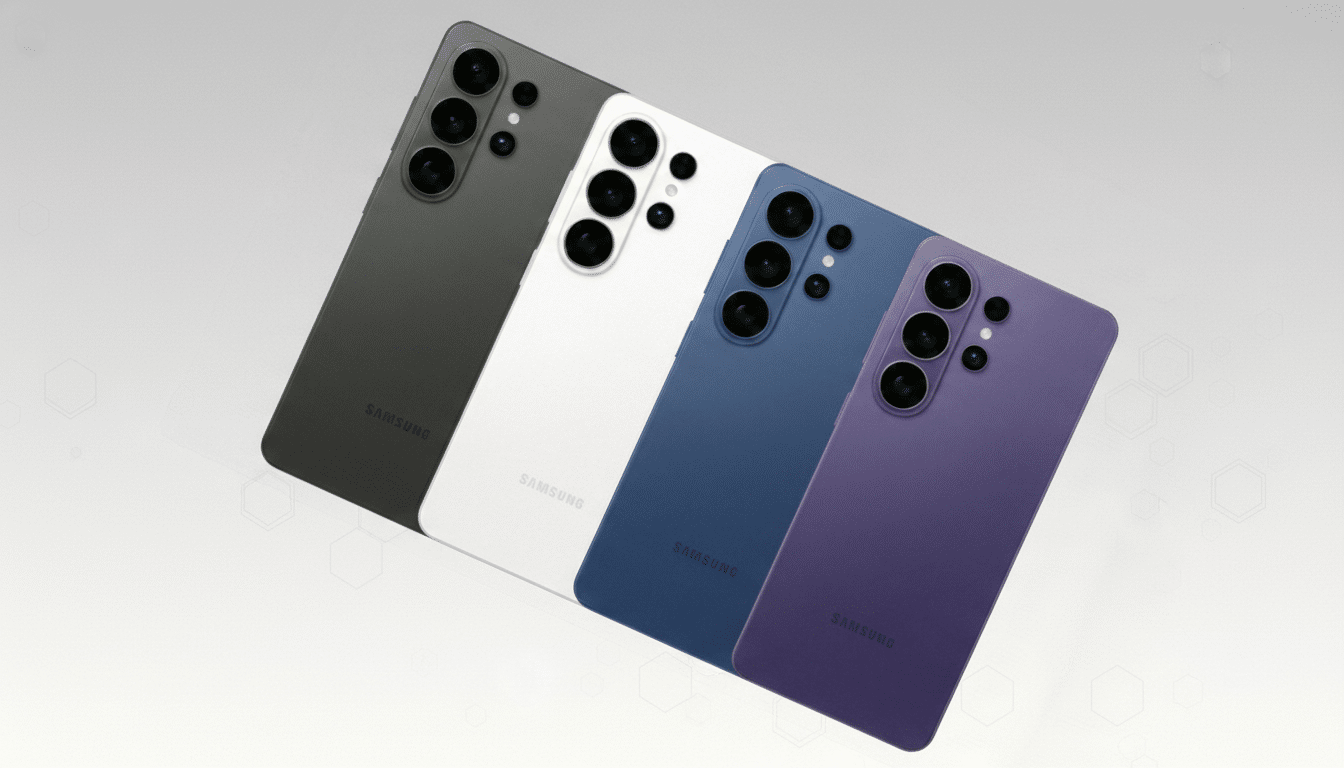
In practice, the feature should let users view the screen head-on as usual while reducing off-axis visibility so bystanders see a darkened or black panel. It’s the smartphone equivalent of flipping a physical privacy filter on and off—only without the haze, brightness loss, or touch issues common to stick-on protectors.
The Technology Likely Behind Samsung’s Privacy Display
The most credible scenario pairs Samsung’s rumored M14 OLED with a directional light-control layer marketed as Flex Magic Pixel. Rather than simply dimming the display, this approach tweaks the emission profile of light from the OLED stack—think micro-lens arrays and polarization tricks—so photons are steered toward the viewer and away from side angles.
We’ve seen similar ideas on laptops: HP’s Sure View uses micro-louver technology to create a privacy cone at the press of a key. Translating that to OLED is more complex because the panel is emissive, but display suppliers, including Samsung Display and BOE, have demonstrated narrow-view prototypes that shape light without heavy optical losses. A native smartphone implementation would be a first at this scale.
Why It Matters for Everyday Use and Privacy
Visual snooping is not theoretical. In a study sponsored by 3M and conducted by the Ponemon Institute, “visual hacking” attempts succeeded in 91% of trials inside typical office environments. Commuters scrolling through email, travelers checking boarding passes, and professionals handling sensitive documents on the go are prime targets.
External privacy screen protectors help, but they usually cut brightness by double digits, degrade clarity, and can interfere with under-display sensors. A hardware-native privacy mode should preserve the Ultra’s hallmark sharpness and brightness for media at home, then tighten viewing angles with a quick tap when it’s time to open a banking app in a coffee shop.
Performance and Trade-Offs to Watch with Privacy Mode
Expect some compromises in privacy mode. Narrowing angles typically reduces perceived brightness and can alter color at the edges of the viewing cone. The key question is efficiency: if the M14 panel’s base luminance improves generation over generation—as industry trackers like DSCC have projected for high-end OLED—privacy mode can afford a brightness dip while staying comfortably readable.
Another angle is biometrics and touch. Samsung’s recent Ultras use an ultrasonic under-display fingerprint reader, which historically fares better than optical solutions when overlays or filters are involved. Because this privacy feature is tuned at the panel layer rather than adding a physical sheet, fingerprint performance should remain intact, but it’s a detail worth validating in real-world tests.
Battery impact is likely minimal; shaping light emission is more about direction than pumping extra power into pixels. PWM dimming behavior shouldn’t fundamentally change either, though enthusiasts sensitive to flicker will keep a close eye on any alteration to driver behavior in privacy mode.
Software Integration Signals Samsung’s Broader Ambition
Placing Privacy Display in Quick Settings suggests Samsung wants this to be something users toggle frequently. It also opens the door to automation. If bundled with One UI 8.5 routines, the phone could switch on privacy automatically in specific locations, on public Wi-Fi, or when designated apps are opened. Enterprise device managers could even enforce policies for regulated workflows, a boon for finance and healthcare deployments.
Competitive Implications for Flagship Smartphone Privacy
Rivals have flirted with software shrouds and third-party films, but a baked-in, hardware-optimized privacy mode could become a signature differentiator. Display makers from China to Korea have shown “anti-peep” OLED demos at trade shows, yet no mainstream flagship has shipped a robust, system-level implementation with a user-facing toggle. If Samsung nails execution, expect others to follow quickly.
Bottom Line on the Galaxy S26 Ultra Privacy Display
A Good Lock slip-up is hardly a full reveal, but it’s persuasive. A dedicated Privacy Display toggle in One UI 8.5 aligns with ongoing M14 OLED rumors and points to a practical solution to shoulder surfing that doesn’t punish image quality when you don’t need it. If this lands on the Galaxy S26 Ultra as expected, it could be one of those rare features that’s both flashy and genuinely useful.
