


The current Roku Streaming Stick HD is on sale at Amazon for $15.99, which slices a hefty 47% off its $29.99 list price and won’t set you back much more than the all-time low of 99 cents. If you’ve been searching for a budget-friendly way to breathe new life into an old TV or add streaming options to a small screen without all the extra equipment, this is one of the best value plays available at its price point.
Why this Roku Streaming Stick HD deal is so good
You can get an entry-level streamer from one of the big brands for somewhere in the $20-$30 ballpark during a sale. Dipping below $16, this offer drags the Roku Streaming Stick HD down to impulse-buy pricing without leaving behind features you typically give up at this price range, including a voice remote with TV power and volume buttons and wide smart assistant compatibility. It’s also a clean little $14 savings, which is quite significant, if you ask me, on already cost-effective hardware.
- Why this Roku Streaming Stick HD deal is so good
- Compact design with big features in a hidden HDMI stick
- Performance and content ecosystem on the Roku platform
- How it compares to Fire TV Stick and Chromecast HD
- Real-world use cases for travel, guests, and renters
- Who should buy this Roku HD stick and who should skip it
- Purchase notes, setup checks, and parental controls tips
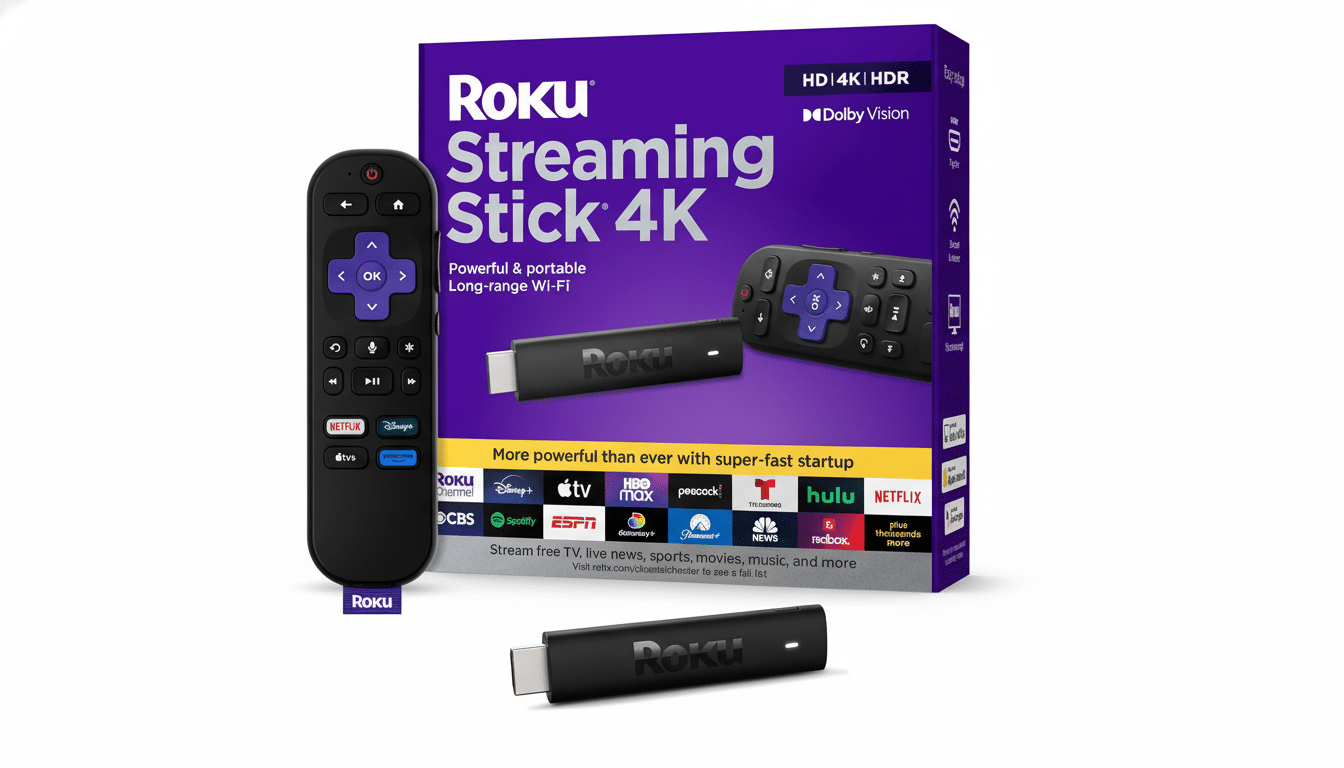
Compact design with big features in a hidden HDMI stick
The stick is hidden behind your TV and plugs directly into an HDMI port; power can be provided via a TV USB port or included adapter, to help avoid cord mess. The Roku Voice Remote can search for your favorite titles by title, actor, or director and control the volume as well as the power on most TVs. For hands-free homes, it gets along with Alexa and supports Apple AirPlay and HomeKit for painless casting from iPhone and iPad.
This one, as the name implies, goes after 1080p HD instead of 4K; for a bedroom, dorm, or kitchen TV or secondary set that’s often just right. Dual-band Wi‑Fi and Roku’s intuitive interface enable seamless streaming in a snap: just plug it into your TV, connect to the internet, set up a Roku account, and start streaming your favorites.
Performance and content ecosystem on the Roku platform
Roku’s single greatest advantage continues to be its platform agnosticism. You get all the big guns — Netflix, YouTube, Prime Video, Hulu, Disney+, Max, Paramount+, Peacock, and more — plus a trove of obscure niche channels. (If that name suggests it might be some sort of global-indexing search engine, that is not far off the mark: universal search juxtaposes prices and availability across services, so you don’t pay to rent something included elsewhere.) With no additional account creation necessary, The Roku Channel introduces a deep library of free, ad-supported movies, TV shows, and live news from one place.
Industry trackers such as Nielsen’s The Gauge have indicated that streaming has been topping aggregate TV usage lately, which has made the need for straightforward, responsive interfaces more important than ever. Roku’s emphasis on simplicity in its home screen and search functionality has been a reason many buyers have chosen it over app-heavy alternatives.
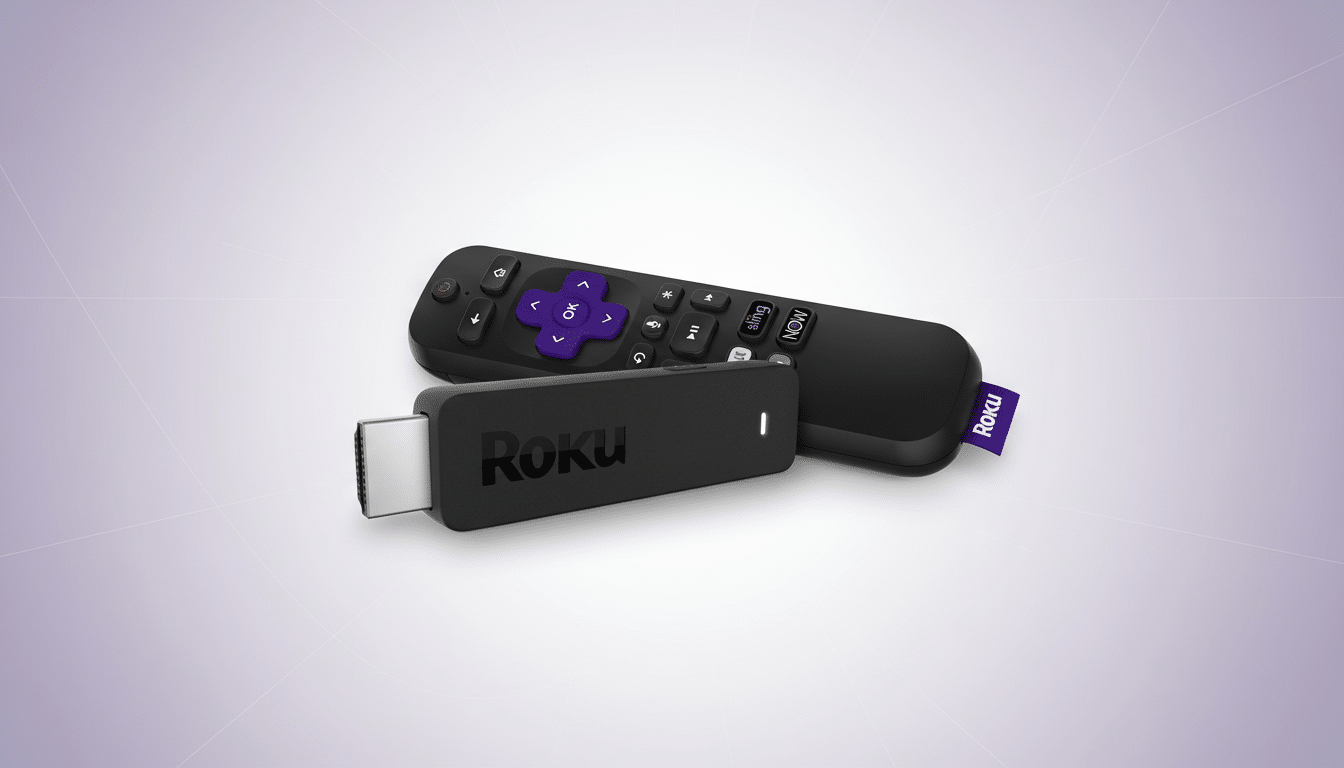
How it compares to Fire TV Stick and Chromecast HD
Competing with Amazon’s Fire TV Stick and Google’s Chromecast with Google TV (HD), this Roku earns points for a clean interface and robust app support. Fire TV embraces Alexa and the Amazon ecosystem; Chromecast touts Google Assistant and personalized recommendations. If you think you’ll upgrade your main TV to a 4K HDR set in the not-too-distant future, consider at least stepping up to a 4K model from any of these brands. For secondary sets, kids’ rooms, guest quarters, or travel, an HD stick like this one provides the necessities without breaking the bank.
Real-world use cases for travel, guests, and renters
For homes seeking to stream in a guest room, this stick is just about set-and-forget. Throw it in a bag and travel, and you can use hotel HDMI ports; pairing with a phone’s hotspot or dancing through captive portals with Roku’s network settings gets you online in a jiffy. And if you’re a renter and wish to avoid drilling or cable runs, you can safely use it as a TV’s USB-powered rear panel in one piece.
Who should buy this Roku HD stick and who should skip it
Pick this deal if you prefer the most straightforward, cost-effective method to stream in HD, featuring a full-featured remote and an extensive selection of apps. It’s perfect for older 1080p TVs, spare rooms, or anyone who doesn’t want to be an early adopter of newfangled tech specs. If you’re laser-focused on Dolby Vision, Atmos passthrough, or other gaming-centric needs, look higher in the line; otherwise, this price is hard to beat.
Purchase notes, setup checks, and parental controls tips
And, as always, the sale is bound to be a grabby one: Things sell out quickly.
In addition to cameras and lenses, some related gear will also be included in the discount. Check your television for a free HDMI port and another available USB port (or wall outlet) for power for the stick. For households juggling multiple services, you might want to turn on PIN purchases and use Roku’s cross-service search to keep monthly expenses under control. For market context, research from Parks Associates indicates streaming media player penetration is high in broadband households, further underlining why low-priced and easy-to-use sticks are driving sales.
