


Choosing an AI creation platform involves more than comparing one demo. Creators need to consider model access, output quality, reference control, workflow efficiency, update speed, and the cost of repeated generations.
Renoise AI approaches these requirements as a multi-model creative workspace. Its AI video generator combines text to video AI, image to video AI, image generation, editing tools, assets, and a Canvas timeline in one platform. The main value proposition is flexibility: creators can choose a model according to the task rather than depend on one engine for every shot.
Model Coverage and Update Speed
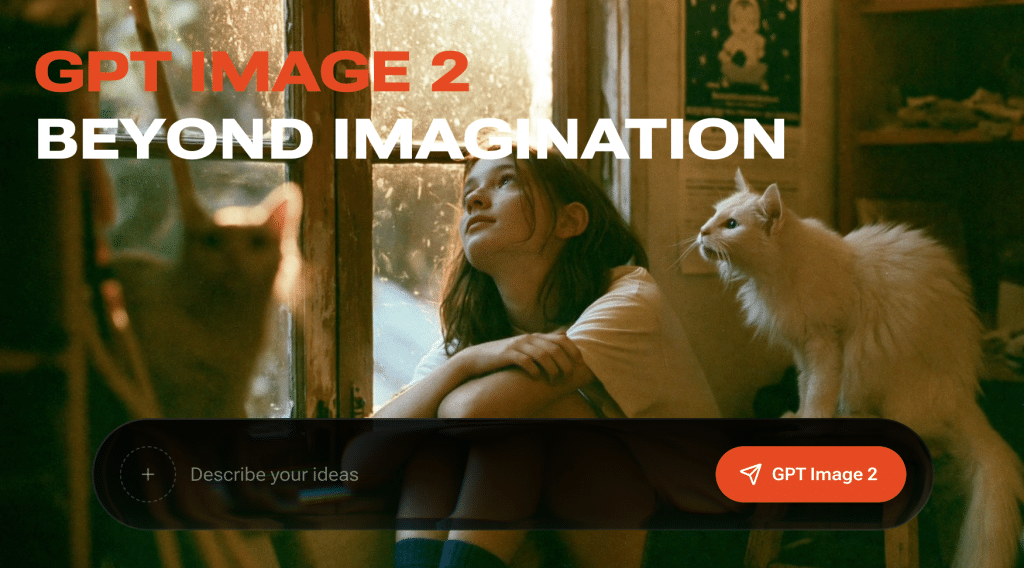
Model selection is one of Renoise’s strongest areas. At the time of this review, its image selector included GPT Image 2, Seedream 5.0 Pro and Lite, Midjourney V8.1 and V7, Nano Banana Pro, Nano Banana 2 and Lite, plus Grok Imagine Image and Image Quality.
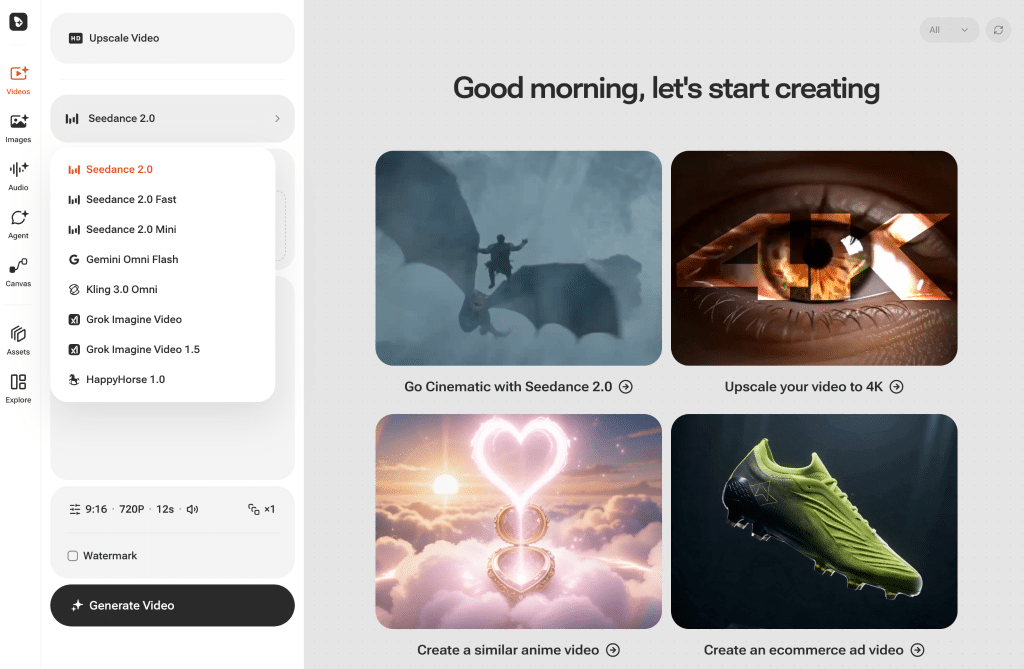
Its video selector included Seedance 2.0, Seedance 2.0 Fast and Mini, Gemini Omni Flash, Kling 3.0 Omni, Grok Imagine Video and Video 1.5, and HappyHorse 1.0. This range gives creators options for speed, resolution, references, audio, style, and different budgets.
Renoise also appears to update its integrations quickly as new model versions become available. That is more credible than claiming that every release will always arrive first. The practical advantage is that users can access newer AI video models without opening and subscribing to every original provider separately.
Text, Image, and Reference-Based Generation
A useful AI video platform should support more than text prompts. Renoise allows a project to begin with a written scene, a still image, or multiple reference assets.
Text to video AI works well for concept exploration and shots that do not depend on an existing composition. Image to video AI provides more control because the uploaded image establishes the first frame, subject, lighting, and visual direction before motion is generated.
Renoise also supports reference-led remakes. A creator can upload a reference image, select a suitable model, and generate a new version that follows the source composition or style. This “create a similar version” workflow is useful for adapting a visual format to a product campaign, social post, or new concept.
It should not be treated as a guaranteed pixel-identical copy. Results still depend on the selected model, prompt, reference quality, and generation settings. Several attempts may be required when small details must remain exact.
Image and Video Quality
Output quality depends largely on the underlying model rather than Renoise alone. Seedance may be selected for higher-resolution cinematic work, Kling for multi-shot or synchronized dialogue, and Gemini Omni Flash or Grok Imagine when built-in audio is important.
The same principle applies to images. GPT Image 2 can support multi-reference production and editing, Nano Banana models offer alternatives for detailed or faster generation, and Midjourney remains useful for broader visual exploration.
This model choice is valuable because “quality” has several meanings. A polished cinematic shot, readable advertising graphic, faithful product image, and fast social variation may each require a different engine. Renoise makes those choices available within the same project.
Canvas, Assets, and Editing Workflow
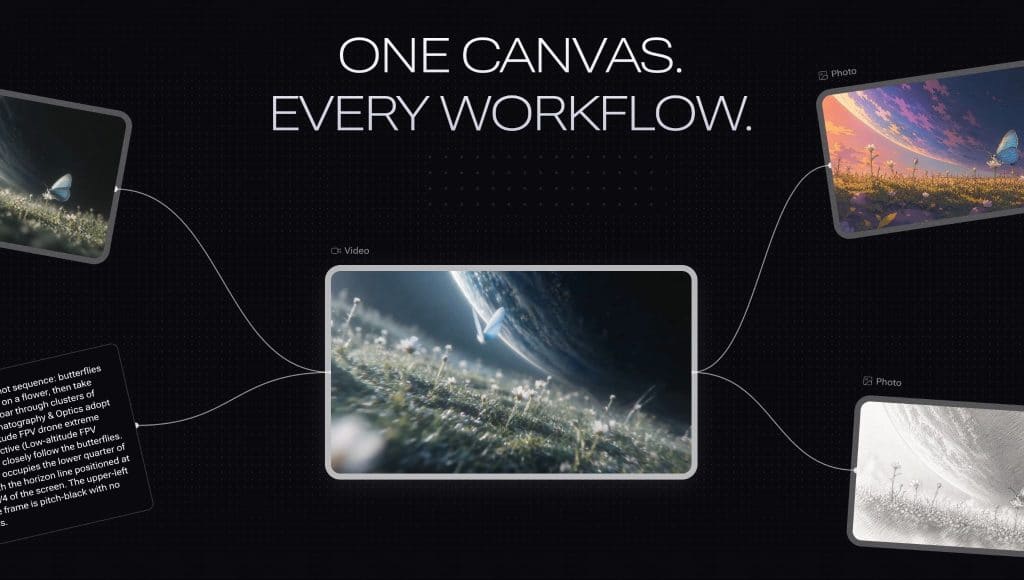
Many AI tools generate isolated files. Renoise is more practical when a project contains several images and clips. Its Canvas keeps references, prompts, generations, and selected outputs together, while the asset library reduces repeated downloading and uploading.
Video clips can be continued, arranged, and stitched into a longer sequence. Renoise also includes image editing tools and video upscaling, which reduces the need to move every correction into another service.
The workflow is especially useful for creators producing multiple campaign variations. A still can be generated with one image model, animated with a video model, reviewed on the Canvas, and adapted into another format without rebuilding the project from the beginning.
Subscription Value
Renoise’s value is easier to understand for frequent creators than occasional users. One subscription provides access to multiple supported image and video models, reducing the need to manage separate accounts, credit systems, and generation histories.
However, AI video generation remains credit-intensive. Costs rise when a project requires long clips, higher resolution, or repeated attempts. Users should evaluate expected monthly output rather than compare subscription prices alone.
The broad model selector can also feel complex to a beginner. Renoise reduces tool switching, but creators still need to learn which model suits each task. Clear briefs and small test generations are useful before committing credits to final-quality output.
Final Verdict
Renoise is a strong option for creators who regularly produce both images and videos and want flexible access to current models in one workspace. Its main strengths are model breadth, reference-based creation, connected image-to-video production, and Canvas-based asset organization.
It is less compelling for someone who generates only an occasional image or already relies on one preferred model. Output consistency, generation cost, and the need for iteration remain limitations shared with the wider AI generation market.
Overall, Renoise is best understood as a practical multi-model production layer. It does not create the underlying models, but it makes them easier to select, combine, and operate through one subscription and one creative workflow.
Frequently Asked Questions
What is Renoise?
Renoise is a multi-model platform for AI image and video creation. It combines generation models, reference inputs, editing tools, asset management, and a Canvas timeline within one workspace.
Can Renoise generate video from an image?
Yes. A still image can be used as the opening frame for supported video models. The prompt then describes camera movement, subject motion, atmosphere, or the desired change.
Can Renoise recreate the style of a reference image?
Renoise can use an uploaded image as a structural or stylistic reference. The generated result may follow its composition or visual direction, although exact reproduction is not guaranteed.
Is Renoise suitable for beginners?
The unified interface reduces platform switching, but the number of models may require some learning. Beginners benefit from testing short, lower-cost generations before producing final assets.

