


A rare bright spot for budget-conscious Mac users just landed: a refurbished 13-inch MacBook Pro (2020) configured with a 10th-gen Intel Core i5, 16GB of RAM, and a 512GB SSD is now selling for $449.99, putting a pro-grade Apple laptop under the $500 mark. That’s roughly a 71% haircut from typical original pricing, and unusually aggressive for this spec.
Why This Sub-$500 MacBook Pro Stands Out
Refurb deals come and go, but the details matter here. The 2020 13-inch model with the 2.0GHz quad-core Intel Core i5 is the higher-tier configuration from that year—paired with Intel Iris Plus graphics, four Thunderbolt 3 ports, the Magic Keyboard, Touch Bar, and Touch ID. You’re not looking at a base 8th-gen CPU or two-port compromise; this is the more capable variant meant for heavier multitasking and creative work.
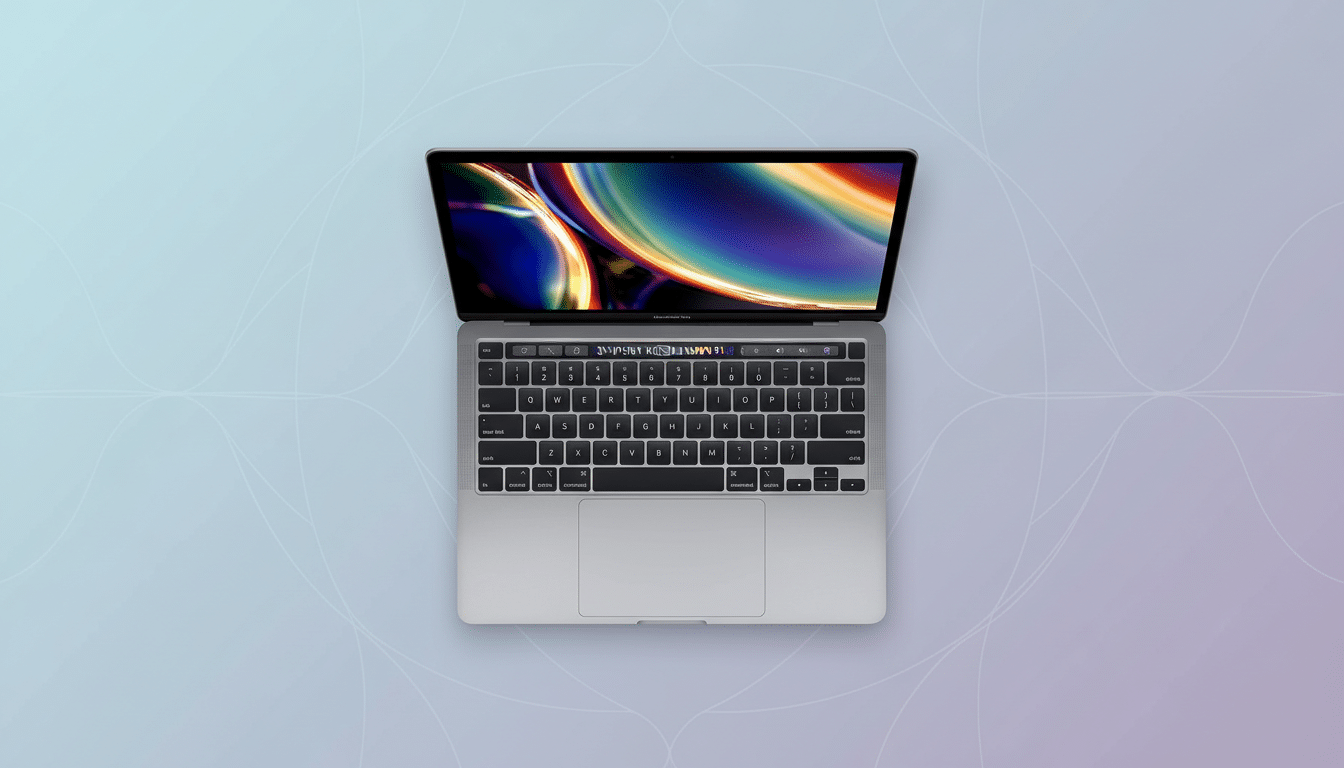
That 16GB memory and 512GB SSD combo is the sweet spot for longevity. It’s enough headroom to keep dozens of browser tabs, code editors, and photo apps open without hammering swap. Storage is roomy for local files, scratch disks, and project assets, while the SSD keeps boot and app launch times quick.
The Retina display remains a highlight. At 2560-by-1600 with True Tone, color fidelity and text clarity are excellent for photo edits, long writing sessions, and day-to-day productivity. Apple’s 2020 Magic Keyboard also addressed the reliability concerns of earlier butterfly-switch designs, a change praised by repair specialists and reviewers for improved feel and durability.
Key Specs and Real-World Performance at This Price
In practice, the 10th-gen i5 (Turbo Boost up to 3.8GHz) and Iris Plus graphics handle the work most people do: Lightroom adjustments on 24MP RAWs, multi-layer documents in Affinity Photo, short 4K timelines with proxies in Final Cut Pro, and efficient dev workflows in VS Code or Xcode. It’s not a render monster, but it’s more than capable for serious everyday tasks.
Connectivity is a strength. Four Thunderbolt 3 ports means charging from either side, fast external storage, and robust display options. This model can drive multiple external monitors (including support for a 6K display at 60Hz), which is unusual for an entry-price Mac and a practical edge for desk-bound creators.
Battery life was rated up to 10 hours when new; refurb units vary. Apple’s own support documentation notes Mac notebook batteries are designed to retain up to 80% of original capacity at 1,000 charge cycles, so it’s wise to check cycle counts and health upon delivery. Reputable refurbishers will document these details or allow returns if the battery underperforms.
Refurbished Grade A: What to Expect and Verify
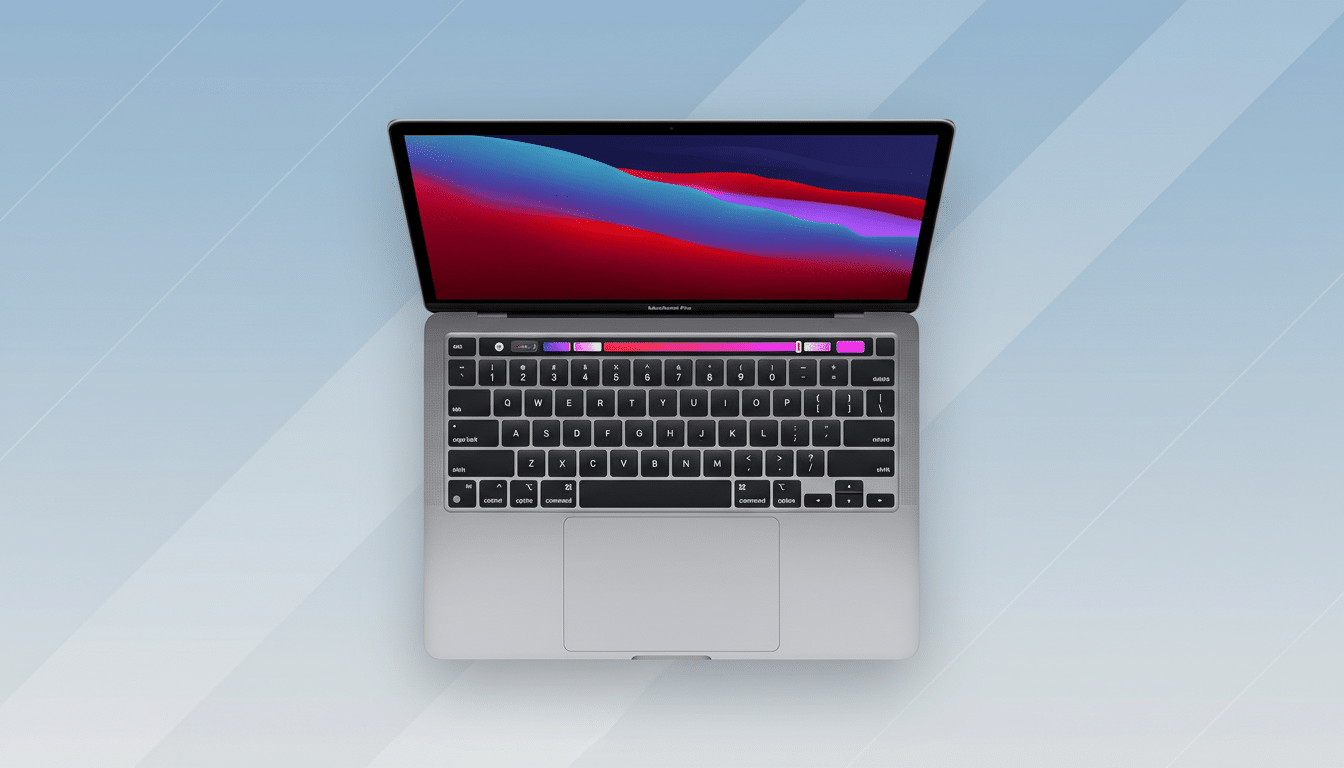
“Grade A” generally signals near-mint condition with minimal cosmetic wear and fully functional hardware. Look for a clear return window, a stated warranty (90 days to one year is common), and a charger included. Many refurbishers follow data sanitization standards modeled on NIST SP 800-88, an extra assurance that the drive has been properly wiped and imaged before resale.
Consumer advocacy groups frequently point out that refurb can deliver 20%–50% savings versus new, but this deal pushes beyond that. The environmental upside is real, too: Apple’s environmental reports emphasize that the majority of a device’s lifetime carbon footprint comes from manufacturing. Extending a Mac’s life by a few years meaningfully reduces e-waste and emissions.
Intel Mac Perks Versus Apple Silicon at This Price
Apple Silicon laptops deliver superior battery life and speed-per-watt, and refurbished M1 models often hover higher in price. But the 2020 Intel MacBook Pro has unique advantages at this price: four Thunderbolt 3 ports, official support for more external displays than the M1 Air, and native Boot Camp for running Windows—something Apple Silicon Macs don’t support. If you need Windows dual-boot or multi-monitor setups on a strict budget, this Intel model checks boxes that the cheapest Apple Silicon options may not.
On software support, the 2020 MacBook Pro remains eligible for current macOS releases, ensuring security updates and features for the near term. For teams standardizing on Intel-only workflows or specific drivers, this can be an operationally simpler fit than mixing architectures.
Who Should Grab This Deal and Why It Makes Sense
If your workload centers on productivity, photo editing, light video work, coding, or running Windows via Boot Camp—and your budget must stay under $500—this configuration is compelling. Students and freelancers who need pro I/O, solid memory and storage, and a color-accurate display will find few alternatives this capable at this price.
As with any standout refurb offer, inventory can be limited and pricing can fluctuate. Verify the warranty terms, battery health, and return policy the moment it arrives. If everything checks out, you’ve effectively secured a work-ready MacBook Pro for a fraction of its original cost, without feeling like you compromised on the essentials.
