


I’ve long considered Pop!_OS one of the most refined Linux experiences you can get. Pop!_OS 24.04 beta reboots the entire desktop experience. The new 24.04 beta, underpinned by the Rust-programmed COSMIC desktop, isn’t just a polish—they are rebooting how Pop!_OS looks, performs, and works for power users as well. It’s the first time I’ve felt that “new desktop” excitement in years, and it feels like it was built with engineering choices that make sense.
A Rust-Built COSMIC Desktop That Feels Truly New
COSMIC has evolved from an idea built on top of GNOME into a full desktop environment that was written in Rust, with a Wayland-first compositor and native parts. It makes a difference: Rust’s memory safety guarantees target the category of bugs that Microsoft’s security team has said account for most serious vulnerabilities throughout history, and you can see it in day-to-day reliability.
- A Rust-Built COSMIC Desktop That Feels Truly New
- Upgrade Notes and a Solid Safety Net for Testers
- Speed and Stability Observations During Daily Use
- Welcome the New Pop Store Experience on Desktop
- Customization and Workflow Gains Across COSMIC 24.04
- What Makes This Beta Different from Earlier Pop!_OS
- Should You Stay on 24.04 and Install the Public Beta Now
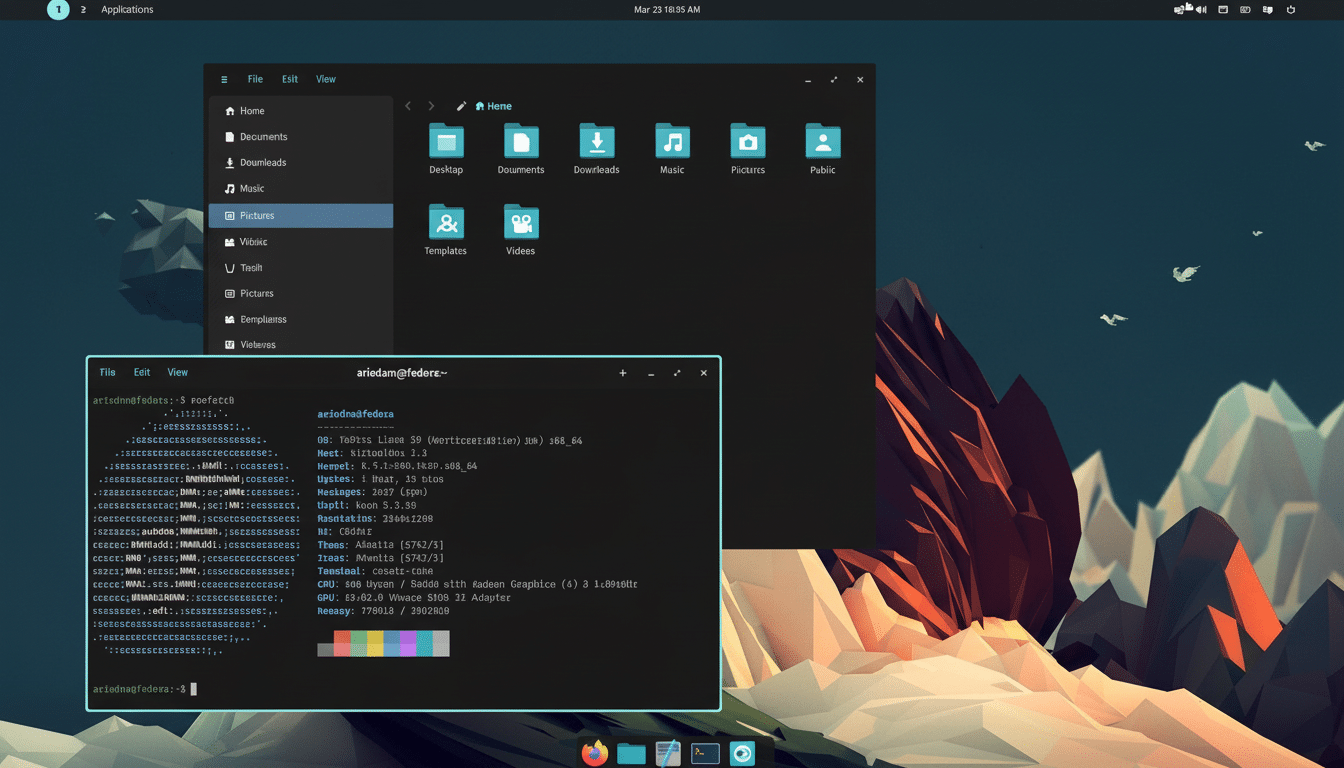
The desktop is immediately responsive in a way that’s intuitive and almost tactile, easy to feel but hard to fake. Launchers snap immediately, animations feel sharp, and input latency is gutted. Developers at System76 have been upfront about rewriting core components to control performance paths, and it’s a tidy environment rather than an extension soup.
Upgrade Notes and a Solid Safety Net for Testers
The journey from 22.04 to the 24.04 beta wasn’t smooth for me. On an encrypted drive, it hung at boot with a UUID complaint, which was annoying rather than showstopping. During boot, holding the space bar sent me into the Pop!_OS recovery environment—a refresh install returned the system to an out-of-the-box configuration without data and customizations included.
That recovery partition is one of Pop!_OS’s unsung virtues, particularly on System76 hardware such as the Thelio line. It’s all a reminder that, yes, betas are for enthusiasts, but Pop!_OS is specifically written with an easy way out. Backups are still a must, but the safety net is in place.
Speed and Stability Observations During Daily Use
I could say this is running faster, but that would be one hundred percent incorrect, so instead of any assertion of a speed increase on the low-end device (and there I defined the device :)), I want to focus on where it’s more stable.
Welcome the New Pop Store Experience on Desktop
App launches are astonishingly fast, and the new Pop Store has replaced that janky-feeling Pop Shop with a storefront that actually feels at home on the desktop. Searches are instantaneous, pages render without a stutter, and installs—whether from apt, Flatpak, or Snap—take less time than I’ve gotten used to on a mainstream distro.
Stability has been better than “beta” implies. The updates come in every day, often as tiny morsels, and that is where open-source ecosystems shine. Canonical’s base ensures timely security updates, and the flow of fixes and refinements from System76’s team has been consistent enough that I have dared run a beta on a primary workstation, only needing another round trip or two.
Customization and Workflow Gains Across COSMIC 24.04
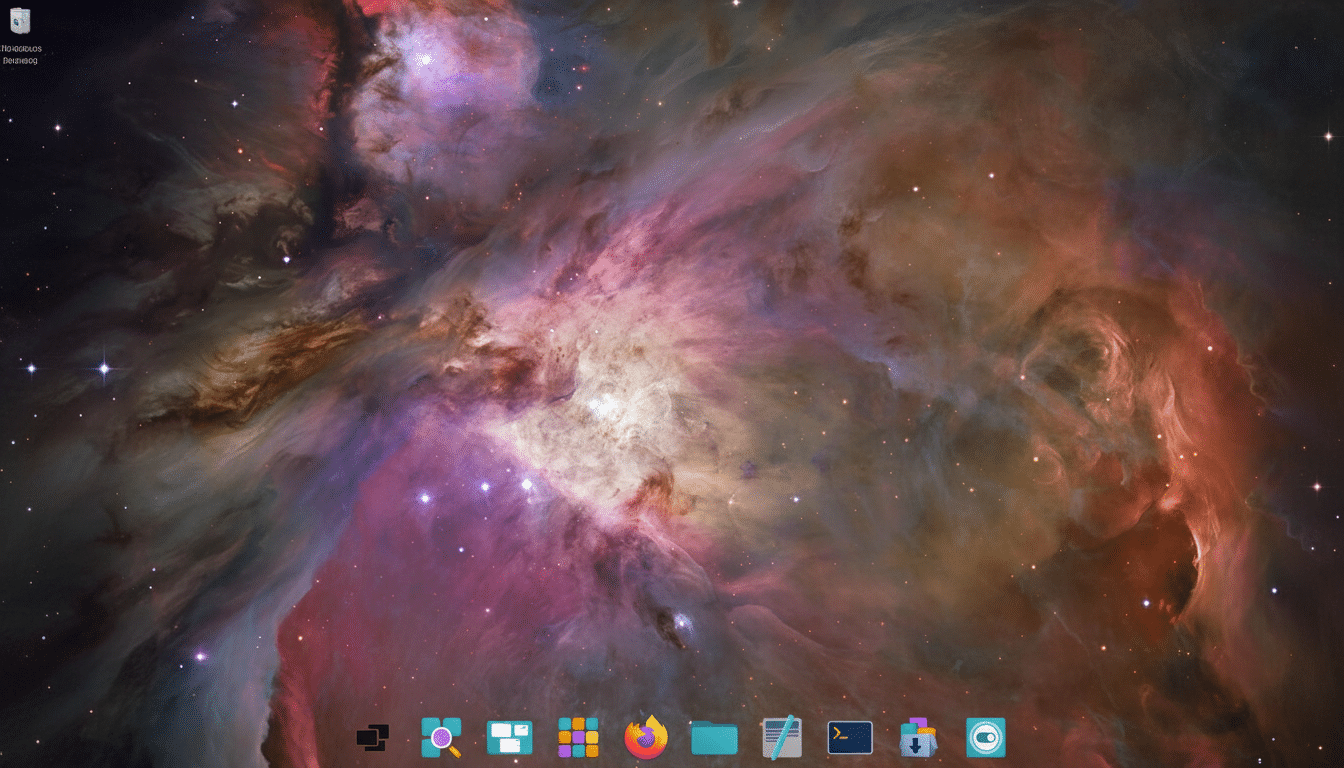
Thematically, this is the strongest Pop!_OS has shipped. COSMIC’s toolbox collects system accents the same everywhere, be it GTK, Qt, or half of all Electron apps, so there is a consistent look and feel to the desktop and not that oft-dreaded “mixed” look. The little things (window shadows, spacing, typography) are what give it that professional sheen out the gate.
Using tiling was also a pleasure as it’s grounded in the old Pop Shell, and power users will find themselves at home. Keyboard-driven tiling and stacking is slicker, multi-monitor behavior is less finicky, and settings reveal workable defaults rather than burying you in switches. Wayland’s trackpad gestures are buttery smooth, and the updated panel and launcher make jumping between workspaces easier.
What Makes This Beta Different from Earlier Pop!_OS
24.04 is quite a bit different from earlier Pop!_OS releases. First, ownership of the entire stack: by writing the desktop shell, system settings, and compositor in Rust, System76 isn’t at the mercy of changes upstream (from GNOME) that could limit how they want to deliver features to customers. Second, the “performance” profile: it feels fast (from a subjective user experience point of view) but without the rough edges you normally associate with new desktops.
Independent testers, such as long-standing Linux performance outlets, have found, time and time again, Pop!_OS to be a competitive player in kernel and graphics performance, especially with NVIDIA support, and this release continues that trend. The experience seems equally tuned for creators, developers, and gamers.
Should You Stay on 24.04 and Install the Public Beta Now
If you have a test machine, or can run it in a virtual machine, yes—this is one of those rare betas that’s worth your time.
Don’t expect perfection in every release, and don’t be afraid to use the recovery partition when an upgrade hiccups, especially on encrypted disks, if you’re running on daily-driver hardware—you may get a few paper cuts along the way. Get the updates flowing and the system only improves.
Pop!_OS has always been a good choice for both Linux newcomers and veteran users. COSMIC has grown into a Rust-based desktop of its own, and 24.04 is the start of something new: a distribution asserting itself from the shell outward, designed for confidence and tested for speed. I was already loving it; this beta has me confident in what the final release will pin down.
